
Best Chairs for Good Posture Made Simple: A Clear 2026 Buying Guide
Disclosure: We may earn a commission when you buy through links on this page, at no extra cost to you. As an Amazon Associate I earn from qualifying purchases. Learn more
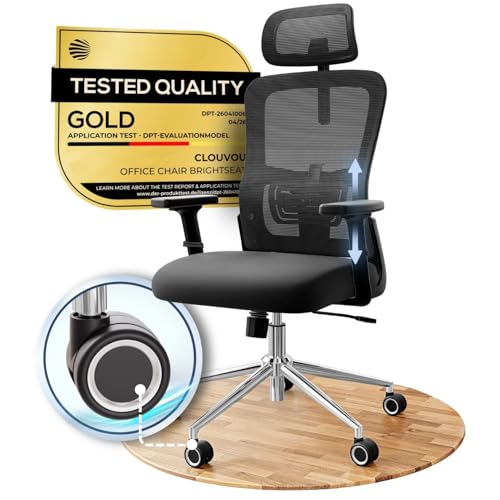
Shopping for the best chairs for good posture for the first time? Learn the terms, compare options, and avoid rookie mistakes with this easy guide.
If this is your first proper desk chair, the listings can read like a foreign language, so this guide starts with plain words and works up to the buying decision. When people search for the best chairs for good posture, most picture a chair that holds them upright all day by itself. No chair does that, and this guide will not pretend otherwise.
What a well chosen chair can do is make a supported sitting position easier to hold, so staying comfortable takes less effort from you. Your habits still do the larger share of the work, above all screen height and regular movement breaks. Learn the basics below, note the handful of specs that matter, and use the comparison table below to match a chair to your desk, your body, and your budget.


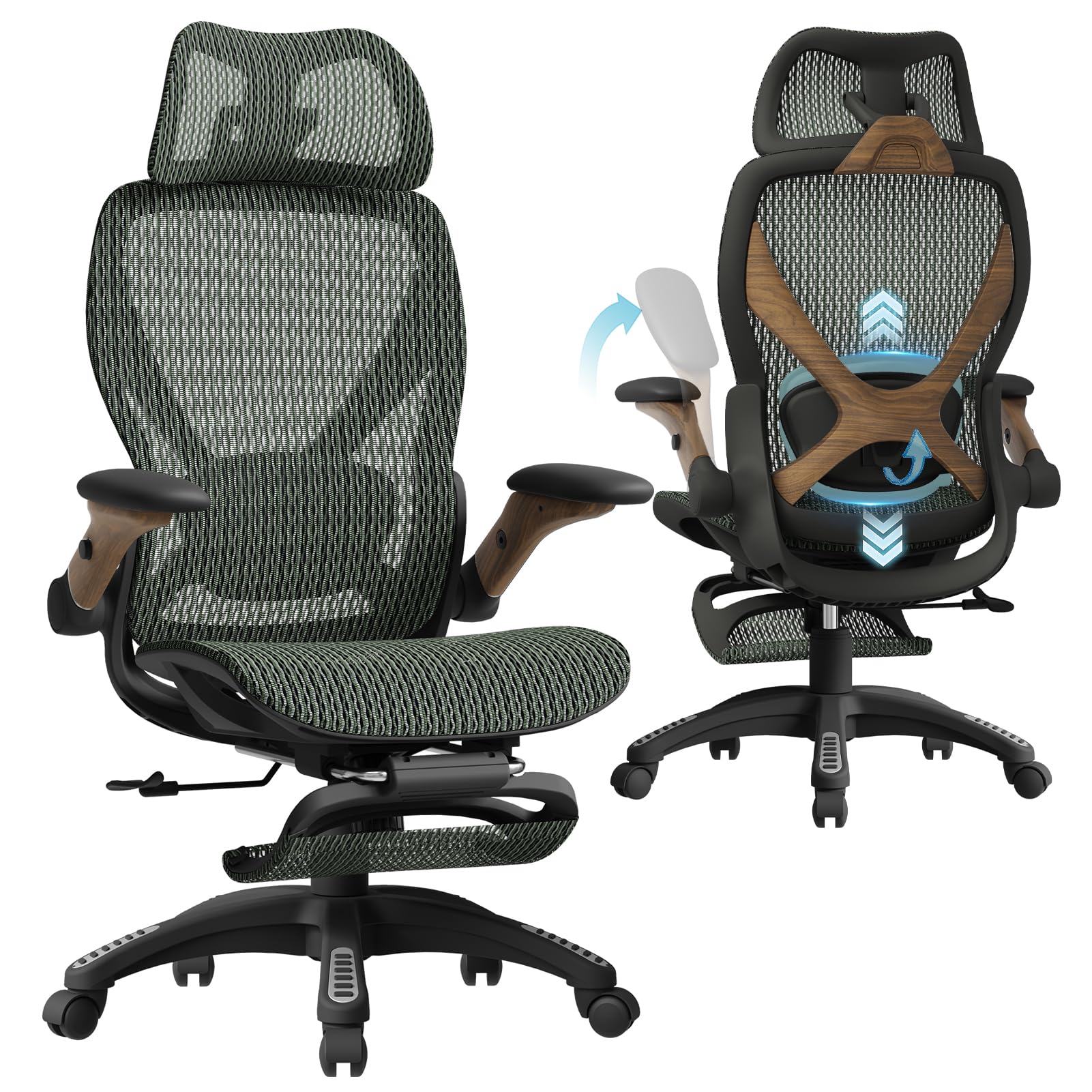
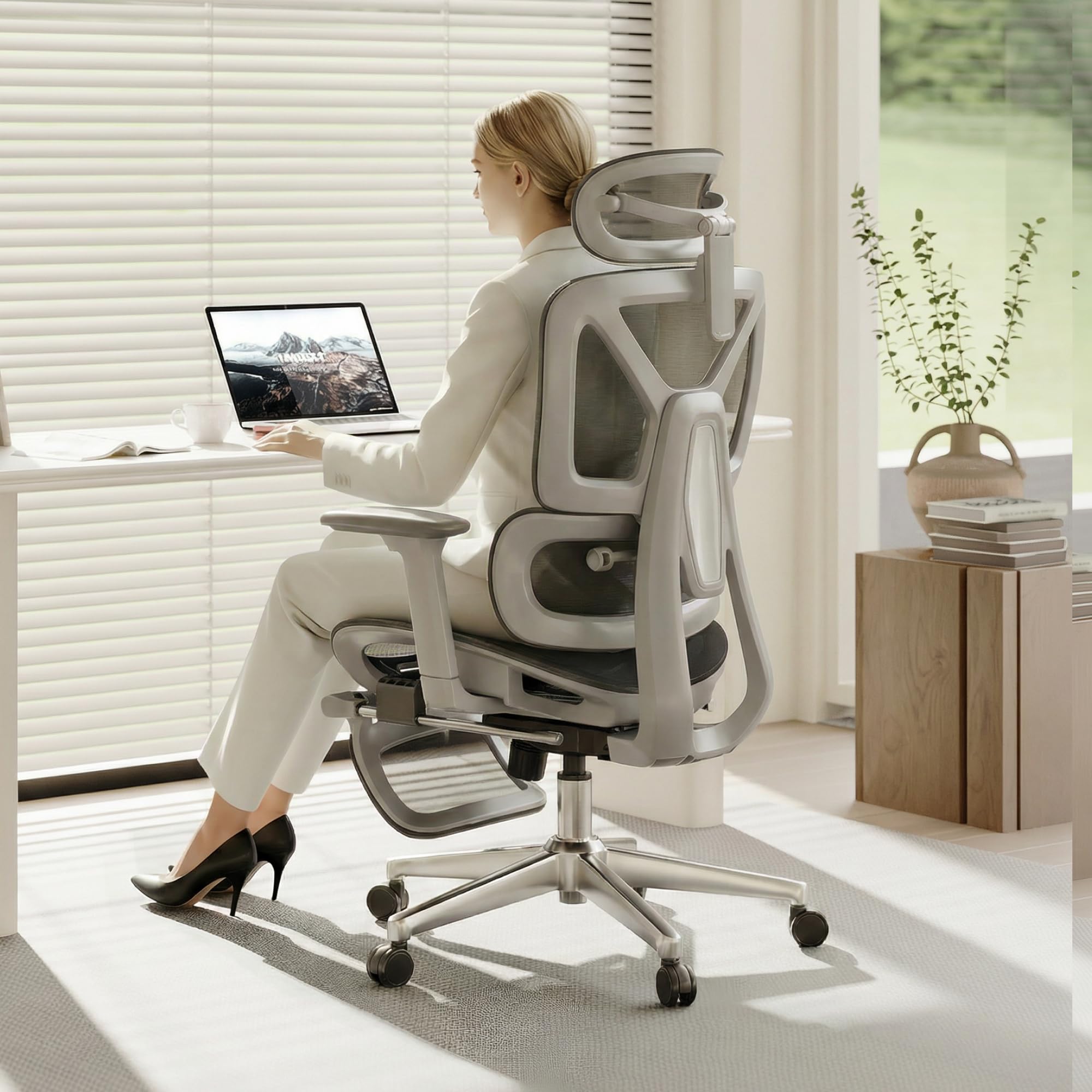
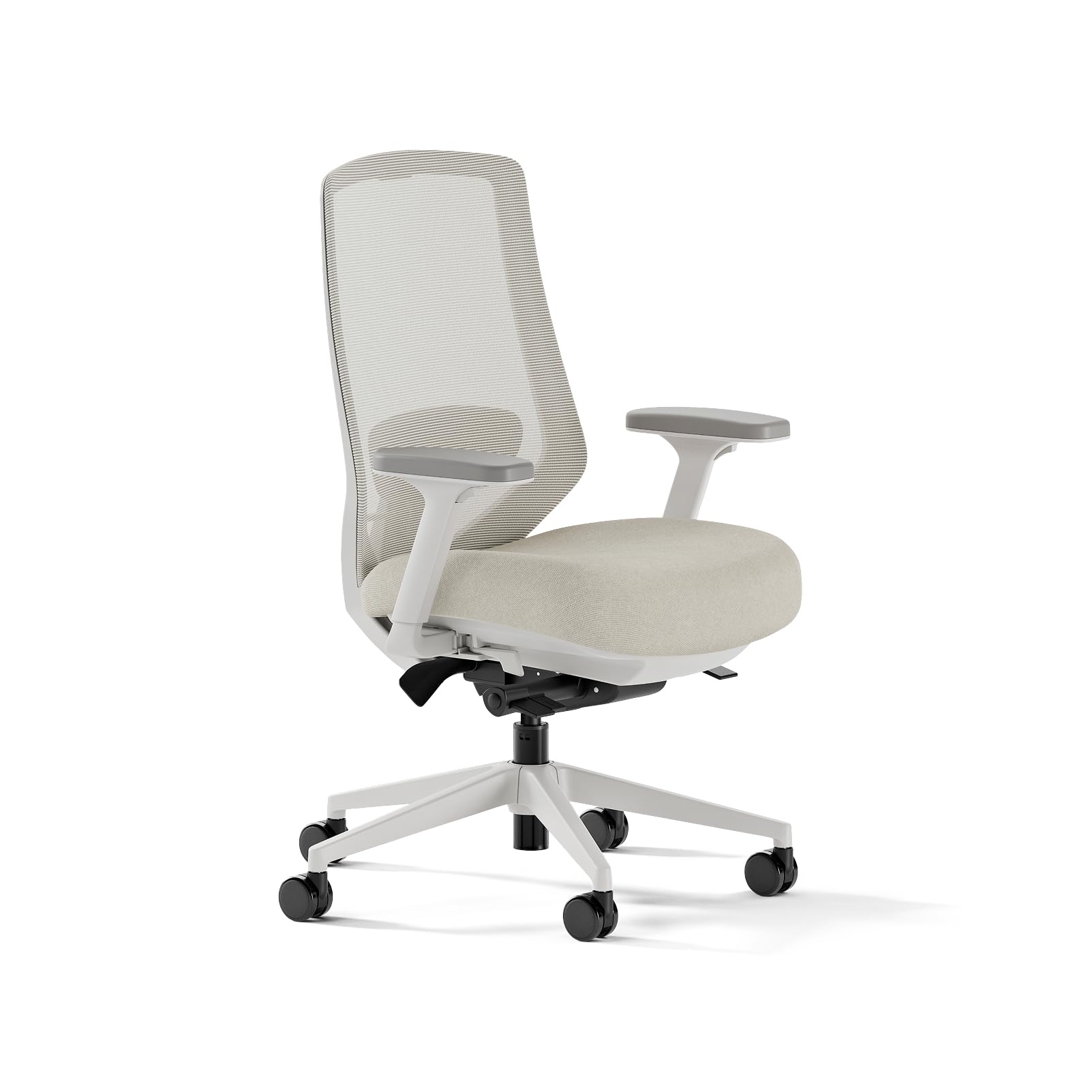

Chairs 101: The Basics
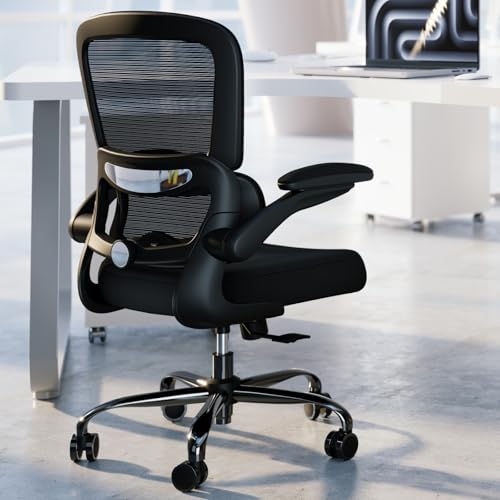
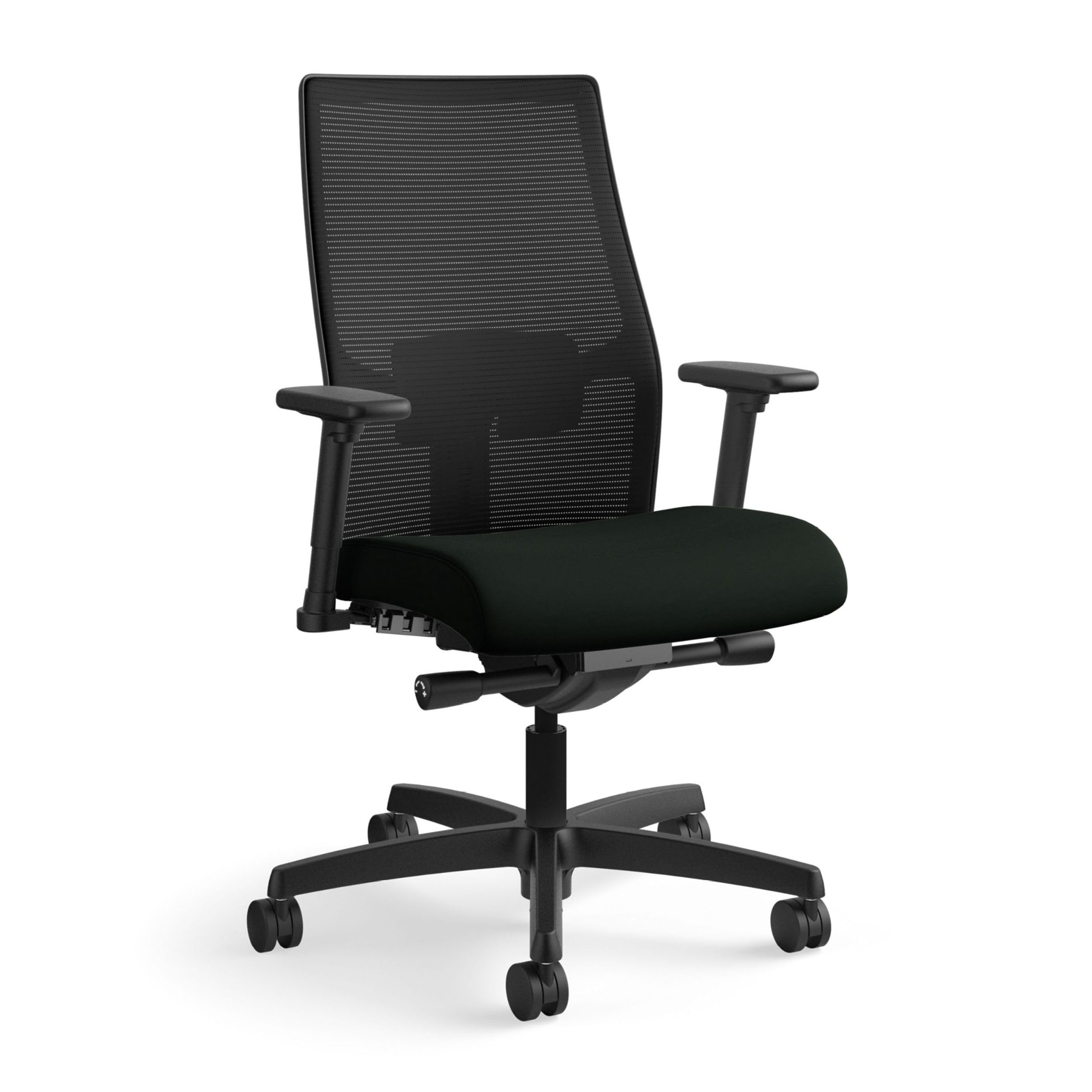
A desk chair is simpler than its listing suggests. You sit on the seat, lean against the backrest, rest your arms on the armrests, and the pump under the seat, called a gas lift, sets the height. The base and its five wheels, called casters, carry the whole thing and let you roll.
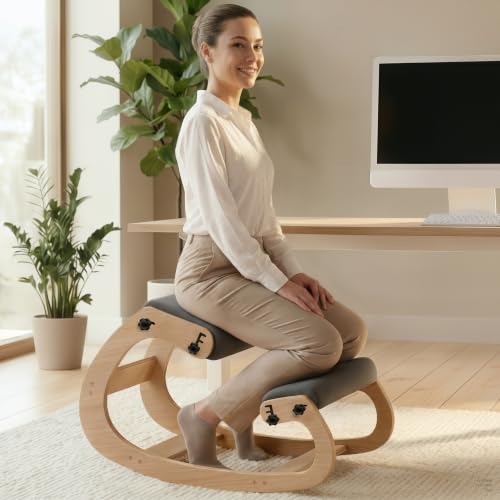
Most listings sort into a few plain families. Task chairs are the standard desk chair, with a mid height back and the basic adjustments. Executive chairs are wider and taller, with more padding and a grander look, but not always more adjustment. Kneeling chairs and stools exist as side classes for readers who want to sit in a different way, and they take more getting used to than either family above.
The word ergonomic on a listing simply means the chair adjusts to fit different bodies; it is not a medical claim and it promises nothing about your spine. If you already know you slump hard by afternoon, our checklist guide to the best chairs for bad posture starts from that habit instead of from the basics. Everyone else can read on and learn the parts once, in order.
The Simple Setup, in Plain Words
Before any spec matters, set up the chair you already own the simple way. Plant your feet flat on the floor, or on a footrest if the seat cannot go low enough. Raise or lower the seat until your thighs sit roughly level and your knees bend without strain. Leave a gap of two or three fingers between the front edge of the seat and the backs of your knees.
Then set the room around you. The top of your screen should sit near eye level, about an arm's length away, so you are not tipping your head down at the keys all day. Our guide to the best computer chairs for posture walks through that desk and screen arrangement in more detail. Last, stand up and move about every 30 to 45 minutes, because breaks are the larger half of sitting comfort and no adjustment replaces them.
Key Specs Explained in Plain English
Listings throw dozens of specs at a first time buyer, but five of them decide whether a chair fits your life. Read them in this order and ignore the rest until these make sense. Each one below is explained the way a patient friend would explain it across the desk.
Features That Matter for Good Posture
Start with three features and treat everything else as a bonus, beginning with the seat, which must adjust in height so your feet can rest flat. Second, the backrest should support your lower back where it curves inward, and that support should move as you move. Third, the armrests should meet your forearms without pushing your shoulders up toward your ears. A chair that does those three things well is already a sound buy, whatever else the listing celebrates.
Ergonomics and Adjustability
Adjustability means the chair can be set to your body instead of an average stranger's. Height is set with the lever under the seat, lumbar support moves the pad behind your lower back, and tilt lock holds a slight recline so your weight is shared with the backrest. More knobs only help if you use them, so give yourself ten minutes on day one to set each one. Readers setting up a full work desk can compare notes in our guide to the best work chairs for posture.
Materials and Upholstery
Mesh backs breathe well and feel firm, which suits warm rooms and long days. Fabric seats feel soft and warm and hold you in place, while leather look covers wipe clean in seconds but can feel sticky in summer heat. Under the cover, foam density decides how the seat feels at the end of the day: denser foam keeps its shape, softer foam feels plush at first and flattens sooner, and trim tends to be metal or real wood on better frames and plain composite board on cheaper ones. Match the material to your room and your habits, not to the photo.
Size, Dimensions, and Weight Capacity
Measure before you shop: the height of your desk, the space the chair must roll in, and your own body. Standard seats run about 18 to 20 inches wide, which suits most adults, and wider seats exist for readers who want more room. Weight capacity is a plain number on the listing, and most standard chairs rate about 250 to 300 pounds. Taller readers should also check backrest height, since a short backrest ends mid back and leaves the shoulders unsupported.
Build Quality and Frame
A class 4 gas lift is the stronger, longer lasting grade of height pump, so look for it by name. The frame and base do the quiet work: metal and reinforced nylon feel steady, while thin plastic bases flex and creak. A simple check is to sit down and shift your weight side to side; a sound chair stays quiet and planted. Wobble and squeaks on day one only grow louder with use.
Choosing Chairs for Your Situation
Most first time buyers fall into one of two camps: they want the full adjustment set, or they want a sound chair for as little as possible. Neither camp is wrong, and the two sections below take each one in turn. If your chair will live at one desk all day, our guide to the best desk chairs for posture takes that desk first view in more depth.
Best Ergonomic Chairs for Posture
In plain words, this label means the chair carries the full set of adjustments: moving lumbar support, armrests that shift in several directions, and often a seat that slides forward and back. Choose this route if you sit for long stretches or share the chair with a partner of a different size. Some shoppers start from guides about the best chairs to improve posture; read that phrase as shorthand for chairs bought with posture in mind, since the chair supports a position and your habits do the rest.
Best Chairs for Good Posture Inexpensive: Tips for First Time Buyers
A sound basic chair costs about $80 to $200, and at that price you keep the features that matter: height adjustment, a shaped backrest, and foam that holds up. What you give up is range and finish, things like sliding seats, polished metal, and long warranties. Buy from a seller with a real return window, because a cheap chair you can send back beats a cheap chair you are stuck with. Skipping the headrest and the fancy cover is the easiest saving of all.
When Back Pain Means a Doctor, Not a Chair
Some aches should not be solved with shopping. See a doctor promptly if back or neck pain keeps getting worse, spreads into an arm or a leg, or arrives with numbness or weakness in a limb. Fever together with back pain, or any change in bladder or bowel control, needs urgent medical care rather than a delivery slot.
A clinician can check for causes that no chair can address and can tell you what kind of support, if any, suits your situation. Once serious causes are ruled out, the comfort advice in this guide applies again. Until then, treat pain as information, not as a sizing problem.
Rookie Mistakes to Avoid
First time buyers tend to make the same five mistakes. Each one is easy to dodge once you have seen it named.
- Buying by looks alone, because a handsome chair with a fixed, low backrest still leaves your lower back unsupported by lunch.
- Skipping the measurements, so the seat arrives too deep and pushes you to perch on its front edge.
- Leaving every adjustment at the factory setting, which means sitting in a chair set for a stranger.
- Sitting still for hours because the chair felt fine at first, when the stiffness that follows comes from stillness rather than from the seat.
- Paying for extras like a headrest and footrest before the basics of height, support, and foam are covered.
Getting Started: Setup and First Use
Assembly is mostly one hex key and about 20 to 40 minutes of your time, and the steps are printed in the box. Build the chair, then set it in this order: seat height first, lumbar support second, armrests last. Change one thing at a time over the first few days, so you can tell which adjustment helped. Most new buyers need two or three small rounds of this before the chair feels like theirs.
Be honest about the trial: the first week at your desk tells you far more than the first sit in a showroom. Keep the box and the receipt until the return window closes, just in case. Tighten the bolts again after the first month, because new joints settle as you use them.
FAQs
What features matter most in chairs for good posture?
Three features do nearly all of the work: seat height you can set, lumbar support that moves, and armrests that meet your forearms without lifting your shoulders. One idea worth adding is that a shorter spec list you actually use beats a long list you never touch. If a chair nails the three basics and fits your desk, the extra features are decoration, not comfort.
How long should a good chair last?
A well built frame should serve about 5 to 10 years of daily use. The seat foam usually softens first, somewhere in the middle of that span, and a gas lift that begins to sink is the classic sign that a chair is aging. Replacing the lift alone can add years to a chair you still like. When the frame itself starts to flex or creak under normal weight, replacement is the safer call.
Is an expensive chair worth it?
Only if your days are long and your body is hard to fit with standard sizes. Chairs about $400 and above mostly buy wider adjustment ranges and stronger parts, which matter across eight hour days and many years of use. If you sit a few hours a day, a sound basic chair and a good return window serve you better. Spend the savings on a footrest or a screen stand if your setup needs them.
What features matter most for long hours?
For long hours, look first at the seat cushion and the backrest material. Dense foam keeps supporting you at the end of the day instead of packing flat, and a mesh back lets air move on warm afternoons. A slight recline you can lock also helps by sharing your weight with the backrest. None of this removes the need to stand and walk at intervals, which remains the strongest long hour habit of all.
How do I choose the right size?
Let your lower leg decide the seat height: with your work shoes on, the seat should sit near the height of the crease behind your knee. Your hips decide the seat width, with a little spare room on each side. Leave a gap of two or three fingers behind your knees when you sit back. If a listing gives only one set of numbers with no ranges, treat that as a chair built for one body size only.
Final Thoughts
You now know the parts, the setup, and the five specs that matter, which is most of what the listings try to hide behind jargon. Shortlist two or three chairs from the product table above, order the one with the fairest return window, and give it a full first week before you judge it. The best chairs for good posture for a first time buyer are simply the ones that fit your body, suit your desk, and leave your habits room to do their share of the work.


