
Best Computer Audio Speakers: What Actually Matters Before You Buy for 2026
Disclosure: We may earn a commission when you buy through links on this page, at no extra cost to you. As an Amazon Associate I earn from qualifying purchases. Learn more

Use our checklist for the best computer audio speakers covering sound, size, connections, and value so you can choose the right set for your desk setup.
Speaker listings make every set sound impressive, with big wattage numbers and long feature lists that say little about how the speakers will actually sound on your desk. A simple checklist cuts through that noise and shows you which specifications predict a good result.
This guide gives you that checklist first, then shows what each price tier usually delivers, and finishes with the warning signs of a weak set. Keep the checklist open while you scan the product table, and the best computer audio speakers for your desk will be much easier to spot.


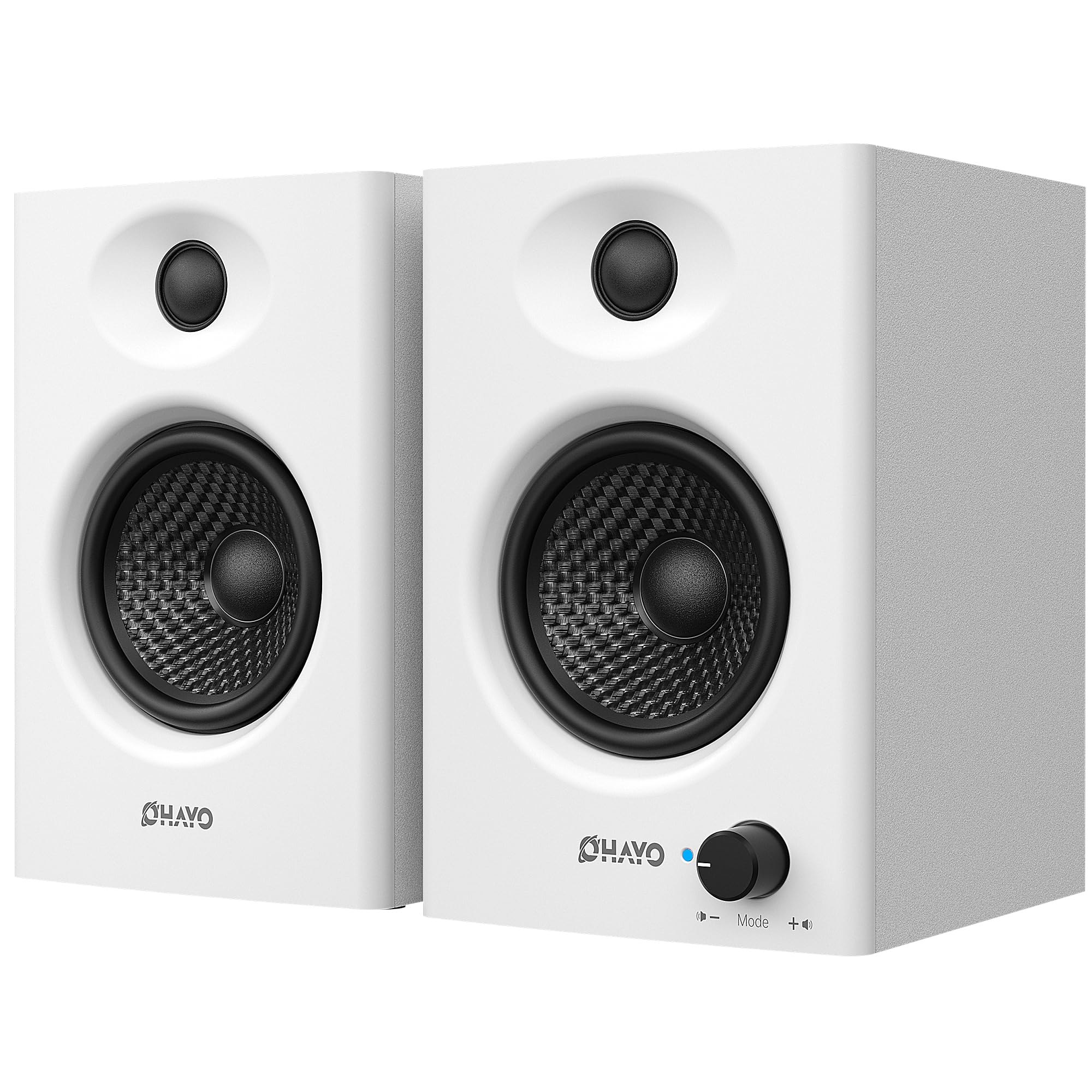
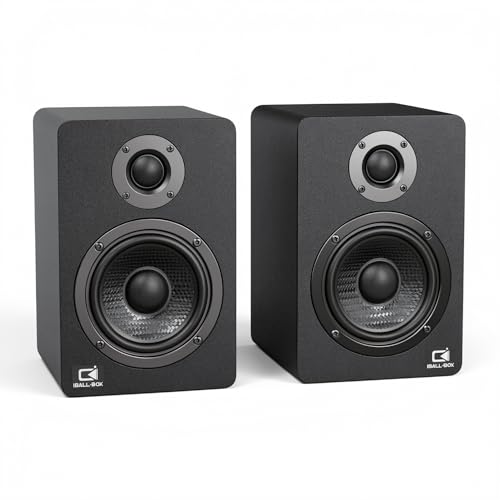

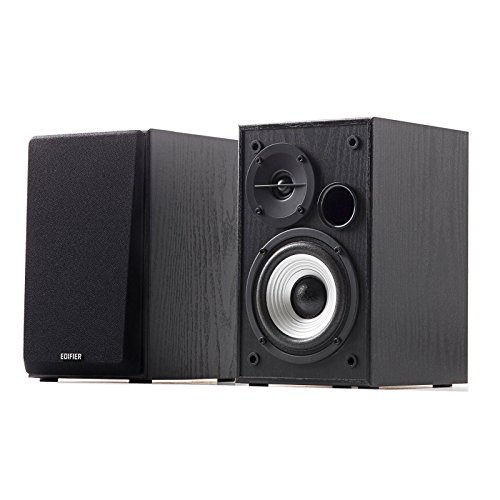
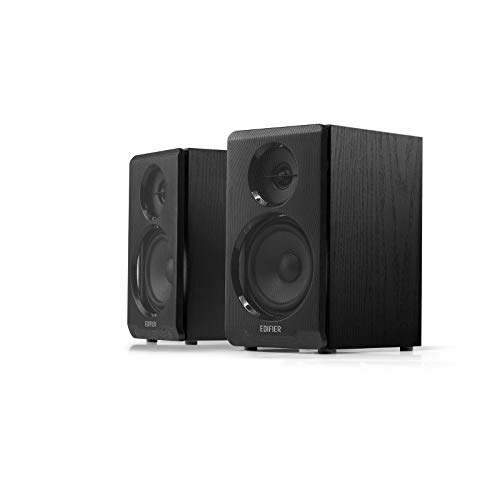

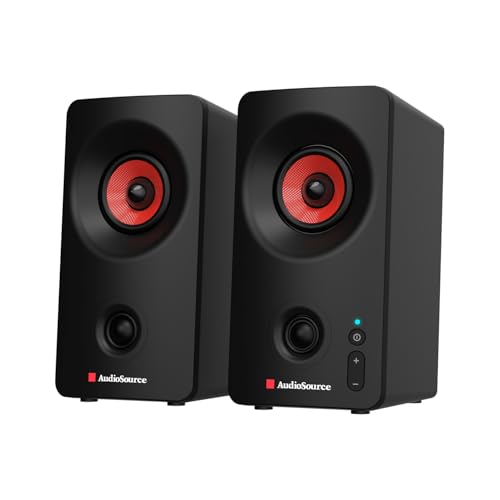
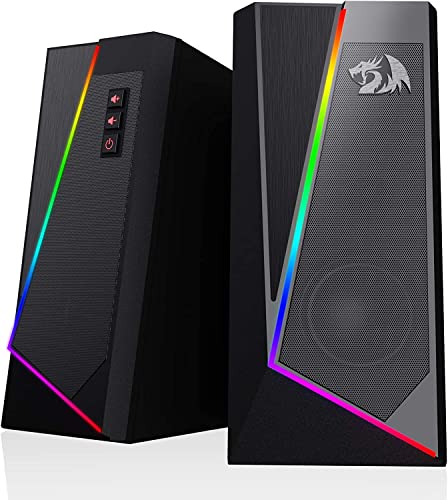
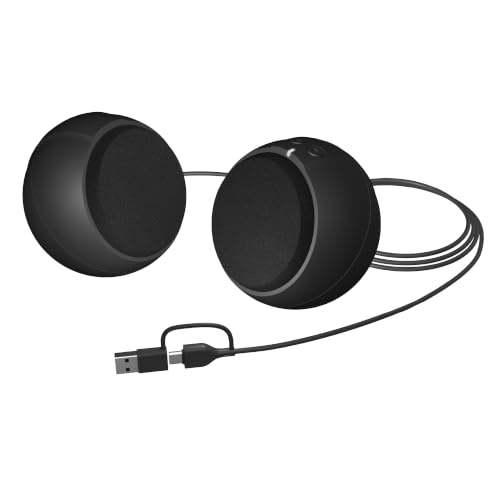
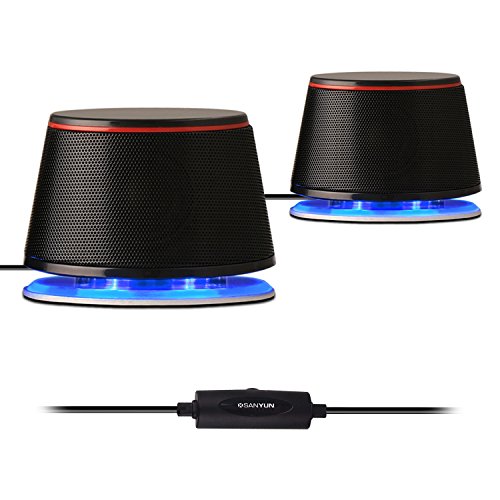
How to Evaluate the Best Computer Audio Speakers
Sound Quality and Tuning
Driver size is the first clue. A satellite with a driver of about 2.5 to 3 inches or larger usually produces fuller midrange than a tiny 2 inch driver, and midrange is where voices, dialogue, and most instruments live. Check the frequency response range: a set that reaches down to about 80 Hz on its own sounds complete for music and video, while one that stops at 150 Hz will sound thin without a subwoofer.
Tuning matters as much as hardware. A balanced, slightly warm tuning suits long listening at a desk, while a sharply boosted treble can sound exciting in a short demo and tiring after an hour. If a listing only advertises peak wattage and says nothing about drivers or frequency range, treat the sound quality as unknown.
Connectivity That Fits Your Desk
USB audio is the most reliable connection for a computer because the speakers take a clean digital signal and bypass a noisy laptop headphone jack. A standard 3.5 mm input still works fine and adds compatibility with phones and game controllers. Bluetooth is handy for playing music from your phone, and version 5.0 or newer gives you a more stable link across a room.
Look for a headphone jack and an auxiliary input on the front or side of the control speaker, because reaching behind a desk to swap cables gets old fast. A physical volume knob also beats tapping keyboard keys or hunting through software menus every time a video gets loud. For listeners who want the strongest overall sound quality above all else, our guide to the best audio quality speakers goes deeper on that priority.
Build Quality and Controls
Cabinet material shapes both sound and lifespan. Wooden or thick MDF cabinets vibrate less than thin plastic shells, and less vibration means cleaner sound at higher volume. Weight is a quick clue here: a satellite that feels solid in the hand usually has a better cabinet and a larger magnet behind the driver.
Cables deserve a look too. A fixed, very short cable between the two speakers limits how far apart you can place them, and stereo separation suffers when the speakers sit close together. Aim for enough cable to place the speakers about as far apart as they are from your ears, angled slightly toward your head. Detachable cables are a bonus because a damaged cable does not end the life of the whole set.
Bass and Subwoofer Options
Desk speakers are small, so honest bass below about 80 Hz needs help. A separate subwoofer, usually called a 2.1 system, moves the low notes to a floor unit and lets the small satellites focus on clarity. That setup suits gaming, movies, and electronic music, and the subwoofer fits under most desks.
A 2.0 set without a subwoofer keeps the desk and floor clear and avoids boomy, one note bass in small rooms. If you go that route, choose larger satellites and place them on stands or foam pads at ear height, because placement changes perceived bass more than any tone control. If deep low end is your main goal, our guide to the best computer speakers with subwoofer explains what to look for in a 2.1 system.
Size and Desk Fit
Measure your desk before you fall for a set. Note the space beside your monitor, the height under any shelf or monitor stand, and where the subwoofer would go if you choose one. Speakers that crowd the monitor force you to sit them too close together, which shrinks the stereo image to a narrow point in front of you.
Also think about what sits near the speakers. Unshielded speakers placed right against some older monitors or external drives can cause interference, though most modern sets are shielded. Keep a few inches of clearance behind rear ported speakers, since a port pushed against a wall exaggerates bass and makes it sound muddy.
Power Ratings Read Correctly
Wattage claims confuse more buyers than any other specification. RMS watts describe continuous power and are the only figure worth comparing, while peak watts describe a brief burst and can be two to four times higher. A set honestly rated at 20 to 40 watts RMS is plenty for near field listening at a desk, where the speakers sit about an arm length away.
More power mainly buys headroom, the ability to play loud passages cleanly without distortion. If you listen at modest volume in a small room, spend your money on driver quality and cabinet build instead of chasing the biggest wattage number in the listing.
What Each Price Tier Usually Delivers
Budget Tier: Around $25 to $60
Budget sets are a clear step up from laptop speakers, with intelligible dialogue and enough volume for a small room. Expect plastic cabinets, a 3.5 mm or USB connection, and small drivers that need modest expectations for bass. This tier suits students, spare rooms, and anyone whose main use is video calls and casual video. Spend at the top of the tier if you can, because the improvement in cabinet build is noticeable.
Midrange Tier: Around $60 to $150
The midrange is where most buyers should shop. Cabinets get heavier, drivers get larger, and connections expand to include Bluetooth and sometimes optical input. Many sets in this range add a separate subwoofer option or a bass control knob, and the sound stays clean at volumes that would strain a budget set. If pure listening quality is your focus within this range, our guide to the best sounding computer speakers explains the tuning differences to listen for.
Premium Tier: Around $150 to $400
Premium sets buy you refinement rather than a different category of product: flatter tuning for accurate music, better stereo imaging, stronger cabinets, and extras such as remote controls and multiple digital inputs. This tier makes sense for people who edit audio or video, listen to music for hours at the desk, or simply want one set that lasts many years. Beyond this range you enter studio monitor territory, which serves a different purpose.
Quick Buyer Checklist
- Do the satellites fit beside your monitor with room to spread them apart?
- Is the power rating given in RMS watts rather than only peak watts?
- Does the set connect the way you want, by USB, 3.5 mm, Bluetooth, or optical?
- Is there a volume knob and a headphone jack within easy reach?
- Do you have floor space for a subwoofer, or should you choose a 2.0 set?
- Are the speaker cables long enough for your desk width?
- Does the frequency response reach low enough for the bass you expect?
- Is the warranty at least one year, with a clear return window?
Red Flags to Watch For
- Huge wattage with no RMS figure. A listing that shouts about hundreds of peak watts but never mentions RMS power is hiding modest real performance.
- No driver size or frequency response listed. Sellers of good speakers publish these numbers; vague listings usually mean small drivers and thin sound.
- Very short fixed cables. Cables under about four feet between satellites force narrow placement and poor stereo imaging on a wide desk.
- Controls only through an app or remote. If the remote gets lost, a basic set should still let you change volume at the speaker itself.
- Short warranty and no brand support page. A warranty under one year on electronics you use daily is a warning sign about expected lifespan.
Budget hunters can still find honest value, and our guide to the best inexpensive computer speakers shows which corners can be cut safely and which cannot.
How to Make Your Computer Audio Speakers Last Longer
Keep the volume a step below maximum, because distortion at full output stresses drivers and amplifiers over time. Dust the drivers and ports with a soft dry cloth, and keep drinks away from the top of the cabinets, since one spill into a port can end a speaker. If your set has updatable firmware, install updates when they appear, and switch the speakers off at the wall during electrical storms if they lack surge protection.
FAQs
How much power do computer speakers actually need?
About 20 to 40 watts RMS per set is enough for comfortable listening at a desk in a typical room. Because you sit close to the speakers, small amounts of clean power sound louder than the same power across a living room. Choose more power only if your room is large, you sit far back, or you want strong bass headroom for games and movies.
Is a subwoofer worth it for desk speakers?
Yes for games, movies, and bass heavy music, because a subwoofer reproduces low notes that small satellites simply cannot reach. For podcasts, calls, and acoustic music, a good 2.0 set sounds complete without one and keeps your floor clear. If you add a subwoofer later, check first that your speakers have a subwoofer output, since many 2.0 sets do not.
USB or 3.5 mm connection: which sounds better?
USB usually sounds cleaner on laptops and budget computers because it bypasses the built in audio circuit, which can pick up hiss and interference. A 3.5 mm connection sounds just as good from a quality sound card or audio interface, and it works with more devices. If your current setup hisses at low volume, switching to USB is the simplest fix.
Wired or wireless: which sounds better?
Wired connections still hold a small edge, because Bluetooth compresses the audio signal, though modern Bluetooth versions sound very good for everyday listening. The bigger practical difference is delay: wireless links can lag enough to notice in fast games and video. For a desk, where cables are easy to hide, wired is the safer default, with Bluetooth as a useful extra for your phone.
Where should I place speakers on my desk?
Place the tweeters at ear height and angle both speakers toward your head so they form a triangle with your listening position. Keep them at least a few inches from the wall behind them, and raise them on stands or books if they sit below ear level. Small placement changes like these improve clarity more than most settings in your audio software.
Final Thoughts
Run every candidate through the same three checks: honest RMS power and driver size, connections that fit your setup, and a physical size that suits your desk. Price tier then becomes a simple question of how much refinement you want to pay for.
The best computer audio speakers for you are the ones that pass those checks within your budget, not the ones with the longest feature list. Work through the product table above with the checklist beside it, and you will end up with a set that sounds good on day one and still satisfies you years later.

