
Best Companies for External Hard Drives for 2026: An Honest Comparison
Disclosure: We may earn a commission when you buy through links on this page, at no extra cost to you. As an Amazon Associate I earn from qualifying purchases. Learn more
Best companies for external hard drives compared on reliability, warranty, features, and support for backups and everyday storage.
An external hard drive holds the files you cannot afford to lose, so the company behind it matters almost as much as capacity or speed. Brands differ in build quality, warranty handling, recovery support, and how clearly they label what is inside the enclosure, and those differences only show up years after purchase.
This guide compares the best companies for external hard drives by criteria you can verify before buying, then explains how to pick the right brand for backups, photo libraries, and everyday storage. Use the comparison table below for a quick view of lineups and prices, then read the brand notes to understand the support experience behind each name.



What Makes a Great Product Brand?
Features That Matter for External Hard Drives
External drives need reliable core storage, a sturdy enclosure, and a connection that matches your computer, usually USB Type C or USB Type A. Look for clear capacity options from 1 TB to 8 TB or more, published transfer speeds, and included backup software that is simple rather than pushy. A company that states drive type, warranty length, and compatibility plainly on the box saves you guesswork and returns.
Connection Types and Wireless Options
Most external drives connect by cable, which gives the fastest and most stable transfers for large backups. Wired USB models are the safe default for desk use and travel alike. A small number of drives offer WiFi for phone backups at home, but wireless transfers are slower and depend on your network. Judge a brand partly by cable quality and port sturdiness, because a loose port can interrupt a backup and corrupt the very files you are protecting.
Compatibility (PC, Mac, Console)
Good brands format drives for broad use or explain reformatting clearly for Windows, Mac, and game consoles. Mac users should check whether the drive ships ready for Time Machine or needs a quick format, and console owners should confirm the capacity limits their system supports. Companies that publish simple setup guides and keep support pages current reduce frustration. If your main use is a photo library, our guide to the best external hard drives for photography covers speed and capacity needs for that workflow.
Beyond single features, judge the whole ownership record. Reliable brands publish failure support steps clearly, honor warranties without long fights, and keep replacement parts such as cables available. Product range breadth matters too: a company offering portable drives, desktop drives, and rugged options lets you stay with support you trust as your needs grow.
Top Brands at a Glance
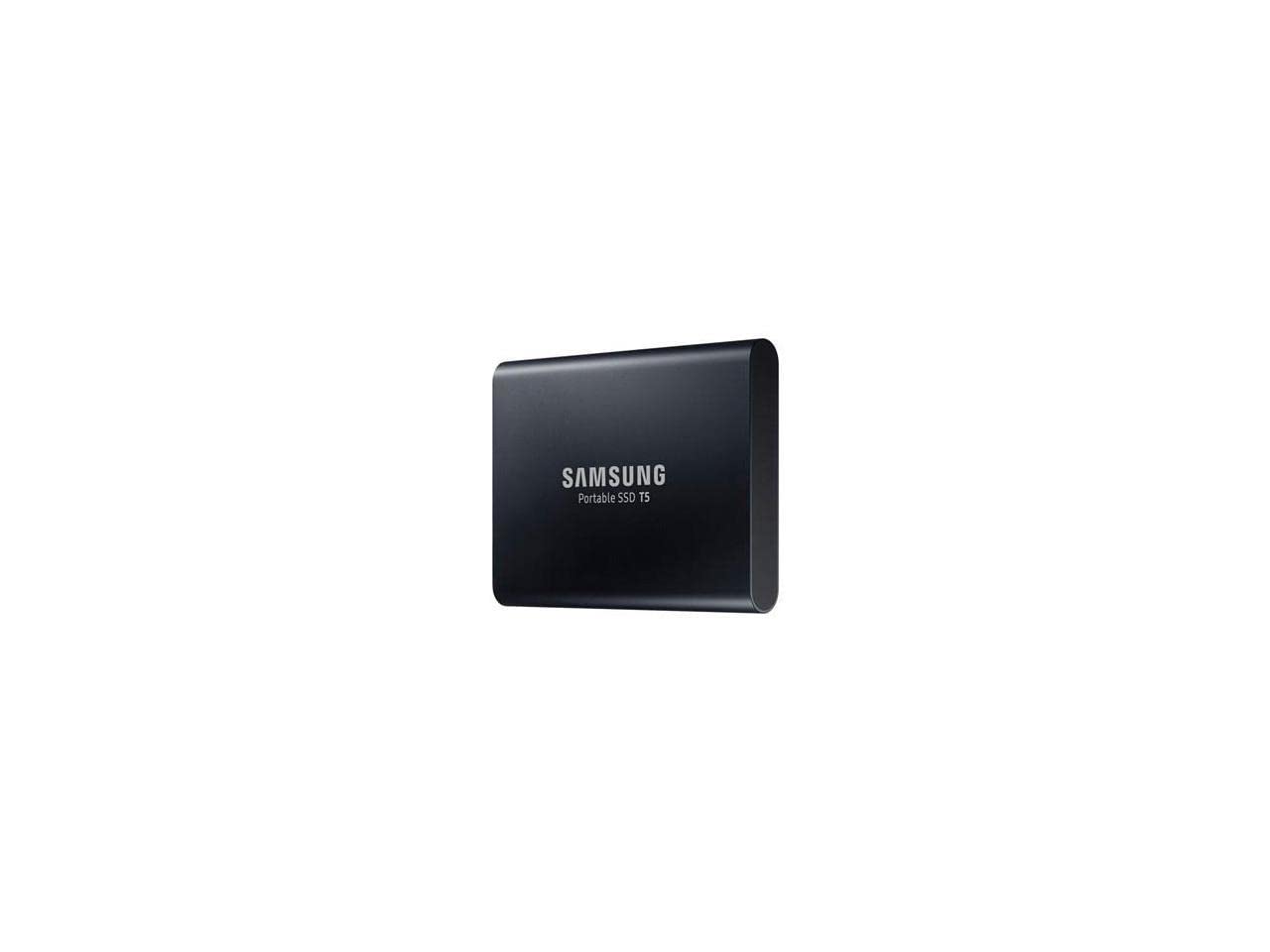
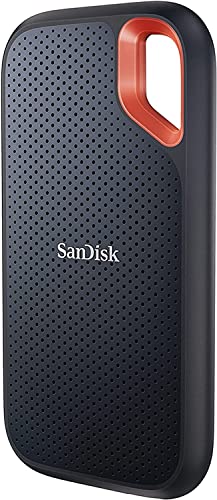
At a glance, the major names divide by strength. Western Digital and Seagate offer the widest lineups and frequent sales. Samsung focuses on fast portable solid state drives. Toshiba keeps prices low on simple portable hard drives. SanDisk targets portable speed and rugged travel use. Warranty terms range from about two to five years depending on line and price.
Price is the other dividing line. Portable hard drives from the value lines often cost under $100 for several terabytes, while portable solid state models of similar capacity cost two to three times as much. Desktop drives with their own power supply give the lowest cost per terabyte for home archives that never travel. Match the brand to the job first, then compare capacities inside that brand, because a sale on the wrong type of drive is still money spent on the wrong tool.
Western Digital
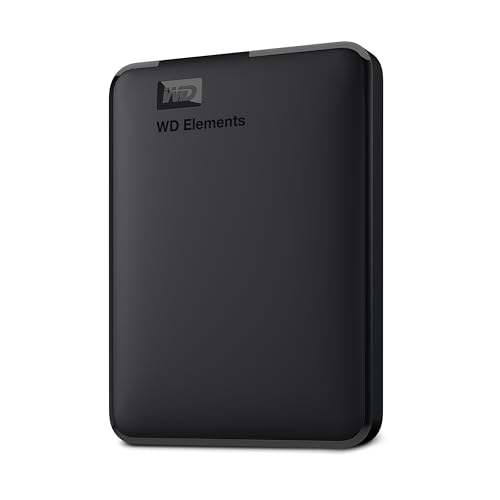
Western Digital is known for broad choice, from slim portable drives to large desktop units for home backup. Its strengths are wide retail availability, clear product tiers, and backup software included with many lines. Weak spots include confusing tier names that take research to decode and support experiences that vary by region. It suits most home users who want a mainstream drive, easy replacement cables, and frequent discounts across capacities.
Seagate
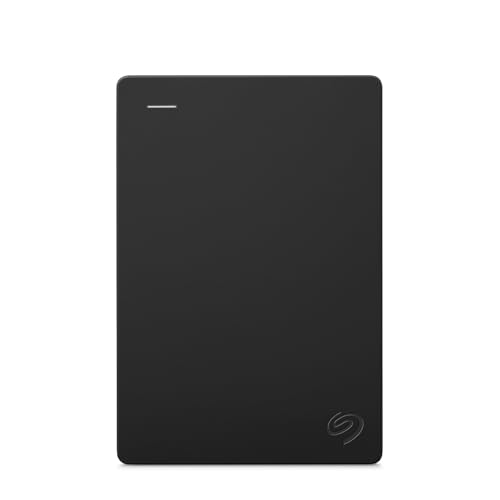
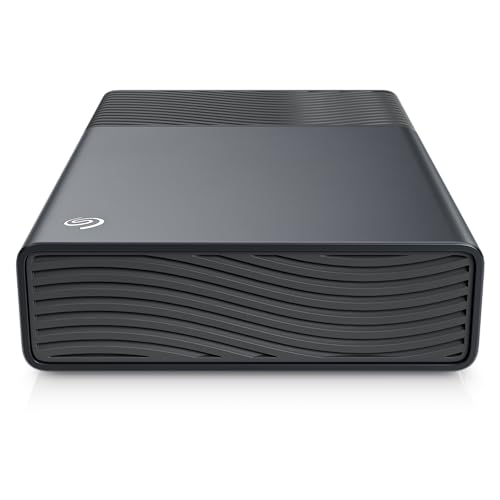
Seagate competes closely with Western Digital on range and price, and it stands out for including data recovery services with several product lines for a set period. That safety net matters if the drive holds family photos or work archives. Its designs are plain and functional, and sales are common. It suits buyers who value the recovery offer and want many capacity choices, including console friendly models with simple setup.
Samsung
Samsung focuses on portable solid state drives rather than spinning hard drives, and it leads on speed, compact size, and drop resistance in that category. Prices per terabyte run higher than hard drives, and capacities top out lower than desktop hard drives. Build quality and included encryption software are strong points. It suits travelers, video creators, and anyone moving large files often who would rather pay more for speed and a drive that tolerates daily bag life.
Toshiba
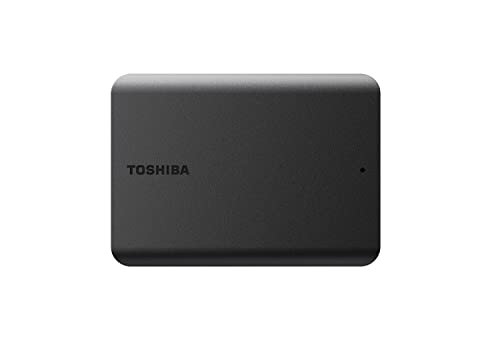
Toshiba keeps its portable hard drive lineup simple and affordable, which makes it a steady budget choice. The drives cover basic backup needs without extra software layers, and sizes are easy to carry. Speeds and features are ordinary rather than class leading, and the range of desktop options is narrower than the two biggest rivals. It suits students and home users who want a low cost second backup drive or a simple archive they update monthly.
SanDisk
SanDisk targets portable solid state storage for travel and field work, with rugged lines that resist water, dust, and drops better than standard portable drives. Those protections cost more per terabyte, and the lineup overlaps with Western Digital drives in places, since the two brands share history. Software for password protection is included on many models. It suits photographers, field researchers, and frequent travelers whose drive will live in a bag and face weather, not just a desk drawer.
How to Choose Between Brands
The specific model matters more than the logo. Within every major brand, an entry line and a premium line differ in warranty, speed, and enclosure quality, so compare the exact drive, its warranty years, and its return terms rather than buying on name alone. Read recent owner reports for the model you want, focusing on port failures and noise rather than single shipping mishaps.
In the United States, check how warranty claims work: whether you ship the drive at your cost, how long replacement takes, and whether advance replacement exists. Remember that no warranty restores lost data, so the best brand strategy is two copies of important files on drives from any two reputable makers. Shoppers comparing formal alternatives can also read our guide to the best external storage hard drives for capacity planning help.
One practical know how point: register your drive and keep the receipt in the same folder as your backup schedule. Another is to label each drive with its purchase date and purpose on a small sticker. When a drive ages past its warranty, that label tells you at a glance which unit to retire first. Readers weighing a single maker more deeply can see our guide to the best company for hard drives for a narrower comparison.
FAQs
How long do external hard drives from major companies last?
Most external hard drives last about three to five years of regular use, and sometimes longer as a rarely connected archive. Heat, drops, and constant daily spinning shorten life, while a drive used for weekly backups and stored in a drawer often lasts well beyond that range. Brand matters less than handling and luck with any single unit. Treat year three as a prompt to check drive health and refresh your backup onto newer media.
Which company has the best warranty for external hard drives?
Premium lines from the major companies offer the longest warranties, commonly three to five years, while budget lines often carry two years. Seagate adds value on some lines with included data recovery services, which no standard warranty from rivals normally matches. Read the exact terms for your model, because warranty length varies within a brand. A longer warranty signals maker confidence, but it never replaces keeping a second copy of important files.
Are portable solid state drives from Samsung or SanDisk more reliable than hard drives?
Solid state drives resist drops and shocks better than spinning hard drives because they have no moving parts, which makes them more reliable for travel. On a desk, a quality hard drive from any major brand is dependable and far cheaper per terabyte. Solid state drives can also fail, and recovery is often harder when they do. Choose solid state for movement and speed, hard drives for large home archives, and back up both either way.
Does an external hard drive work with Mac and console systems?
Yes, most external drives work with Mac and console systems after the right formatting, and many ship in a format both can read for basic storage. Mac backup with Time Machine and console game storage each require a dedicated format, so one drive cannot serve both jobs at once. Companies explain this in setup guides, though the print is small. Decide the drive job first, format once, and label it so family members do not reformat it by mistake.
Our Verdict
For most homes, Western Digital and Seagate offer the safest mix of price, range, and support, while Samsung and SanDisk earn their premium for fast, rugged portable storage and Toshiba covers simple budget backup well. Whichever name you choose, the model warranty and your own second copy protect you more than brand loyalty. Our guide to the best external hard disk drives can help you size your purchase once the brand is settled.
Return to the product table above, match a brand strength to your main use, and check warranty years before you pay. Chosen that way, the best companies for external hard drives give you storage you can trust, and a backup routine you will actually keep.

