
Best Compact Wireless Printers 2026
Disclosure: We may earn a commission when you buy through links on this page, at no extra cost to you. As an Amazon Associate I earn from qualifying purchases. Learn more
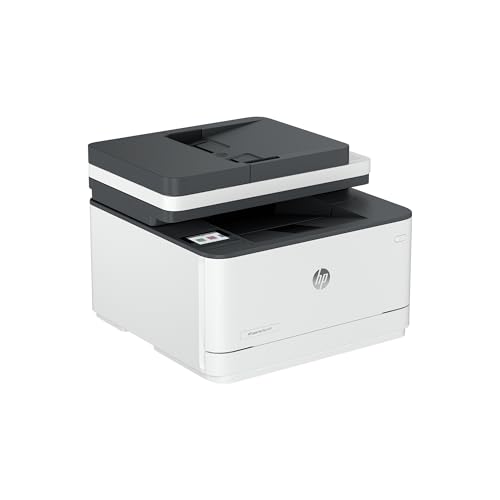
Best compact wireless printers: how Wi-Fi reliability, ink cost, paper handling, and size compare for small spaces.
A compact wireless printer has to do three things well: connect reliably to phones, tablets, and laptops, fit a small space, and keep running costs sensible. This guide to the best compact wireless printers covers the choices that decide daily satisfaction, so wireless stability, app support, and ink costs get as much attention as size.
The product table below lists a range of printers. Read on for the checks that matter most before you order.


Who Should Buy a Compact Wireless Printer
Families and Students
Choose a wireless all in one with simple app setup for homework, forms, and occasional photos. Scanning and copying save trips to a library, and a tank or subscription ink plan can lower the cost per page.
Home Workers
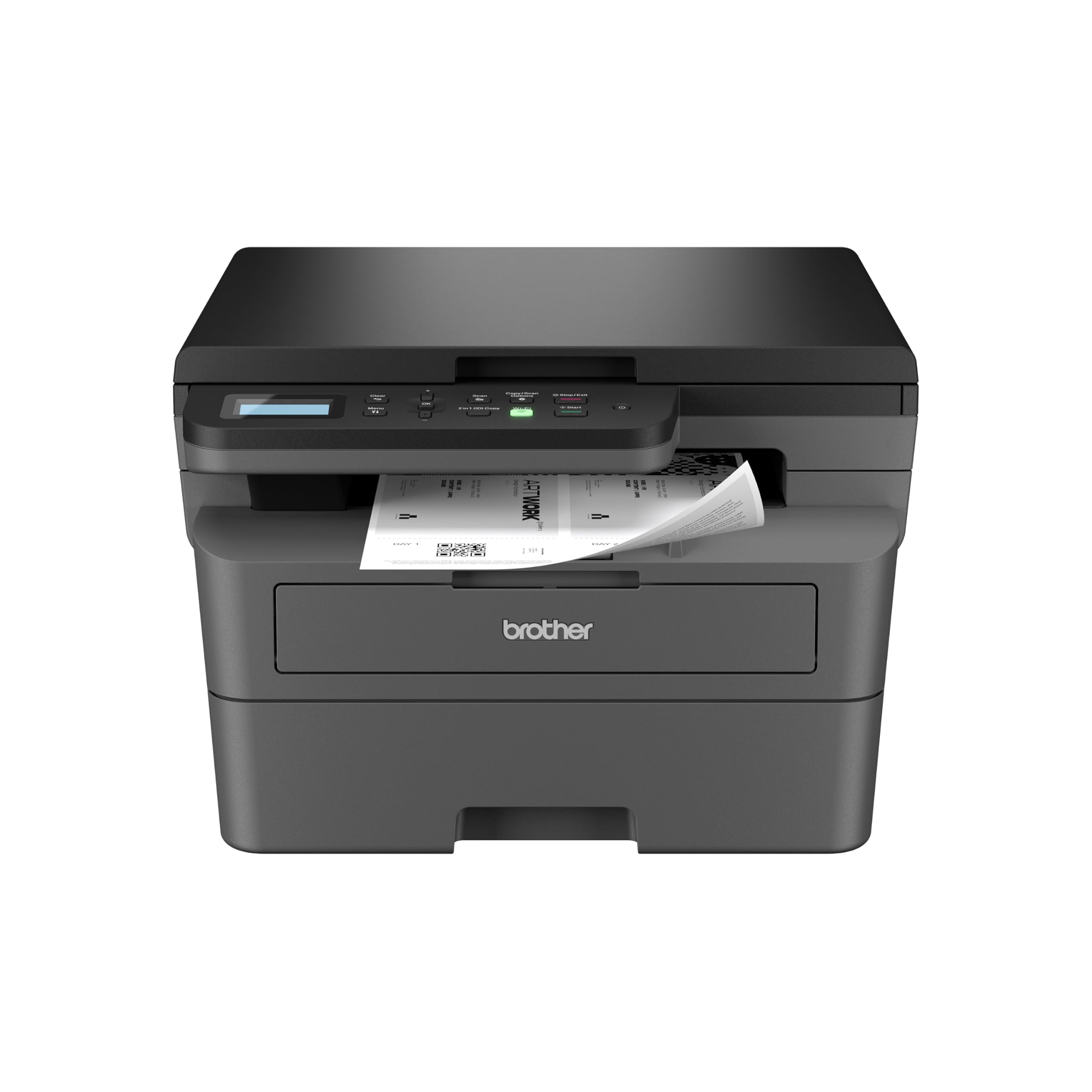
Pick a wireless laser or inkjet with reliable duplex printing and a document feeder if you scan often. Fast first page times and sharp text matter more than photo quality for most office work.
Occasional Printers
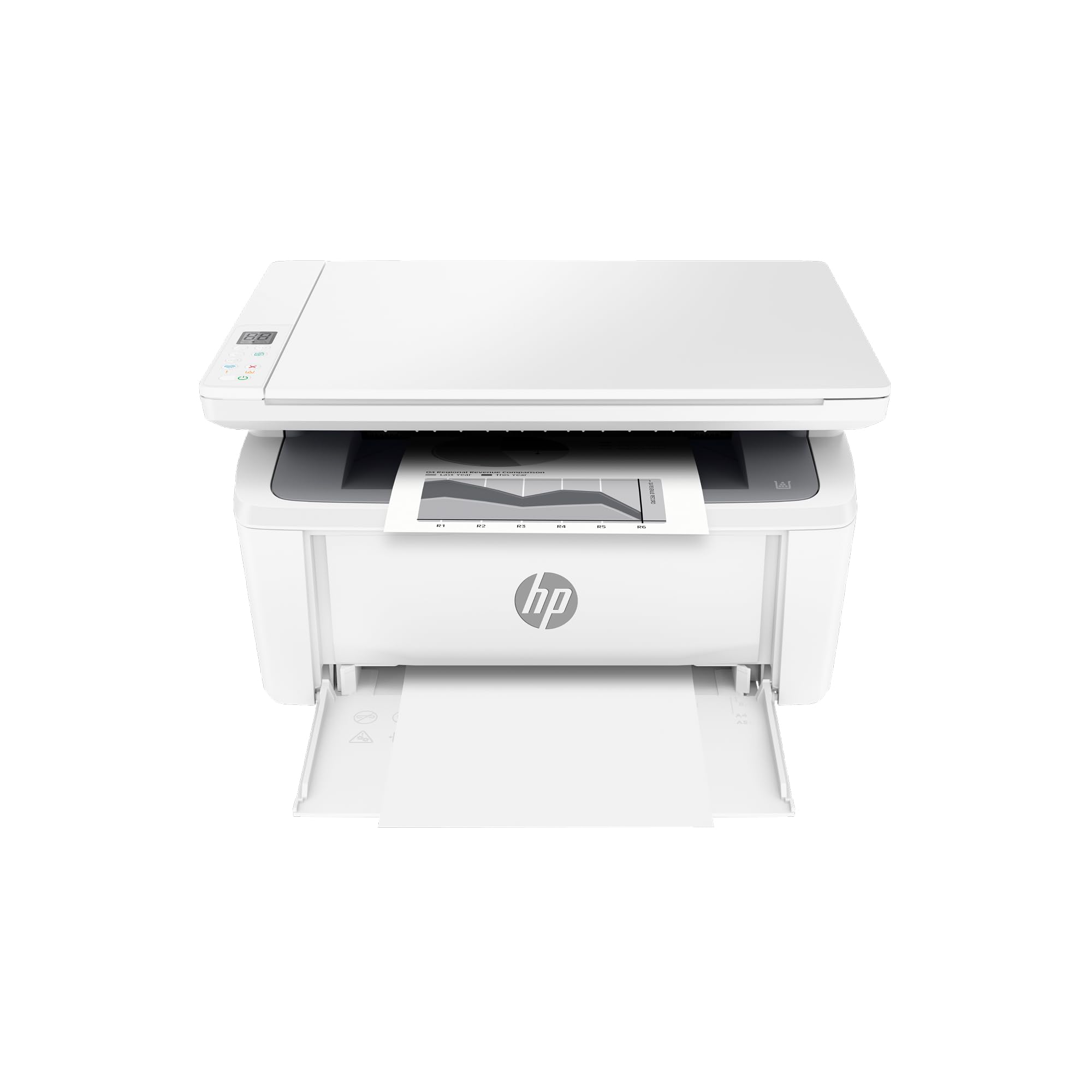
If you print a few pages a month, a compact inkjet is cheap to buy but can dry out when it sits. A laser or a tank printer tolerates long gaps better.
Types of Compact Wireless Printers
Inkjets
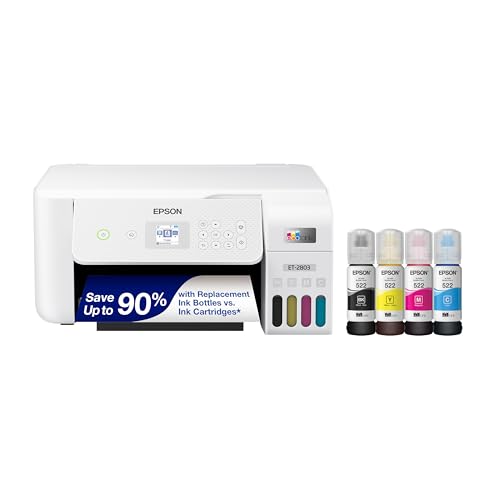
Inkjets suit color documents and photos, and they are usually the smallest and cheapest to buy. Cartridges can be costly per page, and print heads can clog if you print rarely.
Laser Printers
Lasers print sharp text quickly and keep toner fresh for months, which suits frequent documents. Color lasers cost more, and many compact lasers are monochrome only.
All in One Models
Wireless all in one printers add scanning and copying over the network. A flatbed scanner handles books and ID cards, and an automatic document feeder speeds up multi page jobs.
Portable Printers
Portable wireless printers suit travel and small prints, but they may lack full document features and often print on special paper. They are a second printer, not a replacement.
Wireless Setup and Reliability
Most compact printers connect to a home network over Wi-Fi, and many support direct printing from a phone without a router. Place the printer within a good signal range, ideally in the same room as the router or within one wall of it. Look for support for your phone's built in printing system, such as AirPrint or Mopria, so jobs print without installing extra apps. Check whether the printer supports 5 GHz Wi-Fi or only 2.4 GHz, since older routers and crowded buildings behave differently.
If jobs fail, restart the router and printer, reserve a fixed address for the printer in the router, and update the firmware. A USB port is a useful backup for an urgent print.
Ink, Toner, and Running Cost
Running cost matters more than sticker price. Estimate the cost per page from the cartridge price and its rated yield, and compare that figure across models. Printers sold with refillable ink tanks usually cost more upfront and much less per page. Subscription ink plans can suit light users but tie you to the maker. Some printers refuse third party cartridges, so check the policy before you buy.
Print Speed and Quality
Speed is quoted in pages per minute, but the first page out and the time to wake from sleep matter more for short jobs. Text on a laser looks crisp on plain paper, while an inkjet gives richer color and handles photo paper. Check the maximum resolution only if you print photos, and look at duplex and borderless support if you print booklets or pictures.
Size, Paper Handling, and Footprint
Measure the space including the paper tray extension and the lid swing. A rear paper tray saves desk depth, while a front tray looks neat but sticks out. Check the paper sizes it accepts, the tray capacity, and whether it prints on both sides automatically. Compact printers often hold fewer sheets, so you may reload more often.
Security and Privacy
Connect the printer to a password protected network and change the default admin password if the printer has a web page. Update the firmware when updates appear, and turn off wireless features you do not use. Shared homes can use a PIN for private prints on models that support it.
Care and Everyday Use
Keep paper dry, use the printer regularly if it is an inkjet, and check ink levels before important jobs. Recycle cartridges through the maker's program when possible. Wipe the outside with a dry cloth and keep vents clear. Avoid forcing jammed paper, and follow the manual's steps to clear it.
Mistakes to Avoid
- Placing the printer far from the router, which causes dropped jobs and slow printing.
- Ignoring ink cost per page, which can outweigh a low purchase price.
- Skipping a check of phone and computer compatibility before ordering.
- Buying an inkjet for rare printing, then finding the heads clogged.
- Forgetting that some printers need an account or app to finish setup.
Related Guides
If you are still comparing, see the best wireless printers, the best compact laser printers, and the best compact home printers. For photos, the best compact photo printers cover a different need.
Frequently Asked Questions
Why does my wireless printer drop connections?
Distance from the router, thick walls, and network congestion are common causes. Move the printer closer, restart the router and printer, and update the firmware. A USB cable can save an urgent print job.
Can I print from a phone without a computer?
Yes. Most wireless printers print directly from a phone using a built in system or the maker's app. Check compatibility with your phone before buying.
Are wireless printers secure at home?
They are reasonably secure on a password protected network with current firmware. Avoid open networks for sensitive documents, and use PIN protected printing if your model offers it.
Do wireless printers use more ink?
Wireless printing itself does not use more ink, but easy printing can lead to more pages. Use draft mode for everyday documents and duplex printing to save paper.
What should I check before buying a wireless printer?
Check Wi-Fi support, app and operating system compatibility, cost per page, paper sizes, and the space it needs including the tray and lid. A printer that fits your network and desk will feel effortless.
Final Thoughts
Choose by how you print: tank or laser for frequent jobs, a compact inkjet for light use, and a portable model only as a travel extra. Compare your shortlist in the product table above, and the best compact wireless printers for you will connect without fuss, fit your desk, and cost little to feed.


