Best Compact Home Printers 2026: Buying Guide
Disclosure: We may earn a commission when you buy through links on this page, at no extra cost to you. As an Amazon Associate I earn from qualifying purchases. Learn more

The best compact home printers balance size, print quality and ink cost; here is how inkjet, laser, tank and photo types compare for home use.
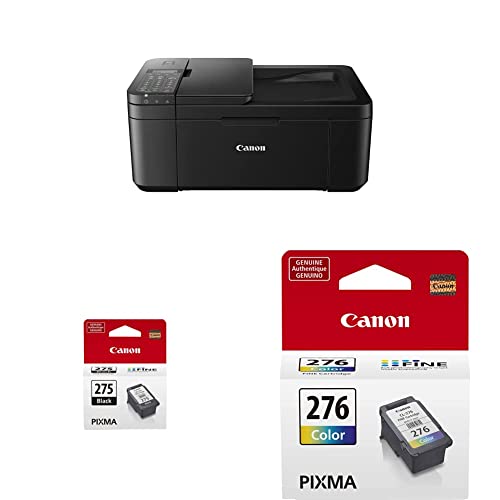
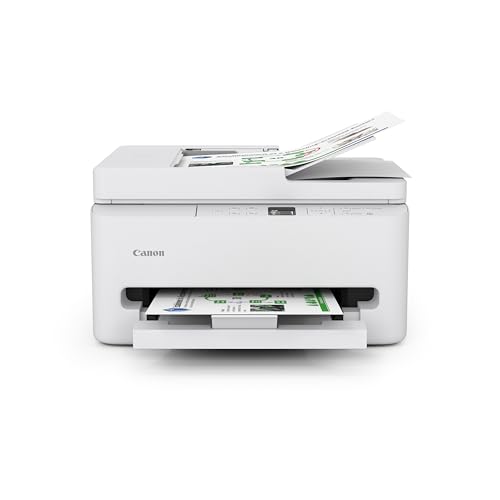
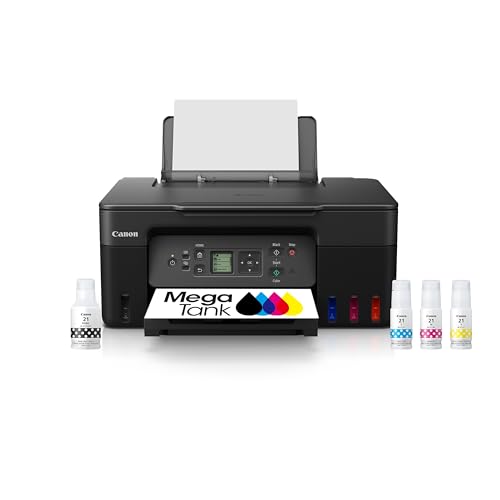
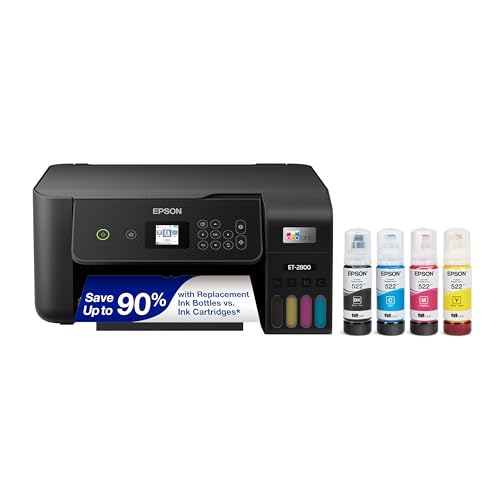
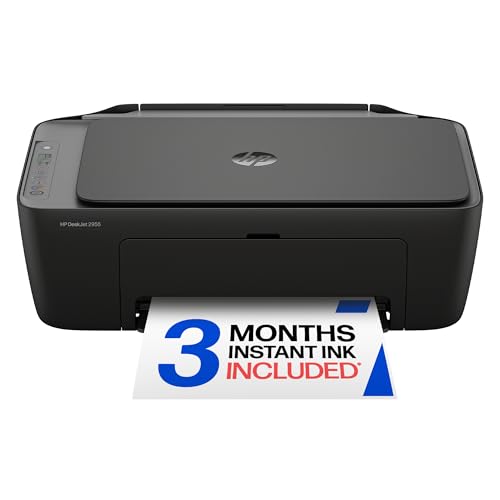
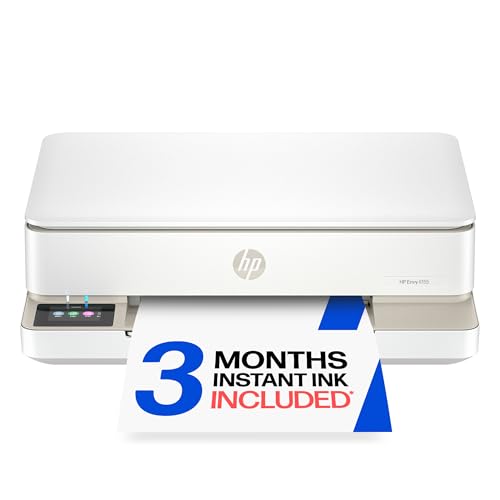
The best compact home printers handle homework, documents, photos and occasional labels without taking over a desk or a room. The product table lists current models, and this guide compares the main compact printer types by print quality, ink cost and size.
Before you choose, think about how often you print, whether you need color or photo printing, and whether you print from a phone, tablet or laptop. A printer that suits occasional documents may frustrate a household that prints photos weekly.



Who Should Buy This Style
Compact home printers suit students, home workers, families and small home offices that print documents and occasional photos. They also suit apartments and shared desks where space and noise matter.
They suit less well for high volume office printing, large photo labs or frequent large format work. Those jobs need a larger, faster printer with lower cost per page and bigger paper handling.
Key Features to Compare
Print Type: Inkjet or Laser
Inkjet printers handle color and photos well and cost less to buy, but ink can cost more per page for heavy use. Laser printers print sharp text fast and cost less per page for documents, but color laser models cost more and handle photos less well. Match print type to what you print most.
Running Cost and Ink
Running cost matters more than purchase price over time, so check ink or toner yield and price before you buy. Tank printers cost more at first but offer very low cost per page for frequent printing. Subscription ink plans can help predictable users, but check the terms and cancellation rules.
Size and Paper Handling
Measure your desk and shelf, including paper tray extension and lid lift for scanning. A compact printer should fit your space without blocking a drawer or socket. Check paper size support, tray capacity and whether it prints double sided, which saves paper.
Connectivity and Software
WiFi, mobile printing and a simple app make printing from phones and laptops much easier. Check compatibility with your devices and operating systems, and check setup before the return window ends. A printer that is hard to connect will frustrate the whole household.
Types Compared
Compact Inkjet Printers
Compact inkjet printers suit color documents, homework and occasional photos at a low purchase price. They need regular use to keep ink flowing, and ink costs add up for heavy printing. They suit light to moderate home printing best.
Compact Laser Printers
Compact laser printers suit text heavy homework and home office documents, with fast, sharp printing and low cost per page. They handle photos less well and color models cost more. They suit users who mainly print documents in black and white.
Compact Tank Printers
Tank printers use refillable ink tanks, which cut cost per page sharply for frequent printing. They cost more to buy and need careful refilling to avoid spills. They suit families and home workers who print often and want low running costs.
Compact Photo Printers
Photo printers focus on small, high quality photo prints for albums and gifts. They suit photo lovers who print regularly, but they cost more per photo than a general printer. They work best as a second printer alongside a document printer.
Budget and Value
Budget compact printers usually cost about $60 to $150 and cover basic inkjet models well. Mid range printers at about $150 to $300 offer better print quality, double sided printing and tank options. Premium compact printers above that range focus on photo quality, quiet operation and refined design.
Pay for running cost and connectivity first, because those decide long term satisfaction. A tank printer may cost more at first but save money for frequent printers, while an occasional printer may suit a cheap inkjet better. Add ink, paper and warranty costs to the total.
Setup, Care and Everyday Use
Place the printer on a stable surface with room for paper and lid movement, and keep it away from dust and damp. Print a sample page regularly to keep ink flowing, update software as the maker directs, and store spare ink in a cool, dry spot. Clean paper jams gently as the maker directs.
If the printer leaks ink, smells of burning or shows electrical faults, switch it off and seek maker help. Do not open the printer body beyond user serviceable parts. For paper jams, remove paper slowly and check for torn pieces, because a small scrap can cause repeated jams.
Before You Buy Checklist
Measure your space, check the running costs, read the care instructions, and confirm the return window before you order. A short pause at this stage prevents most regrets, because the right choice fits your routine and not just your wish list. Keep the box and receipt until you have used the item for a full week in normal conditions.
Related Guides Worth Reading
For a closer look at related options, read our guides to the best compact printers for home office, the best computer printers for home, the best reviewed home printers, and the best compact photo printers.
Common Mistakes to Avoid
One common mistake is buying a printer by purchase price alone, then facing high ink costs for years. Another mistake is placing a printer where paper trays cannot extend or the scanner lid cannot lift, which makes every print job awkward. Check ink prices and desk clearance before you buy.
Do not leave an inkjet printer unused for months, because ink can dry in the nozzles and cause streaky prints. Print a sample page every week or two, and keep the printer in a cool, dust free spot. A little regular use prevents many common faults.
Long Term Value
Long term value comes from low running cost and reliable connectivity. A tank printer may cost more at first but save money for frequent printers, while a laser printer suits text heavy users with low cost per page. Match the printer to your real print volume, not to a sale price.
Keep spare paper and ink ready, because running out during homework or a work deadline causes more stress than the cost of a spare cartridge. Store ink as the maker directs, and check expiry dates before you stock up heavily.
Frequently Asked Questions
Inkjet or laser: which is better for home?
Inkjet suits color and photo printing at a low purchase price, while laser suits fast, sharp text printing at a lower cost per page. Choose inkjet if you print color and photos often, and laser if you mainly print documents. Tank inkjet models can bridge the gap for frequent color printing.
How much does home printing cost per page?
Cost per page depends on ink or toner yield, paper price and print coverage. Tank printers offer very low cost per page, laser printers offer low document costs, and standard inkjet cartridges cost more per page. Check yield figures and ink prices before you buy, not just the printer price.
Can I print from my phone?
Most modern compact printers support phone printing through WiFi and a maker app, and many support common mobile print standards. Check compatibility with your phone system before you buy, and try printing during the return window. A printer that connects easily saves daily frustration.
Do compact printers scan and copy?
Many compact home printers include scanning and copying, which suits homework and home office use. Check scan resolution and whether the scanner lid lifts for books. A printer without scanning costs less, but you may miss the feature for documents and forms.
How do I stop ink drying out?
Print a sample page every week or two, keep the printer in a cool room, and avoid long gaps without use. Inkjet ink can dry in nozzles during long idle periods, while laser toner does not dry out. If you print rarely, a laser printer may suit you better.
Why does my printer say ink is low so soon?
Ink estimates depend on print coverage, cleaning cycles and print settings, so heavy color printing uses ink faster than light text printing. Draft mode and double sided printing save ink and paper for everyday documents. Use high quality mode only for photos and final documents that need it.
Final Thoughts
Match print type to what you print most, then check running cost and desk fit. A compact printer that connects easily and prints affordably will serve your home far better than a cheap printer with costly ink.
The product table above lists current models, and the best compact home printers for your home are the ones that fit your desk, print well and keep running costs sensible.