
Are Standing Desks Worth It? The Honest Answer (2026)
Disclosure: We may earn a commission when you buy through links on this page, at no extra cost to you. As an Amazon Associate I earn from qualifying purchases. Learn more

Are Standing Desks Worth It? Here's the Honest Answer? A clear, practical answer with the key facts, pros and cons and what it means for your home.
If you spend most of your workday in a chair and keep wondering are standing desks worth it, the honest answer is yes for many home workers, but only under the right conditions. A standing desk earns its cost when you actually alternate between sitting and standing through the day. Bought as a cure for every ache or as a piece of furniture you raise once and forget, it rarely pays off.
This guide gives you the short verdict first, then the real pros and cons, what ownership actually costs, and who should skip one entirely. It focuses on home use, in a spare room, a bedroom corner, or a shared family workspace, rather than a corporate office. As you read, compare your own habits and room against the comparison table below.


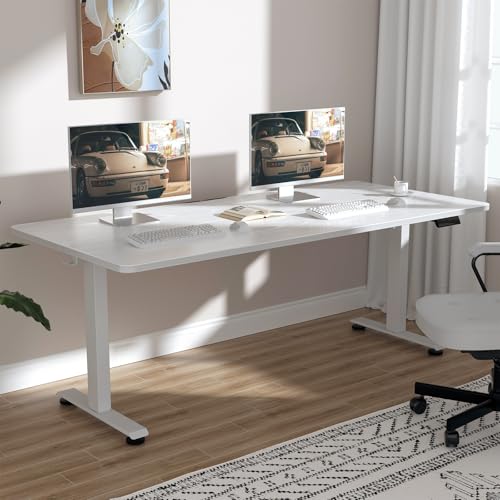
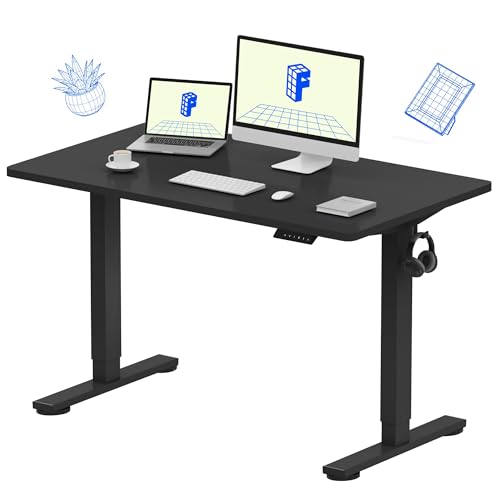
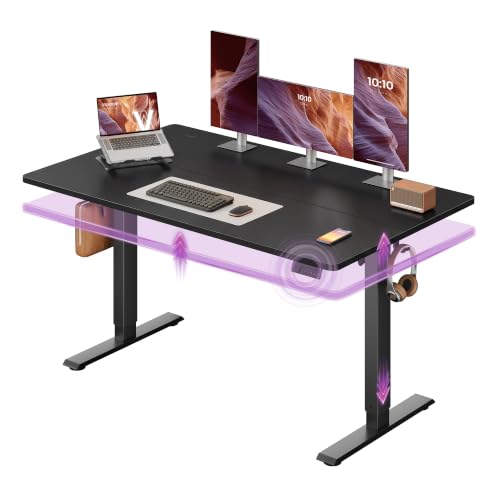
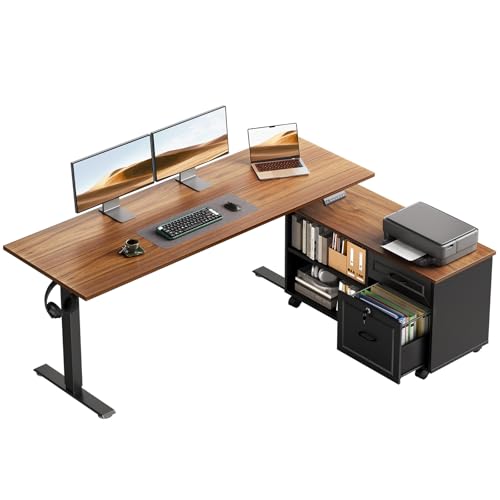
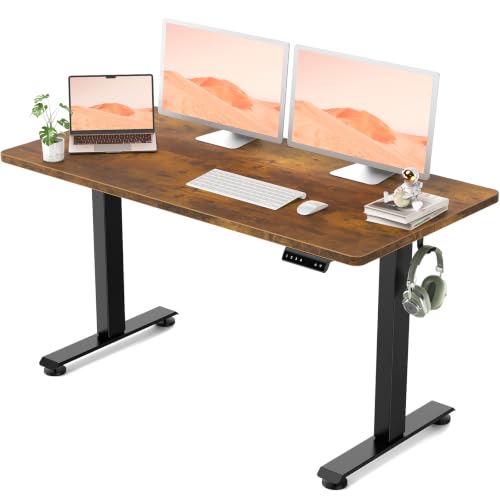
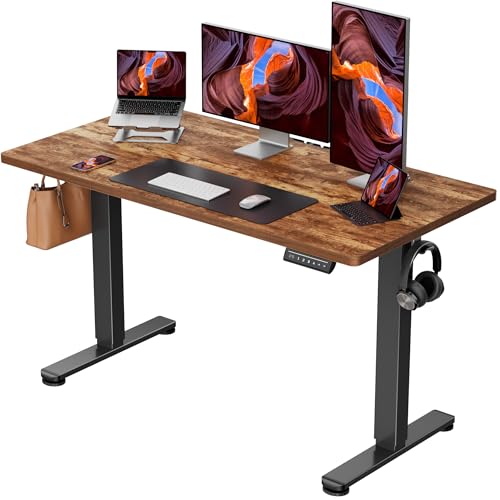
The Short Answer
A standing desk is worth it if your main problem is that you sit in one position for hours and feel stiff, restless, or drained by mid afternoon. Changing position gives your legs, hips, and back regular variety, and that variety is the real benefit. The desk itself is just a tool that makes the change easy enough that you keep doing it week after week.
It is not worth it if you expect to stand all day, or if you hope furniture alone will fix ongoing pain. Standing still for long stretches is its own strain, and a desk set at the wrong height can swap one discomfort for another. Before you decide, run your measurements through a standing desk height calculator so you know the height range your body actually needs. If that range fits your room and budget, the case for buying becomes much stronger.
Pros
The advantages below show up for people who use the desk as it was designed to be used, in rotation with a good chair, not as a standing only workstation.
You break up long sitting spells. Raising the desk for part of a call or while you read gives your body a genuine change of position without leaving your work. Many people find that this simple variety leaves them less stiff at the end of the day than sitting in a single posture from morning to evening. The benefit comes from moving between positions often, not from any single position being perfect.
You can match the desk to each task and each person. Typing, video calls, paperwork, and helping a child with homework all feel better at slightly different heights. In a home where two adults or a parent and a teenager share one desk, an adjustable surface ends the daily compromise of a fixed height that suits nobody. Everyone works at a level that fits, and the desk stops being a source of small daily friction.
Standing can make some work feel more alert. Plenty of home workers say they think more clearly and speak with more energy on calls when they are on their feet. That is a personal response, not a promise, and it varies a lot from person to person. Still, having the option costs you nothing once the desk is in place, and you can try it during the tasks where focus tends to dip.
Your room gains a flexible workstation. A desk that adjusts can serve as a craft table, a homework spot, or a place to sort paperwork while standing in the evening. In a living room or bedroom, that flexibility matters more than it would in a dedicated office. One piece of furniture quietly covers several jobs, which helps justify both the price and the floor space it takes up.
Cons
Standing has real limits. Your feet, knees, and lower back will complain if you stand on a hard floor for hours, and the discomfort can be worse than the sitting you were trying to escape. Good shoes and a cushioned mat help, but they do not remove the limit. If you have ongoing joint pain, circulation problems, or pain that spreads into a leg, talk with a clinician before assuming a standing desk is a safe answer for you.
The cost is higher than a fixed desk. Adjustable frames, motors, and controls add money, and the spending does not stop at the desk itself, as the cost section below explains. A cheap frame that wobbles at full height can also undo the whole point, since you will avoid raising it. Buying on price alone is the most common route to a desk that gathers dust.
It takes space and a short learning curve. Most standing desks are deeper and heavier than a small writing desk, and they need clear floor space so the surface can travel without hitting shelves or a window sill. You will also spend the first week or two finding your best sitting and standing heights and building the habit of switching. Until that routine settles, the desk can feel like more effort than your old setup.
Cost Breakdown
Up front, a desktop converter that sits on your current desk costs about $100 to $300, a manual crank desk costs about $200 to $400, and an electric desk with memory settings usually costs about $300 to $800 depending on size and top material. Larger tops, solid wood surfaces, and stronger frames push the price up fastest. Treat these figures as planning ranges, since prices change often.
Plan for the extras that make standing comfortable and tidy. A cushioned mat costs about $30 to $80, a monitor arm about $40 to $120, and cable trays or clips about $15 to $40. You also keep your existing chair, since a standing desk replaces your desk, not your seat. Skipping the mat and monitor arm to save money often leads to sore feet and a screen set too low, which quietly undermines the purchase.
Running costs are small but not zero. An electric desk draws power mainly while the motor is moving, so daily use adds very little to a home electricity bill. The bigger long term costs are a replacement control box or motor after the warranty ends, and casters or a new top if you move house or want a different look. A longer warranty and available spare parts are worth weighing, because they decide whether a fault means a repair or a whole new desk.
Who Should (and Shouldn't) Buy One
Home workers at a desk for six or more hours a day. You are the clearest case, because small position changes repeated across a full workweek add up to a real difference in comfort. If your current desk forces one posture and you end most days stiff, an adjustable desk targets exactly that problem. The longer your daily hours, the easier it is for the desk to earn back its cost in daily use.
Households sharing one workspace. When partners take turns at the same desk, or a teenager uses it after school, fixed furniture fits at most one of you well. Memory presets let each person return to a saved height in seconds, so nobody has to measure or guess. This shared use also spreads the cost across several people, which changes the value calculation in your favor.
People who should think twice. Skip a full desk if your budget is tight and your sitting time is short, because regular walking breaks may serve you just as well for free. Also think twice if you cannot stand comfortably for even short periods, or if your room is so small that a full size frame would crowd out storage you need. In those cases, the alternatives in the next section fit your situation better than a purchase you will resent.
Alternatives to Consider
A desktop converter is the lowest commitment option. It raises your screen and keyboard on your existing desk, costs less, and can be removed if you change your mind. The trade off is a smaller work surface and a keyboard tray that may sit at a fixed gap from the screen, so check that both heights suit you before choosing this route.
Scheduled movement is the free alternative, and for some people it is enough. Standing for calls, walking to get water between tasks, and taking a short walk at lunch all break up sitting without any new furniture. What this approach lacks is convenience at the desk itself, since you cannot keep typing through a position change. Many buyers start here, notice the limits, and only then decide a desk is justified.
A laptop stand with a separate keyboard is a middle path for light use. It raises your screen to a better level while you sit or while you stand at a kitchen counter for a short task. It will not give you a true sit and stand workstation, but it improves screen height for very little money. It suits students and occasional home workers better than anyone with long daily hours.
Your Questions, Answered
How to assemble a standing desk?
Most standing desks assemble with the frame built upside down on the floor, then the top is attached before you turn the whole unit over with a second person helping. Keep every bolt only loosely tightened until the frame is square, then tighten them in turn so nothing is pulled out of line. Before the first use, run the desk through its full height range with nothing on it, and check that no cable is being stretched or pinched at either end of the travel.
How to use a standing desk correctly?
Set the surface so your elbows rest at about a right angle with your shoulders relaxed, and keep the top of your screen near eye level so your neck stays neutral. Stand with your weight even on both feet and your screen about an arm length away. For a fuller routine with posture checks and timing, read our guide on how to use a standing desk correctly before your first full week at the desk.
How long should you stand at a standing desk?
Start with about 20 to 30 minutes of standing in each hour, then adjust over the first two weeks based on how your feet and legs feel at the end of the day. Sitting back down at the first sign of real fatigue is part of the method, not a failure of it. Our explainer on how long should you stand at a standing desk sets out a gentle first month schedule you can copy day by day.
Can the whole family share one standing desk?
Yes, and sharing is one of the strongest home arguments for an adjustable desk. Save a preset for each regular user, and agree on a house rule that each person returns the desk to a neutral height when finished. Shorter users may need a footrest while sitting so their feet rest flat, and younger children should raise or lower the desk only with an adult present, since a moving top can trap fingers against nearby furniture.
Do standing desks use a lot of electricity?
No, an electric standing desk uses very little electricity in normal home use. The motor runs for only a few seconds each time you change height, and some models draw a small amount of power while idle to keep the controls ready. If you want that idle draw at zero, plug the desk into a power strip and switch the strip off overnight. Over a full year, the desk will cost far less to run than the computer and monitor sitting on it.
Wrapping Up
So, are standing desks worth it for your home? They are, if you work long hours at one desk, you share that desk with people of different heights, and you are willing to build the habit of switching positions through the day. They are not, if you expect all day standing, instant relief from pain, or value from a desk in a room where it barely fits. Judge the purchase by your hours, your household, and your floor space, not by the trend.
Look back at the product table above with those three tests in mind, and note which height range and frame type match your room. When you are ready to compare designs in detail, start with our guide to the best standing desk options for home rooms, and measure your space once more before you order.


