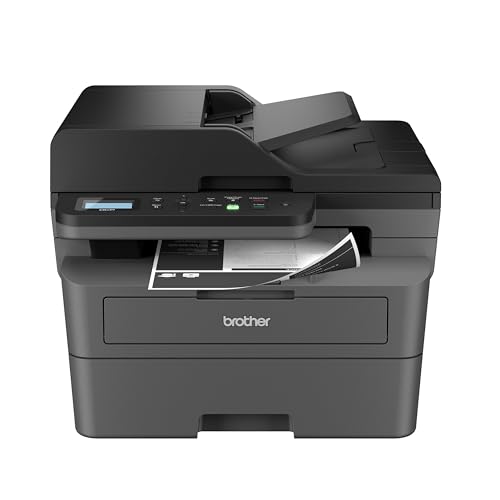
Best Compact Printers for Home Use 2026
Disclosure: We may earn a commission when you buy through links on this page, at no extra cost to you. As an Amazon Associate I earn from qualifying purchases. Learn more

Best compact printers for home use: inkjet, ink tank and laser models compared by cost per page, footprint and phone printing.
A household printer is called on for very different jobs: a school poster at nine at night, a boarding pass, a recipe, a form that needs a signature. The best compact printers for home use handle those jobs, stay out of the way on a shelf and cost little between big print runs. The product table above lists current compact models, and this guide helps you choose the right type and avoid the usual disappointments such as clogged nozzles and costly refills.
Home printing is usually irregular. Weeks may pass with nothing printed, then a school project needs fifty pages. That pattern matters more than any speed number when you choose between ink and toner.
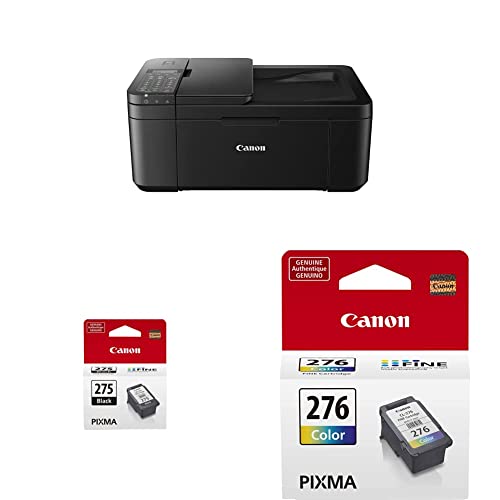

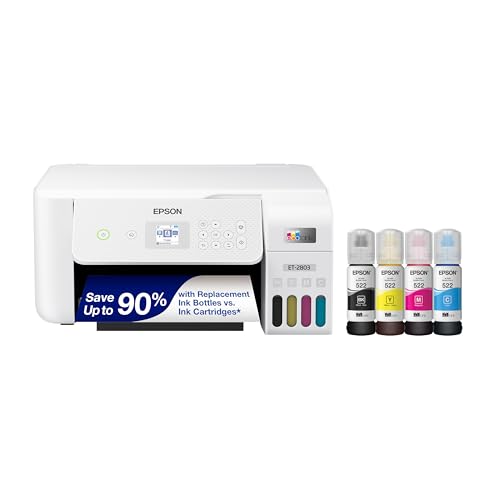
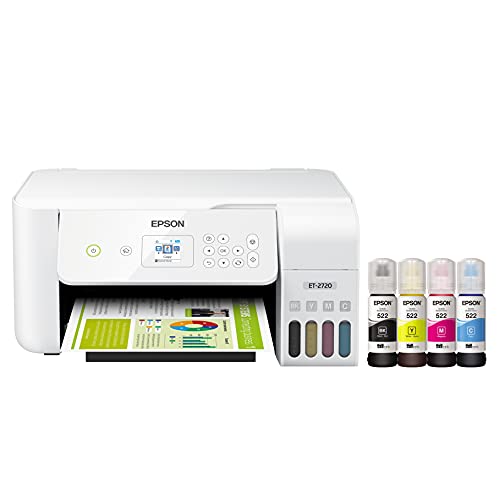
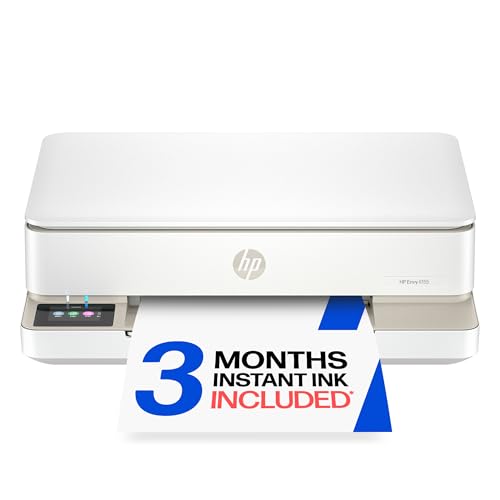


Match The Printer To The Household
Families with school-age children
Homework, projects and permission slips mean mixed color and black pages. A compact all-in-one with a scanner and phone printing covers most needs. Look for an easy cartridge or ink bottle change and an app that works on the family's phones and tablets.
Remote workers and students
People who print documents regularly benefit from duplex printing and a document feeder if they scan multi-page files. A compact laser prints text quickly and waits for weeks without drying out.
Small flats and shared homes
Choose a slim model that fits a shelf, with a paper tray that tucks away. A quiet printer matters when the desk is near a bedroom or a sofa.
Occasional users
If you print a few pages a month, choose a printer with a low purchase price and cartridges that do not dry out quickly, or a laser that keeps toner for months. Avoid a model that needs frequent cleaning cycles, which waste ink.
Ink, Tank Or Laser
Cartridge inkjets
The lowest purchase price and good color, but the cartridges are small and cost more per page. They can clog if the printer sits unused.
Ink tank printers
These use refillable tanks and bottles of ink, so each page costs much less. They suit families who print often. They cost more to buy but save money over time.
Compact lasers
Lasers print sharp black text and hold toner for a long time. They suit households that print documents more than photos. Color laser models cost more to run but can handle charts and school posters.
Features To Check In The Best Compact Printers For Home Use
Footprint and lid swing
Measure the shelf with the lid and paper tray open. A scanner lid needs headroom, so a model that fits only when closed can be a nuisance.
Wireless setup and mobile printing
Look for Wi-Fi, a simple app and support for printing from phones and tablets. A USB port is a useful backup if the network misbehaves.
Paper handling
Check the paper size and the tray capacity for your usual documents. A rear feed can help with photo paper or envelopes.
Scanning and copying
A flatbed scanner handles pages and photos. A document feeder is only needed for multi-page sets, such as tax papers.
Real Cost Of Ownership
Estimate cost per page by dividing the price of a replacement cartridge or ink set by its page yield. Add the ink wasted in cleaning cycles if the printer sits idle. For many homes, a tank printer or a laser is cheaper over three years than a low-priced cartridge model. Check whether the printer works with compatible supplies and whether the maker uses a subscription program that charges a monthly fee.
Keeping A Home Printer Working
Print a page every week or two on an inkjet to keep ink flowing. Store paper flat in a dry place and keep it sealed. Place the printer away from sunlight and dust. If prints show streaks, run one cleaning cycle rather than several. Clear jams gently along the paper path, and switch the printer off with its own power button so the print head parks correctly.
School Projects, Recipes And Other Home Jobs
School work puts the most pressure on a home printer. Posters, reports and worksheets arrive with little warning, so a printer that is always ready matters more than speed. Keep a spare ink set or toner and a ream of paper at home so a project is never stopped by an empty cartridge. For recipes, tickets and forms, black-and-white draft mode saves ink, and double-sided printing halves the paper.
If your children print photos for class projects, a color inkjet or tank model gives better pictures than a laser. If your home mostly prints text, a monochrome laser is cheaper per page and stays ready for months.
Photos And Special Paper
Many compact home printers can print snapshots on photo paper, but they will not match a dedicated photo printer. Check the supported paper sizes and whether the printer has a rear or photo tray, since pushing thick photo paper through a standard tray can jam it. Choose glossy paper for bright pictures and matte for reports and drawings, and let prints dry before stacking them.
Printing labels, iron-on transfers or card needs a printer that accepts thicker media. Read the manual's supported weight range before buying special paper, and avoid forcing media the printer was not designed for.
Common Mistakes
The usual mistakes are buying by purchase price only, choosing a printer that does not fit the shelf, leaving an inkjet idle for months and forgetting to check that the printer works with every device in the home. Check the return terms in case setup is difficult.
Related Guides
Related reading includes best printers for home use, best computer printers for home use, best multifunction printers for home use, best aio printers for home use and best inkjet printers for home use.
Frequently Asked Questions
What size printer fits a small desk?
Measure the desk width and depth with the lid open and the paper tray extended, and leave room for ventilation and cables.
Is inkjet or laser better for home use?
Inkjet suits color and photos. Laser suits frequent black text. Tank printers suit heavy color use at a low cost per page.
Do compact printers support phone printing?
Most do, over Wi-Fi with the maker's app or standard phone printing. Check support for your phone before buying.
How do I stop an inkjet from clogging?
Print a page every week or two, store the printer in a cool, dry place and avoid long idle periods.
What paper should I use?
Standard copy paper for everyday pages and photo paper for pictures. Check the supported weights and sizes in the manual.
Final Thoughts
Think about how often you print and in what color, then match ink, tank or laser to that pattern. Compare the models in the product table on footprint, cost per page and phone printing. The best compact printers for home use are the ones that work every time you need them and cost little in between.