Best Compatible Toner Cartridges for Brother: A 2026 Buyer Checklist
Disclosure: We may earn a commission when you buy through links on this page, at no extra cost to you. As an Amazon Associate I earn from qualifying purchases. Learn more
Compatible toner cartridges can cut printing costs, but fit and print quality vary. This guide compares yield, quality, and support to help you choose.
Brother laser printers are known for low running costs, yet original toner still adds up for busy homes and offices. The best compatible toner cartridges for brother printers cost less per page, fit the same slot, and produce clean black text, but only when the cartridge code matches your exact model. This guide shows how to match codes, judge quality, and avoid common problems.
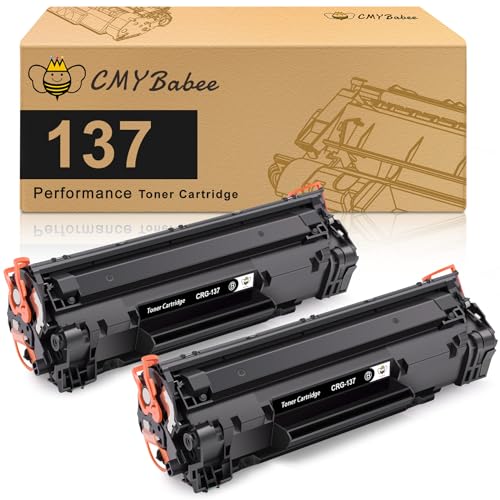
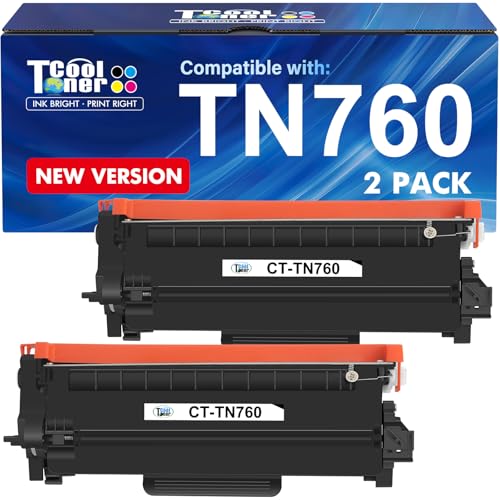
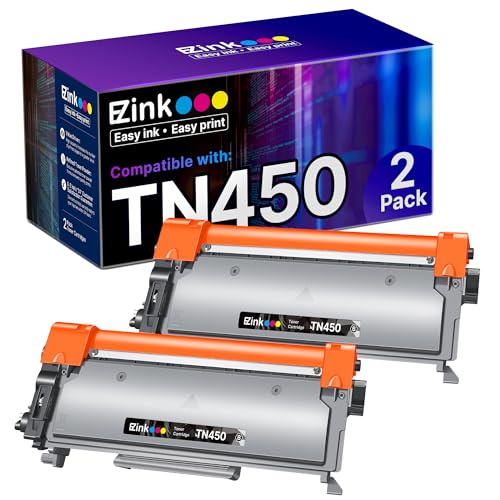
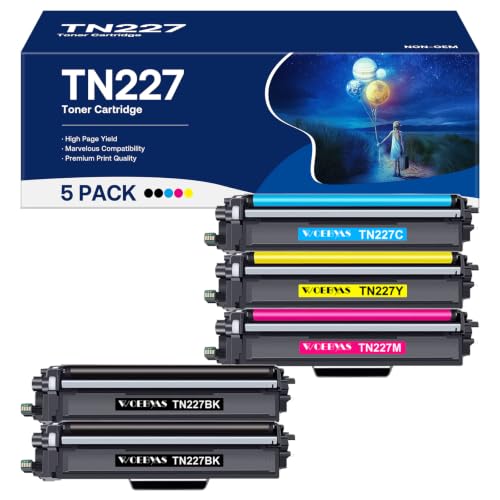
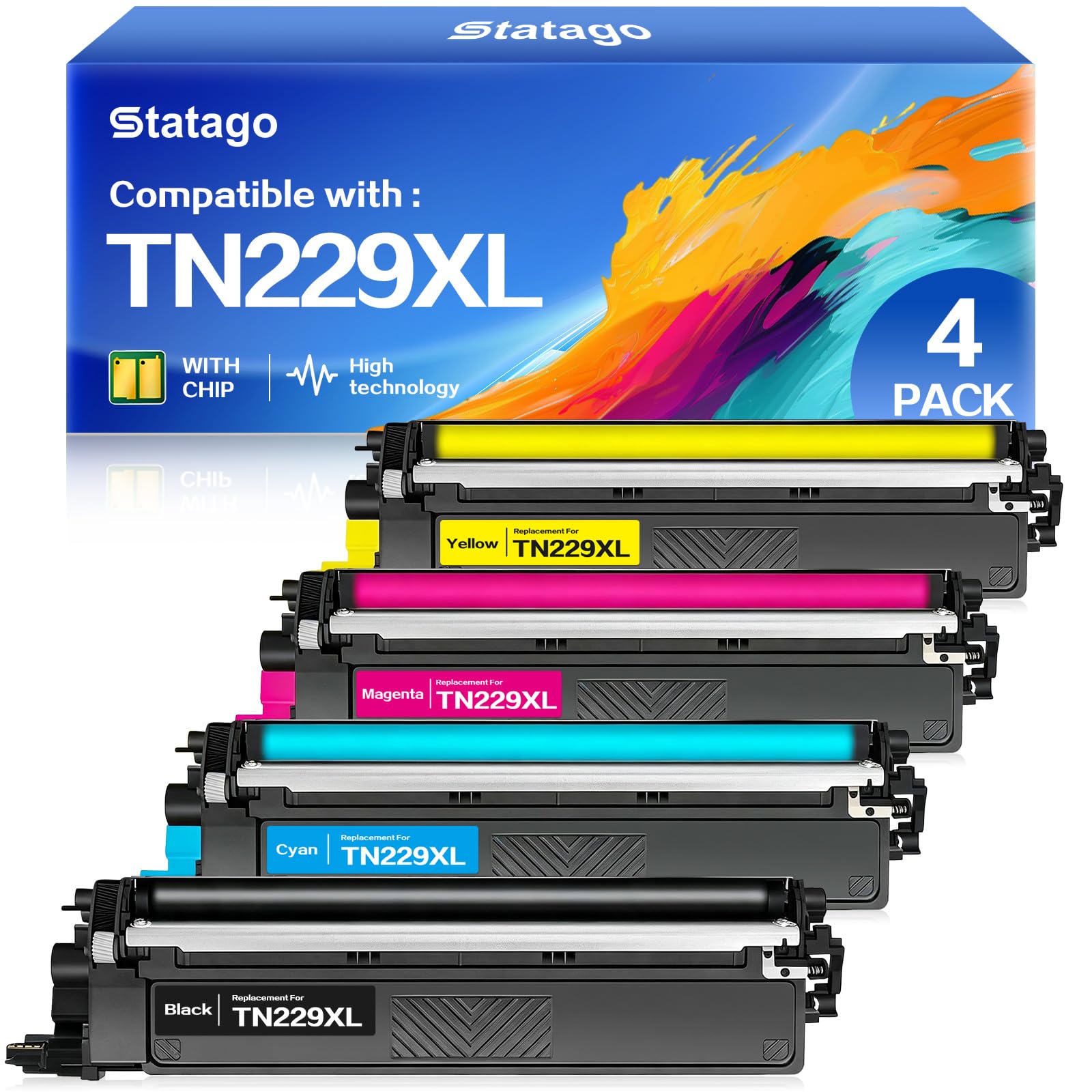
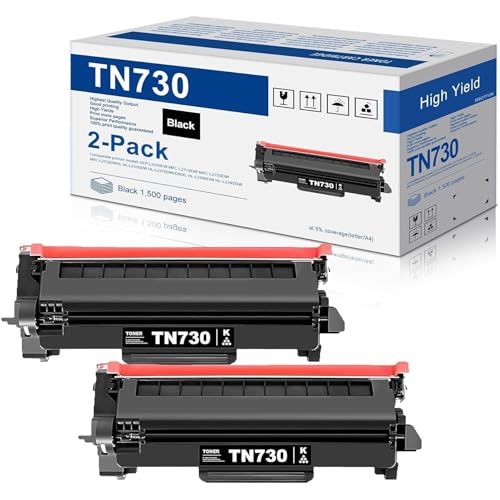
The product table at the top of the page lists compatible toner for several popular Brother series. Use it as a starting point, then check the code against your printer before you order.


Match the Toner Code to Your Printer
Brother labels each cartridge with a TN code, such as TN730, TN760, TN450, TN660, TN227, TN433, TN229, or TN830. Printers that look alike can take different codes, so find your model number on the front or back label and compare it with the printer manual or the cartridge already inside. A cartridge that does not match may not fit, or the printer may refuse it.
Standard and High Yield Toner
Many codes come in a standard and a high yield version, for example TN730 and TN760. The high yield version prints more pages and nearly always costs less per page, which suits regular printers. Light users can pick the standard version, because toner that sits unused for months can clump or lose quality.
Toner and Drum Are Separate
Most Brother mono lasers use a separate drum unit that wears out more slowly than toner. If prints show lines, spots, or fading after a new toner cartridge, the drum may be at fault, not the toner. Check whether your listing includes a drum and which drum code your printer uses.
Key Features to Compare
Chip Compatibility
Brother cartridges carry a chip that tells the printer the toner level. Some compatible cartridges include a chip that reads correctly, while others trigger warnings or show the wrong level. Read recent buyer comments for your printer model, and note whether people mention error messages after a firmware update.
Print Quality
Good compatible toner prints dark, even text without streaks or gray patches. Look at your first few pages and a solid black block, and compare them with a page printed on original toner if you still have one. Fine print and small fonts show weak toner quickly.
Page Yield and Cost Per Page
Stated yields assume about five percent page coverage, which is lighter than many real documents. Divide the price by the stated yield to compare listings, and then expect somewhat fewer pages for heavy text or graphics. A pack of several cartridges lowers the unit price, but only helps if you will use them before the toner ages.
Seals, Shell, and Fill
A well made cartridge has a sturdy shell, firm seals, and a full toner fill. Weak seals can leak powder inside the printer, which causes streaks and a mess to clean. Look for sealed packaging, clear instructions, and a seller that stands behind the product.
Installing and Troubleshooting
Remove the new cartridge from its bag only when you are ready to install, take off any protective tape or cover as the instructions say, and rock it gently side to side to spread the toner. Slide it in until it clicks, close the cover, and print a test page. If the printer shows an error, remove the cartridge, wipe the chip contacts with a dry cloth, and reseat it.
Toner is a fine powder, so avoid breathing it or getting it on skin and clothes. If a cartridge leaks, wipe the area with a damp cloth, wash your hands, and follow your printer manual before printing again. Keep spare cartridges away from children and pets.
Warranty and Support
Choose a seller with a clear return policy, a stated warranty period, and a way to reach support that answers questions about fit and print quality. Using compatible toner does not automatically void a printer warranty, but damage from a faulty cartridge may not be covered, so keep receipts and photos of any problems.
Spending Wisely
For a light home printer, a single standard cartridge is enough. If you print weekly, a high yield cartridge or a two pack lowers the cost per page. Offices that print every day often save most with multipacks, but should still check the seller's return terms. A price far below the rest often hides weak fill or poor seals, so read recent comments before you commit.
For other brands, see our guide to the best compatible toner cartridges for canon. If you are still choosing a printer, the best toner cartridge printers guide explains which models cost less to run. Inkjet owners can compare options in our guide to the best compatible ink cartridges for brother printers.
Red Flags to Watch For
- Listings that claim to fit many printers but never name the exact codes.
- Very short warranty periods or no clear return process.
- Reviews that mention leaks, streaks, or error messages for your printer model.
- Prices far below other compatible options, which can mean low toner fill.
- Missing safety information or a cartridge shell that arrives cracked.
Frequently Asked Questions
What matters most when choosing compatible toner for Brother printers?
The exact model and code match comes first, then print quality, page yield, and seller support. A cartridge that fits and reads correctly but prints weak text is no bargain, so look at recent comments about quality for your printer model.
Will compatible toner damage my Brother printer?
Well made cartridges are designed to work safely in the stated models. Poor seals can leak powder, which can cause streaks and a mess. Choose a reputable seller and watch your first pages for problems.
Why does my printer say the cartridge is not recognized?
Common causes include a code mismatch, a chip that is not seated, or a firmware update that changed how the printer reads chips. Reseat the cartridge, clean the contacts, and confirm the code. If it still fails, ask the seller for a replacement.
How long does a compatible toner cartridge last?
It depends on the stated yield, how much you print on each page, and how often you print. Text heavy pages last longer than pages with heavy graphics. Keep a simple log of install dates and page counts to see your real yield.
Do I need to replace the drum with the toner?
Not every time. The drum wears more slowly than toner, and many printers need a new drum only after several toner changes. If prints show lines or fading after fresh toner, check the drum next.
Wrapping Up
Match the TN code to your exact printer, choose a high yield version if you print weekly, and buy from a seller with a clear return policy. Check your first pages for streaks, and keep the packaging until the cartridge proves itself. The best compatible toner cartridges for brother printers are the ones that fit, read correctly, and print cleanly at a lower cost per page, so compare the choices in the product table at the top of the page and confirm the code before you order.