Best Commercial Wifi Thermostat: A Practical Buying Guide for 2026
Disclosure: We may earn a commission when you buy through links on this page, at no extra cost to you. As an Amazon Associate I earn from qualifying purchases. Learn more

Offices and shops: compare the best commercial wifi thermostat options by zones, sensors, wiring and controls before you buy.
One thermostat rarely serves a whole business well when a sunny storefront, a back office, and a storage room all heat and cool at different rates. Staff then fight the settings, energy bills climb, and customers notice rooms that feel too warm or too cold. This guide helps you choose a best commercial wifi thermostat setup that gives you remote control, sensible schedules, and clear alerts.
You will learn how zoning, remote sensors, wiring, and platform support change daily comfort and running cost. Compare compatibility and sensor options first, then check your heating and cooling system against each section before you commit to a building wide rollout.


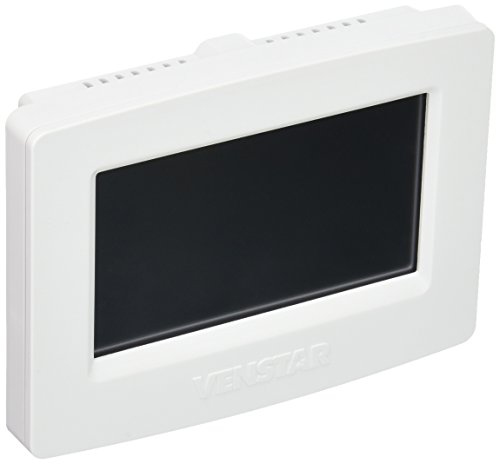


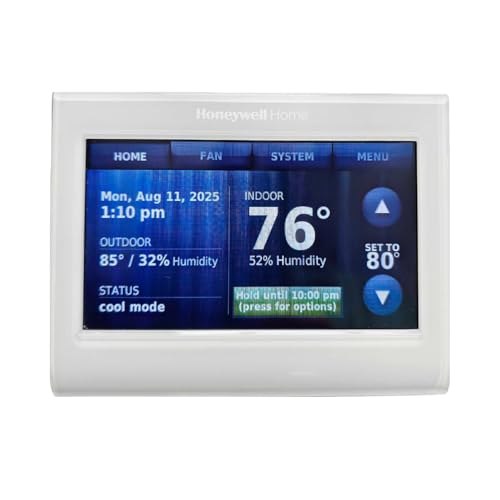
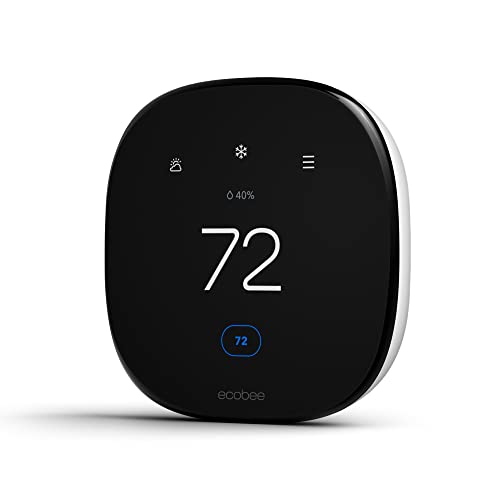
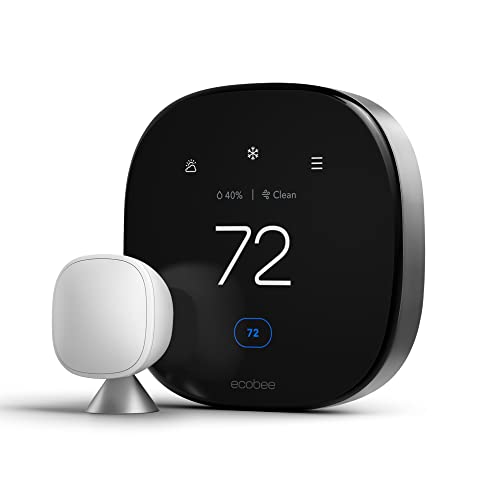
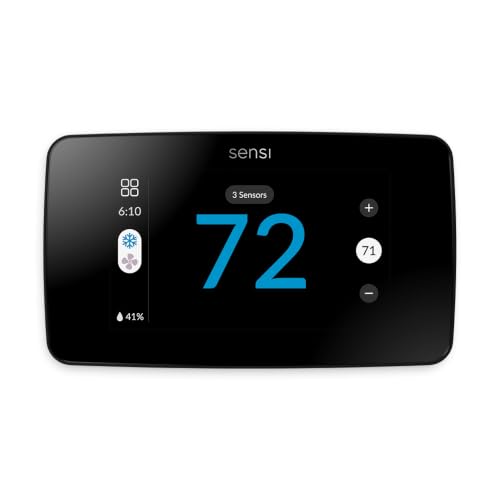
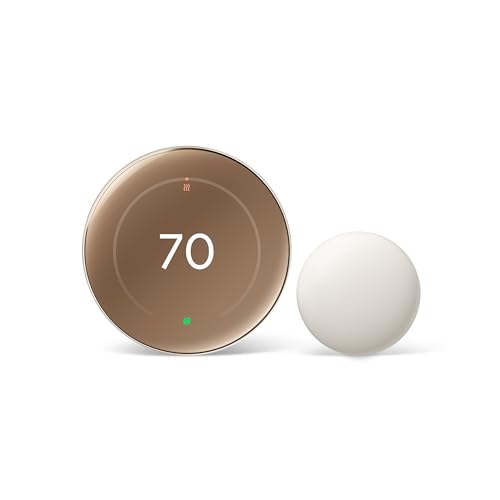
Choosing by Role: What Each Level Should Offer
Think of three levels by the job they do. A thermostat earns its place by controlling your exact equipment, serving your number of zones, and staying simple enough for every manager on duty.
The Balanced Standard for Most Sites
An overall choice for most sites supports common furnaces, air conditioners, and heat pumps, works with remote room sensors, and offers a clear app plus a readable screen at the wall. Scheduling should handle weekdays, weekends, and holidays without workarounds. Expect to pay around $150 to $250 per zone for this level, with the real value coming from fewer comfort complaints and less wasted runtime when rooms sit empty.
Where a Lower Price Still Works
A value choice, often around $80 to $150, covers the essentials well: dependable WiFi, a seven day schedule, vacation holds, and alerts for extreme temperatures. You may give up remote sensors, advanced reports, or support for complex staged equipment. This level suits a single shop or small office with one zone and a simple system, where the manager mainly wants remote checks and a lockable screen.
What Justifies the Step Up
Premium models above about $250 per zone should add multi zone coordination, detailed energy reports, integration with building management tools, and strong access controls for many users. Support for dual fuel systems, humidifiers, and ventilators also belongs at this level. The step up is justified when one building has several tenants, strict opening hours, or equipment expensive enough that early fault alerts prevent a costly closure.
How to Choose the Best Commercial Wifi Thermostat
Start at the air handler, not at the wall. Photograph the control board labels, count the wires at the current thermostat, and note whether your system has stages, a heat pump, or separate heating and cooling equipment.
Room Size and Coverage
Coverage for a thermostat means the zones it can sense and control, not a single square feet figure on a box. A 3,000 square feet floor split into five offices needs either several zones or remote sensors that average temperatures across rooms. One sensor in a hallway cannot represent a glass fronted meeting room. Map sun exposure and occupancy by hour, then place sensing where people actually work and gather.
Smart Controls and Sensors
Remote temperature and occupancy sensors stop the classic problem of cooling a whole floor because one office runs hot. Look for schedules that follow opening hours, geofencing or occupancy rules for irregular days, and lockouts that stop guests or customers from pushing settings to extremes. A smart sensor in the busiest room, paired with limits on how far any single reading can drive the system, usually gives the calmest results.
Installation and Placement
Mount the thermostat on an interior wall about five feet from the floor, away from direct sun, supply vents, exterior doors, and heat from kitchen or server equipment. Wiring decides many choices, so confirm whether a common wire, often called the C wire, is present for steady power. If your building matches the cases in our guide to the best wifi thermostat for commercial buildings, plan the wiring survey before ordering units for every floor.
Noise Level and Quiet Operation
A thermostat itself should be silent apart from a faint relay click, so any real noise in the room comes from the heating and cooling equipment it commands. Short cycling, where the system starts and stops every few minutes, raises noise and wear, and correct staging and cycle settings in the thermostat prevent it. If a new control seems noisy, check fan settings and cycle rate before blaming the wall unit.
Energy Efficiency and Operating Cost
An ENERGY STAR certified control can trim heating and cooling runtime through smarter recovery, occupancy based setbacks, and reports that reveal waste. The biggest savings usually come from honest schedules that match trading hours, plus setbacks of several degrees when the building is empty. Compare likely savings against subscription fees, because a platform that charges per thermostat each month can quietly consume the energy gains on a small site.
Safety Features
Look for equipment protection timers that stop a compressor restarting too quickly, freeze protection that keeps pipes safe in empty buildings, and alerts for high or low temperature sent to more than one manager. Electrical safety matters during installation, so power must be off at the breaker before wires move, and a licensed technician should handle line voltage or unfamiliar control boards. Listings from UL or ETL signal that the device passed recognized safety checks.
Types of Commercial Thermostats
Most buildings end up with a mix of types rather than one model everywhere. Match each area to the simplest type that controls it well.
Single Zone Units
A single zone unit controls one area with one system and suits small shops, cafes, and branch offices. It is the cheapest path to remote control and scheduling, and staff learn it in minutes. Its limit appears when rooms on the same system need different temperatures at the same time. At that point, sensors can average the difference, but only zoning or a second system truly solves it.
Large Building and Multi Zone Units
Multi zone controls coordinate dampers or several separate systems so a lobby, offices, and a warehouse can follow different schedules. These suit sites above several thousand square feet with varied occupancy. They cost more to install and configure, and they reward a proper commissioning visit. For reader comparisons of general ratings and features, see our guide to the best rated wifi thermostat models for smaller properties.
Small Space Units
Compact units for a studio office, a kiosk, or a single treatment room focus on simple controls and a small wall footprint. A clear screen and a partial lock often matter more than advanced reports. Avoid overspending here, because a small space with one door and steady hours gains little from building level software. Spend the savings on a remote sensor if one corner, such as a window seat, always runs warm.
Smart WiFi Models
Smart WiFi models add app control, voice assistant links, usage reports, and over the air updates that improve features over time. They help managers who run several sites from one phone. Their weakness is dependence on network quality and account security, so use a strong password, two step sign in where offered, and a stable business network. Our guide to the best commercial thermostat options without WiFi shows when a simpler control is the safer pick.
Brand and Platform Choices That Affect Daily Use
An installed base matters because staff may already know one app. If your sites already use one ecosystem, our guide to the best honeywell wifi thermostat range explains that platform in depth. Scheduling depth also varies, and our guide to the best wifi programmable thermostat models compares calendar tools for businesses with complex opening hours. Choose the platform your least technical manager can operate at closing time, in the dark, under time pressure.
A know how habit saves many service calls. After installation, stand at the thermostat, call for heating and then cooling from the app, and confirm the correct equipment answers each time while you listen at a vent. Label each zone inside the app with a plain room name and take a photo of the wiring before the cover goes on, so a future technician starts with evidence rather than guesses.
How to Make Your Thermostat Setup Last Longer
- Keep the heating and cooling system filter clean on schedule, because a clogged filter strains equipment and distorts temperature control.
- Replace remote sensor batteries once a year on a fixed date, before a dead sensor silently skews a whole zone.
- Keep supply vents and returns unblocked by stock, displays, or new partitions added after installation.
- Update the app and device firmware during quiet hours, then confirm schedules survived the update.
- Review temperature alerts each season and adjust setpoints gradually, rather than swinging settings after one complaint.
- Wipe the screen and sensor lenses with a dry cloth, since dust on a sensor can bias its readings.
FAQs
What size thermostat do I need for my room?
You do not size a thermostat by room size alone, you size the control setup by zones and equipment. A single room on its own system needs one unit, while a floor with varied sun and occupancy needs remote sensors or zoning. Tell your installer the square footage, ceiling height, and equipment stages, and the right control count follows from how unevenly the space heats and cools.
Where is the best place to put it?
Place it on an interior wall in a regularly used area, about five feet high, away from sun, vents, and exterior doors. A hallway near returning air often reads a fair average for nearby rooms. Avoid kitchens, server closets, and walls behind heat producing equipment. If no wall spot reads fairly, use a remote sensor in the main occupied room and let it lead the average.
How often should I replace the filter?
Replace or clean the system air filter about every one to three months in a commercial space, and more often where doors open all day or dust is heavy. A clogged filter makes rooms heat and cool unevenly, which can look like a thermostat fault. Put the filter date on the same calendar as sensor battery changes, and keep spare filters on site so the job never waits on a delivery.
Do thermostats with WiFi really work for businesses?
Yes, they work well when the network is stable and the control matches your equipment stages and wiring. Remote schedules, alerts, and multi site dashboards solve real management problems, such as a freezer risk warning on a closed weekend. They fail mainly through weak WiFi at the wall, wrong compatibility, or accounts held by a former employee. Fix those three points at installation and reliability is rarely an issue.
Is it expensive to run a thermostat at all hours?
No, the thermostat itself draws only a few watts, so its direct electricity cost is tiny across a year. The real expense is the heating and cooling runtime it commands, which is why setbacks during closed hours matter far more than the control power draw. A schedule that trims runtime by even one hour a day across a large system saves far more than the device uses.
Wrapping Up
Confirm equipment compatibility and wiring first, then plan zones and sensors around how each room is really used, and only then compare apps and screens. The product table above lines up the key control features for a quick check. Chosen that way, a best commercial wifi thermostat setup cuts wasted runtime, ends most setting disputes, and keeps every room ready when your doors open.