Best Commercial Smart Thermostat 2026: Building Control Guide
Disclosure: We may earn a commission when you buy through links on this page, at no extra cost to you. As an Amazon Associate I earn from qualifying purchases. Learn more

The best commercial smart thermostat brings zoning, schedules and remote control to multi room spaces. Compare sensors, compatibility and energy savings.
Heating and cooling a whole business from one dial wastes energy, and the best commercial smart thermostat brings scheduling, zoning, and remote control to multi room spaces. The comparison table below compares zoning support, sensor options, and management tools. A good commercial thermostat keeps staff and customers comfortable, cuts empty hour running costs, and lets managers adjust settings without visiting every room.
Commercial spaces differ from homes in size, occupancy patterns, and system types. Offices, shops, and clinics need schedules that match opening hours, sensors that reflect real room conditions, and controls that prevent constant manual tweaks. This guide explains the features that save energy without sacrificing comfort.

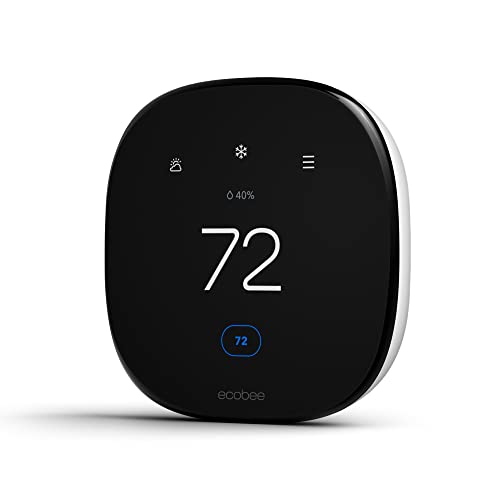
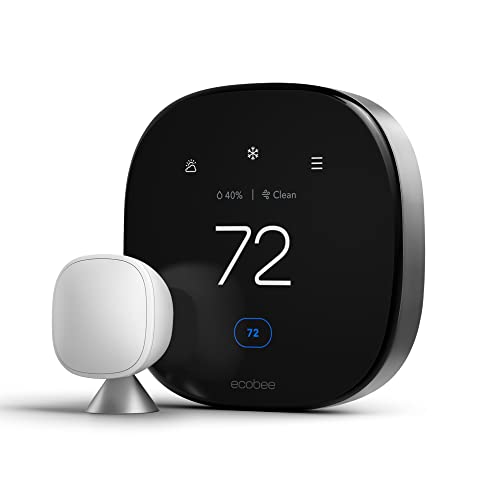


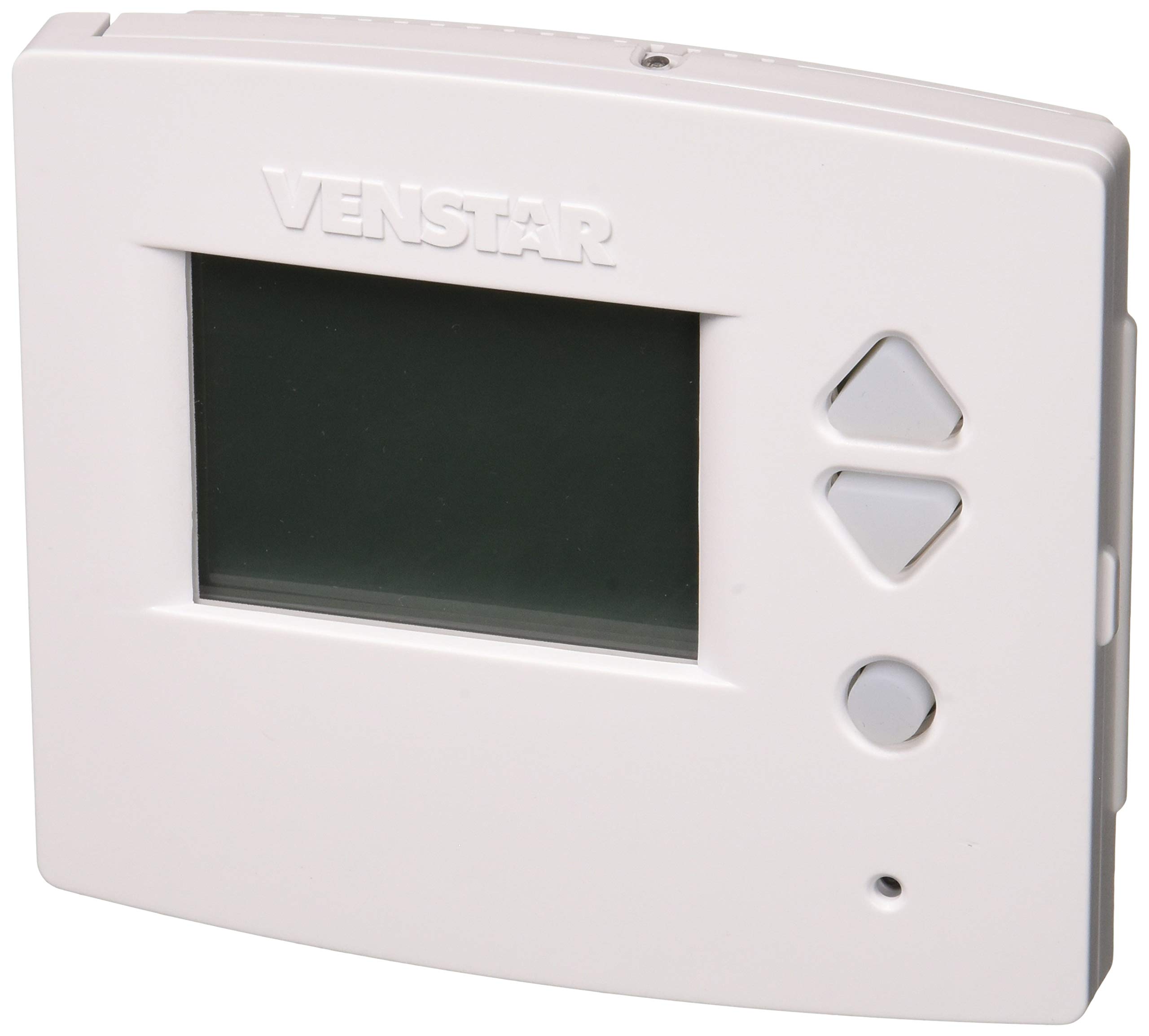
Who Should Buy a Commercial Smart Thermostat
Commercial smart thermostats suit offices, retail shops, clinics, gyms, and multi room venues with set opening hours. Facility managers benefit most, since one dashboard can cover many zones. Small single room shops may manage with a simpler model. If energy bills stay high while rooms feel uneven, or staff constantly adjust a manual dial, a smart commercial system is worth considering.
Key Features Worth Comparing
Zoning and Multi Room Control
Zoning lets different areas hold different temperatures based on use. A sunny shopfront, a cool storeroom, and a busy office rarely need the same setting. Check how many zones the system supports and whether each zone has its own sensor. Good zoning cuts waste in empty rooms while keeping occupied rooms comfortable.
Scheduling Around Opening Hours
Schedules should match real occupancy, not a fixed home style routine. Look for weekday, weekend, and holiday schedules, plus override options for late working or special events. A setback temperature for closed hours saves energy without a cold start in the morning. Test the warm up time so rooms reach comfort before the first staff arrive.
Sensors and Real Room Conditions
Wall sensors can misread a room when placed near doors, windows, or heat sources. Remote sensors in occupied spots give a truer picture of comfort. Some systems average several sensors or prioritise the busiest room. Check sensor placement guidance carefully, since a badly placed sensor undermines even the best thermostat.
Remote Management and Alerts
Remote management lets facility staff adjust settings, check status, and receive fault alerts without travelling to site. Multi site dashboards suit chains and property managers. Alerts for extreme temperatures or system faults help protect stock, equipment, and comfort. Choose a system your team will actually monitor, not just install.
Compatibility and Professional Install
Check compatibility with your heating and cooling system before buying, including heat pumps, multi stage systems, and existing wiring. Commercial systems often need a common wire or an adapter, and some need professional wiring. Use a qualified installer for complex systems, and switch power off at the breaker before any wiring work. A careful install prevents faults and warranty problems later.
Energy Saving Without Discomfort
The best commercial smart thermostat saves energy mainly through habits, not hardware. Setback temperatures, occupancy sensing, and gradual recovery save energy without cold mornings or hot afternoons. Avoid large overnight setbacks that force the system to work hard at startup. Review energy reports monthly and adjust schedules as seasons and opening hours change. Small, steady tweaks usually beat dramatic changes that staff override.
Living With Your Choice
A commercial thermostat pays back when schedules stay current and staff understand the controls. Review schedules each season and after any change in opening hours. Lock settings that should not change, while leaving a clear override path for genuine needs. Train new managers on the dashboard and the alert system. If comfort complaints cluster in one zone, check sensors and airflow before changing the whole building setting.
Inspect sensors and room airflow each season, since a blocked vent or moved sensor undermines even the best schedule. Keep installer contact details and manuals near the main control for future staff.
Related Guides Worth Reading
For the related business model, see best commercial thermostat for non smart commercial options. General smart control background appears in what's the best smart thermostat, and voice control notes are in best smart thermostat alexa.
Seasonal Notes and Long Term Use
For multi room clinics and gyms, set different schedules for treatment rooms, waiting areas, and storage, since each space has different comfort needs. Waiting areas need steady comfort during open hours, while storage can tolerate wider bands. Review complaints by zone rather than building wide averages, which hide local problems. Zone level attention saves energy and improves comfort together.
Before holiday closures, set holiday schedules early and confirm the system enters setback mode as planned. Check that frost protection stays active in cold climates during closures. On reopening, allow a full warm up period before staff arrive rather than rushing the system. A trial run before a long closure prevents cold surprises on return.
When staff turnover occurs, update dashboard access promptly and remove old accounts. Train each new manager on lock ranges, overrides, and alert handling during their first week. Keep a one page guide near the main control with the most common tasks. Good handover habits prevent the slow drift that undermines even a well designed system.
For buildings with solar panels or time based tariffs, align heating and cooling schedules with cheaper energy periods where comfort allows. Pre warming or pre cooling during off peak hours can cut costs without cold mornings. Review tariff changes yearly, since a schedule tuned to last year prices may waste the new rate structure.
Frequently Asked Questions
Can a smart thermostat really cut business energy bills?
A smart thermostat cuts bills mainly through schedules, setbacks, and zoning that stop heating or cooling empty rooms. Savings depend on your current habits, building insulation, and system efficiency. Businesses with long empty hours usually see the clearest gains. Review energy reports after the first few months to confirm the schedule works as intended.
Do commercial thermostats need professional install?
Many commercial thermostats benefit from professional install, especially with multi stage systems, heat pumps, or missing common wires. A qualified installer checks compatibility, wiring, and sensor placement before the system goes live. Simple like for like swaps on compatible systems may suit a skilled maintenance team, but always switch power off at the breaker before touching any wiring.
How do I stop staff changing the temperature constantly?
Use lock ranges and permission levels so staff can adjust within a sensible band but not swing the whole building. Explain the schedule and the override process so people feel heard. A clear comfort policy plus a feedback route reduces secret adjustments. Review override logs to spot zones that need schedule changes.
What happens if the internet goes down?
Most commercial thermostats keep running their last schedule without internet, though remote control pauses until service returns. Local controls at the unit still allow basic temperature changes during an outage. Check the maker guidance for offline behaviour before buying, and choose a model with strong local fallback for critical spaces.
Can one system cover multiple sites?
Many commercial systems offer multi site dashboards that group buildings, zones, and alerts in one view for chains and property managers. Check user permissions so site managers see only their own buildings. Compare subscription costs across all sites, since per site fees add up quickly over a year. A short trial across two sites often reveals permission or reporting gaps before a full rollout.
Final Thoughts
Comfortable, efficient business climate control comes from zoning, schedules, sensors, and remote management working together. Compare those features using the product table above, and confirm system compatibility before buying. Use a qualified installer for complex wiring, and review schedules each season. With the right setup, the best commercial smart thermostat can cut waste while keeping every occupied room comfortable.