
Best Budget Wifi Thermostat 2026: A Clear Buying Guide
Disclosure: We may earn a commission when you buy through links on this page, at no extra cost to you. As an Amazon Associate I earn from qualifying purchases. Learn more

Budget wifi thermostats add phone control and schedules, so this guide explains wifi needs, wiring, and privacy basics in plain language for buyers.
A best budget wifi thermostat adds phone control, remote schedules, and energy reports to the basic programmable idea. You can adjust temperature from the sofa, from work, or while on vacation, which makes it easier to keep a sensible schedule running.
This guide explains wifi requirements, wiring, app features, and privacy basics in plain language. The comparison table below sets out the main budget wifi styles side by side, so you can see which features matter and which are just nice extras.
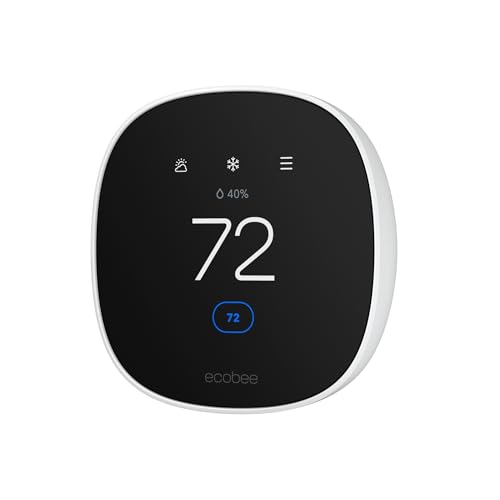


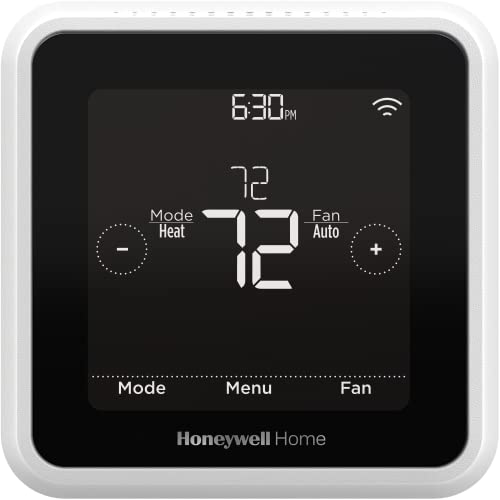
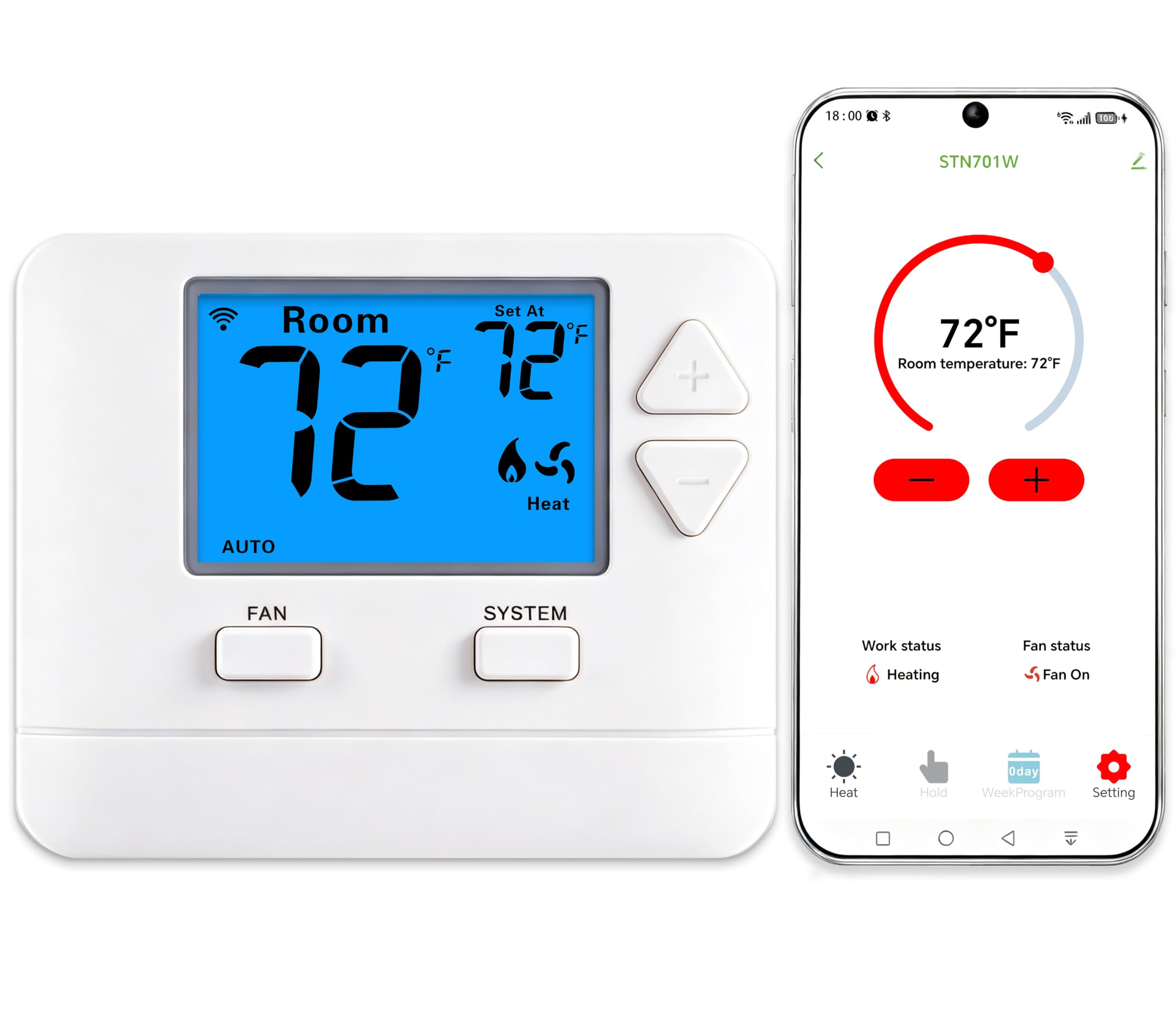
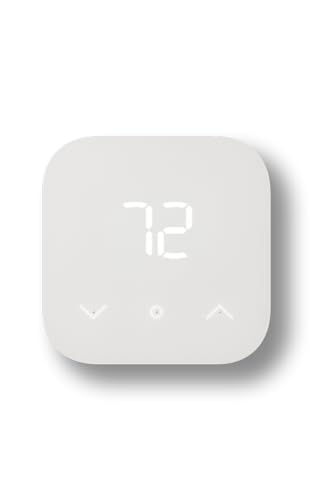
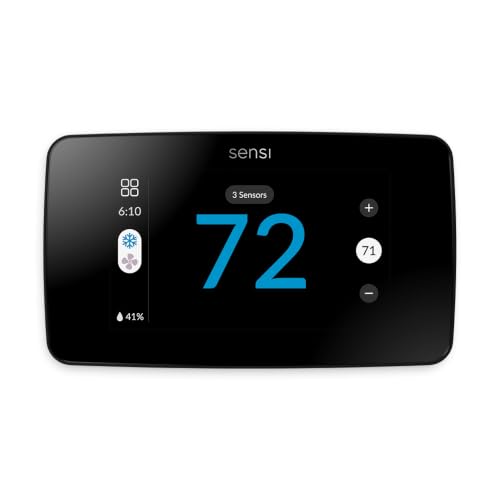
What Wifi Adds Over Basic Programmable Models
Wifi control lets you change temperature, switch modes, and adjust schedules from your phone, which helps when plans change unexpectedly. If you come home early, you can start heating before arrival instead of waiting for a fixed schedule. If you stay away longer, you can extend a setback from anywhere.
Many wifi models also show energy use reports and send filter reminders, which help you spot waste and maintain your system. Geofencing features can adjust temperature automatically as you leave or approach home, though they need location permission and a reliable phone signal to work well.
Key Features Worth Comparing
Wifi Reliability and Router Needs
A thermostat needs a stable 2.4 gigahertz wifi signal, since many budget models do not support faster bands. Check signal strength at the thermostat location before buying, since a weak signal causes dropouts and missed schedule changes. A router or extender nearby solves most connection problems cheaply.
Wiring and C Wire Needs
Most wifi thermostats need a C wire for continuous power, because wifi radios draw more energy than simple displays. Battery power alone rarely sustains wifi reliably. Check your wiring first, and call a qualified installer if you lack a C wire or if wires look damaged.
App Quality and Scheduling
The app is half the product with a wifi thermostat, so its clarity matters. Look for easy schedule editing, clear temperature history, and simple mode switching. Read recent app feedback carefully, since app updates can change features after purchase, for better or worse.
Privacy and Account Basics
Wifi thermostats collect usage data and need an account with the maker. Check what data is collected, how long it is kept, and whether you can delete it. Use a strong unique password and two factor authentication when offered, since a thermostat account should be protected like any home account.
Who Should Buy Which Style
For Busy Households
Families with changing plans benefit most from remote control and flexible schedules. Adjust temperature from school runs, work trips, or vacations without touching the wall unit. Geofencing can automate much of this, but manual app control remains the reliable fallback.
For First Time Wifi Buyers
Simple wifi models with clear apps suit first time buyers best. Avoid paying for learning algorithms or room sensors until you know you want them. A straightforward model that holds a schedule and responds to your phone covers most real needs.
For Rental Homes
Wifi thermostats suit rentals when landlords want remote oversight and tenants want easy control. Keep the manual and account details accessible for tenant changes, and reset the device between tenancies. Simple models with limited settings reduce support calls and confusion.
Mistakes to Avoid
The most common mistake is buying for wifi features while ignoring wiring compatibility. A model without a C wire may fail to stay connected, making remote control useless. The product table above shows the main styles, but wiring checks must come first, before any feature comparison.
Another mistake is trusting geofencing alone. Phone location can lag or misread, leaving your home cold on arrival or heated while empty. Use geofencing as a helper, and keep a solid time based schedule as the backbone of your comfort plan.
Installation and Safety
Switch off power at the breaker before touching any thermostat wires, label each wire, and photograph the old setup for reference. Follow the maker wiring guide exactly, and check heating and cooling modes after installation. If anything looks unfamiliar, call a qualified installer rather than guessing.
After setup, check remote control from another room and from outside your home network if possible. Confirm schedules run correctly, and check that the thermostat reconnects after a router restart. A careful setup avoids most wifi thermostat frustrations later.
If you are still narrowing down the choice, related guides can help you compare nearby options. Readers often compare this guide with best budget thermostat, best honeywell wifi thermostat, best wifi programmable thermostat and best smart wifi thermostat before settling on a final option, since each one covers a slightly different use case. The comparison table above can help you line up the main features side by side before you decide.
Getting the Most From App Control
App control shines when you use it for more than temperature changes. Energy reports reveal patterns, such as rooms overheating on sunny afternoons or schedules running during vacations. Reviewing those reports monthly helps you spot waste that a wall display alone would never show.
Set up alerts for filter changes, extreme temperatures, and system faults if your app offers them. A filter reminder protects efficiency and air quality, while an extreme temperature alert can warn you about heating failures during cold snaps or absences. These quiet features often matter more than flashy scheduling tools.
Share app access carefully in multi person households, since conflicting adjustments frustrate everyone. Agree on basic temperature ranges and schedule rules together, then let the program run. App control works best as a shared tool with clear expectations, not as a remote control battleground.
Router placement can make or break wifi thermostat reliability, especially in larger homes where the thermostat sits far from the router. A weak signal causes missed commands and stale app data, which frustrates users who blame the thermostat itself. Check signal strength at the wall location with your phone before installation, and consider a wifi extender if the signal reads weak. This simple check prevents most connectivity complaints.
Firmware updates for wifi thermostats sometimes add features or fix bugs, so allow automatic updates when offered and check release notes occasionally. Updates usually install overnight without disrupting schedules, but a quick check after major updates confirms settings remain as you left them. Staying updated keeps both features and security current.
Voice control through a smart speaker can simplify daily adjustments, letting you change temperature hands free while cooking or working. Confirm compatibility with your voice platform before relying on it, and check basic commands after setup. Voice control works best as a supplement to schedules, not as a replacement for a well programmed routine.
Frequently Asked Questions
Do budget wifi thermostats need a C wire?
Most do, because wifi radios need continuous power that batteries alone cannot reliably supply. Check your existing wiring before buying, and look for a C wire among the thermostat wires. If you lack one, a qualified installer can usually add one safely. Some models include power adapters, but they still need correct wiring.
What happens if my wifi goes down?
The thermostat keeps running its programmed schedule locally even without wifi, so your home stays comfortable. You simply lose remote control and energy reports until the connection returns. Once wifi restores, most models reconnect automatically and resume normal app control. A solid local schedule is therefore essential, not optional, and most models also store several days of schedule locally, so even a longer outage rarely disrupts comfort.
Can a wifi thermostat work with a heat pump?
Many can, but heat pump compatibility needs careful checking, especially for auxiliary heat control. Wrong settings can trigger expensive auxiliary heat unnecessarily, wiping out savings. Use the maker compatibility guide for your exact system, and consider professional setup for heat pump homes. Check all modes after installation, including heating, cooling, and auxiliary modes, to confirm everything works as expected.
Are wifi thermostats safe from hacking?
No connected device is fully immune, but strong unique passwords, two factor authentication, and regular app updates reduce risk substantially. Keep your home router firmware updated and avoid sharing thermostat account details. Choose makers with clear privacy policies and a history of security updates for their products. Avoiding public wifi for thermostat setup and keeping passwords private adds another layer of protection.
Do I need a hub for a budget wifi thermostat?
Most budget wifi thermostats connect directly to your home wifi and need no separate hub. Voice assistant integration usually works through the maker app and your existing smart speaker or phone. Check compatibility with your preferred voice platform before buying if voice control matters to you. If you later add room sensors, check whether those accessories need a hub even when the thermostat itself does not.
Final Thoughts
Choosing a best budget wifi thermostat is about reliable wifi, correct wiring, and an app you actually enjoy using. Get those three right, and remote control becomes a daily convenience rather than a source of frustration.
Check your signal, confirm your wiring, and set a solid local schedule first. The features in the table above then add comfort on top of a system that already works well.


