Best Commercial Surveillance Cameras: Types Compared and How to Choose for 2026
Disclosure: We may earn a commission when you buy through links on this page, at no extra cost to you. As an Amazon Associate I earn from qualifying purchases. Learn more

Compare the best commercial surveillance cameras by coverage, power, storage and night vision to find the layout that fits your business.
Shopping for best commercial surveillance cameras can feel confusing because the types look similar at first glance. A fixed camera, a solar camera, and a wired system all record video, yet they suit very different buildings, budgets, and mounting points. This guide compares the main types directly so you can see the trade offs before you buy.
The comparison table below sets out each type, its best use, and its typical price range. Read it first, then use the choosing guide further down to match a type to your entrances, yards, and indoor areas. A type that works well in a small office may struggle in a large yard, and vice versa.


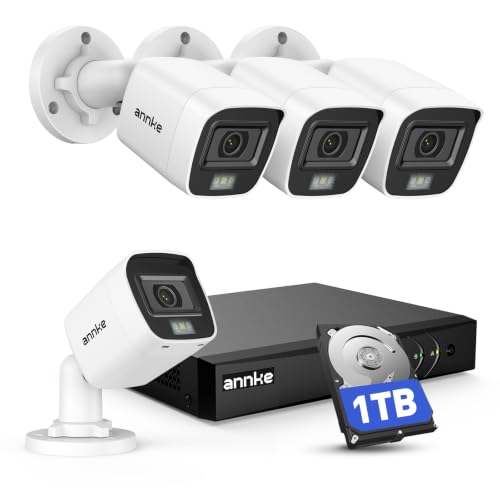
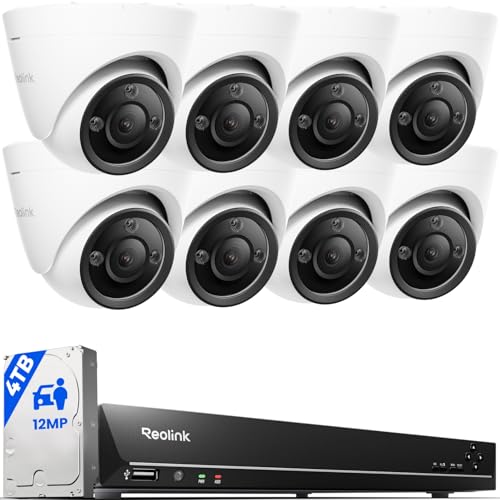
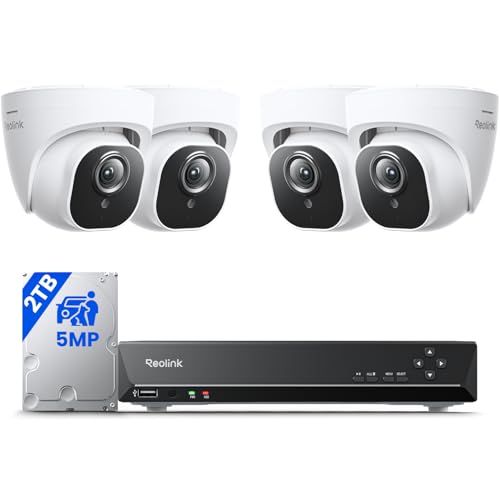
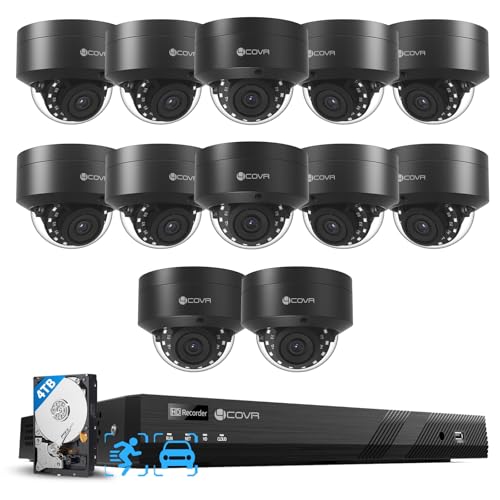
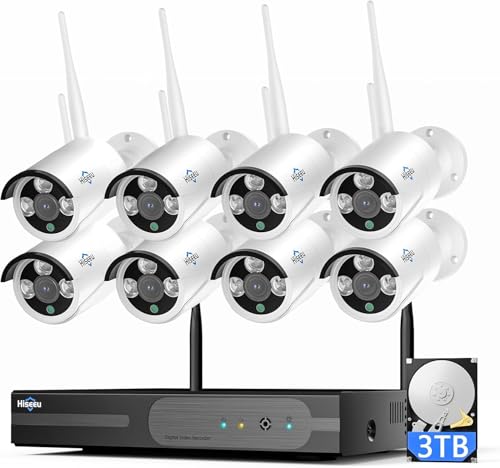

Types of Commercial Surveillance Cameras Compared
| Type | Best For | Pros | Cons | Typical Price |
|---|---|---|---|---|
| Fixed dome and bullet cameras | Entrances, tills, and corridors | Steady view, clear detail, easy to aim | Fixed view, needs power and network | About $40 to $250 |
| Solar powered cameras | Yards, gates, and remote corners | No mains wiring, flexible placement | Needs sunlight, battery limits in winter | About $80 to $300 |
| Wired camera systems | Multi camera sites and large buildings | Stable connection, central storage | Higher install effort, less easy to move | About $200 to $900 |
Fixed Dome and Bullet Cameras
Fixed cameras are the workhorse of most business premises. A dome camera sits close to a ceiling and suits indoor areas where a discreet look matters, while a bullet camera projects further from a wall and suits entrances and outdoor walls. Both give a steady, predictable view, which makes it easier to aim at a doorway, a till, or a corridor and keep that view day after day. They need power and a network link at the mounting point, so plan cable runs early.
Their main limit is a fixed view: if activity moves outside the frame, the camera will not follow it. For a shop or office with clear choke points, that steady view is often exactly what you need.
Solar Powered Cameras
Solar cameras use a panel to charge a battery, so they can sit where mains power is hard to reach. They suit gates, far corners of a yard, farm buildings, and temporary sites where running cable would be costly. Placement matters more than with other types: the panel needs direct sunlight for much of the day, and shade, short winter days, or heavy use can drain the battery faster. Check how the camera behaves in low charge, and whether it still records locally when it cannot upload.
For a remote spot with good sun, a solar camera can be a practical answer. For a shaded or high traffic area, a wired camera may serve better.
Wired Camera Systems
A wired system links several cameras to a central recorder, often with power carried over the same cable. This setup suits larger premises, warehouses, and sites with many cameras, because it gives a stable connection and one place to review footage. Installation takes more planning, since cables must reach every camera and the recorder needs a secure, ventilated spot.
Once installed, though, the system is less affected by wireless interference and does not rely on batteries. If you expect to add cameras over time, check how many channels the recorder supports and whether it can handle higher resolution cameras later.
Fixed Cameras vs Solar Powered Cameras: Which Should You Choose?
Choose fixed cameras when you need a reliable view of a specific spot, such as an entrance, a loading bay, or a till. They give consistent video, steady power, and predictable storage, and they work well indoors and in lit outdoor areas. Choose solar cameras when power access is the main problem, such as a distant gate or a yard corner far from the building. Compare the two on five points: power access, sunlight, coverage area, storage, and upkeep.
Fixed cameras win on reliability and detail, while solar cameras win on placement freedom. Many businesses use both, with fixed cameras on the building and solar cameras covering the outer edges of the site.
How to Choose the Best Commercial Surveillance Cameras
After choosing a type, the next step is to compare features that affect everyday use. The points below apply to all types, but their weight changes with your premises. A yard camera needs weather sealing and night vision more than a corridor camera does, while an entrance camera needs detail more than a wide view.
Video Resolution and Field of View
Resolution and field of view work together. A wide angle camera covers a whole yard or sales floor, but faces and plates become harder to read at distance. A narrower camera covers less area but holds more detail, which suits a doorway or a checkout.
Think about mounting height and distance for each spot, and test the view if you can before fixing mounts. For outdoor walls and perimeters, see our guide to best surveillance cameras outdoor and plan overlap so no gap sits between two views.
Night Vision: Infrared vs Color
Infrared night vision gives a grey scale image in near darkness and suits unlit yards and car parks. Color night vision keeps color detail but needs some light, either from street lights, a porch light, or a built in spotlight. Walk the site after dark and note which areas stay dark and which already have light.
A camera that relies on color at night will disappoint in a fully dark yard, while an infrared camera will still give a usable image. Check the stated night range too, since it often assumes ideal conditions rather than rain, fog, or a wide open space.
Privacy and Security
Surveillance footage needs protection of its own. Use strong, unique passwords, enable two factor authentication, and limit viewing access to staff who need it. Review who holds admin rights, and remove accounts promptly when staff leave. Follow local placement, recording, and consent rules, keep bedrooms and bathrooms camera free, and use clear notices where recording takes place.
No camera system can guarantee privacy or security, so treat account control and placement as part of the purchase. For a home style setup used in a small business, see our guide to best home surveillance cameras and compare its access controls with a business system.
Power Options: Wired, Battery, Solar, PoE
Power choice shapes installation cost and reliability. Wired power suits fixed cameras in a building, while power over ethernet carries power and data on one cable to a recorder, which simplifies multi camera installs. Battery cameras are easy to place but need regular charging or swapping, which becomes a chore across many cameras. Solar charging eases that burden where sunlight is good, but it still depends on weather and season.
Match the power type to each spot rather than forcing one type across a whole site. A qualified installer can advise if wiring or power capacity is unclear.
Smart Detection and Alerts
Detection decides whether alerts help or overwhelm staff. Person and vehicle detection can filter out wind, rain, and passing animals, while activity zones focus alerts on entrances and stock areas. Set zones carefully during the first week, and review false alerts after busy periods.
Check whether detection runs on the camera, on the recorder, or in the cloud, since that affects speed and subscription cost. For a system that also covers security duties, see our guide to best security surveillance cameras and compare its detection options with a pure surveillance setup.
Care and Maintenance Tips
Mount cameras 8 to 10 feet high where possible, high enough to deter tampering but low enough to capture faces. Clean lenses regularly, since dust and spider webs blur footage fast. Position cameras away from direct sun glare, and check each view in morning and evening light. Enable two factor authentication, update firmware when available, and review a sample recording each month to confirm time stamps, night vision, and storage still work.
For a simpler fixed camera setup, see our guide to best commercial cameras and compare mounts before you drill. For outer areas beyond the building line, see our guide to best outside surveillance cameras and check weather sealing after heavy rain.
FAQs
Do commercial surveillance cameras need a subscription?
Not necessarily, since many systems record to a local card or recorder without a monthly fee. Local storage suits businesses that want fixed costs and footage kept on site. A subscription usually adds cloud backup, longer retention, or smarter detection, and the cost grows with camera count.
Add up the full monthly total for every camera before you decide, and check what keeps working if you cancel. Some systems keep live viewing and local recording without a plan, while others limit playback or detection.
Are commercial surveillance cameras easy to hack?
No camera system is fully safe from attack, but careful setup closes the most common gaps. Use strong, unique passwords, enable two factor authentication, and update firmware promptly. Limit admin access to a few trusted people, and remove old accounts when staff leave. Keep cameras off a public guest network where possible, and avoid sharing live links widely.
Review login activity from time to time, and treat any unknown access as a reason to change passwords at once. These habits do not guarantee security, but they make an attack far harder.
How much storage do commercial surveillance cameras need?
Storage depends on how many cameras you run, their resolution, how often they record, and how long you keep footage. Motion only recording uses far less space than round the clock recording, but it relies on detection settings catching every event. A small site with a few cameras may keep a week or two of motion clips on modest storage.
A large site with many high resolution cameras will need a much larger recorder or cloud plan. Set your retention target first, then ask for an estimate based on your exact camera count and recording mode.
Can commercial surveillance cameras work without WiFi?
Yes, wired systems and local recorders work without WiFi, and some cameras use a cellular link instead. A wired setup suits a building with cable runs to a central recorder, and it keeps recording even when the internet drops. Solar and battery cameras may still need a network link to send alerts, so check whether they store locally during an outage.
Ask how live viewing, playback, and alerts behave offline, and test that behavior before you depend on it. For remote spots, a cellular camera can bridge the gap where no wired network exists.
Wired or wireless: which is more reliable for surveillance?
Wired cameras are usually more reliable for fixed business sites, since they avoid wireless interference, battery drain, and signal gaps through thick walls. They suit entrances, corridors, and yards where cameras stay in place for years. Wireless cameras are easier to install and move, which suits rented premises, temporary cover, or spots where cabling is impractical.
Their reliability hinges on signal strength and power access at each mount. A mixed site often works best, with wired cameras on key views and wireless cameras filling gaps.
The Bottom Line
Start with your site map, not a feature list. Mark entrances, yards, stock areas, and blind spots, then match each spot to a type: fixed cameras for steady detail, solar cameras for remote spots with good sun, and wired systems for multi camera sites. Check power, light, storage, and local recording rules before you order.
Review the product table above once more, and choose the mix that staff can maintain and review with confidence. The right combination of best commercial surveillance cameras is the one that covers your premises fully without adding complexity you will not use.