Best Commercial Printers: Office, Photo and Specialty Types Compared for 2026
Disclosure: We may earn a commission when you buy through links on this page, at no extra cost to you. As an Amazon Associate I earn from qualifying purchases. Learn more
The best commercial printers match your volume, output type and running costs. Compare office laser, photo, all in one and 3D machines before you invest.
A commercial printer is a business investment, not just a bigger home printer. The best commercial printers for a print shop differ sharply from those for a busy office or a photo studio. The comparison table below previews the main types, and this guide explains how volume, print quality, and running costs should drive your choice.
This guide compares office, laser, photo, and 3D commercial printers, covers total cost of ownership, and lists the questions to ask before signing a lease or purchase. No product rankings appear here, only the business logic that prevents an expensive mismatch.




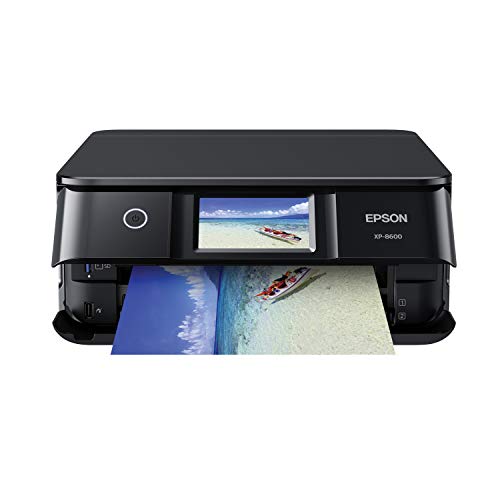

Types of Commercial Printers Compared
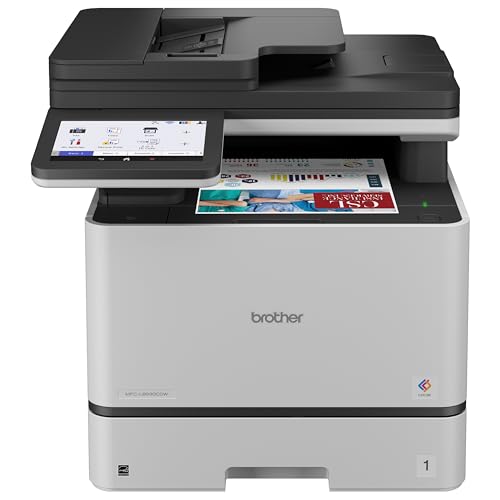
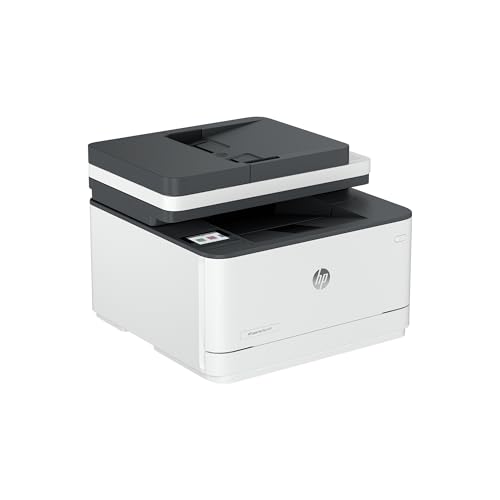
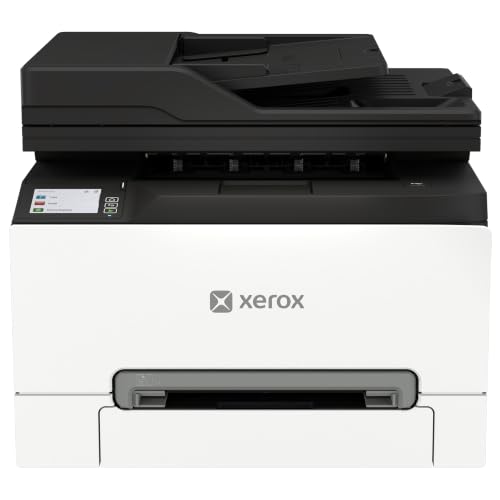
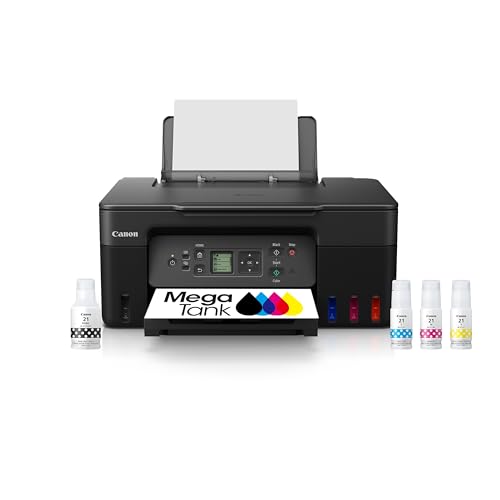
| Type | Best For | Typical Price |
| Office laser printer | High volume documents | About $500 to $3000 |
| All in one office printer | Scanning and copying | About $400 to $2500 |
| Photo printer | Studio quality prints | About $300 to $2000 |
| FDM 3D printer | Prototypes and parts | About $300 to $5000 |
Office Laser Printers
Office laser printers handle high volume text documents fast, with sharp output and a low cost per page. They suit businesses printing hundreds of pages daily, from invoices to reports. Toner cartridges last longer than inkjet cartridges, which reduces refill interruptions.
Laser printers struggle with photo quality compared with inkjets, since toner dots are coarser. They also cost more upfront, though the per page saving often repays that premium within a year at high volumes. Check duty cycle ratings to confirm the printer matches your monthly volume.
Photo Printers
Photo printers use multiple ink colors and fine droplet sizes to reproduce smooth gradients and accurate skin tones. They suit studios, labs, and businesses selling prints. Paper choice matters as much as the printer, since glossy, matte, and fine art papers render color differently.
Photo printing costs more per page than document printing, because ink coverage is far higher. Factor paper and ink together when comparing costs, and check whether the printer supports the paper sizes your clients actually order. A printer that cannot handle your largest print size limits your offerings.
FDM 3D Printers
FDM 3D printers build objects layer by layer from melted filament, which suits prototypes, jigs, and low volume parts. They open new services for engineering shops and makerspaces, but they need more operator skill than paper printers. Print times run in hours, not seconds, so throughput planning matters.
Material choice affects strength, finish, and cost. PLA is easy and cheap, while ABS and nylon offer tougher parts but need ventilation and higher temperatures. Check build volume against your largest part, since a printer that is too small forces awkward splits and joins.
All in One Printers
All in one printers combine printing, scanning, copying, and sometimes faxing in one machine. They suit offices that need document handling without separate devices. Scanning quality and speed matter as much as print speed for businesses digitizing records.
All in one machines compromise slightly on each function compared with dedicated devices. A business that scans thousands of pages weekly may still need a dedicated scanner. Weigh floor space savings against the performance of each function before choosing an all in one.
How to Choose the Right Commercial Printer
Volume and Duty Cycle
Monthly volume is the first number to pin down. Count pages printed in a typical month, including peaks, and compare that with the printer duty cycle. Running a printer near its maximum duty cycle constantly wears parts faster, so choose a machine rated comfortably above your peak.
Also consider peak bursts, such as month end reports or event printing. A printer that handles average volume but chokes on peaks will bottleneck your business at the worst moment. Buffer capacity matters as much as average throughput.
Print Quality and Resolution
Resolution numbers alone mislead, since droplet size, ink type, and paper matter as much as dots per inch. For documents, sharp text at normal reading distance matters most. For photos, smooth gradients and accurate color matter more than maximum resolution.
Request sample prints on your actual paper before buying. Compare text sharpness, color accuracy, and banding under normal office light. A sample print tells you more than a specification sheet ever will.
Running Costs and Total Ownership
Running costs include ink or toner, paper, maintenance kits, and electricity. Calculate cost per page for your typical mix, not just the headline cartridge price. A cheap printer with expensive cartridges costs more over two years than a pricier printer with cheap supplies.
Service contracts change the equation too. A contract with fast response and included parts suits businesses that cannot tolerate downtime. A pay as you go approach suits low volume users with a backup printer. Compare total cost over three years, not just purchase price.
Connectivity and Mobile Printing
Modern offices need network printing, mobile printing, and secure release features. WiFi, ethernet, and cloud printing let staff print from phones and laptops without desk tethering. Secure release, where jobs print only when the user badges in, protects confidential documents.
Check compatibility with your operating systems and cloud tools before buying. A printer that cannot talk to your workflow will frustrate staff daily. Test mobile printing during a trial if possible, since setup complexity varies widely.
Related printer guides narrow the choice by segment. Articles about best commercial 3d printers cover additive manufacturing, while best commercial office printers, best commercial photo printers, and best commercial laser printers focus on office, photo, and laser segments.
Planning Printer Placement and Workflow
Even the best commercial printers lose value in the wrong spot. Printer placement affects productivity more than most businesses expect. A centrally located printer reduces walking time for staff, while a printer tucked in a distant room creates bottlenecks and forgotten print jobs. Place high volume printers near the teams that use them most, and keep paper and toner supplies beside the machine so refills do not become a separate errand.
Workflow integration matters too. A printer that connects to your document system, scans directly to shared folders, and supports secure release saves staff time daily. Train staff on basic tasks like clearing jams, replacing toner, and using scan to email, so minor issues do not wait for IT. A short printed guide beside the machine prevents most support calls.
Finally, plan for downtime. Even reliable printers jam and need service, so keep a backup plan for critical printing days. A second smaller printer, or a nearby print shop relationship, covers month end reports and client deadlines when the main machine is down. Downtime planning costs little and saves real stress when it matters.
Frequently Asked Questions
How much does a commercial printer cost to run?
Running costs vary widely by type and volume, but toner or ink usually dominates the total. Calculate cost per page by dividing cartridge price by its rated page yield for your typical coverage. Add paper, maintenance kits, and electricity for a full picture. High volume businesses often find laser printers cheapest per page for documents.
Should I lease or buy a commercial printer?
Leasing suits businesses that want predictable monthly costs, included service, and regular upgrades. Buying suits businesses with stable needs and staff who can handle basic maintenance. Compare total cost over the lease term against purchase plus service. Leasing also preserves capital for other investments, which matters for growing businesses.
What duty cycle do I need?
Choose a printer rated comfortably above your peak monthly volume, not just your average. A printer rated for 10,000 pages a month suits a business printing 5,000 to 7,000 pages at peak. Running near maximum duty cycle constantly shortens service life. Leave headroom for growth and seasonal peaks.
Can one printer handle both documents and photos well?
One printer can handle both adequately, but dedicated machines do each job better. Inkjet all in one printers print photos well and documents acceptably, while laser printers excel at documents but lag on photos. If photo quality drives revenue, keep a dedicated photo printer alongside a document workhorse.
How important is print resolution?
Resolution matters less than most buyers think, since ink, paper, and droplet control affect output quality as much as dots per inch. For documents, 600 dots per inch already gives sharp text. For photos, smooth gradients and color accuracy matter more than maximum resolution. Always judge sample prints on your own paper.
How do I reduce commercial printing costs?
Reduce printing costs by setting duplex printing as the default, using draft mode for internal documents, and tracking usage by department. Replace personal desktop printers with shared workgroup machines, which cost less per page. Review cartridge yields against actual coverage, and renegotiate service contracts annually. Small policy changes often cut printing costs noticeably within months.
Final Thoughts
A commercial printer should match your volume, your output type, and your total cost over years, not just your purchase budget. Compare the types in the product table above, request sample prints, and calculate cost per page honestly. A decision about the best commercial printers made on those business grounds will serve your company far longer than one made on headline price alone.