Best Commercial Printers for Small Business: Speed, Costs and Paper Handling for 2026
Disclosure: We may earn a commission when you buy through links on this page, at no extra cost to you. As an Amazon Associate I earn from qualifying purchases. Learn more
The best commercial printers for small business keep cost per page low and jobs moving. Compare laser, color and all in one types, duty cycles and support.
A small business printer works every day on invoices, shipping labels, contracts and the occasional marketing flyer, so the best commercial printers for small business are judged on cost per page, paper handling and reliability rather than the lowest sticker price. A shop that prints a few pages a day and an office that prints hundreds need different machines.
This guide explains the printer types that suit a small business, the numbers worth comparing and the habits that keep a printer running. The product table above lines up models once you know your daily volume and the paper you use.


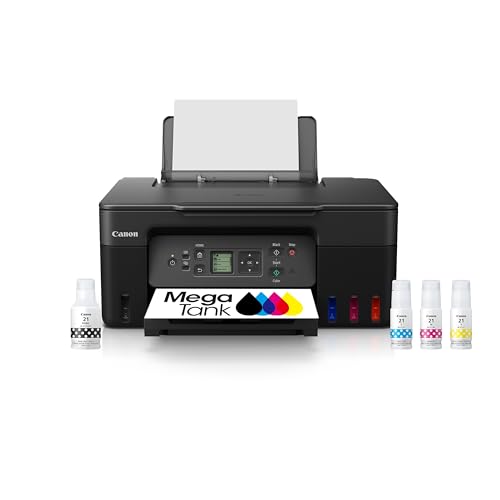
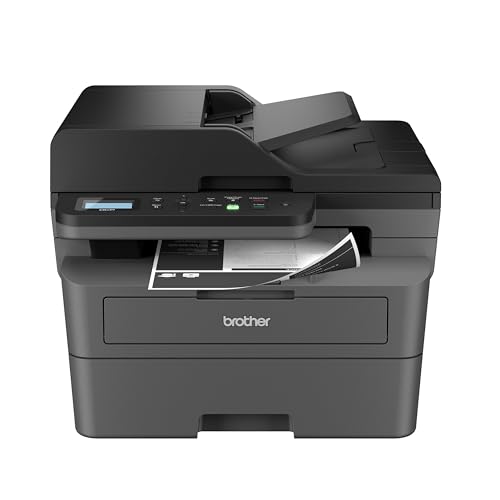

Which Commercial Printers for Small Business Fit Your Work
Monochrome laser printers
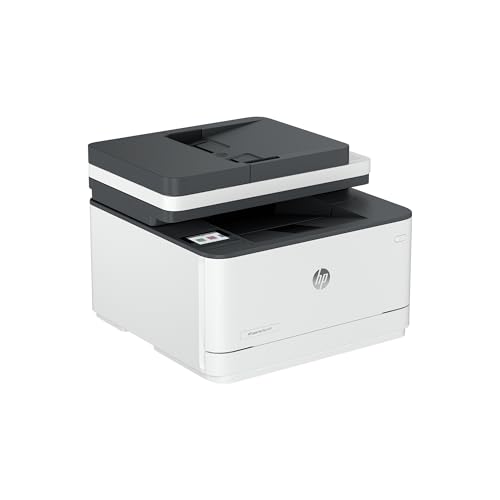
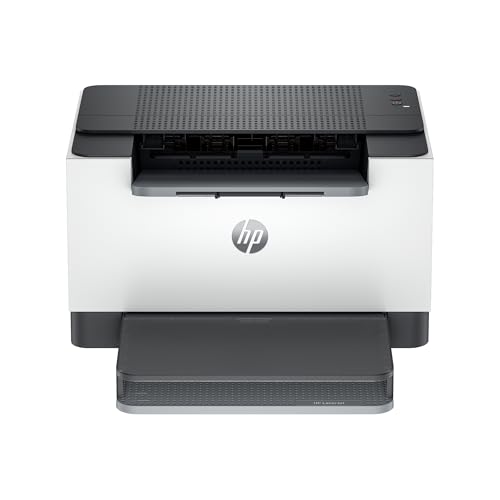
Monochrome laser printers are the workhorse for text heavy offices. They print crisp pages quickly, high yield toner keeps cost per page low, and the engines are built to run all day. They suit invoices, forms, reports and contracts. See the best office printers for small business if documents are most of your volume.
Color laser printers
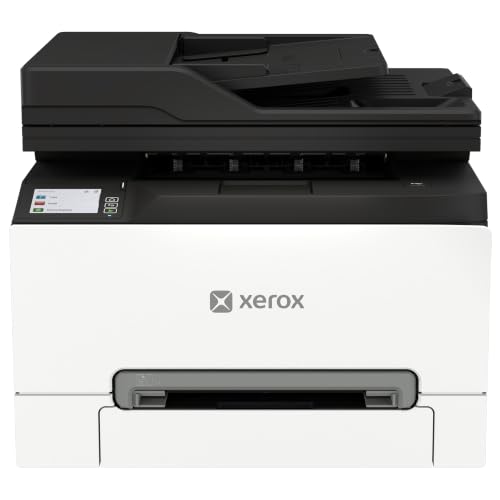
Color laser printers add brochures, price lists and branded documents to the mix. Toner costs more than monochrome, so check the price of a full set and the pages each cartridge yields. If color matters for client work, read about the best color printers for small business.
All in one and multifunction printers
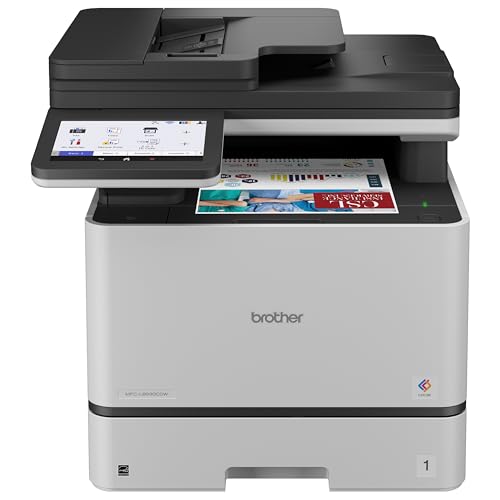
All in one printers add scanning, copying and sometimes faxing, which replaces several devices in a small space. An automatic document feeder saves time when you scan multipage files. Our guide to the best multifunction printers for small business compares feeder and scan features.
Ink tank printers
Ink tank printers use refillable bottles instead of cartridges, so cost per page drops sharply for color heavy work. They suit businesses that print flyers and photos regularly. They are slower than laser for plain text, so check the print speed against your busiest hours.
Label printers
Businesses that ship products or tag stock should consider a dedicated thermal label printer, which uses no ink and prints sticky labels quickly. See the best label printers for small business for the main options.
Numbers Worth Comparing
When you shortlist the best commercial printers for small business, compare the same few numbers across every model. Start with monthly volume. Count pages in a typical month, including busy weeks, and compare it with the printer duty cycle. A printer rated well above your peak lasts longer than one run near its limit. Then compare cost per page: divide the price of a toner set or ink refill by its page yield, and add paper. A cheap printer with expensive cartridges often costs more over two years than a pricier model with high yield supplies.
Check speed in pages per minute for your usual job, and look at first page out time if your staff print many short jobs. Duplex printing halves paper use for double sided work, and a paper tray that holds a full ream means fewer refills. If you print envelopes or labels, confirm that a bypass slot supports them.
Connectivity and Security
Ethernet is more stable than WiFi in busy offices, while WiFi suits a small space with few users. Confirm the printer works with your computers and phones, and that you can print from a tablet if staff work away from desks. Update firmware, change the default admin password and limit who can reach the printer on your network, since an unmanaged printer is a weak point.
Everyday Use and Care
A printer that gets steady care stays reliable for years, and a little routine goes a long way. Keep paper dry and stored flat, use the supplies the maker recommends and run cleaning cycles only when print quality drops. Keep a spare toner set so a busy day never stalls, and note the date you install each cartridge so you can track real yield. Place the printer where it has room to open covers and clear jams.
Budget Bands
Monochrome laser printers often cost from about one hundred to a few hundred dollars, color laser multifunction models run a few hundred to over a thousand, and ink tank models sit in between. Compare total cost, including a full set of supplies for the first year, rather than the printer price alone.
Common Mistakes to Avoid
- Judging by printer price alone, which hides expensive cartridges and low page yields.
- Buying far above or below your monthly volume, which wastes money or wears the printer out.
- Skipping a check of envelope, label and duplex support when your work needs them.
- Leaving default passwords and old firmware on a networked printer.
Frequently Asked Questions
How do I choose the right printer size for a small business?
Count your pages in a busy month and choose a printer with a duty cycle comfortably above that number. Check the footprint with the trays and covers open, and make sure there is room to clear jams.
How much should a small business spend on a commercial printer?
Many small offices find a good monochrome laser printer for a few hundred dollars, while color laser and multifunction models cost more. Compare the first year cost of supplies, not just the purchase price.
What features matter most for a small business printer?
Print speed for your usual jobs, cost per page, duplex printing, paper handling for envelopes and labels, and reliable network printing matter most. Extras such as touch screens are less important than steady daily output.
Should a small business buy laser or ink tank?
Laser suits text heavy work with steady volume, while ink tank suits color heavy printing at low cost per page. Compare your mix of black and color pages to decide.
How do I care for a commercial printer so it lasts?
Follow the maker care guide, keep paper dry, use recommended supplies and clean the paper path as the manual directs. Keep firmware current and book service when jams or streaks become frequent.
Final Thoughts
Match the printer type to your daily volume and paper, compare cost per page honestly and plan for support. Use the product table above to shortlist models, and check the total first year cost before you order. Chosen that way, the best commercial printers for small business become a quiet part of the day instead of a constant interruption. For a wider look at the category, see our guide to the best printers for small business.