Best Commercial 3D Printers of 2026: Complete Buying Guide
Disclosure: We may earn a commission when you buy through links on this page, at no extra cost to you. As an Amazon Associate I earn from qualifying purchases. Learn more

Compare the best commercial 3d printers by build volume, materials, reliability and running cost for studios and small workshops.
Choosing best commercial 3d printers is a production decision, not just a purchase, because build volume, material range, and reliability affect every job you take on. A machine that prints well once but fails on long runs will cost time and client trust. This guide focuses on production needs first.
Commercial printers serve workshops, design studios, and small factories that need repeatable parts, not just prototypes. They must run for hours, use engineering materials, and produce consistent results. The sections below explain technology, size, and running cost. The comparison table below gives a quick overview of the main types before the detailed guidance that follows.



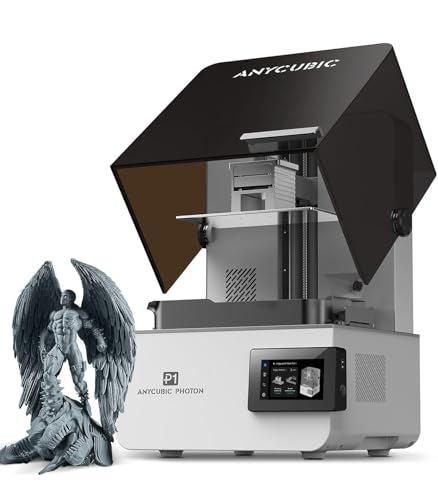
Who Should Buy the Best Commercial 3D Printers
Production goals decide which commercial printer makes sense for your workshop.
For Design Studios
A design studio needs fine detail, smooth surfaces, and fast iteration for client models. Resin and high resolution machines suit visual models and small detailed parts. Check post processing time, because cleaning and curing add to every job.
For Engineering Workshops
An engineering workshop needs strong, functional parts in materials that handle heat and load. FDM machines with engineering filaments suit brackets, jigs, and fixtures. Build volume and material range matter more than fine surface finish here.
For Small Production Runs
A small production run needs repeatability across many identical parts. Reliability, easy maintenance, and consistent print quality matter most. Look for enclosed chambers, good bed adhesion, and clear service support.
Types Compared
The main technologies serve different part types, and choosing the wrong one wastes material and time.
| Type | Best For | Typical Price |
|---|---|---|
| FDM Printers | Functional parts | about $2,000 to $8,000 |
| Resin Printers | Fine detail | about $1,500 to $6,000 |
| Industrial FDM Systems | Large production | about $8,000 to $20,000 |
FDM Printers
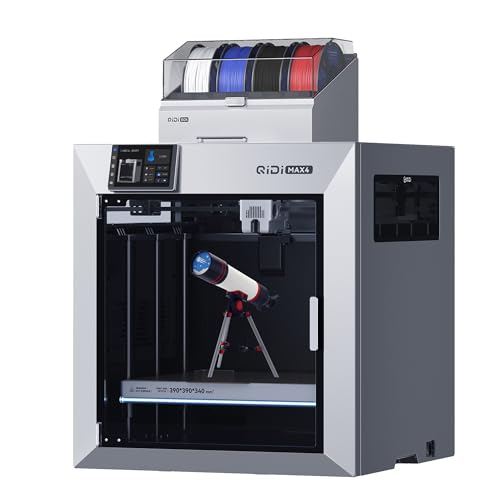
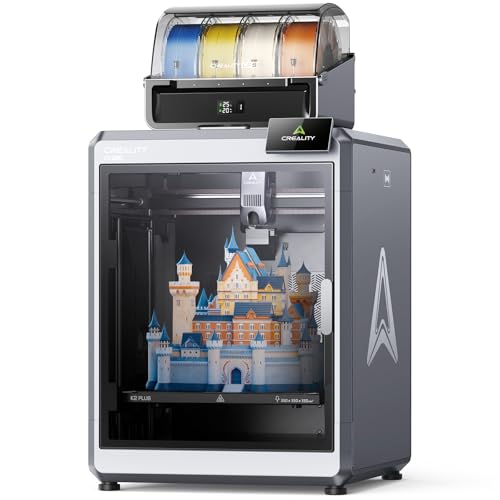
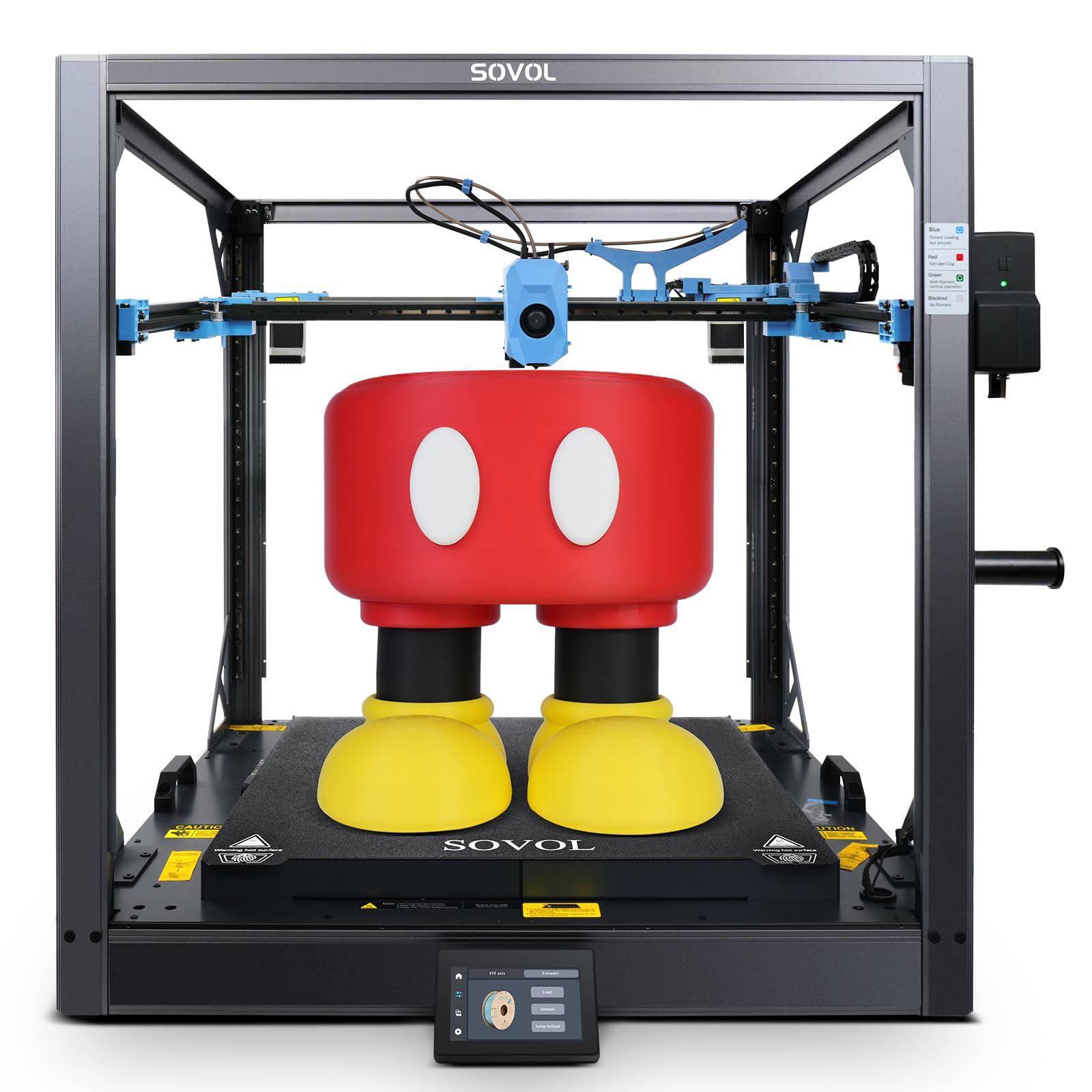
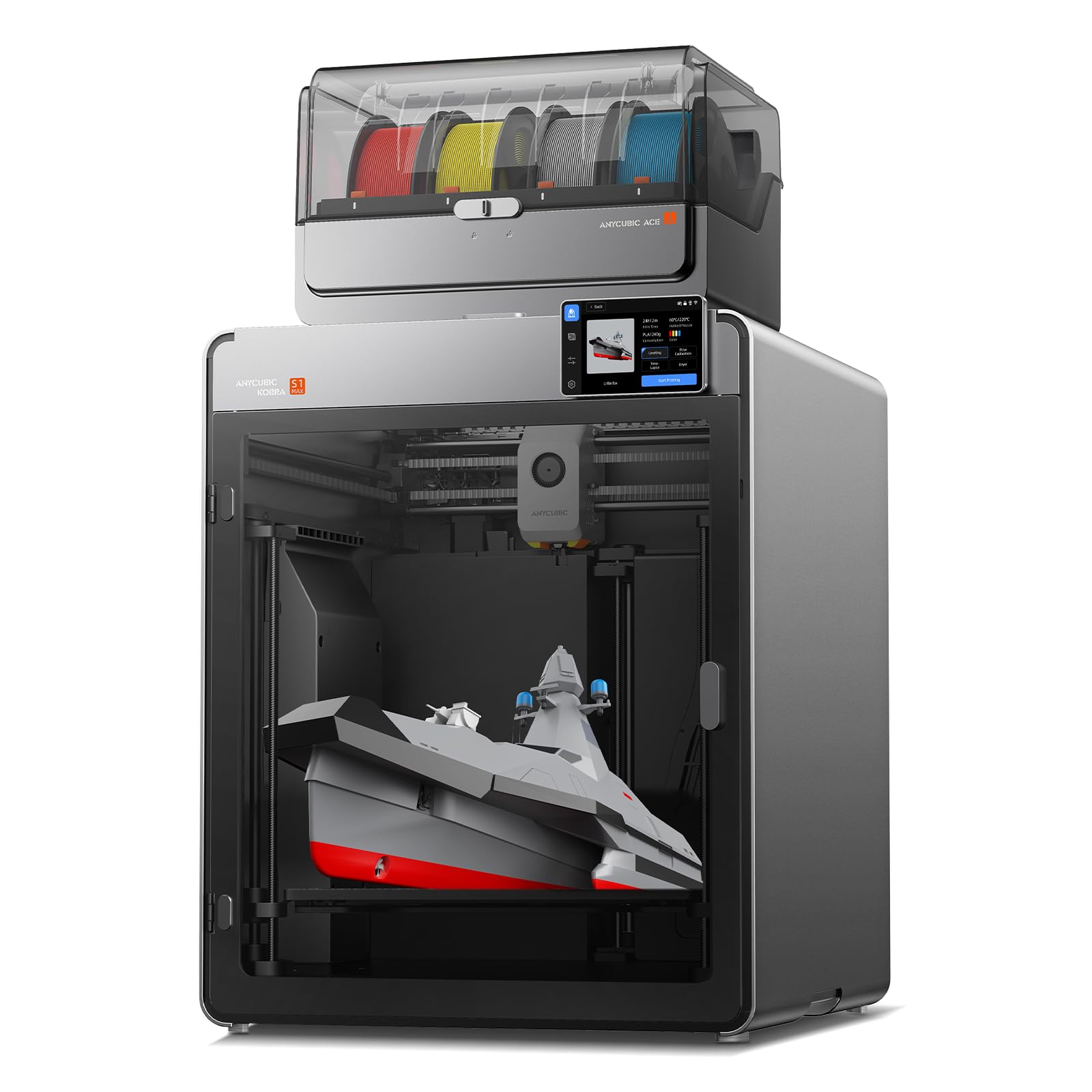
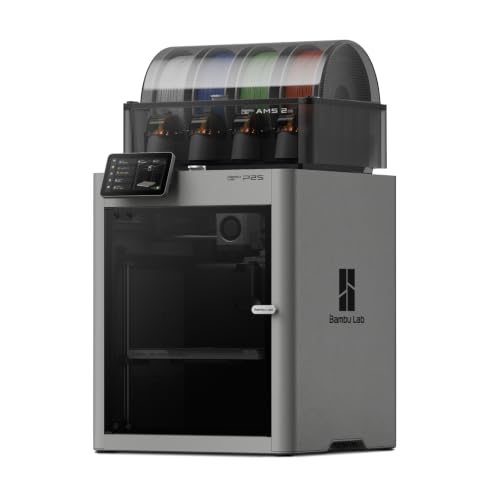
FDM printers melt filament layer by layer and suit strong functional parts, jigs, and fixtures. They offer a wide material range and large build volumes at moderate cost. Surface finish is rougher than resin, so post processing may be needed for visible parts.
Resin Printers
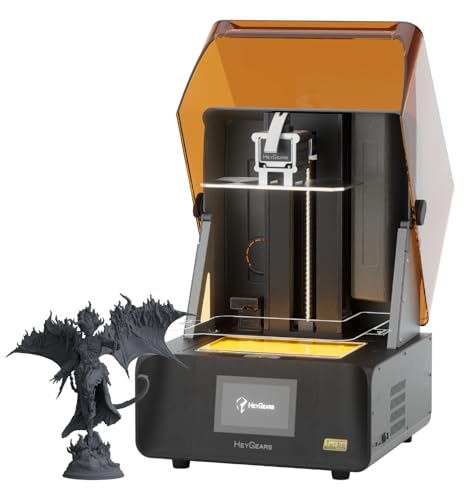
Resin printers cure liquid resin with light and produce very fine detail and smooth surfaces. They suit dental models, jewelry patterns, and detailed prototypes. Build volume is usually smaller, and post processing includes washing and curing.
Industrial FDM Systems
Industrial FDM systems add enclosed heated chambers, larger volumes, and better reliability for long runs. They suit engineering materials that need stable temperatures. They cost more and need more floor space and ventilation planning.
Key Features to Compare
Compare these features with production work in mind, not hobby printing.
Build Volume and Speed
Build volume decides the largest part you can print in one piece, while speed affects how many parts you finish per day. Larger volumes help with big fixtures, but they also increase print time and failure risk. Match volume to your largest regular part.
Materials and Strength
Material range decides whether parts can handle heat, load, and outdoor use. Engineering filaments offer strength but need higher temperatures and enclosed chambers. Check that the printer supports the materials your jobs actually require.
Reliability and Maintenance
Reliability matters more than headline speed in commercial work. Look for sturdy frames, good bed leveling, and accessible parts for routine maintenance. Ask about service support and spare parts availability before committing.
Software and Workflow
Slicing software should handle supports, orientation, and material profiles without constant manual fixes. Batch printing and remote monitoring help in a busy workshop. Check that the workflow fits your existing design tools.
Price and Value
Entry commercial machines around $1,500 to $3,000 suit studios starting production work. They offer good detail and moderate volumes. They may need more hands on tuning than industrial systems.
Mid range machines around $3,000 to $8,000 suit workshops with regular production jobs. They usually add larger volumes, better materials, and more reliable operation. Most small workshops will find the best balance here.
Industrial machines around $8,000 to $20,000 suit larger runs and demanding materials. They add enclosed chambers, better temperature control, and service support. Spend at this level only if your volume and material needs justify it.
Fit, Setup, and Everyday Care
Place the printer on a stable, level surface with ventilation suitable for the materials you use. Resin and some filaments need good airflow and protective handling, so follow the safety guidance for each material. Keep the build plate clean and level, and store filament dry to avoid moisture problems.
Schedule regular maintenance for nozzles, belts, and filters, and keep a log of print settings that work for each material. A consistent routine reduces failed prints and keeps quality steady across jobs. Train all operators on material handling and post processing safety.
Use ventilation, gloves, and eye protection as directed for resin and engineering materials, and keep resin and hot parts away from skin. If you feel unwell around printing fumes or develop skin irritation, stop work, ventilate the area, and seek medical advice if symptoms persist.
Mistakes to Avoid
Avoid these production mistakes to protect quality and uptime.
- Choosing a printer by speed alone without checking reliability on long runs.
- Buying a small build volume that forces large parts into glued sections.
- Ignoring material requirements and ventilation needs for engineering filaments.
- Skipping maintenance until a failed print wastes a full day.
- Underestimating post processing time for resin parts.
Questions to Ask Before You Buy a Commercial Printer
Commercial work turns a printer into a tool that must earn its keep, so ask a few direct questions before you pay. How many hours can it run unattended, and what happens if a print fails halfway? Which materials are officially supported, and which need a hardened nozzle or an enclosure? How quickly can you get a replacement nozzle, hotend or build plate, and who answers the phone when a machine stops during a rush job?
Also work out the real cost of a part, including filament or resin, electricity, failed prints and the minutes spent removing supports and finishing the surface. A printer that costs a little more but wastes fewer prints often wins within a few months of steady work.
Finally, think about space and safety. Resin needs gloves, washing and curing stations and decent ventilation, while engineering filaments are best printed in an enclosure with filtration. Leave room around the machine for spools, tools and finished parts, and make sure the power supply and surface can handle the load.
For printer types and entry level machines, see our guides to the best 3d printers, best hobby 3d printers, best inexpensive 3d printers and best starter 3d printers.
Frequently Asked Questions
What build volume do I need?
Build volume should fit your largest regular part in one piece, with a little margin for supports and orientation. Larger volumes help with big fixtures but increase print time. Measure your largest part before choosing, rather than buying the biggest machine available..
Is FDM or resin better for commercial work?
FDM suits strong functional parts and larger volumes, while resin suits fine detail and smooth surfaces. The best choice follows your part type. Many workshops use FDM for functional work and resin for detailed visual models..
How much does running a commercial printer cost?
Running cost includes filament or resin, electricity, replacement parts, and post processing time. Material cost per part varies widely by size and material. Estimate cost per part for your typical jobs before comparing machines by purchase price alone. Ask a supplier for a print time and material weight for a sample part to make this estimate concrete.
Do I need an enclosed printer?
An enclosed printer helps with engineering materials that need stable temperatures and reduced warping. It also improves safety and odor control. If you print only basic materials, an open machine may be enough and will cost less. Enclosures also keep drafts away from the print, which helps long jobs finish cleanly.
How do I reduce failed prints?
Use proven material profiles, keep filament dry, level the bed regularly, and choose sensible orientations and supports. A short trial print for a new material saves time on a long job. Keep a settings log so successful jobs can be repeated..
Final Thoughts
A strong choice among best commercial 3d printers is the machine that prints your regular parts reliably, in the right materials, at a cost per part you can defend. The product table above is a useful starting point, and the sections in this guide explain how to weigh each factor for your own situation.