Best Colour Laser Printers for Home Use: A Buying Guide for 2026
Disclosure: We may earn a commission when you buy through links on this page, at no extra cost to you. As an Amazon Associate I earn from qualifying purchases. Learn more

Compare colour laser printers for home use by running costs, print quality, connectivity, and footprint, with tips for choosing the right size.
The best colour laser printers for home use are quiet enough for a spare room, small enough for a shelf and cheap enough to run that you stop thinking about toner. A colour laser prints crisp text and bold graphics quickly, and its toner does not dry out during the weeks when nobody prints anything. That makes it a natural fit for homes that print homework, forms and the odd colour chart rather than glossy photos.
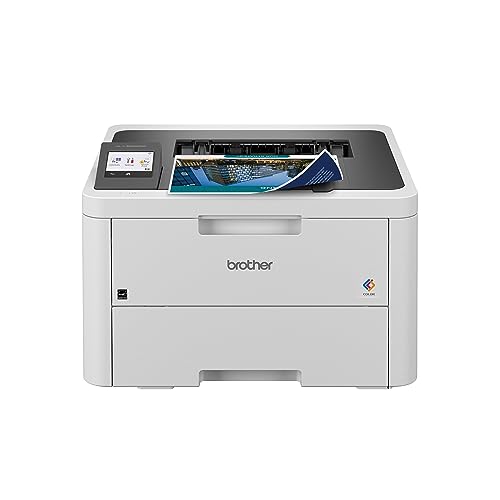
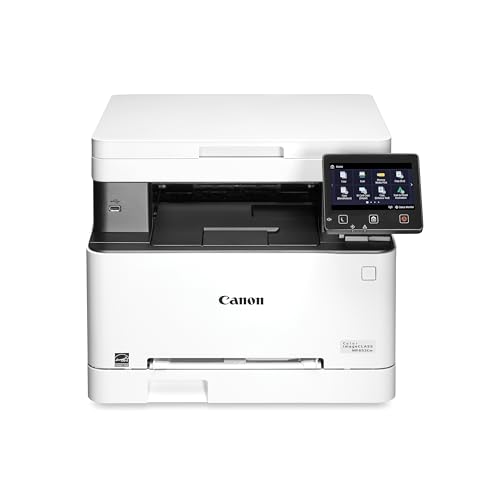
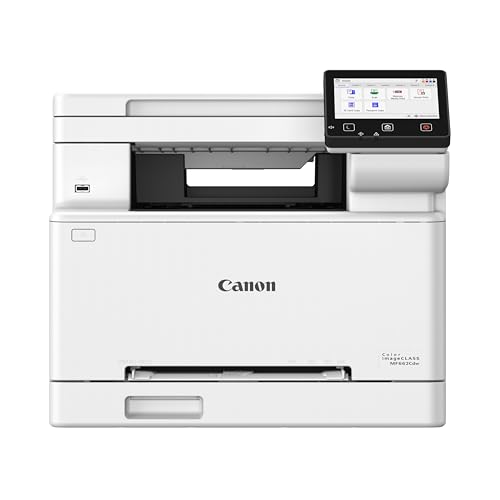
Home models sit between the basic black and white laser and the heavy office machine. This guide covers who should buy one, which features matter, what toner really costs and how to avoid the usual mistakes. The product table below gives a quick comparison to read alongside the sections that follow.




Who Should Buy a Colour Laser Printer for the Home?
Families With School Printing
Worksheets, permission slips and science project pages arrive in bursts. A colour laser handles the rush without clogged nozzles, and automatic duplex printing halves the paper for long reading packs. Look for a 250 sheet tray so you are not reloading paper every week.
Home Workers
If you print contracts, invoices and presentation drafts, speed and text sharpness matter more than photo quality. A model with a document feeder lets you scan multi page paperwork without standing at the glass, and Ethernet gives a steady connection for video call days when WiFi is busy.
Light Users With Long Gaps
Inkjet owners who print once a month often fight dried heads and wasted ink. Toner is a dry powder, so a laser can sit for weeks and print perfectly the next time. If that sounds like your household, a colour laser is a calm choice even though the purchase price is higher.
Key Features to Compare
Print Quality for Text and Graphics
Home colour lasers print at 600 dpi or finer, which is plenty for letters, spreadsheets and charts. Photos look acceptable but flatter than on an inkjet, so keep a photo printer or a print service in mind for framed pictures.
Single Function or Multifunction
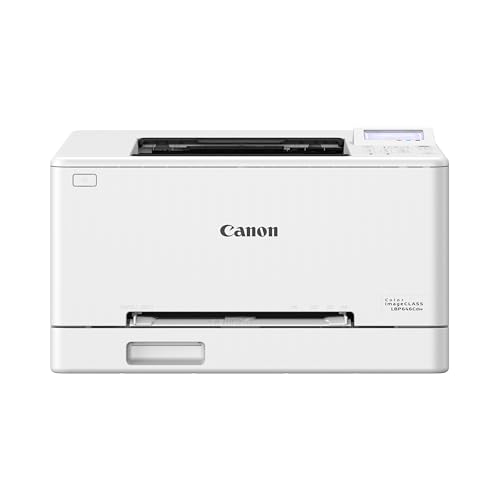
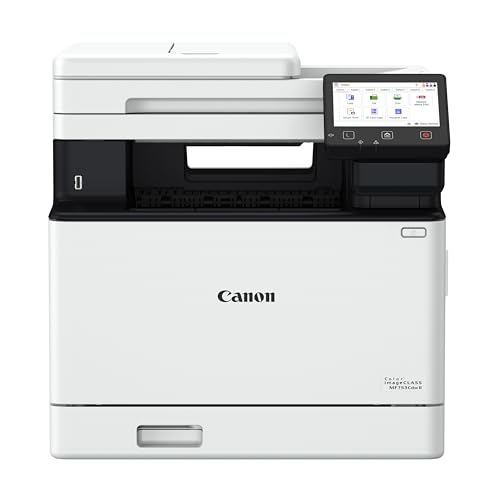
A print only model costs less and takes less room. An all in one adds a scanner and copier, and many homes find they scan receipts and school forms more than they expected. Pick the multifunction version if you would scan at least once a month.
Duplex and Paper Handling
Automatic two sided printing saves paper and produces neater reports. Check the tray size, the output tray and whether the printer takes envelopes and card, since labels and thick stock may need a rear or manual slot.
Connectivity
WiFi, Ethernet, USB and phone printing apps all appear on home models. Choose WiFi with a good app for phones and tablets, and keep a USB cable for the day the network misbehaves. Wireless direct printing lets guests print without joining your network.
Toner Yield and Cost Per Page
Starter cartridges that ship in the box often hold only a partial fill, so check the page yield in the manual. Compare the price of a full set of replacement toner with the page yield to get a rough cost per colour page. High yield cartridges cost more up front but usually cost less per page.
What Your Money Gets You at Each Price Tier
Entry Level, Around $200 to $300
Compact print only or basic multifunction models with a smaller tray and slower colour speed. They suit a household that prints a few dozen pages a week and does not need a document feeder.
Midrange, Around $300 to $450
This is where most home buyers should look. Expect automatic duplex printing, a larger tray, better WiFi and often a flatbed scanner with a feeder on the all in one models.
Premium, Above $450
Faster engines, larger toner cartridges and sturdier trays aimed at home offices and small businesses. They pay off if you print hundreds of pages a month, but they are bulky and rarely needed by a typical household.
Mistakes to Avoid
Most regrets come from rushing the early checks. Colour lasers are larger and heavier than inkjets, so measure the shelf before ordering and leave room above for the cover to open. Check that your operating system and phone are supported, and look up the cost of replacement toner before you commit.
- Buying on the price of the printer alone and ignoring the price of four toner cartridges.
- Expecting photo quality from a laser designed for documents.
- Skipping duplex printing and then wasting paper on long documents.
- Putting the printer in a closed cupboard where heat builds up.
Related Guides Worth Reading
If you want to compare spelling variants or nearby laser types, read our guide to best color laser printers for home use, our guide to best laser jet printers for home use or our guide to best wireless laser printers for home use. Brand focused readers may prefer best hp laser printers for home use, and those who work from a spare room can see best laser printers for home office use.
Frequently Asked Questions
What is the difference between colour and color laser printers?
There is no difference in the machine. Colour is the British spelling and color the American one, and both describe a laser printer that prints with cyan, magenta, yellow and black toner. Searching with either spelling shows the same models.
How much does colour laser printing cost per page?
Typical home models cost a few cents per black page and several cents per colour page, depending on the toner yield and price. Divide the price of a replacement cartridge by its stated page yield for each colour and add them up to estimate a colour page. High yield toner usually lowers the figure.
Can I print on card with a colour laser printer?
Most home models take thicker paper and card up to a stated weight through the manual or rear slot. Check the maximum paper weight in the manual, avoid glossy inkjet card because heat can damage the coating, and feed one sheet at a time for thick stock.
How noisy is a colour laser printer at home?
Home lasers are louder than inkjets while the fuser warms up and during long jobs, though most are tolerable in a spare room. If the printer will sit near a desk, look for models with a quiet mode and keep long jobs for times when the room is empty.
Should I buy a printer with a scanner included?
Yes if you handle paperwork, school forms or receipts. A multifunction colour laser costs a little more and uses more space, but it replaces a separate scanner and gives you quick copies. If you only print, a single function model keeps things simple.
Final Thoughts
The right choice depends on how much you print, how much shelf space you have and what the toner costs. Compare your shortlist in the product table, favour automatic duplex printing and a sensible tray, and look up replacement toner prices before buying. With those checks done, the best colour laser printers for home use are the ones that quietly handle everyday jobs for years.