Best Colour Label Printers of 2026: Complete Buying Guide
Disclosure: We may earn a commission when you buy through links on this page, at no extra cost to you. As an Amazon Associate I earn from qualifying purchases. Learn more
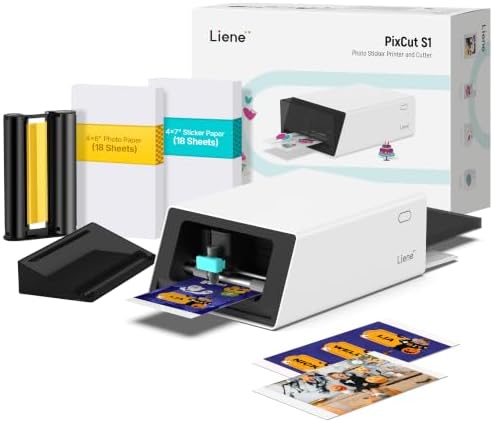
Compare the best colour label printers by print quality, label sizes, running costs, and ease of use with this clear buying guide for home and small offices.
Colour labels do real work: they sort pantry jars, brand parcels, flag files, and make products look ready for a shelf. The hard part is choosing a printer whose label sizes, ink costs, and software fit the jobs you actually run each week. This guide walks you through the best colour label printers by type, running cost, and ease of use, so you can buy once and print with confidence.
Start by listing your two most common label jobs and their sizes. Then check the comparison table below against those jobs, because a printer that cannot handle your main label width will frustrate you no matter how sharp its output looks.
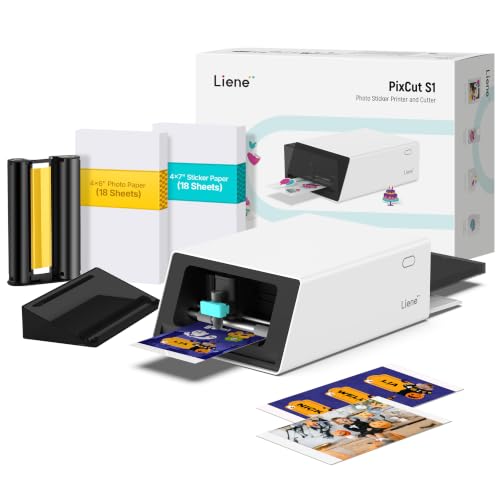
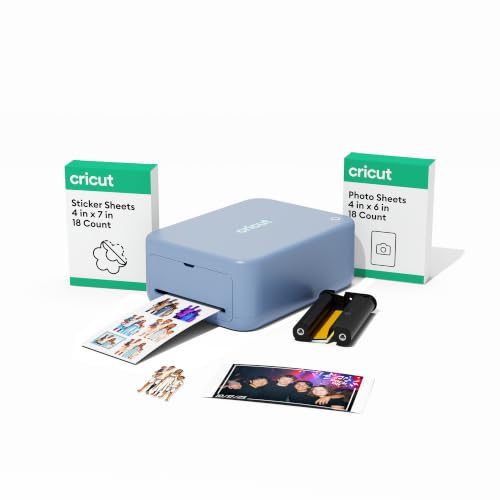
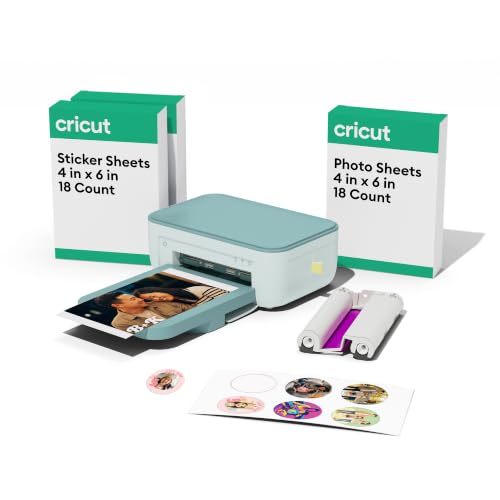

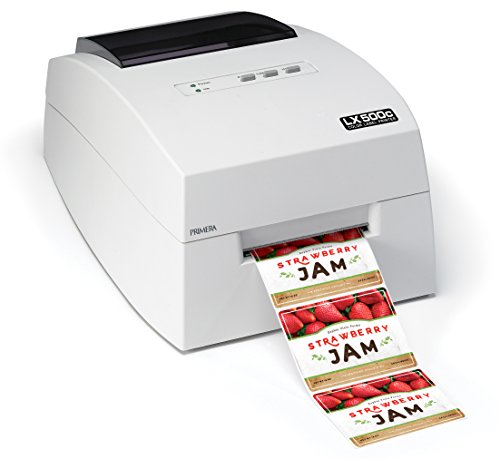
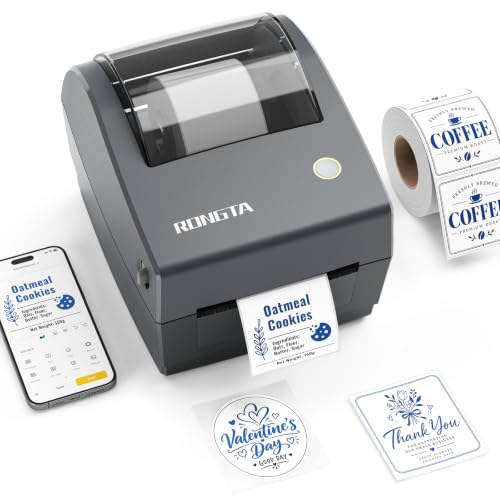
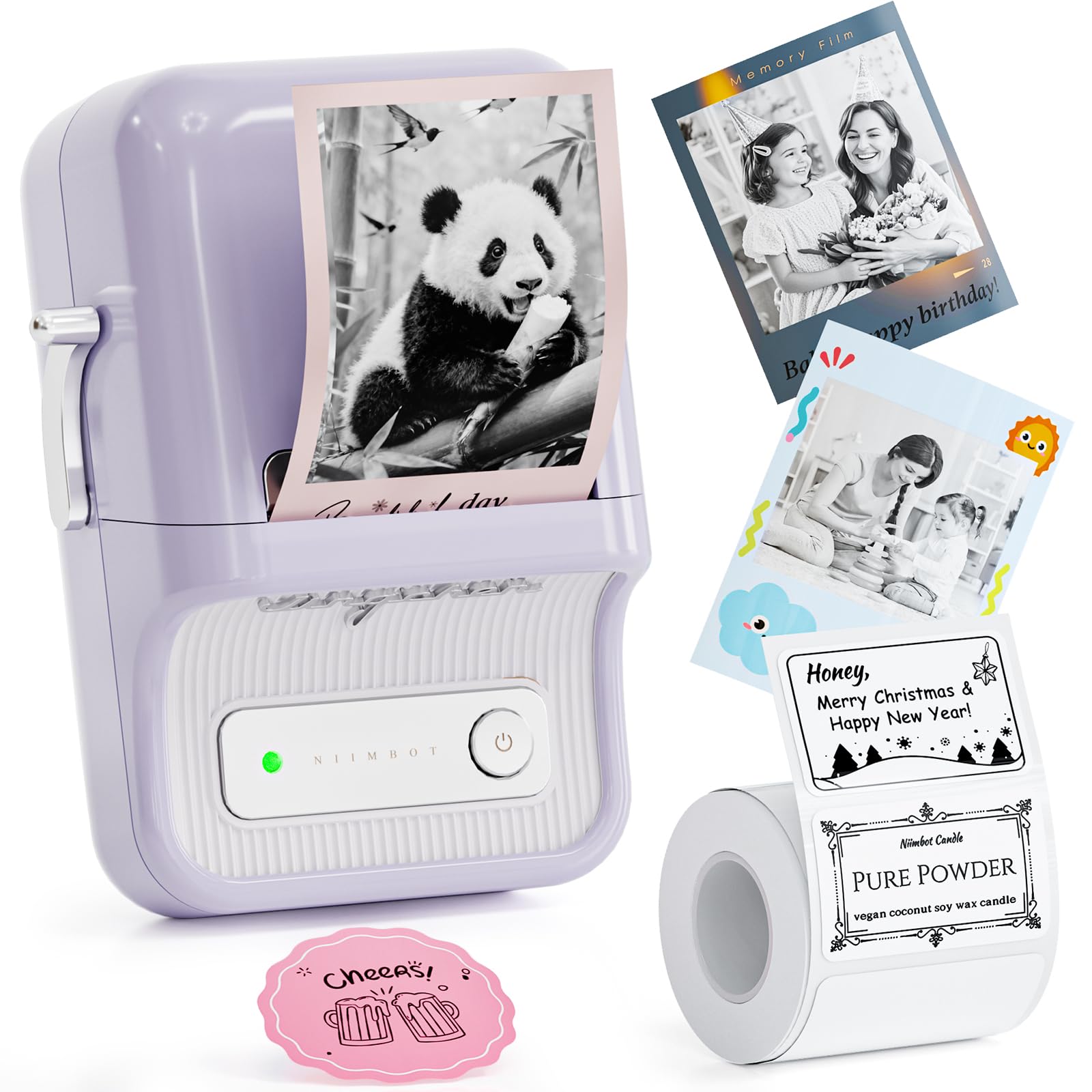
Price Tiers at a Glance
Price tiers for colour label printing reflect ink system, label width, and speed more than raw print quality. Use these tiers to set expectations before you compare individual specifications.
The Entry Tier
Entry models, often around $150 to $300, suit home users and very small sellers who print modest batches of round, rectangular, or jar labels. Expect good colour for logos and simple graphics, basic software, and cartridge based ink that costs more per label. This tier works well when you print a few dozen labels a week and value a small footprint. Its main limit is speed and ink cost, so track how many labels you print in a month before assuming the cheapest machine is the cheapest choice.
The Value Tier
Value models, often around $300 to $600, add wider label support, faster output, and refillable tank ink or larger cartridges that cut cost per label. This is the sweet spot for market sellers, small food producers, and busy home offices. Software usually improves too, with better templates and barcode tools. If you already print shipping labels on a separate machine, compare our guide to the best label printers to decide whether one device can cover both jobs or two focused devices serve you better.
The Upgrade Tier
Upgrade models, often above $600, target small businesses that print hundreds of labels a week and need consistent colour, wide media support, and durable output. Expect faster engines, larger ink supplies, network connections, and stronger build quality. The higher price pays back only when your volume is real, because ink and parts still add up. Occasional users rarely recover the cost, so be honest about weekly volume before stepping into this tier for features you may use twice a year.
How to Choose the Best Colour Label Printers: Buying Guide
This is the core of the decision. Work through each factor with your label list beside you, and treat the best colour label printers as the ones that match your media, volume, and budget without forcing workarounds.
Printer Type
Inkjet models are the most common choice for colour labels, giving smooth gradients and photo like images on many label stocks. Dye based inks look vivid but can fade faster, while pigment inks resist water and light better for jars and bottles. Some general colour printers can also print labels on sheet stock, which suits very low volume. Dedicated label printers use rolls, waste less media, and switch sizes faster, but they cost more at the start and tie you to roll supplies.
Ease of Setup and Calibration
Good setup means clear drivers, a guided first install, and software that finds the printer on your WiFi network without repeated attempts. Colour calibration matters too, because your logo should look the same on the fiftieth label as on the first. Look for simple alignment tools and saved media profiles, so each label stock loads with its own settings. A printer that needs manual tweaking for every roll change will slow down even a small business on a busy packing day.
Label Handling and Sizes
Check the minimum and maximum label width and length, and confirm support for the shapes you need, such as round seals or long bottle wraps. Roll capacity affects how often you stop to reload, and a built in cutter saves time on long runs. Sheet fed models use standard trays and can duplex other documents, but labels must sit in the right tray and follow a straight path to avoid jams. Always buy a small pack of your chosen stock first and test adhesion, colour, and feed before ordering in bulk.
Print Quality and Resolution
Resolution, measured in DPI, controls how sharp small text and barcodes appear. Around 600 DPI handles most text and logos, while 1200 DPI or higher helps with tiny ingredient lists and detailed artwork. Real quality also depends on the label surface, since glossy stock shows colour differently from matte stock. Print a test sheet with your smallest text and scan every barcode with your phone before a big run, because a barcode that looks fine to your eye may fail a scanner.
Reliability and Support
Reliable drivers and regular firmware updates matter more than a long feature list, especially after a computer update changes how your system talks to the printer. Look for clear support pages, available spare parts such as printheads and cutters, and a warranty of at least one year. An active user community helps with media settings for unusual stocks. If colour document printing is also a big part of your work, our guide to the best colour printers for home covers models that handle labels as a secondary job.
Print Speed
Speed is quoted in pages per minute for sheet models or inches per second for roll models, and both figures assume simple coverage. Dense colour labels print slower, so judge speed by your real files where you can. For weekly batches of a few hundred labels, a mid range speed keeps packing days short without the cost of a production machine. Remember that drying time counts too, since smudged labels pulled too fast from the output can waste an otherwise quick run.
Footprint and Noise
Measure your shelf or desk before you buy, and leave room behind the printer for roll loading and cable access. Roll printers are usually compact but need vertical clearance, while sheet models need space for trays to open. Noise matters in a home office or a small shop where customers are present. Quieter models and a simple stand that absorbs vibration make long runs easier to live with, especially if you print while on calls or serving buyers in person.
Types of Colour Label Printers
Inkjet Label Printers
Dedicated inkjet label printers print on rolls in full colour and suit product labels, jars, and branding. They give the best mix of image quality and media choice for small businesses. Their limits are ink cost and the need to keep nozzles active with regular use. If your main need is documents with occasional labels, compare this type with the options in our guide to the best colour laser printers, noting that laser toner handles plain paper better than many coated label stocks.
Thermal Label Printers
Thermal printers are included here as a contrast, because most print only in black and white. They excel at shipping and barcode labels with no ink cost at all, but they cannot produce the colour branding this guide is about. Many sellers pair one with a colour inkjet model and route each job to the right machine. Our guide to the best thermal label printers explains that monochrome option in full if your work splits that way.
All in One Printers With Label Support
All in one models print, scan, and copy, and they can run labels on sheet stock for light needs. They save space and money when labels are an occasional task rather than a daily one. Colour quality is fine for simple designs, though roll media, fast size changes, and low cost per label are not their strengths. Sellers who ship daily often outgrow this type, and our guide to the best label printers for ebay shows what frequent sellers tend to need instead.
Care and Maintenance Tips
- Print a small colour page each week to keep inkjet nozzles clear, because dried ink is the most common cause of streaks and missing colours.
- Use genuine ink or reputable refill ink that matches your printer type, since poor ink can clog heads and shift colours away from your brand shades.
- Store label rolls in a cool, dry place away from sunlight, and keep them in their bags so dust does not reach the adhesive edges.
- Clean the paper path and rollers with a dry, lint free cloth when feeds start to slip, following the manual for your model.
- Keep spare ink on hand before a big market or launch week, because running dry mid run wastes both labels and time.
- Save a known good test file, and print it after any software or driver change to confirm colours still match your earlier runs.
Colour Label Printers: Your Questions Answered
Which colour label printer is easiest for beginners?
The easiest choice is a model with guided setup, clear software templates, and refillable or large cartridge ink that forgives test prints. Beginners should value simple roll loading and saved media profiles over top speed. Start with one standard label size, master colour and alignment on that stock, and add shapes later. A printer that feels calm on day one will get used far more than a faster model with confusing menus.
What does cost per page mean?
Cost per page, or cost per label here, is the ink and media cost divided across what you print. Add the price of a label roll and an ink set, then divide by the realistic number of good labels they produce, including test prints and mistakes. Dense, full colour designs use far more ink than a small logo on white stock. This single number lets you price products honestly and compare tank and cartridge systems fairly.
Are ink tank printers worth it?
Yes, if you print labels every week, because tank ink usually costs far less per label than small cartridges and runs out less often. The higher starting price pays back through volume, often within the first year for a busy seller. If you print only a few labels a month, a cartridge model may cost less overall and avoids ink sitting unused. Estimate your monthly label count first, then decide with that number in hand.
Inkjet or laser: which is cheaper long term?
For colour labels, inkjet is usually cheaper long term because dedicated label media and refillable ink are built for the job. Laser toner can cost less per plain page, but coated label stocks, heat limits, and adhesion issues narrow its label use. Over years, the deciding costs are ink or toner, wasted sheets from jams, and replacement heads or drums. Match the technology to labels first, and let document costs play only a small part.
Our Verdict
Choose by label size, weekly volume, and cost per label, and let print quality support those three rather than lead them. Home users can start in the entry tier, while regular sellers gain most from tank ink and roll media. When those points are settled, the best colour label printers turn a tedious task into a quick, reliable part of your week. Check the product table above against your label list, and buy the model that covers your main jobs without forcing compromises.