Best Color Wireless Printers 2026: Home Buying Guide
Disclosure: We may earn a commission when you buy through links on this page, at no extra cost to you. As an Amazon Associate I earn from qualifying purchases. Learn more
Inkjet, tank, or laser? Compare color wireless printers by ink cost per page, photo quality, and wireless reliability.
A cheap printer can become expensive quickly once ink, paper, and frustration enter the picture. The best color wireless printers for your home balance print quality, wireless reliability, and ink costs for the pages you actually print. This guide explains the specs that matter and the costs that hide behind the sticker price.
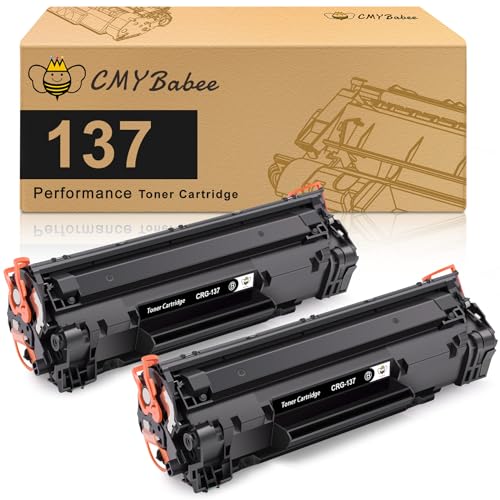
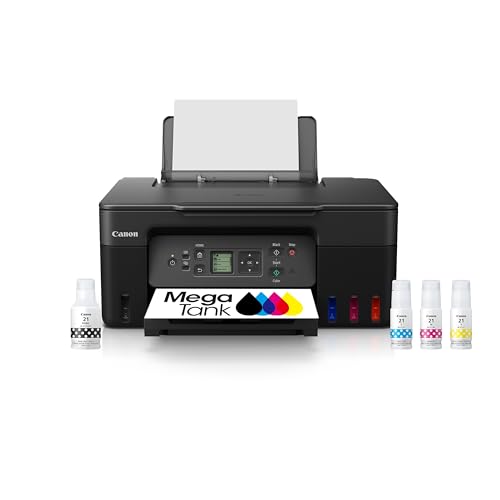
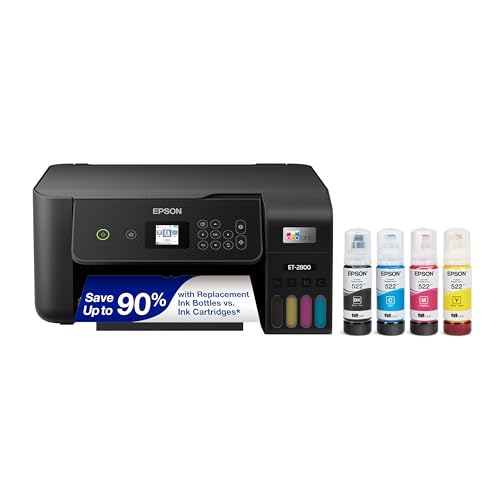
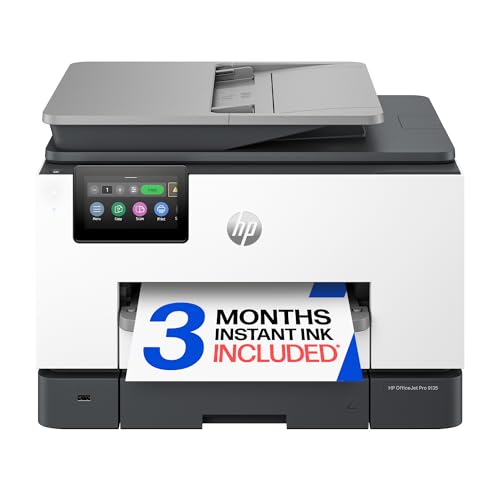
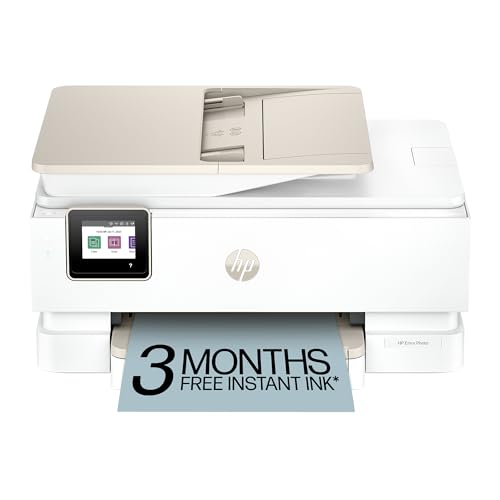
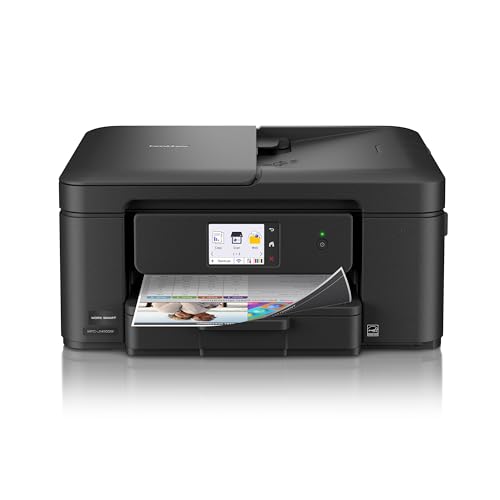
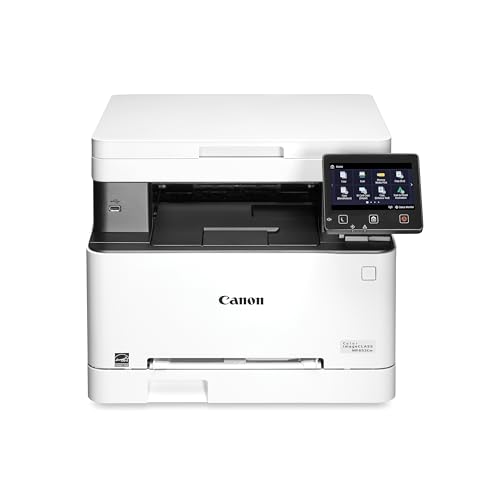
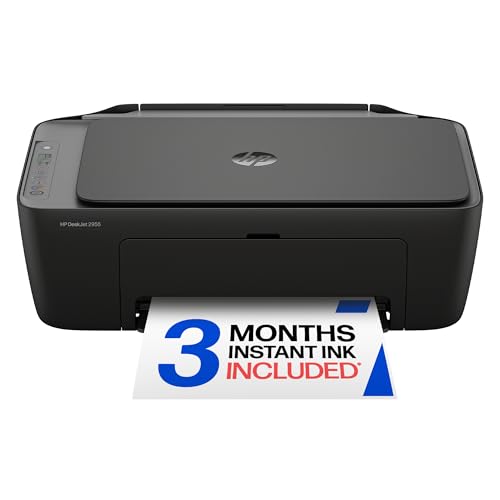
Inkjet printers handle photos and color documents well, laser printers excel at fast text, and tank printers cut ink costs for heavy use. Wireless setup ranges from effortless to maddening depending on app quality and network stability. The product table below shows the main types, and the sections that follow explain how to match one to your printing habits.



Who Should Buy Each Type
Families and photo printers
Inkjet printers suit families printing schoolwork, photos, and colorful documents in moderate volume. They reproduce photos beautifully on glossy paper and cost little upfront. Their weakness is ink cost and clogged nozzles during long idle periods, so print a test page regularly.
Home offices with heavy text
Color laser printers suit offices printing mostly text with occasional color charts. They print fast, resist smudging, and cost less per text page than inkjets. Their weakness is photo quality and higher upfront cost, so choose laser only when photos matter little.
Heavy volume households
Tank printers suit households printing hundreds of pages monthly, since bottled ink costs far less per page. They cost more upfront but often pay back within a year at high volume. Their weakness is size and the need to keep tanks from running dry, which can damage printheads.
Key Features to Compare
Ink and toner costs per page
Calculate cost per page from cartridge yield and price, not from the printer price alone. A $60 printer with costly cartridges can outspend a $200 tank printer within a year. Check whether third party cartridges work reliably, since some makers block them with firmware updates.
Wireless reliability and apps
Test wireless setup on your actual network, including dual band routers and mesh systems. Good apps offer scanning, cloud printing, and ink alerts, while weak apps drop connections and frustrate users. A USB fallback and Ethernet port provide insurance when wireless fails at deadline time.
Print quality and speed
Check sample prints for color accuracy, banding, and text sharpness rather than trusting resolution numbers alone. Pages per minute ratings assume draft mode, so real world color pages print slower. Duplex printing saves paper, and borderless photo printing matters only if you print photos often.
Price Tiers and What They Deliver
Printers around $60 to $130 usually cover basic inkjets for light home use. Printers around $130 to $300 add tank ink, faster speeds, duplexing, and better apps. Printers around $300 to $600 bring laser speed, larger paper handling, and office durability for heavy home office use.
Living With Your Choice Day to Day
Keep the printer on a stable surface with ventilation, update firmware only after checking user reports, and print weekly to prevent nozzle clogs. Store paper dry and flat, and recycle cartridges where programs accept them. If the printer smells of burning, jams repeatedly, or trips power, unplug it and have it checked rather than forcing it.
For related buying advice, see best wireless color laser printers if text speed matters most, best color printers for a wider comparison, and best wireless printers if color is optional. Photo-focused readers can also check best printers for color printing, and best wireless computer printers covers models built around a desktop setup.
A Final Check Before You Order
Count your real monthly pages by type, separating text documents, color documents, and photos, since each type costs differently. A household printing mostly school text needs a different machine than one printing weekly photos. Check the last few months of printing honestly, including bursts around school terms or work deadlines. Page counts decide whether cartridge, tank, or laser economics win for you.
Test wireless setup on your home network before the return window closes, including printing from phones, tablets, and laptops. Mesh networks and dual band routers confuse some printers, so a successful test on one device does not guarantee all devices. Try scanning and cloud printing too, since app weaknesses appear only in real use. A printer that connects reliably on day one usually stays reliable.
Compare cartridge or tank costs per page using your page mix, not just the printer price tag. High yield cartridges cut costs for moderate printers, while tank systems win for heavy printers. Check whether firmware updates block third party cartridges, since that policy changes lifetime costs. A simple spreadsheet with your monthly pages reveals the cheapest machine within a year.
Measure the full footprint including paper trays extended, lid open for scanning, and ventilation space around the machine. Printers tucked into tight cupboards overheat, jam more, and frustrate paper changes. Keep the printer accessible for ink changes and jam clearing, since awkward placement turns small tasks into chores. Space planning prevents daily annoyance that no feature can fix.
Mistakes Worth Avoiding
Do not buy the cheapest printer without pricing ink, since bargain printers often carry the dearest cartridges. Manufacturers subsidize hardware and profit from supplies, so the total cost picture reverses many apparent bargains. Price a year of ink for your volume before choosing, and compare tank or high yield options honestly. The cheapest printer on the shelf frequently becomes the dearest printer in the house.
Do not leave an inkjet idle for months, since nozzles clog and cleaning cycles waste ink restoring them. Print a test page weekly, even a simple color chart, to keep nozzles clear. If you print rarely, a laser printer tolerates idle periods far better than an inkjet. Match technology to your actual frequency, not to your imagined frequency.
Do not ignore firmware update warnings blindly, since updates can block third party cartridges or change app behavior. Read update notes and user feedback before updating, and delay updates during critical printing weeks. Keep a USB cable handy as a fallback when wireless fails after an update. A little update caution saves deadline disasters.
Frequently Asked Questions
Inkjet or laser for color printing?
Inkjet suits photos and colorful documents with smooth gradients and glossy finishes. Laser suits fast text and charts with crisp edges and water resistant output. Inkjet costs more per page for text, while laser costs more upfront and prints photos less beautifully. Match the technology to your dominant print type, not to the occasional exception.
Are tank printers worth the higher price?
Tank printers cost more upfront but slash ink costs per page, often to a fraction of cartridge costs. Heavy printers printing hundreds of pages monthly usually recover the premium within a year. Light printers may never recover it, since ink savings stay small. Estimate your monthly page count honestly before paying for a tank system.
Why does my wireless printer keep disconnecting?
Weak signals, router band switching, and outdated firmware cause most wireless drops. Place the printer closer to the router, assign it a fixed address if your router allows, and keep firmware current. Dual band networks sometimes confuse printers, so a dedicated slower band connection can help. Ethernet or USB fallback saves deadlines when wireless fails.
How can I cut printer ink costs?
Print in draft mode for internal documents, use duplex printing, and check the layout before printing to avoid wasted pages. Choose high yield cartridges or a tank printer when volume justifies it. Avoid cleaning cycles unless prints show banding, since each cycle consumes ink. Regular light use also prevents clogs that waste ink on deep cleaning.
What should I check before buying a printer?
Check cost per page, wireless reliability, paper handling, duplex support, and app quality for your devices. Confirm ink or toner availability and price in your region, since bargains fade when supplies cost dearly. Measure space including paper tray extension and ventilation. A printer that fits your volume and network will frustrate you far less.
Final Thoughts
Price the ink before you price the printer, and test wireless setup on your own network. The product table above can narrow the types, but your monthly page count decides the winner. A reliable printer with affordable ink beats a bargain that drains your wallet.
Take your time with the final decision, since choosing among the best color wireless printers by real page counts and ink prices pays off every time you print.