
Best Color Printers for Mac: Our 2026 Checklist
Disclosure: We may earn a commission when you buy through links on this page, at no extra cost to you. As an Amazon Associate I earn from qualifying purchases. Learn more

Use this checklist to choose the best color printers for mac with confidence, covering AirPrint, drivers, ink costs, paper handling, and print quality.
A printer can have glowing specs and still be a poor partner for a Mac. Drivers go stale after a macOS update, wireless setup assumes a Windows PC, and the print dialog hides the options you need. This guide solves that by scoring the best color printers for mac against a fixed checklist: Mac support first, then print quality, running costs, paper handling, and ease of daily use. You will get the criteria with clear pass and fail lines, price tier guidance that shows what each budget buys, a quick self check list, and the red flags that should send you back to the comparison table below for another look.


How We Evaluate Color Printers
Features That Matter for Mac
Mac support is the gate every candidate must pass. A strong model offers AirPrint, so Macs, iPhones, and iPads print with no driver hunt, plus a maker app or driver that is updated for the current macOS version. Check the maker's support page for your exact system before buying; a printer whose newest driver is two macOS versions old fails this line. Bonus points for USB C, since recent MacBooks carry only that port. For the wider field beyond Mac support, see our guide to the best color printers, where Mac support is one factor among many.
Printer Type: Inkjet, Laser, or Tank
Inkjet covers the widest ground for Mac homes and studios, from documents to glossy photos. Laser printers print fast, sharp text and shrug off idle months, which suits document heavy Mac users. Tank inkjets refill from bottles and cut running costs for steady volumes. Each type has solid Mac citizens, so judge the specific model's support rather than the category.
Paper Handling and Duplex
Good paper handling means the printer fits your real stack of jobs. A main tray holding at least 100 to 250 sheets suits home offices, while a rear or straight feed slot handles envelopes, labels, and thick photo paper without bending them. Automatic duplex, meaning two sided printing without your help, should be standard at mid range prices, because manual flipping wastes time and misprints pages. Scan the data sheet for maximum paper weight if you print cards or art paper.
Cost per Page and Ink Costs
Score running costs with cost per page, the price of ink or toner divided by cartridge yield. For mixed home use, look for black pages costing a few cents and color pages staying reasonable, because a bargain printer with dear cartridges loses its lead within a year. Tank systems pass this line easily for frequent printers, while occasional printers may never recoup the higher purchase price. Subscription ink plans can smooth costs if your volume is steady.
Print Speed
Manufacturers quote speed in PPM, pages per minute, usually for draft black text. A good home and small office target is roughly 10 to 15 PPM in black and somewhat less in color, which keeps multipage documents from feeling sluggish. Laser models usually lead here, and they also print the first page faster after sleep. Photo speed runs on a different clock entirely, with a quality full page photo taking minutes. Score speed against your routine: a student printing essays and a parent printing party photos need very different pace, and neither needs a workgroup sprinter.
Print Quality and Resolution
Resolution is stated in DPI, dots per inch, and most current models post numbers high enough that paper and ink matter more than the figure. For text, laser sharpness still sets the standard. For photos, prefer printers with at least five or six ink colors if photographs are a priority, and confirm borderless printing at common photo sizes. Mac users should also confirm that the print dialog exposes quality and paper type controls, because buried settings lead to wrong media choices and muddy output. If photos are your main job, compare candidates against our dedicated guide to the best color photo printers for mac.
Ease of Setup and Calibration
Setup should take minutes, not an afternoon. Pass marks go to printers that join WiFi from their own screen or a phone app, appear on your Mac automatically through AirPrint, and run alignment automatically or with one guided page. Ink installation should be mess free, with keyed bottles or cartridges that cannot seat in the wrong slot. Automatic alignment and self cleaning cycles that run without a service visit are the other setup features worth checking.
Price Tiers That Pass Our Checklist
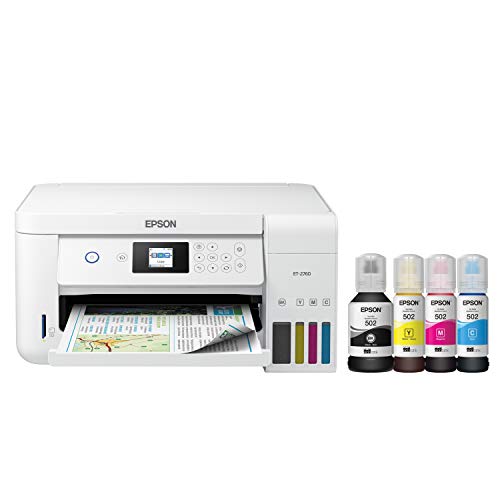
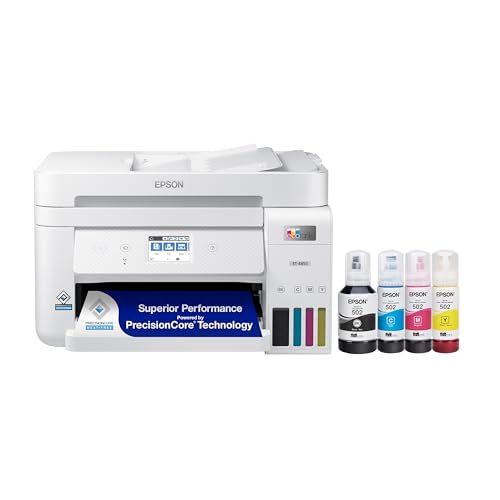
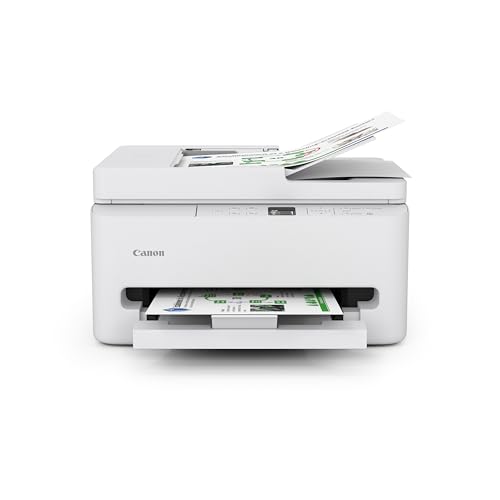
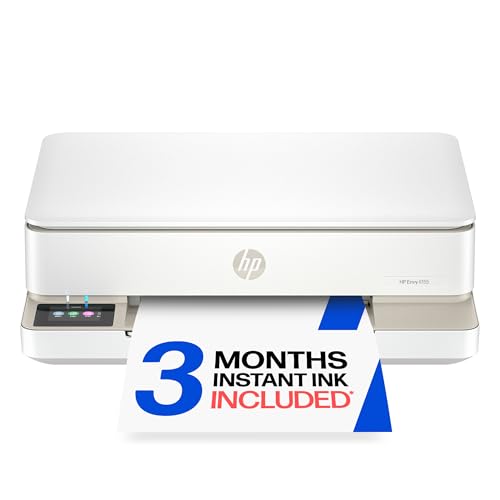
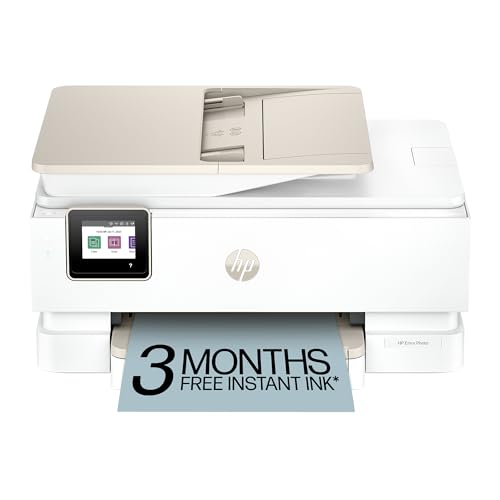
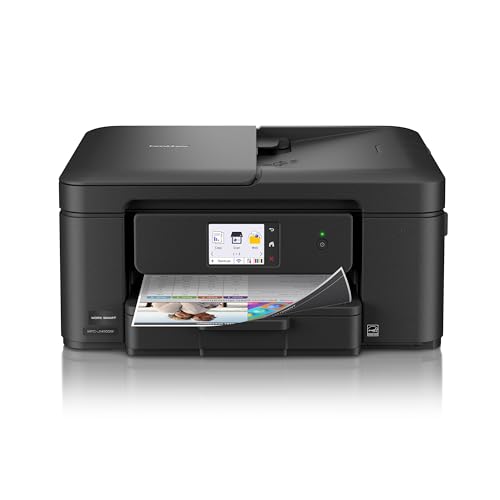
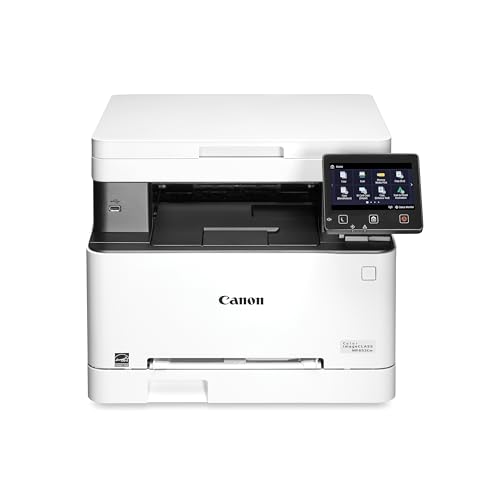
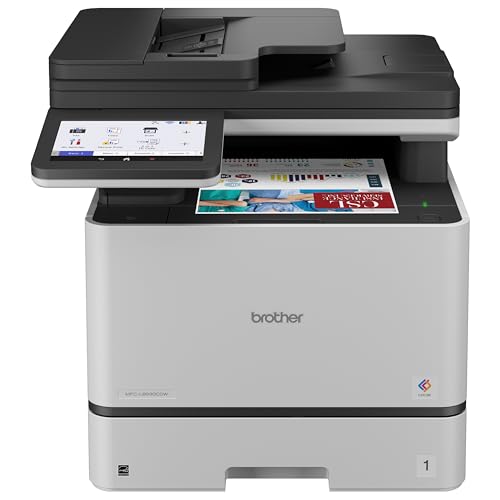
Read the product table above through these three tiers. Each tier names who it serves, what it does best, and the compromise you accept, so you can match a class of printer to your budget without chasing individual model names.
The Balanced Tier: Inkjet for Most Mac Homes
The best all around pattern is a mid range inkjet, roughly about $150 to $300, with AirPrint, automatic duplex, a proper paper tray, and either reasonably sized cartridges or a compact tank system. This tier prints homework, invoices, and family photos without drama, and its macOS support tends to stay current because these models sell in large numbers. The compromise is pace: it will not match a laser on long text runs. For most Mac households, this balance of support, quality, and running cost is the checklist winner.
The Value Tier: Honest Basics Under Tight Budgets
Value models around $80 to $150 pass the Mac gate when they include AirPrint and a current driver, and many do. You give up speed, tray size, and often duplex, and small cartridges raise cost per page, so this tier suits light and occasional printing. Students and spare room desks do well here. The key discipline is checking ink prices before you buy, because at this level the printer is nearly a starter kit for the cartridges. If your volume grows, plan to step up rather than feed a thirsty machine for years.
The Heavy Use Tier: Lasers and Big Tanks for Daily Volume
Above about $300, heavy use candidates split into two camps. Color lasers deliver fast, crisp documents and tolerate idle weeks, which suits home businesses living in contracts and reports; our guide to the best color laser printers for mac covers that camp fully. Large tank inkjets deliver the lowest cost per page for mixed color work and photos. Both camps earn their price only when volume is real, so count your monthly pages before paying for capacity that will mostly sit idle.
Quick Buyer Checklist
- Does the maker list support for your current macOS version, and is AirPrint included?
- Does the printer offer automatic duplex and a tray sized for your routine?
- Have you priced the ink or toner it uses, and is the cost per page acceptable?
- Does it print borderless photos at the sizes you actually use, if photos matter to you?
- Will it connect by WiFi and USB C, so every device you own can reach it?
- Is replacement ink easy to buy from more than one seller?
- Does the warranty run at least one year, with support you can reach from your region?
Red Flags to Watch For
Fail a model fast when you meet these signs. A driver download page that stops at an old macOS version means each system update is a gamble. Vague wireless claims with no mention of AirPrint often hide clumsy app only printing. Starter cartridges with tiny yields and no high yield option lock you into high running costs. A one month or store only warranty suggests the maker expects little from the machine.
Tips to Get the Most From Your Color Printer
Add the printer to every Mac and iPhone in the house at setup time, while the welcome screens are fresh, and save your favorite settings as presets in the print dialog for photos, duplex documents, and drafts. Print a page weekly to prevent clogs on inkjet models, use genuine or reputable ink, and keep paper stored flat and dry. Update printer firmware from the maker's app when prompted, since updates often carry the macOS compatibility fixes that keep AirPrint smooth after system upgrades.
Fit with macOS is the filter, because the best color printers for mac stay supported through system updates rather than being abandoned after a year.
FAQs
What features matter most in a color printer for Mac?
Current macOS support and AirPrint matter most, because they decide whether printing feels invisible or becomes a chore after every system update. After that, weigh cost per page, automatic duplex, and the print quality your work needs. A model that passes the Mac gate and keeps ink affordable will please you longer than a faster model with stale drivers and pricey cartridges.
Inkjet or laser: which is cheaper long term for Mac users?
It depends on your page mix. Laser toner usually costs less per text page and never dries out, so document heavy users often spend less with laser. Inkjet, especially tank models, usually wins for color pages and photos, where laser running costs and paper limits add up. Add up a year of your real printing, not the printing you imagine, and the cheaper path usually becomes obvious.
What does cost per page mean for a home printer?
Cost per page is the ink or toner cost of one printed page: cartridge price divided by the pages it yields. It is the number that decides what a printer truly costs over its life, because supplies outspend the hardware for most owners. Compare black and color figures separately, and remember that photos consume far more ink than text, so a photo heavy home should weight the color figure most.
What should a Mac beginner avoid when buying a printer?
Avoid very old secondhand printers, however cheap, because driver support for current macOS versions has usually ended, and AirPrint may be absent. A current entry level inkjet or laser with clear Mac support is a calmer first purchase.
Are ink tank printers worth it for Mac households?
Yes, when the household prints every week, because bottled ink drops cost per page dramatically and one fill can last a year or more of typical use. The higher purchase price pays back through refills you barely think about. If you print a few pages a month, a cartridge or laser model can cost less overall and asks less of you. Be honest about volume, and the arithmetic decides for you. Mac shoppers with mixed brand households can also compare notes in our guide to the best printers for mac computers.
Wrapping Up
Gate on Mac support, score on running costs and paper handling, and let your real routine pick the tier. Do that, and the comparison table above turns into a short, confident decision. For most readers, the best color printers for mac answer is a well supported inkjet that treats macOS as a first class citizen and keeps every page affordable.


