
Best Cold Weather Wireless Security Cameras: A Practical Guide for 2026
Disclosure: We may earn a commission when you buy through links on this page, at no extra cost to you. As an Amazon Associate I earn from qualifying purchases. Learn more

Compare the best cold weather wireless security cameras by battery life in the cold, storage, detection and weather ratings.
Shopping for best cold weather wireless security cameras is different from shopping for a camera that only faces a mild summer. Freezing air drains batteries faster, snow can cover a lens in one storm, and long dark evenings put far more pressure on night vision. A model that looks strong on paper can disappoint you by January if its cold weather ratings are weak.
This guide gives you a clear checklist to work through before you buy, from operating temperature and weather sealing to power, storage, and alert quality. Use it alongside the comparison table below to compare the ratings that matter most for winter.
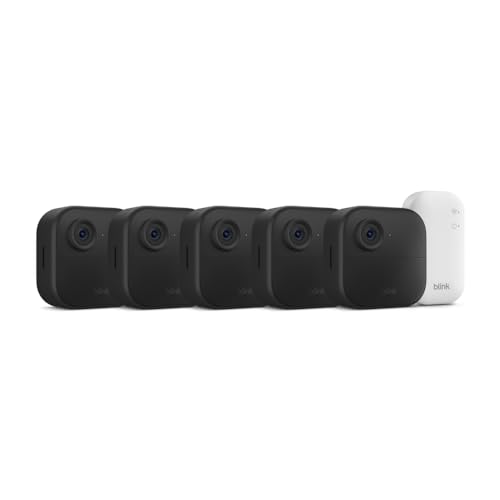
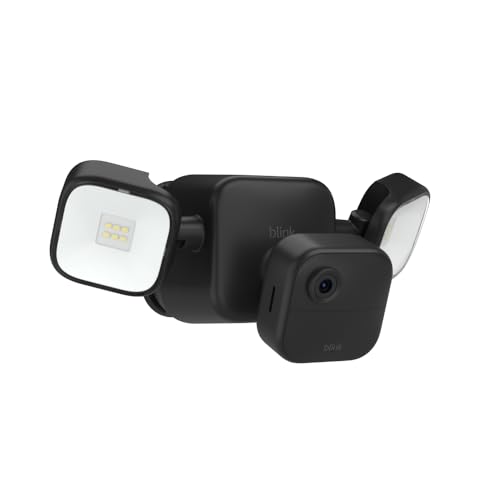
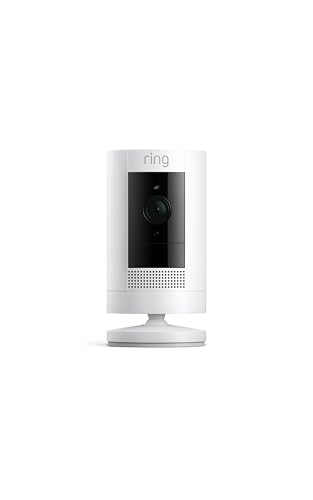
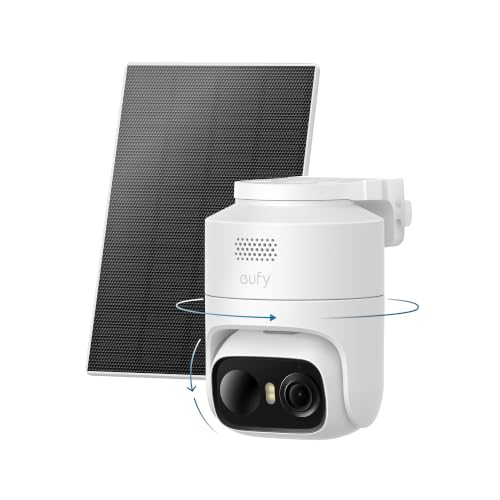


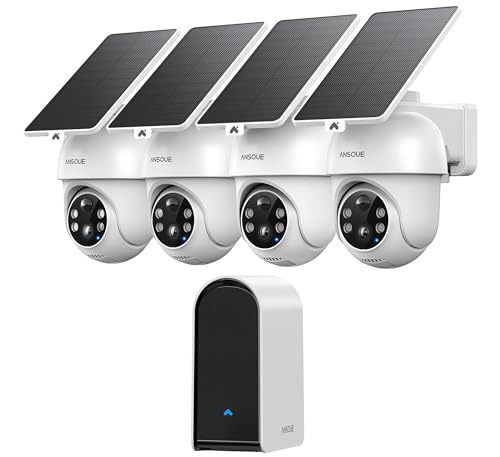
Key Features of Cold Weather Wireless Security Cameras
Start with the ratings a maker publishes, then check how they fit your coldest weeks rather than your average winter day. A camera rated only for mild cold may work on a sheltered porch in a southern state yet struggle on an exposed wall in Minnesota. If deep cold is your main concern, see our guide to the best security cameras for cold weather for a narrower look at temperature ratings alone.
Video Resolution and Field of View
Look for 2K resolution as a practical starting point, since it captures faces, plates, and package labels more clearly than basic 1080p without demanding as much WiFi bandwidth as 4K. Field of view matters just as much in winter, when you may mount a camera higher to stay clear of drifts. A view of about 130 to 160 degrees covers a wide driveway or yard with fewer blind spots, and good night vision matters because winter nights are long and bright snow can wash out an image if brightness cannot adjust.
Smart Detection and Alerts
Good person detection helps you ignore the motion winter creates on its own, such as falling snow, blowing branches, and headlights sweeping across a yard. Cameras that can also tell people from vehicles and packages let you choose which events deserve an instant alert. Custom motion zones add control by letting you watch a walkway or garage door while ignoring a busy street, and fast alerts matter because a warning that arrives a minute late is far less useful.
Two Way Audio and Siren
Two way audio lets you speak to a delivery driver or visitor from your phone, which is handy when you would rather not open the door in freezing weather. Check that the microphone and speaker stay clear outdoors, since wind can muffle voices and a muffled warning does little good. A built in siren or spotlight can discourage a stranger from lingering, but use it with care in shared spaces, since a loud alarm for every passing neighbor quickly becomes a nuisance.
Power Options for Battery, Solar, and Plug In Models
Battery power gives you the most freedom in placement, but cold is hard on batteries and a pack that lasts months in spring may need charging far sooner in January. Keeping a spare pack indoors lets you swap quickly instead of leaving a gap in coverage. Solar powered cameras can top up a battery on bright days, though short days, a low sun angle, and snow on the panel all reduce what they collect, so treat solar as support rather than your only plan. Plug in models avoid charging entirely but need an outdoor outlet nearby.
Storage: Local Recordings vs Cloud Plans
Local storage on a microSD card or a home hub keeps clips at home and avoids a monthly fee, and a hub indoors also keeps footage safe if a camera is stolen. Cloud storage keeps recordings safe off site and easy to review from anywhere, but useful plans usually cost money each month. Check what a plan includes, such as days of history and whether smart alerts require it, and add that cost to the purchase price before you compare models in the product table above.
Weather Resistance and Operating Temperature
An IP65 rating means the housing resists dust and water jets, which covers rain, sleet, and melting snow for most homes, while IP66 adds protection against stronger water pressure. Sealing alone is not enough, so read the operating temperature range next and match it to your coldest expected nights with margin to spare. A spot under an eave can help by shedding direct snow, and for exposed walls, see our guide to the best outdoor cold weather security cameras for placement ideas suited to open sites.
How to Choose the Right Setup for Your Home and Climate
The ratings only tell half the story, because the right choice also depends on how your home, your WiFi, and your winters fit together. Work through the three decisions below before you order, and you will avoid the most common reasons owners end up replacing a camera after its first winter.
Match Battery Size and Charging to Your Coldest Weeks
Estimate charging around your worst stretch of cold, not the battery life printed in large type, since makers measure that life in mild conditions with few recorded events. A busy front door camera that wakes often will drain far faster than a quiet side yard camera on the same battery. Think too about who will do the charging and whether they can reach the camera safely when steps and ladders are icy, and favor larger batteries or plug in power for hard to reach spots.
Plan Mounting Height and WiFi Reach Before You Buy
Check your WiFi signal at the exact mounting spot with your phone before you drill anything, since exterior walls, brick, and metal siding all weaken the connection. Mount most cameras about 8 to 10 feet high, which keeps them out of easy reach while still capturing faces instead of only the tops of heads. If you are comparing wide yard coverage, see our guide to the best outside security cameras wireless for more on viewing angles for open areas.
Decide What You Will Pay After the Purchase
Add up the full cost of ownership, including any cloud plan, replacement batteries, mounts, and a solar panel if you want one. Some cameras give you basic alerts and local recording with no fee, while others place person detection and longer history behind a plan. For a broader view of whole house coverage, see our guide to the best wireless exterior security cameras and compare how many cameras your property truly needs, since two well placed cameras often beat four rushed ones.
Quick Buyer Checklist
Run through these questions for every camera on your short list, including any best cold weather wireless security cameras you find on sale, and drop any model that fails a must have point. A quick no on temperature, power, or storage will save you more trouble than a small gain in video quality ever will.
- Is the operating temperature rating lower than the coldest night you realistically expect at your home?
- Does the housing carry at least an IP65 rating for rain, sleet, and melting snow?
- Can you reach the camera safely to charge or swap the battery during icy weather?
- Is your WiFi signal strong and steady at the exact spot where you plan to mount it?
- Does the camera offer the storage you want, either local recording or a cloud plan you accept?
- Will person detection and motion zones cut down false alerts from snow and passing traffic?
- Does the field of view cover your entry or yard without a large blind spot at the edges?
Red Flags to Watch For
Weak models often reveal themselves in the listing details rather than the headline features, especially when a seller leans on big resolution numbers while saying little about temperature or sealing. The warning signs below are good reasons to remove a model from your list.
- The listing gives no clear operating temperature range, so you cannot tell whether the camera will keep working on your coldest nights.
- Weather resistance is described only with vague words and no IP rating, so heavy rain or melting snow may reach the electronics inside.
- Battery life is promised with no mention of cold weather, so the real winter interval between charges may be far shorter than advertised.
- Key alerts or playback sit behind a paid plan the listing barely mentions, so your true cost rises sharply after the trial ends.
- The warranty is very short and spare batteries or mounts are hard to find, so a small failure can end the camera's useful life.
Treat unusual review patterns with the same caution, such as many glowing comments posted in a short burst with no detail about winter use. Look instead for owners who describe a full season in a climate like yours, with specific notes on charging intervals, snow on the lens, and alert accuracy.
Tips to Get the Most From Your Cold Weather Wireless Security Camera
Brush snow off the lens and solar panel gently with a soft cloth after storms, and never use hot water on a cold lens, since a sudden temperature change can damage it. Check the app view after each big storm as well, because drifting snow can change what the camera sees and may bury a low mounted unit.
Turn on two factor authentication for your account and keep the app and firmware updated, since those steps protect both your footage and your home network. Unlike baby monitors that stay indoors on a shelf, an outdoor camera faces weather and strangers, so a strong unique password matters even more here. Review shared access once or twice a year and remove anyone who no longer needs the feed.
Bring spare batteries indoors to warm up before charging, and store them in a dry place away from direct heat. A short check of mounts and seals each fall, before the first freeze, lets you tighten or replace parts while the weather is still easy to work in.
FAQ
Do cold weather wireless security cameras need a subscription?
No, many cold weather wireless security cameras record to a microSD card or home hub with no subscription at all. A paid plan usually adds longer cloud history, richer alerts, and easy sharing of clips. Before you buy, check which features sit behind the plan on that model, since some cameras limit person detection to paying users, and set a calendar reminder before any free trial ends so the first charge is never a surprise.
How much storage do cold weather wireless security cameras need?
Most homes do well with a 128 GB card or about 30 days of cloud history for one busy entrance camera. Busy driveways fill space faster because vehicles and blowing snow trigger more clips, even with smart detection on. Download any clip you may need for insurance or police promptly, since both cards and cloud plans overwrite or delete older footage on a set schedule, and a winter incident is often reported days later.
Are cold weather wireless security cameras easy to hack?
Cold weather wireless security cameras are not easy to hack when you set them up with basic care, though no connected camera is fully risk free. Use a unique password, turn on two factor authentication, and install firmware updates promptly. One point many owners miss is the router itself, so keep its software current too, and consider placing cameras on a guest network if your router offers one for extra separation from your computers.
Can cold weather wireless security cameras work without WiFi?
Yes, some cold weather wireless security cameras can record to a local card or hub without WiFi, but you lose live viewing and instant phone alerts. Models with cellular service exist for barns, job sites, and cabins, and they need a data plan plus a decent signal at the site. For a normal home, a short internet outage is usually fine because recording continues locally on many models, then syncs when service returns.
Are wired cameras more reliable than cold weather wireless security cameras in winter?
Wired cameras are generally more reliable in winter because they never need charging and hold a steady connection. Wireless models win on placement and simple installation, and a large battery or solar support closes much of that gap. Consider a middle path many owners use, with plug in power at the main entrance and battery models at spots where running a cable would be difficult, such as a detached garage or a far fence line.
Final Thoughts
Your decision rests on three things, a temperature rating with real margin for your climate, a power plan you can maintain safely in icy weather, and storage terms you understand before you buy. Work through the checklist above, compare your short list against the product table above, and favor steady winter reliability over one extra headline feature.
Chosen with those points in mind, best cold weather wireless security cameras will keep watch through snow, early darkness, and freezing nights without constant attention from you. Start with your main entrance, live with the setup for a few weeks, and add coverage only where you find a genuine gap.

