
Best Coaxial Cable for Modem: A Buyer Checklist for 2026
Disclosure: We may earn a commission when you buy through links on this page, at no extra cost to you. As an Amazon Associate I earn from qualifying purchases. Learn more

Learn how to choose the best coaxial cable for modem with clear guidance on RG6 shielding, cable length, connectors, and signal loss in any home.
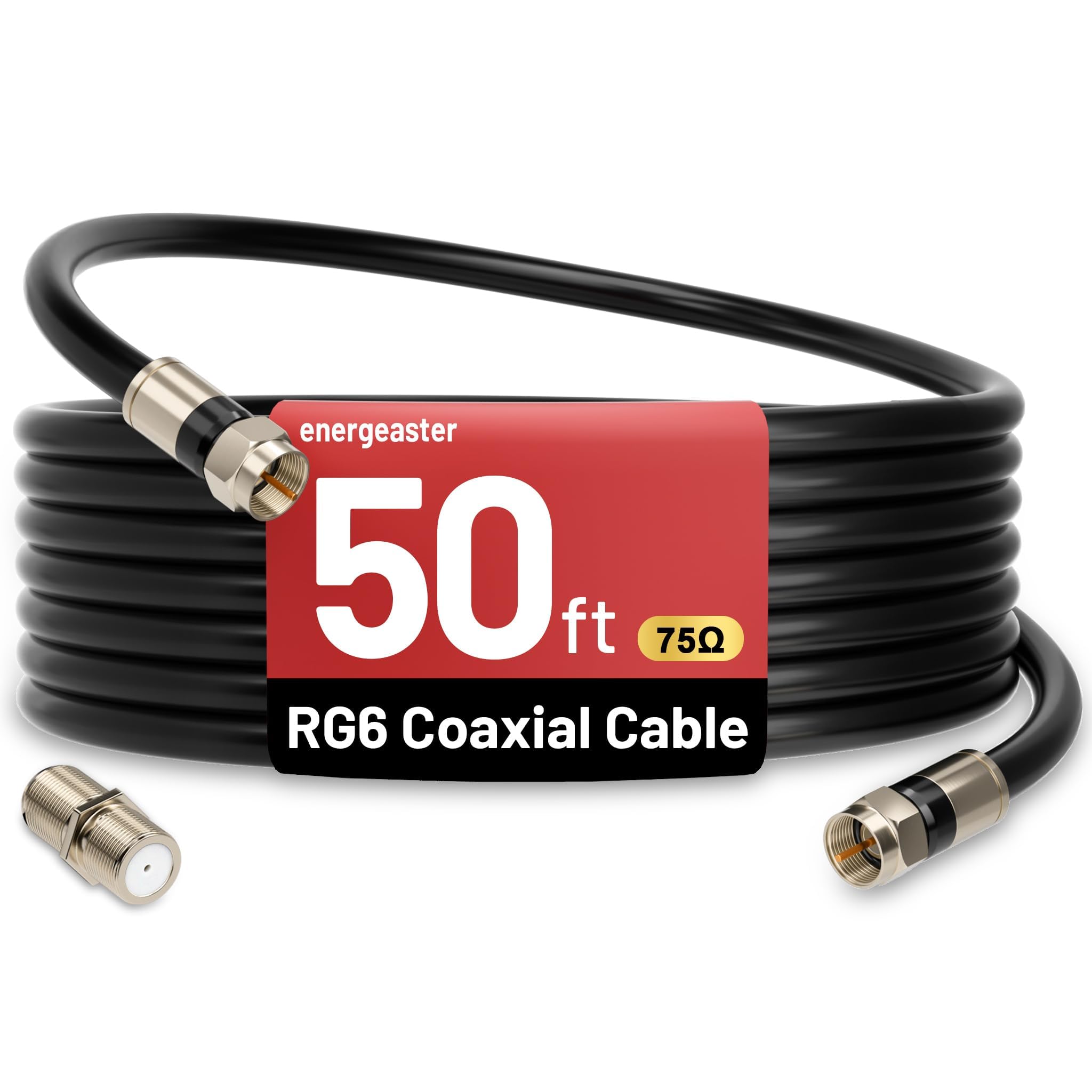
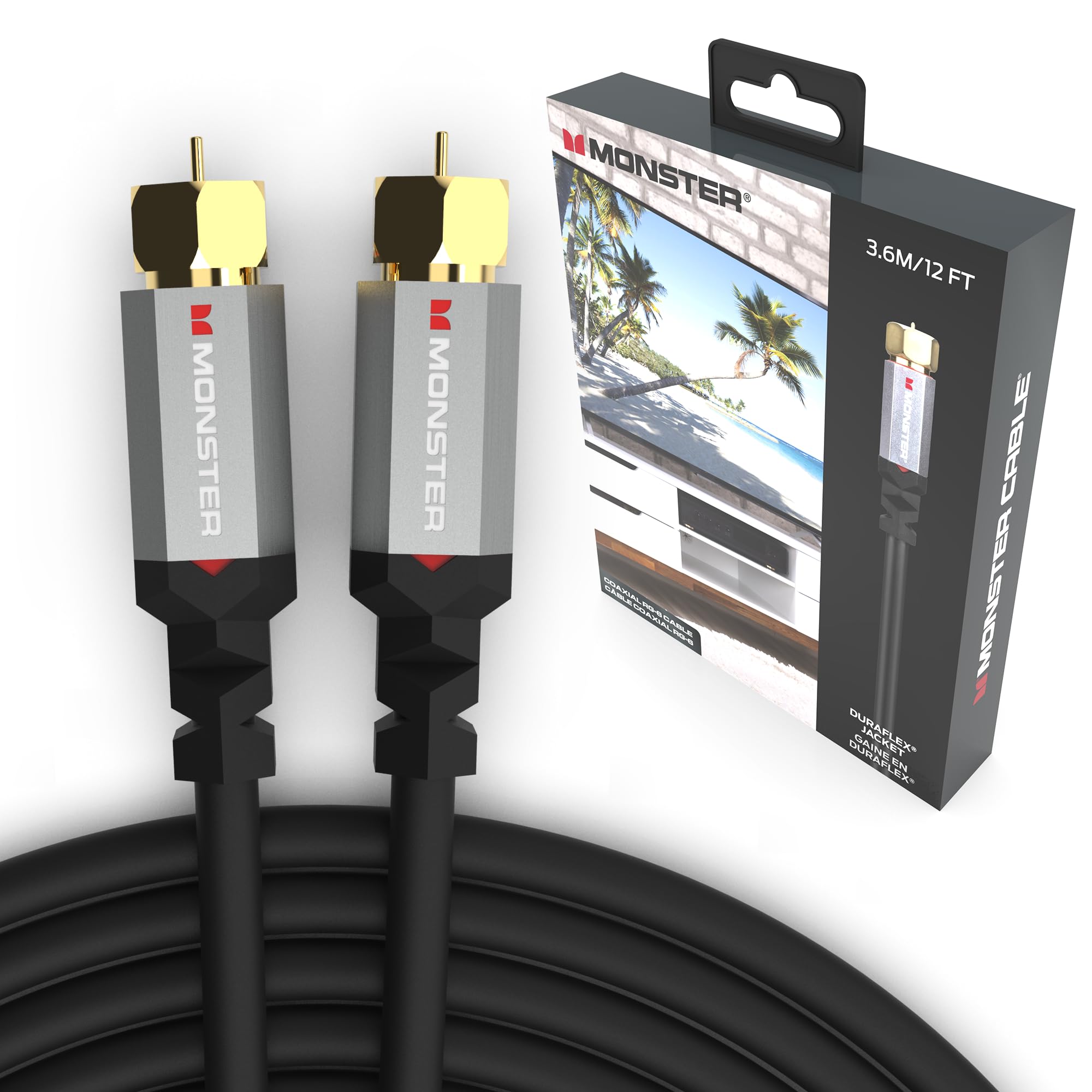
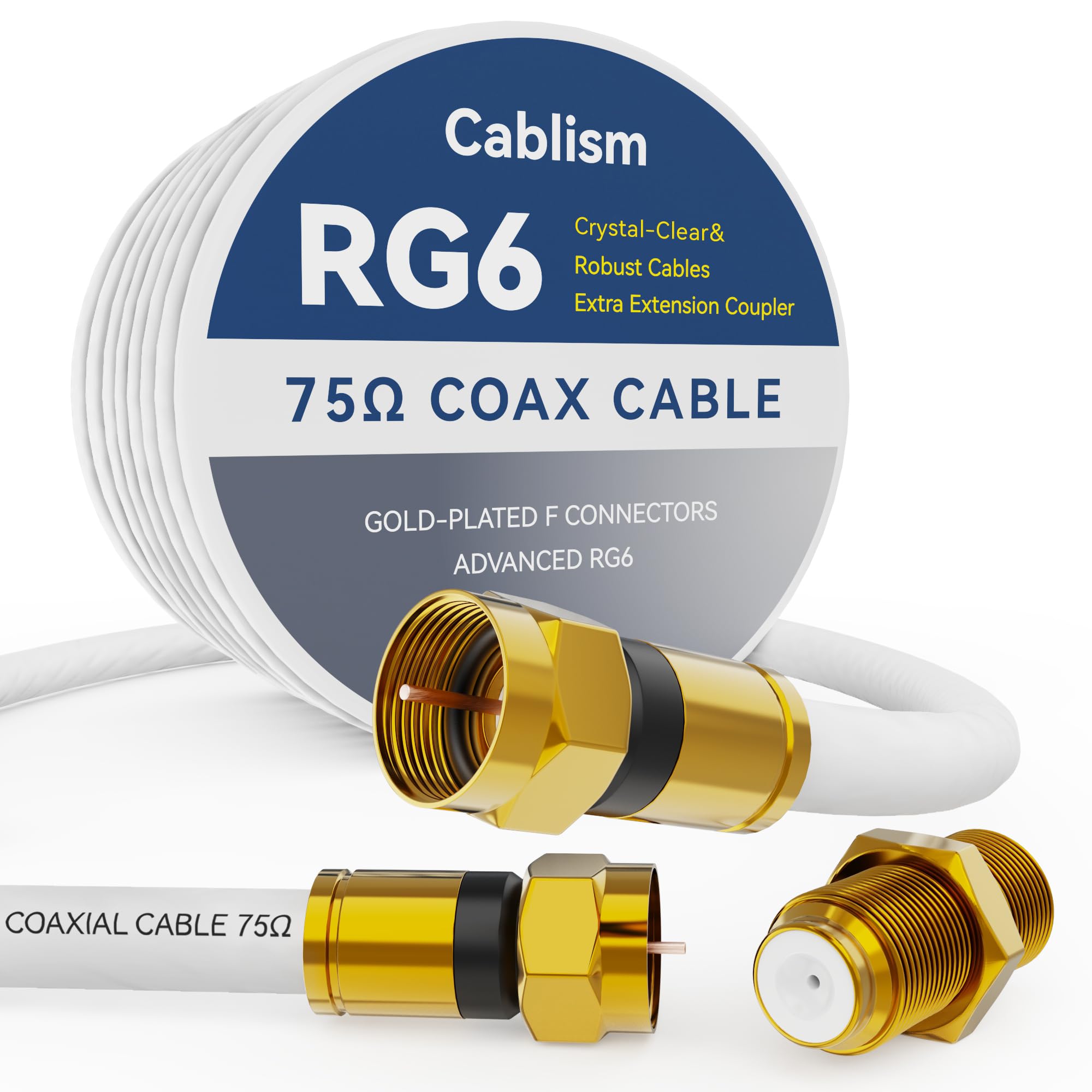
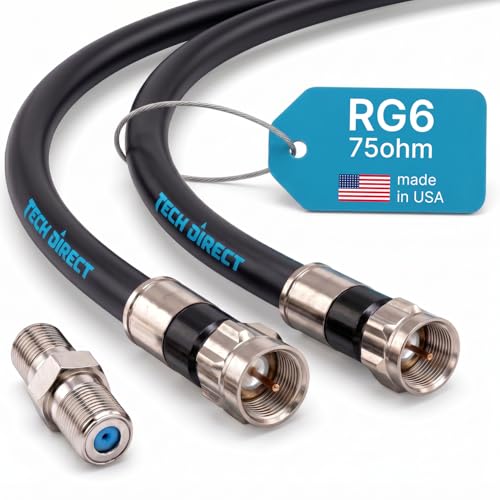
A weak coaxial run can make a good modem look unreliable, with dropouts at busy hours and speeds that fall short of your plan. Choosing the best coaxial cable for modem service comes down to a short checklist: the right cable type, strong shielding, solid connectors, and a length that keeps loss low. The product table below gathers cables to compare side by side for a quick first look.
You do not need the thickest or priciest cable on the shelf. You need one that matches your wiring, from a short jumper behind a desk to a long run through a wall or attic. This guide also covers the mistakes that quietly weaken a signal, plus the setup and care steps that matter.


Who Should Buy a New Coaxial Cable for a Modem?
Many homes still rely on an installer cable from years ago that may no longer suit a faster plan or a new modem. Three situations cover most reasons to replace it. If one sounds familiar, start here before you change anything else.
You Moved Your Modem or Replaced Your Hardware
Moving a modem to a home office or a central room often means the old cable is the wrong length or routed through splitters meant for TV outlets. A single direct run of the right length gives the modem a cleaner signal than a chain of extensions. If you are also comparing hardware, see our guide to the best cable modems and routers to match the modem to your plan.
Your Connection Drops or Slows at Busy Hours
Random dropouts, a modem that reboots itself, and speeds that sag in the evening can all trace back to a damaged or poorly shielded cable. Kinks, chew marks, crushed spots under furniture, and green corrosion on the connector are all signs of failure. Swapping in a fresh shielded cable is the fastest way to rule the wiring in or out.
You Are Wiring a Room Through Walls or Outdoors
Runs inside walls, across attics, or along an outside wall need the correct jacket rating for that space, covered below. A standard indoor cable can crack in sunlight or fail a home inspection when hidden in a wall. Xfinity and other providers also expect a strong signal at the modem, so subscribers can see our guide to the best cable modem routers for Xfinity.
Key Features to Compare on a Coaxial Cable
Six factors decide how well a coaxial cable carries signal from the wall outlet to your modem. None is complicated once you know what the jacket words mean, and they filter out most poor choices quickly.
Cable Type: Choose RG6 Over RG59
RG6 is the standard for modern cable internet because its thicker center conductor and larger foam insulation carry high frequency signals with less loss than older RG59. RG59 was built for analog TV and struggles at the frequencies DOCSIS internet uses, especially over distance. For this reason, look for RG6 in the product table and check the printed legend on the jacket before you buy.
Shielding That Blocks Interference
Shielding is the metal wrapping around the insulation that keeps outside noise out of your signal and your signal inside the cable. A foil layer blocks high frequency interference, while a braided layer adds coverage and strength. Dual shield designs pair one foil with one braid, and quad shield designs add a second foil and braid for noisy settings near power lines or appliances. More shielding also makes a cable stiffer, so save quad shield for noisy runs.
Center Conductor: Solid Copper or Copper Clad Steel
The center conductor is the single wire that carries the signal, in two common builds. Solid copper conducts best and is the safer choice for longer runs and multi gig speed tiers. Copper clad steel has a steel core with a thin copper skin; it costs less and works fine on short runs, since high frequency signals travel near the surface of the wire.
Length and Signal Loss
Every cable loses signal strength as length grows, an effect called attenuation that rises with frequency. A short jumper of 3 to 6 feet loses almost nothing, while a 100 foot run can lose enough to push a weak incoming signal below what the modem needs. Buy the shortest cable that reaches comfortably, with a little slack for moving furniture. Avoid tight coils of spare cable, which add stress at the connectors.
Connectors: Compression F Type Fittings
The connector at each end matters as much as the cable itself, because a loose fitting lets moisture and interference in. Factory fitted compression connectors grip the cable in a full ring and stay tight. Twist on and push on fittings rely on threads or friction alone and work loose over time. Look for nickel plated brass fittings and a weather seal on outdoor ends.
Jacket Ratings for Walls, Attics, and Outdoors
The outer jacket protects the cable and decides where you may safely run it. Cables marked CL2 or CM are approved for use inside walls in most homes, while plain patch cables stay visible in a room. Outdoor runs need a jacket that resists sunlight and moisture, and direct burial runs need a gel filled build. Local codes vary, so check your local rules before closing a cable inside a wall.
Choosing Length and Layout for Your Home
With the specs settled, the last buying decision is how the cable fits your layout. The right choice depends on distance, on how many outlets share the line, and on whether the modem gets a direct path from the entry point.
Short Direct Runs for Desks and Entertainment Centers
When the modem sits near the outlet, a short cable of 3 to 10 feet is ideal. Signal loss is minimal, the run is easy to inspect, and swapping the cable later takes a minute. A basic dual shield cable performs just as well here as a heavier build. Keep the modem on its own outlet rather than a long branch that also feeds several TVs.
Longer Runs Across Rooms or Floors
For a run of 25 to 75 feet, small spec choices start to matter. Pick solid copper, keep shielding at dual or quad level, and plan a route that avoids sharp turns around door frames. Measure along the actual path, including vertical drops, then add a few feet of slack. Confirm the jacket rating before the route passes through a wall, since replacing one after the wall is closed is far harder.
Splitters and How They Weaken the Modem Signal
A splitter divides the incoming signal, and every split lowers the strength on each branch. Each split costs a noticeable share, and stacking splitters compounds the loss until the modem struggles to hold its connection. Give the modem the first and strongest path from the entry point, ideally with no splitter at all. If you must split, use a quality splitter rated for cable internet frequencies and cap any unused ports.
Quick Buyer Checklist
Run through these questions before you order the best coaxial cable for modem use in your home. A cable that earns a yes on every line is a safe match for most cable internet homes.
- Is RG6 printed on the jacket or stated in the listing?
- Does the cable use at least dual shielding, with foil and braid?
- Is the center conductor solid copper for runs over about 25 feet?
- Is the length close to your measured route, with light slack?
- Are the connectors factory fitted compression F type fittings?
- Does the jacket rating match where the cable will run?
- Can the modem reach the outlet with no splitter in its path?
Common Mistakes and Red Flags to Avoid
Most cable problems come from a handful of buying and handling errors that quietly weaken the signal.
- Buying RG59 because it looks the same as RG6 leaves the modem starved of signal at internet frequencies.
- Choosing twist on connectors to save money invites loose fittings that let interference creep in.
- Cranking connectors down with a wrench can crack the fitting or damage the modem port threads.
- Adding spare splitters to feed unused outlets drains strength from the branch the modem depends on.
- Bending the cable sharply behind furniture crushes the foam core and creates a weak spot.
- Leaving an outdoor connection unsealed lets moisture wick inside and corrode the conductor.
Setup and Care Tips for Your Coaxial Cable
Connect the cable by hand, turning the nut until it is snug, then add a small extra turn with your fingers only. Keep bends gentle, about the curve of a coffee mug, and secure long runs with clips made for coaxial cable. Cross power cords at a right angle rather than running alongside them, which limits noise entering the line.
Once connected, restart the modem and give it several minutes to lock onto all its channels before you judge the result. If speeds still disappoint on a wired connection, the cable is unlikely to be the cause, and our guide to the best modems and routers can help you check the hardware side. If TV gear shares the cabinet, see our guide to the best HDMI cable to keep video runs tidy.
Care is simple. Once or twice a year, inspect reachable cable for cracked jackets, crushed spots, and loose or corroded fittings, and wipe dusty threads with a dry cloth. Store spare cable in a loose coil in a dry place, away from heat vents and direct sun. Replace any cable with a cut jacket or a bent center pin.
Frequently Asked Questions
What features matter most in a coaxial cable for a modem?
Shielding, cable type, and connector quality matter most for a coaxial cable for a modem. One extra check is the sweep rating printed on better cables, which shows the cable was checked across the full frequency range cable internet uses. A stated sweep rating and a clear jacket legend are easier to trust than vague claims with no printed specs.
How long can a coaxial cable for a modem be without hurting speed?
A coaxial cable for a modem can run 100 feet or more when the incoming signal is strong, but shorter is always safer. To check yours, connect the modem with a short cable at the entry point and compare its behavior for a day. If dropouts vanish there but return on the long run, the run itself or a splitter along it is at fault.
Can a damaged coaxial cable for a modem cause random dropouts?
Yes, damage is a common cause of dropouts that come and go on a coaxial cable for a modem. A partially crushed or kinked section may pass signal when cool and still, then fail when the room warms up, a door closes on it, or furniture shifts against it. Faults tied to movement or temperature, rather than time of day, point to the cable first.
Does a coaxial cable for a modem change WiFi speed or coverage?
No, the coaxial cable feeds the modem, and WiFi begins at the router, so the cable cannot add coverage or change your WiFi standard. WiFi 7, WiFi 6E, WPA3 security, QoS settings, and mesh or single routers all live in the router, not the cable. If a wired speed test is strong while wireless speeds lag, router placement or settings are the place to look.
When should I replace the coaxial cable for my modem?
Replace the coaxial cable for your modem after events that can harm it out of sight, such as flooding, rodent activity, or a remodel that moved walls and outlets. Surviving cables can hide corrosion or pinch points that surface months later. Age alone is not a reason to replace a cable whose jacket and fittings still look sound.
Final Thoughts
A good coaxial run is mostly about removing weak points: RG6 cable, honest shielding, solid connectors, and a length that fits the room. Set those four items against the product table above before you order. For most homes, the best coaxial cable for modem service is simply the one that matches your route and ratings on the first try, so measure carefully and buy once.


