Best Cloud Dash Cam 2026: Types Compared and Buying Guide
Disclosure: We may earn a commission when you buy through links on this page, at no extra cost to you. As an Amazon Associate I earn from qualifying purchases. Learn more

A cloud dash cam uploads clips and parking alerts to your phone. Compare connection type, parking mode, channels, and two year plan cost before you buy.
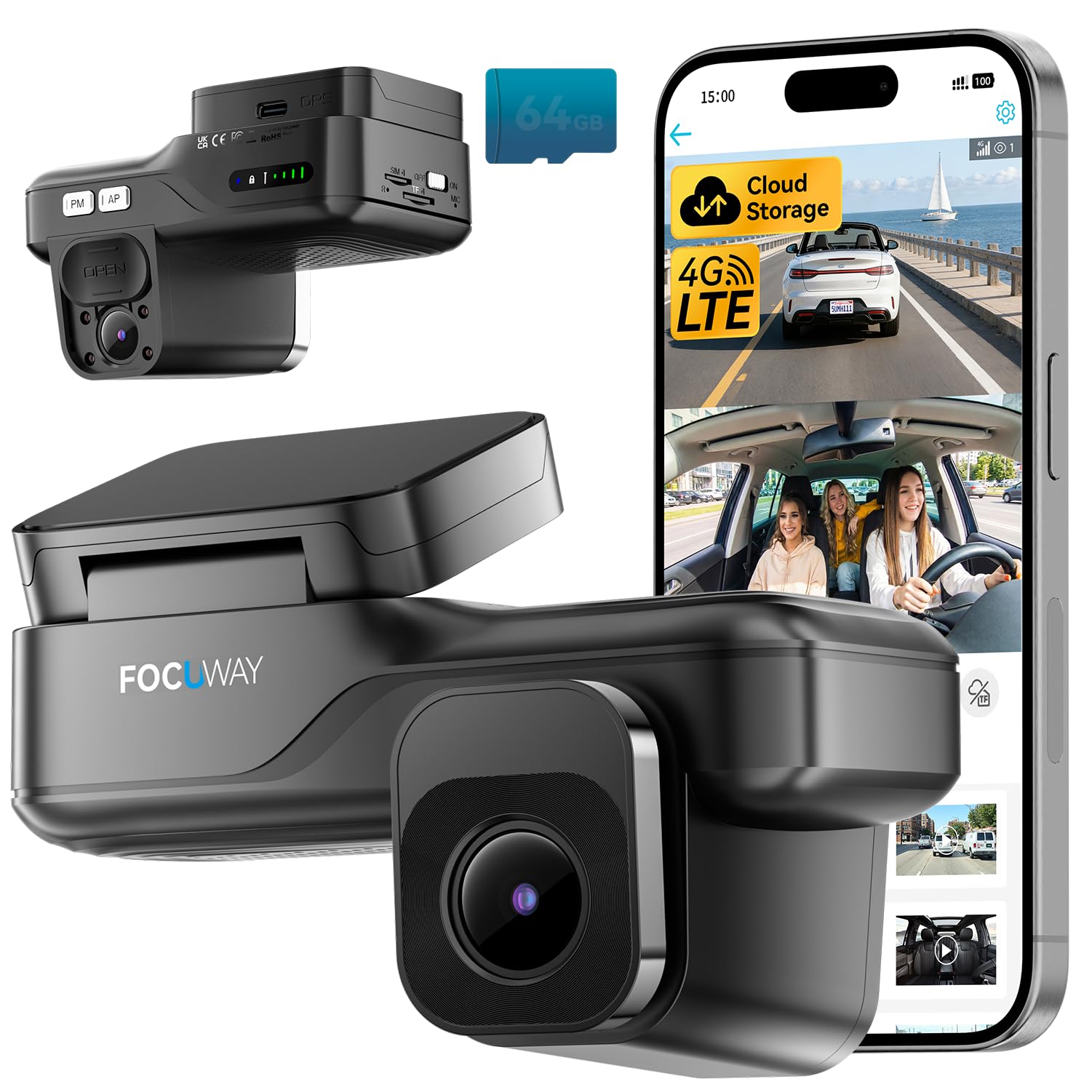
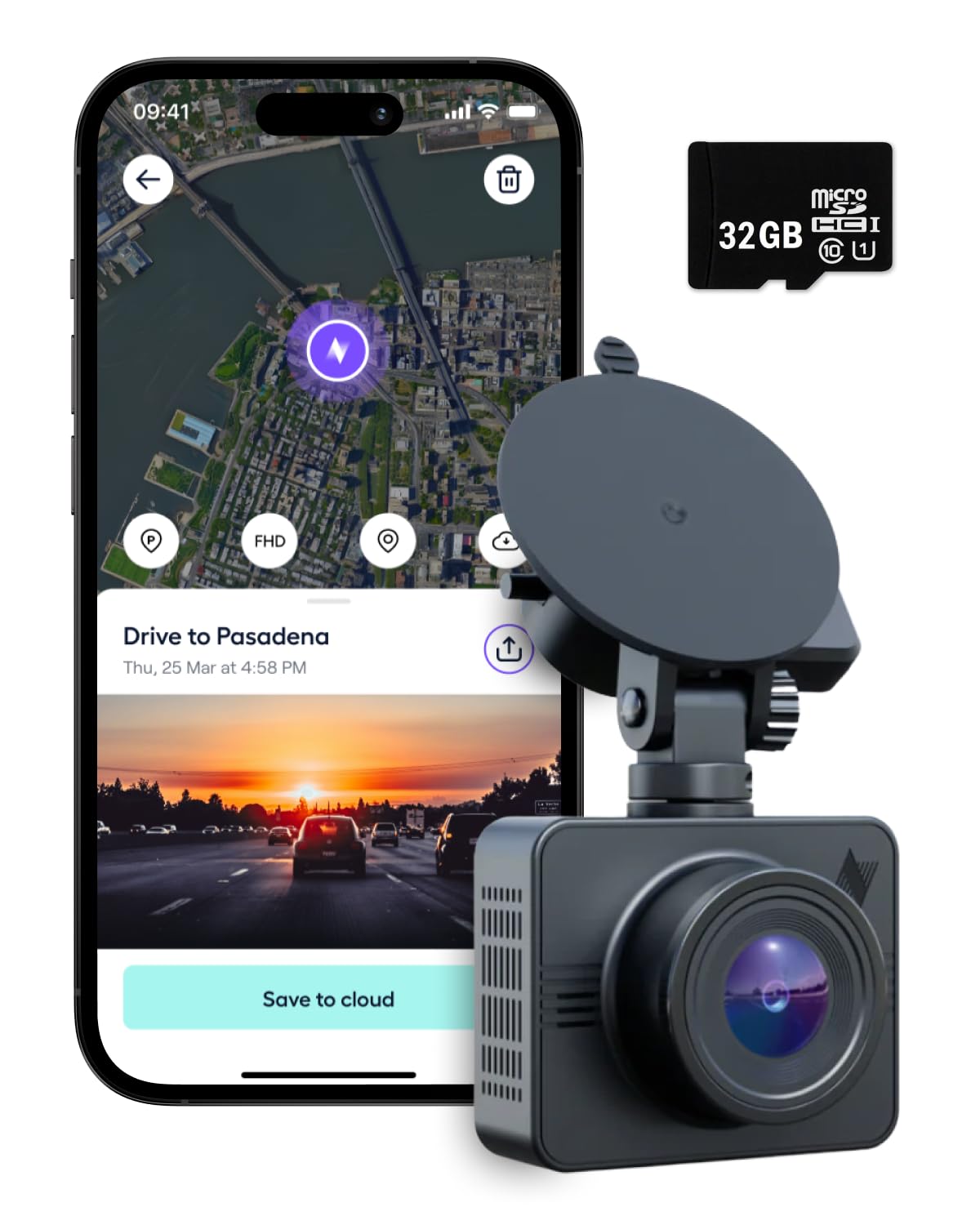
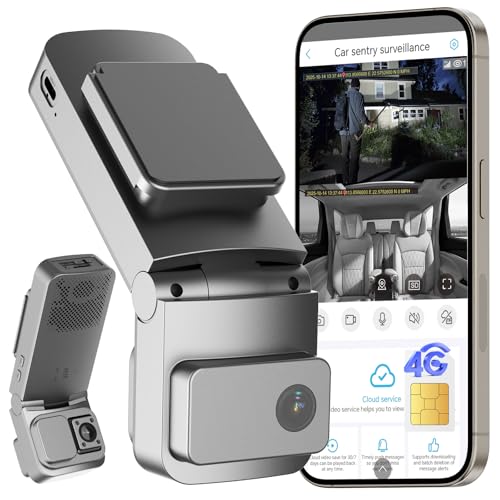
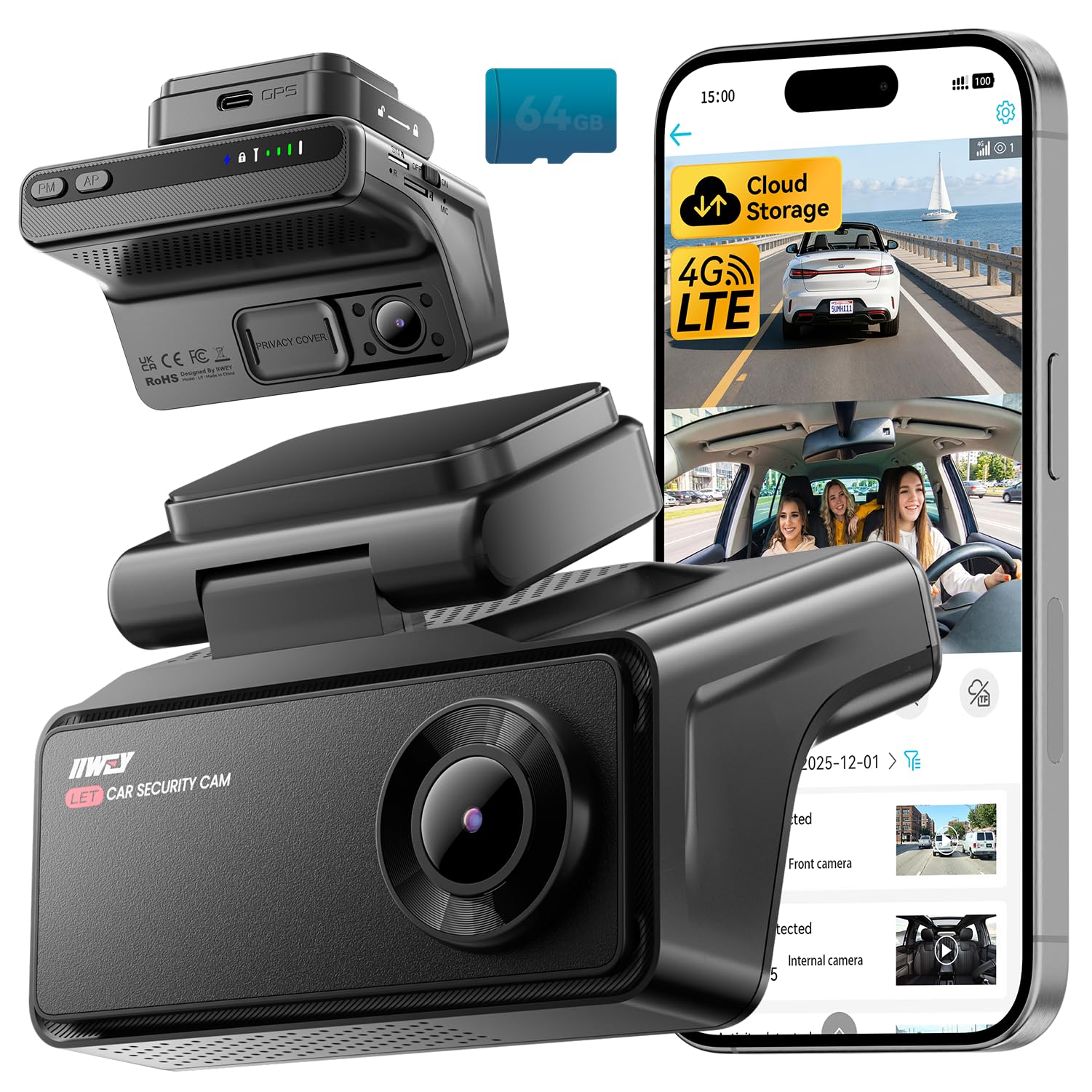
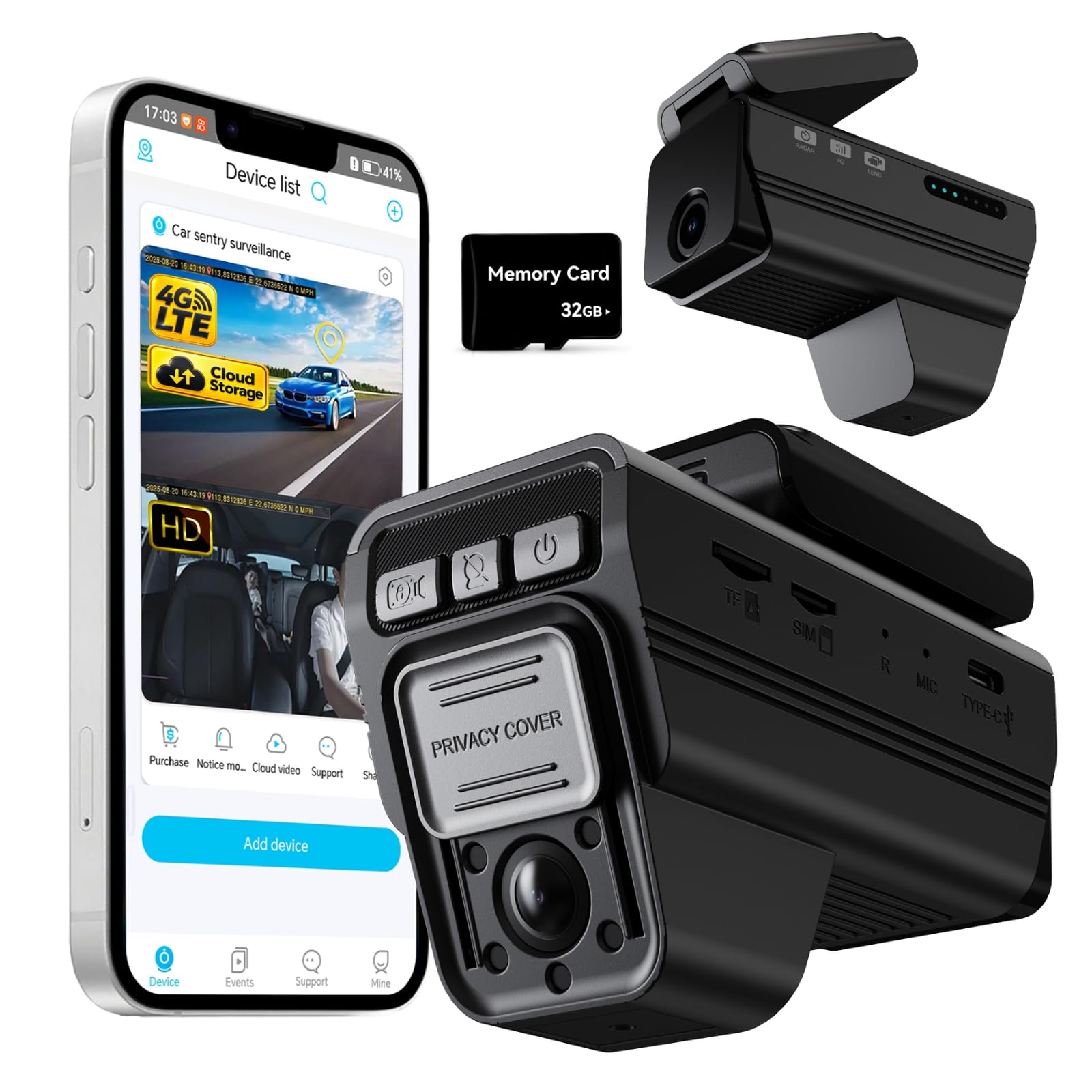
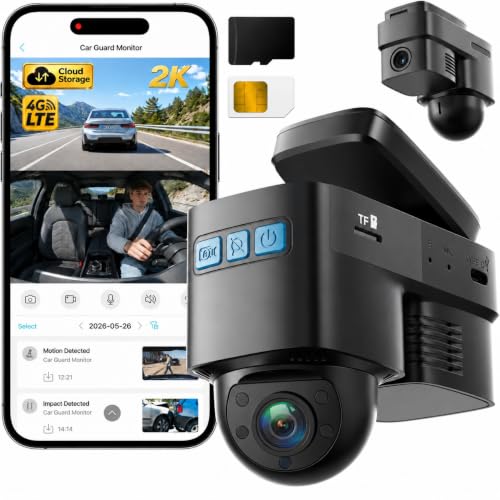
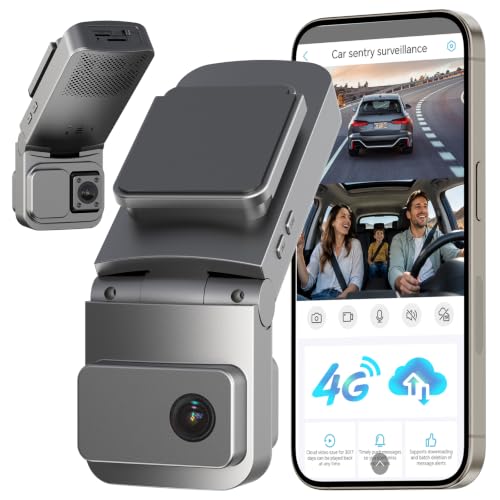
A normal dash cam stores video on a memory card inside your car, so you can only review a clip after you return to the vehicle. A best cloud dash cam setup changes that flow. It sends event clips to online storage, alerts your phone when something happens, and lets you check on your parked car from somewhere else.
That remote access adds a data connection and, in many cases, a subscription. This guide compares cloud models by connection type, camera channels, parking protection, and total cost, so you can use the comparison table below with a clear sense of what you are paying for.

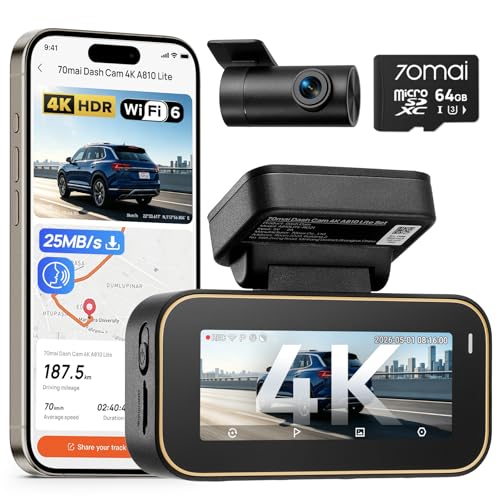

Who Should Buy a Cloud Dash Cam?
Drivers Who Park on the Street or in Shared Lots
You leave your car where others can bump it, walk past it, or try a door handle while you are away. A cloud camera can push an alert to your phone soon after an impact and upload the matching clip before anyone can take the camera or the card. That early copy is the main reason to accept a monthly plan instead of choosing a simpler local storage model.
Rideshare and Delivery Drivers Who Work With Passengers
You drive strangers, food orders, or packages for hours, and disputes can start well after a trip ends. A cabin facing camera paired with cloud upload gives you a record you can retrieve from your phone without pulling a card at the end of a shift. Look for clear cabin audio controls, a simple way to save a trip clip, and a plan that covers frequent uploads.
Owners Who Share a Car or Manage a Small Fleet
You lend the car to a family member or a small team, and you want location history and event alerts in one app. Cloud models for shared use offer location tracking, driving alerts, and remote viewing that a basic camera cannot match. If you only need proof after a crash, a guide to the best dash cam with strong local storage may cover you at a lower running cost.
Key Features to Compare
Cloud Connection and How It Works
Cloud cameras connect in one of two main ways. Some use a built in cellular modem with a data plan from the camera maker, while others connect through your phone hotspot or a separate vehicle hotspot. A built in modem works when your phone is away from the car, which parked alerts require. A hotspot setup costs less, but remote access stops when the hotspot leaves or switches off.
Event Alerts and Upload Behavior
Ask what triggers an upload and what lands in your account. Most systems upload short clips around an impact, a motion event, or a manual save press, rather than sending every minute of driving. Check alert delay, clip length before and after the trigger, and whether you can download a full quality copy or only view a compressed version in the app. A usable clip matters more than a fast alert alone.
Video Quality and Camera Channels
Resolution, frame rate, and lens coverage decide whether a plate, a face, or a side impact is readable. Front only models are simplest, while a second camera watches the road behind you or the cabin. If rear coverage matters, compare the options in our guide to the best front and rear dash cam before you settle on channel count. Cabin cameras also need strong low light performance for night work.
Parking Mode and Remote Viewing
Parking mode is where cloud access earns its keep. The camera watches for motion or impact while the engine is off, wakes up, records, and sends an alert you can act on. Live remote viewing lets you look through the lens on demand, but it drains power and data faster than event only recording. Check whether the camera cuts off at a voltage you set, so protection does not leave you with a car that will not start.
Storage Plans and Subscription Costs
The purchase price is only part of what a cloud camera costs. Plans may charge for cellular data, cloud storage time, live viewing minutes, or advanced alerts. Add up at least two years of plan fees before you compare prices, and check how long clips stay stored before deletion. Also confirm what still works if you cancel.
App Quality and Ease of Use
You will manage almost everything through the app, so its layout shapes daily use. Look for fast clip search by date and event type, clear download steps, and simple sharing for an insurer. If you dislike tending apps and accounts, the models in our guide to the best wireless dash cam show a middle ground, with local phone access and no cloud plan.
How to Choose the Right Dash Cam
Start with the problem you want solved, then work through type, features, fit, and power. Our overview of how to choose a dash cam covers the general groundwork, and the points below focus on what changes when cloud access is the reason you are buying.
Type: Front Only, Front and Rear, or Three Channel
Front only models record the road ahead and suit drivers who mainly want crash evidence and parked impact alerts. Front and rear setups add coverage for rear impacts, which are common in city traffic and parking lots. Three channel systems add a cabin camera for rideshare work. Each added channel raises the price, the install effort, and the data each upload uses, so add one only when you can name the situation it covers.
Features Worth Paying For
Night vision support, a reliable parking mode, GPS location logging, and a clear app are worth paying for, since they affect whether clips are usable when you need them. GPS stamps speed and location into the record, which helps settle where an event happened. A high endurance memory card matters too, as your backup when the signal drops. Skip extra live viewing minutes if event alerts alone meet your needs.
Vehicle Compatibility
Check the mount against your windshield slope, mirror size, and any sensor housing behind the mirror, since a bulky camera can block your view or fail to sit flat. Confirm power cable length, especially in larger SUVs and trucks where a rear camera run is long. Drivers comparing fit across everyday vehicles will find useful context in our guide to the best dash cam for cars.
Installation
Most cloud cameras mount with adhesive or a suction cup, route a cable along the headliner, and plug into a power socket or a hardwire kit. A hardwire kit enables parking mode and should include a voltage cutoff to protect the battery. Tuck cables clear of airbag paths along the pillars, and check the cellular signal from your usual parking spot before you finish the run. A camera that cannot reach the network where you park cannot send alerts.
Power and Performance
Parking watch draws steady power, so match the camera draw to your battery size and driving pattern. A car that sits for days needs a cautious cutoff setting or a separate battery pack made for dash cams. Heat matters as well, so look for a design rated for high cabin temperatures.
Warranty and Support
Check the warranty length and whether the cloud service has storage terms you should read before you rely on it. Keep your proof of purchase, since claims often need it. Support quality shows up when a plan renews wrongly or an upload fails, so favor makers with clear help pages and a simple way to export your clips.
How Much Should You Spend?
Basic front only cloud models can start at about $100 to $200, while front and rear sets with a built in modem often land at about $200 to $400, before plan fees. Under those ranges, expect local storage with limited cloud trials rather than full remote access. Spending more should buy better low light video, an extra channel, or longer cloud storage. Judge each step up by one of those gains, and add the plan cost into the total.
Cloud vs Other Dash Cams: Pros and Cons
The strength of a cloud camera is distance. You learn about an event while you are away, you hold a copy of the clip outside the car, and you can share that copy from your phone in minutes. The trade offs are ongoing cost, dependence on signal coverage, and one more account to maintain. A local storage camera costs less over time and works anywhere, but you must reach the car and the card before you can see anything.
Choose cloud access when parked alerts, shared vehicle oversight, or rideshare records are central to why you are buying. Choose a local model when you park in low signal areas, dislike subscriptions, or simply want crash evidence at the lowest running cost.
Care, Checks, and Everyday Use
Wipe the lens with a soft cloth when road film builds up, since grime softens plate detail at night. Format the memory card in the camera on the schedule the maker suggests, and replace it when recording errors appear. Every few months, confirm that alerts still arrive, the plan is active, and the camera clock is correct. Our walkthrough of how to use a dash cam covers these routine checks, including how to save a clip before it is overwritten.
FAQs
What is the best cloud dash cam for remote parking alerts?
The right pick for parking alerts has a built in cellular connection, a parking mode that reacts to motion and impact, and a battery cutoff you can set. One detail many buyers miss is alert grouping. Good apps group repeated motion alerts from rain or passing headlights, so a busy night does not bury the one impact alert that matters under dozens of minor notices.
Are cloud dash cams worth it compared with local storage models?
They are worth it when you would act on an alert while away from the car, or when a copy stored outside the vehicle protects you if the camera is stolen. They are harder to justify if you park in a private garage and review clips rarely. Count how often you would check remote viewing in a normal month, then compare that honest number with the plan fee.
How long does a cloud dash cam last?
The camera hardware often serves for several years, but the memory card and any internal battery wear out sooner and may need replacement. Service life also depends on the cloud service staying active, so keep local recording enabled as your fallback. Exporting important clips to your own drive protects you if an account closes or a storage window passes.
Does a cloud dash cam need a subscription to record?
Most models keep recording to the memory card without a plan, while remote alerts, live viewing, and cloud storage usually require one. Read the plan page for the exact split before you buy, since it varies by brand. Also check whether a free trial starts at activation, because setting the camera aside for a month could use up the trial without any real driving.
How do you clean a cloud dash cam lens and sensors?
Power the camera down, then wipe the lens gently with a clean microfiber cloth, using lens cleaner only if the maker allows it. Clean the inside windshield glass as well, since haze there sits in every frame. Also check that no sticker, toll tag, or hanging item has drifted into the field of view.
Will a cloud dash cam drain my car battery while parked?
It can if parking mode runs without a cutoff, especially in a car that sits unused for days. Set the voltage cutoff the maker recommends, shorten the watch window if your model allows timed shutoff, and drive the car after long parked stretches. A separate dash cam battery pack is another option for drivers who need long coverage without drawing on the vehicle battery.
Final Thoughts
A cloud camera is not simply a dash cam with an app. It is a small monitoring service for your car, with a camera, a data link, and a plan that must fit how you park. Weigh connection type, parking protection, channel count, and two year plan cost together, use the product table above to compare setups, and pick the best cloud dash cam that sends you the right alert, with a clear clip attached, when it matters.