
Best Cell Service Trail Cameras in 2026: A Buyer Checklist
Disclosure: We may earn a commission when you buy through links on this page, at no extra cost to you. As an Amazon Associate I earn from qualifying purchases. Learn more

Compare cell service trail cameras by carrier coverage, data plan cost, trigger speed, flash type, sent photo quality, battery life and app alerts.
A cellular trail camera earns its keep when it sends a photo to your phone while you stay home. The best cell service trail cameras match the carrier that reaches your land, send clear night photos, and run for months on one set of batteries. This checklist covers the points that decide that result, so you can read the comparison table below with a clear plan.
Start with the place, not the brand. A lease two hours away, a gate with no power, or a feeder in a valley each puts different pressure on signal, battery life, and plan size.
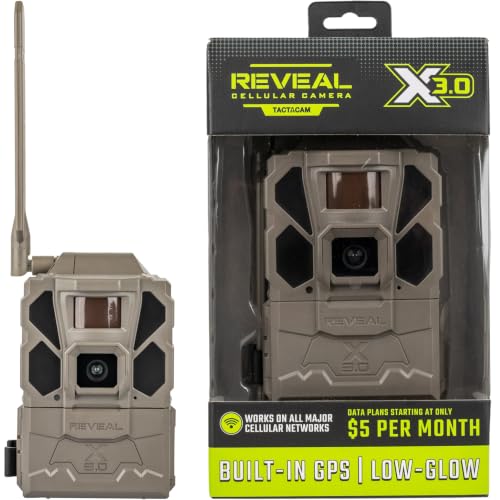


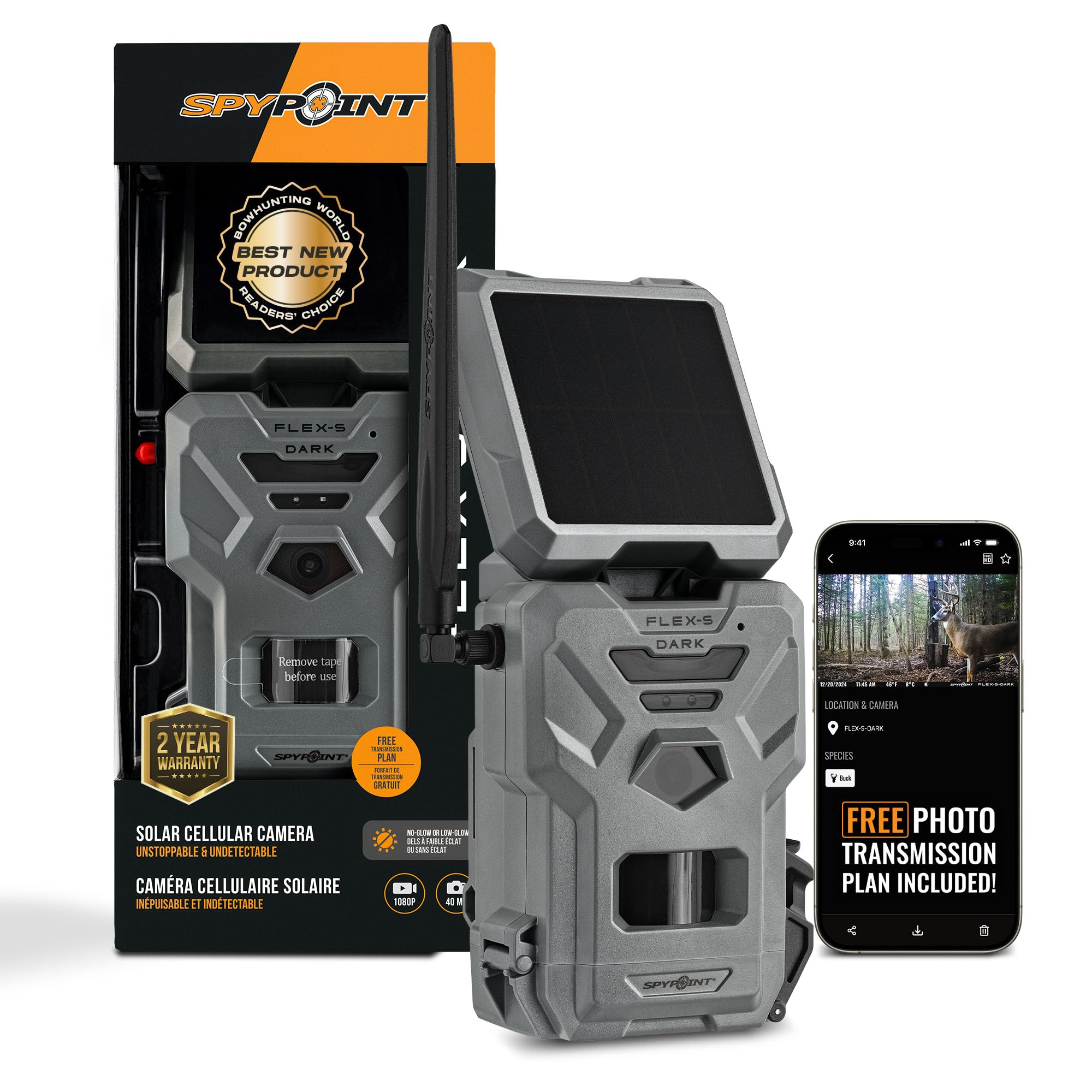
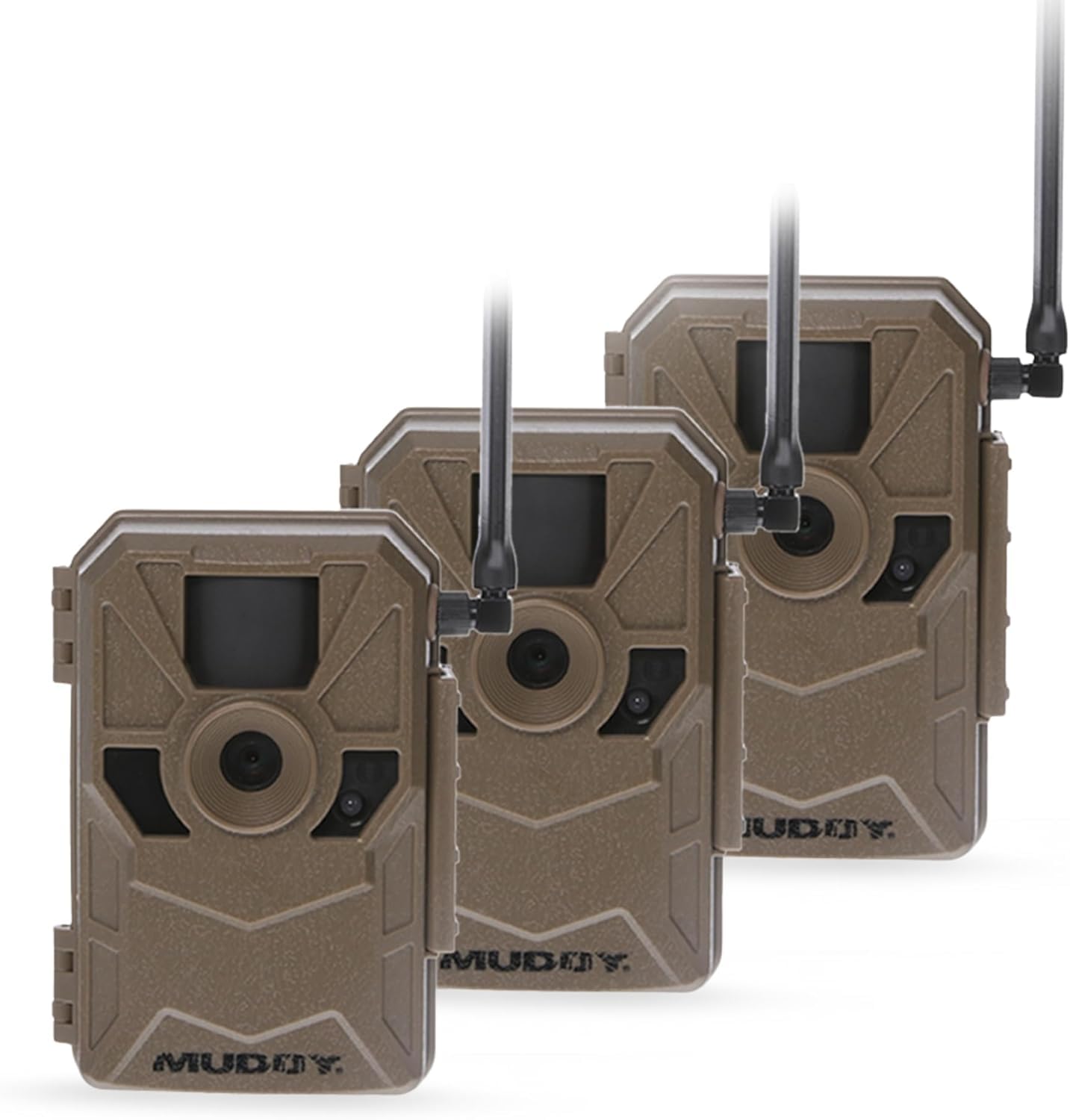
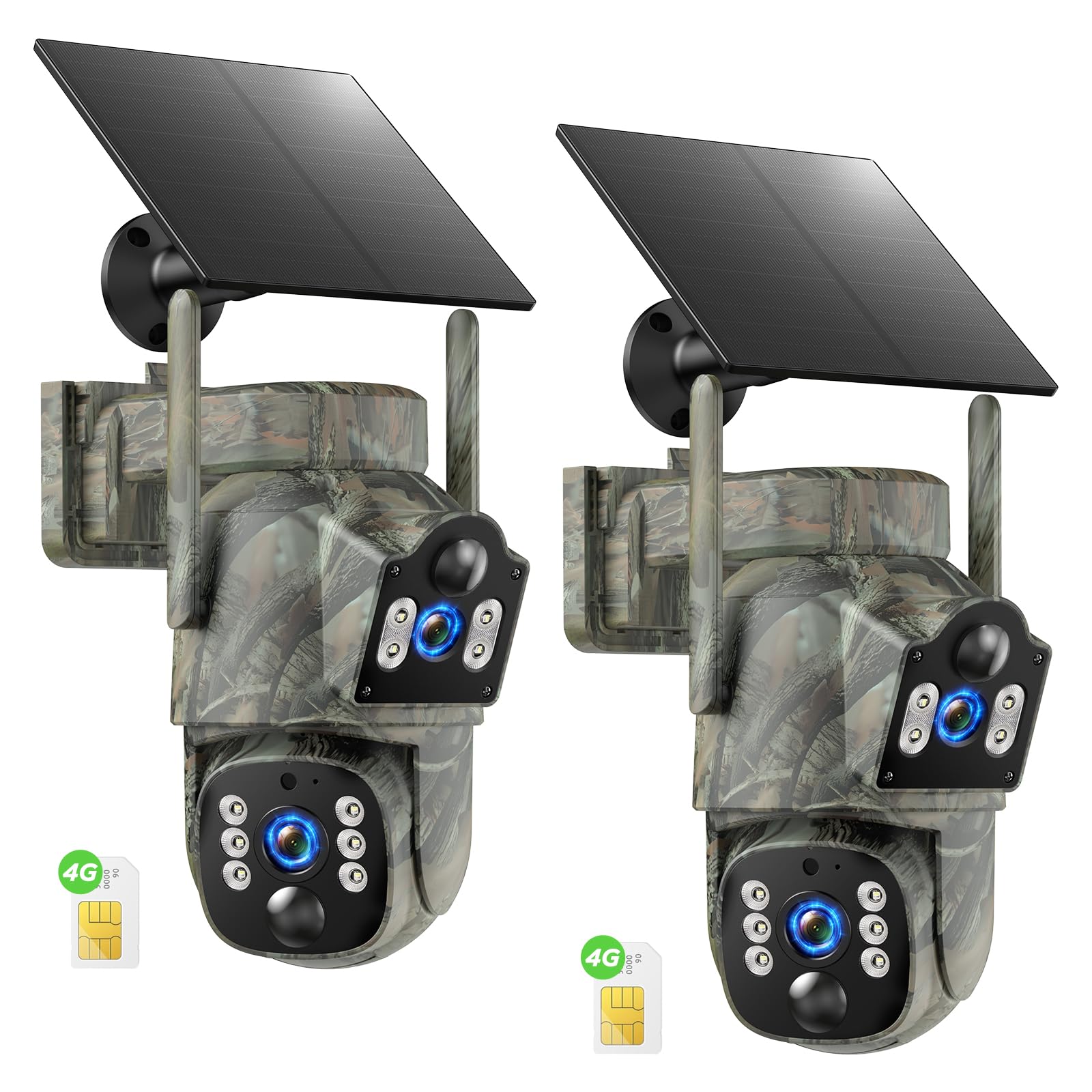
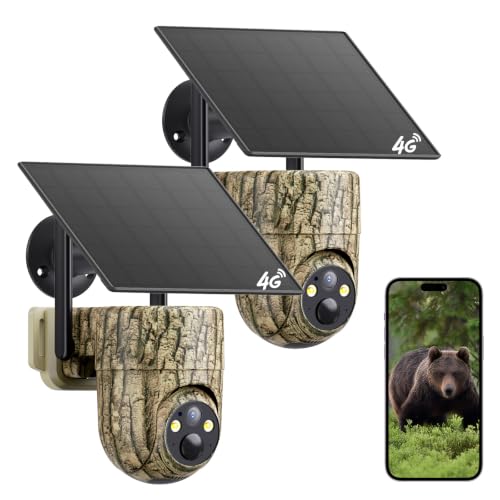
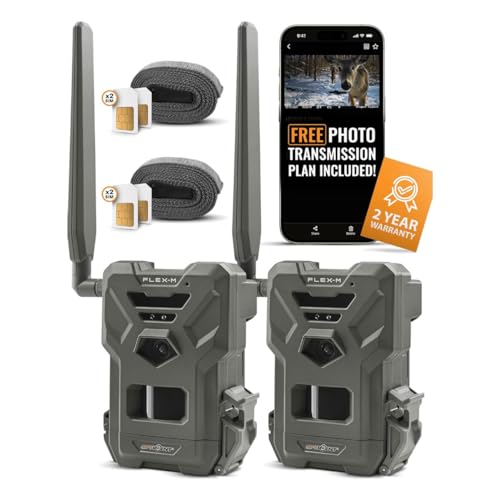
Who Should Buy a Cell Service Trail Camera?
Paying for cell service only makes sense when remote delivery saves you real trips or gives you news you would otherwise miss.
Hunters Scouting Land They Cannot Visit Often
You check a lease or a family farm from another town, and each card pull costs fuel and an afternoon. A cellular camera sends deer movement to your phone, so you can time a visit around fresh activity. Choose strong detection and a plan sized for the weeks before your season opens.
Landowners Watching Gates, Barns, and Equipment
You want a prompt photo when a vehicle or a person passes a gate, a barn, or stored gear. Delivery speed and a clear night flash matter more than very high photo counts. Mount it where a plate or a face passes slowly, and pick instant sending rather than a once a day batch.
Wildlife Watchers Following a Feeder or a Den Site
You follow birds, foxes, or deer at a feeder and you do not want your visits to change their habits. Remote photos let animals stay at ease while you learn when they come and go. A quiet no glow flash and a larger plan suit you, since a busy feeder can trigger hundreds of photos in a windy week.
Key Features to Compare
When you compare best cell service trail cameras side by side, work through coverage and cost first, then detection, flash, photo quality, and power. A camera that cannot connect cannot send anything. For a wider view of connected models, see our guide to the best cell trail cameras.
Carrier Coverage and Signal at Your Exact Site
A cellular trail camera sends photos over one mobile network, and many models are built for a single carrier. Coverage maps show towns and roads, not the hollow behind your barn, so test the signal at the tree itself. Weak signal makes the camera retry sending, which drains batteries and delays photos. A stronger antenna, or a place for an external antenna, helps at fringe sites where one bar more decides whether a photo arrives in minutes or a day late.
Data Plans and the True Monthly Cost
The camera price is only the first cost, because sending needs an active plan. Plans usually charge by photo count, with tiers such as a few hundred photos a month up to unlimited sending. Some plans let several cameras share one pool of photos, which lowers cost for a property with three or four units, while others charge per camera.
Trigger Speed, Detection Range, and Recovery Time
Trigger speed is the delay between the sensor sensing motion and the camera taking the photo, and good models react in about 0.3 to 0.7 seconds. Detection range tells you how far away motion registers, often about 60 to 90 feet. Recovery time matters just as much, since a camera that resets slowly misses the second and third animals in a group.
Flash Type and Night Image Clarity
Night photos depend on the flash style. No glow flash uses light that animals and people barely notice, which suits wary game and quiet property watching. Low glow flash shows a faint red light but often reaches farther. White flash gives color night photos, yet it can startle animals and draw attention to the camera. Judge reach claims with care, because a bright center with dark edges still hides an animal at the side of the frame.
Sent Photo Quality Versus Card Photo Quality
The photo that reaches your phone is often a smaller copy of the photo saved on the memory card, sent small so it travels fast and uses less of your plan. Many services let you request a full size copy of a keeper photo for a credit or a higher tier. This split matters when you need to read antler points or a plate number, so check what size arrives by default, and see our guide to the best cell phone trail cameras for more on phone delivery.
Battery Life and Power Options
Cellular sending uses far more power than storing photos on a card, so card only battery claims do not apply here. Most models run on AA batteries, and lithium cells handle cold weather and long sending sessions better than alkaline cells. A solar panel keeps a busy camera going at a sunny gate, though shade and short winter days limit what it adds in deep woods.
A Quick Buyer Checklist Before You Pay for a Plan
Answer these questions before you order, because a plan mistake is harder to undo than a camera choice. If you answer no to any of the first three, solve that point first. For linked units that pass photos to one hub, see our guide to the best cell link trail cameras.
- Does the carrier for this camera show a usable signal at your exact mounting tree?
- Have you counted likely monthly photos, including wind and passing animals?
- Does the plan let you pause service during months you will not use the camera?
- Is the size of the photo sent to your phone enough for what you need to identify?
- Does the flash style suit wary game, property watching, or color night photos?
- Does the app let you set sending times and photo limits for each camera?
If you do not need photos sent to you at all, a standard card camera costs less and has no plan at all, and our guide to the best trail cameras covers those models.
Common Mistakes to Avoid
- Buying a camera built for a carrier with no signal on your land leaves you with a costly card camera that never sends.
- Picking the smallest photo plan for a busy feeder leads to a camera that stops sending halfway through the month.
- Facing the camera into sunrise or sunset causes false triggers that drain batteries and fill your plan.
- Using cheap alkaline batteries in cold weather shortens run time and can leave the camera dead during the best week of the season.
- Skipping a lock box on public or shared land invites theft of a camera that cost far more than a standard model.
Setup and Care Tips for Cell Service Trail Cameras
Set the camera up at home first. Fit batteries and a card, activate the plan, and confirm a test photo reaches your phone before you drive out. At the tree, hang it about waist to chest height, angle it along the trail rather than straight across it, and clear grass and branches in front of the sensor. Point the antenna up, clear of the trunk.
Wipe the lens window and the sensor window with a soft cloth at each battery change, and check the door seal for grit that could let rain in. Replace batteries by the app gauge rather than waiting for a dead camera, and format the card in the camera after saving the photos you want. Check the app for firmware updates, since updates often improve sending reliability and battery use.
FAQ
Which carrier works best for a cell service trail camera on rural land?
The carrier that works best is the one with the strongest signal at your mounting site. Before you buy, stand at the tree with phones on the networks you are considering and note the bars at ground level. A camera antenna sits lower than a phone in your hand, so a site that looks fine from a truck window can still be weak at the trunk.
Can a cell service trail camera send photos without an active plan?
No, a cell service trail camera cannot send photos without an active plan, though it can still save photos to its memory card like a standard camera. That fallback helps if you let a plan lapse during the off season, because the camera keeps recording while you are away. Pull the card on your next visit, since nothing arrives on your phone during the gap.
How quickly do photos from a cell service trail camera reach a phone?
Photos from a cell service trail camera usually reach a phone within about one to five minutes when signal is good. Delivery slows when the camera is set to send in batches to save battery and plan data. If you watch a gate, turn batch sending off for that camera and accept shorter battery life as the price of prompt alerts.
Does a cell service trail camera need WiFi at the property?
No, a cell service trail camera does not need WiFi, because it sends over the mobile network on its own. That is why these cameras suit leases, fields, and cabins with no router. The trade off is that every photo travels on your paid plan, so a camera near a busy road uses its allowance far faster than one on a quiet trail.
How much does monthly service for a cell service trail camera cost?
Monthly service for a cell service trail camera often costs about $5 to $15 per camera, depending on how many photos the plan includes. Annual billing usually lowers the monthly rate. Before you commit for a year, run one camera for a full month in your busiest season, since that count shows your true tier.
Wrapping Up
Put coverage first, plan cost second, and detection and flash third, and most buying errors disappear. Match the carrier to your tree, size the plan to your busiest month, and power the camera for the visits you can make.
With those points settled, the best cell service trail cameras for your land become easy to spot in the product table above. Pick the model that fits your signal and your season, and let the photos come to you.


