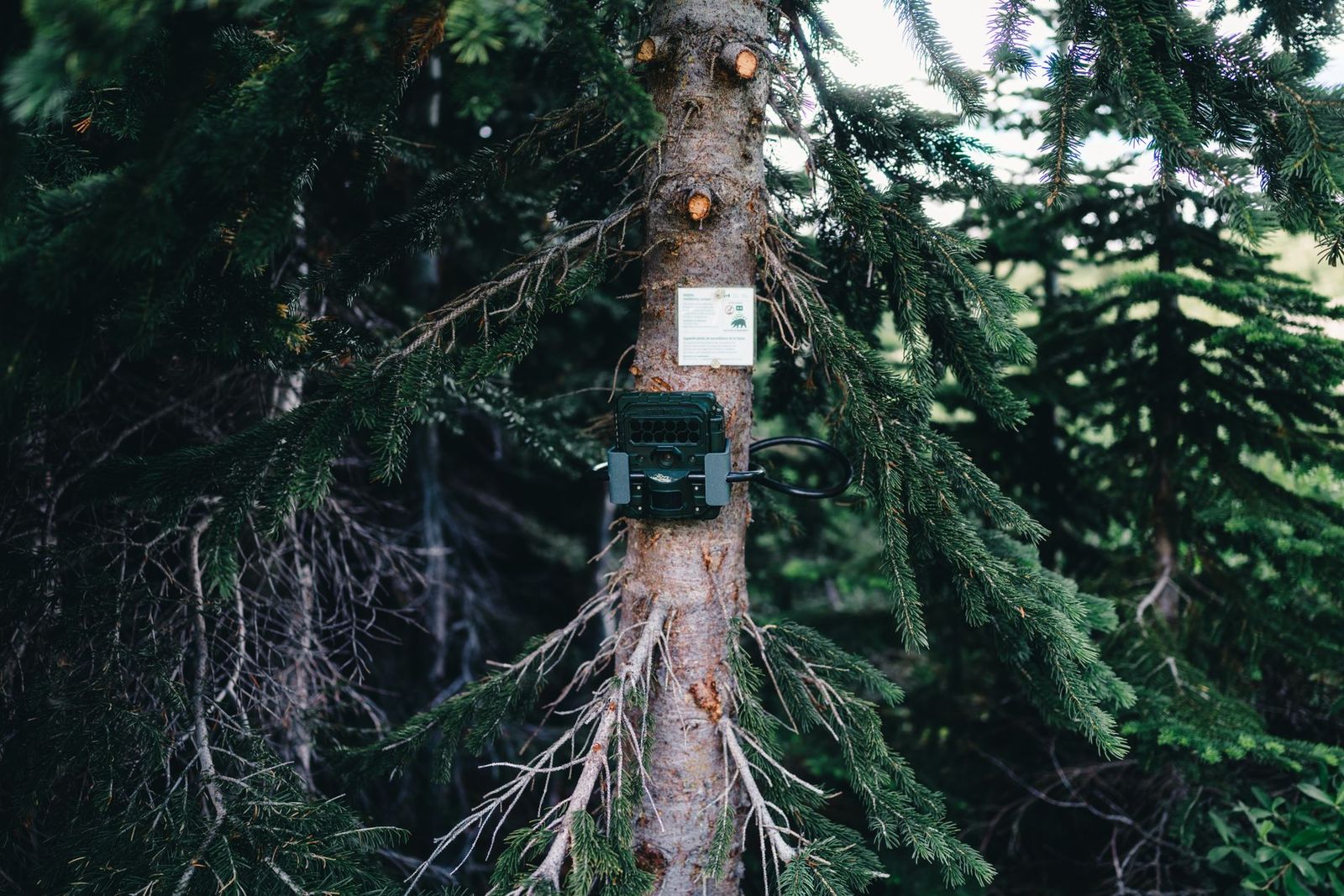
Best Cell Phone Trail Cameras in 2026: What Actually Matters Before You Buy
Disclosure: We may earn a commission when you buy through links on this page, at no extra cost to you. As an Amazon Associate I earn from qualifying purchases. Learn more

Use this checklist to find the best cell phone trail cameras: test coverage at your tree, read the plan terms, judge the app, plan batteries, then specs.
A cellular trail camera earns its price only when it can reach a network from the tree you hang it on. Buyers who start with megapixel counts and trigger speeds often end up with a camera that never sends a single photo from their best spot. The decisions that decide success run in the opposite order: coverage first, plan terms second, the app and battery plan next, and camera hardware last. The comparison table below is a useful shortlist, but the best cell phone trail cameras for your land are the ones that pass the five checks in this guide, in that order.
Listings often shorten the name to best cell trail cameras, but the product is identical: a trail camera with a cellular radio and an app that delivers photos to your phone. This guide skips model rankings on purpose. Each check below tells you what to verify, what a passing answer looks like, and what should send you to a different camera or a different carrier before you spend anything.
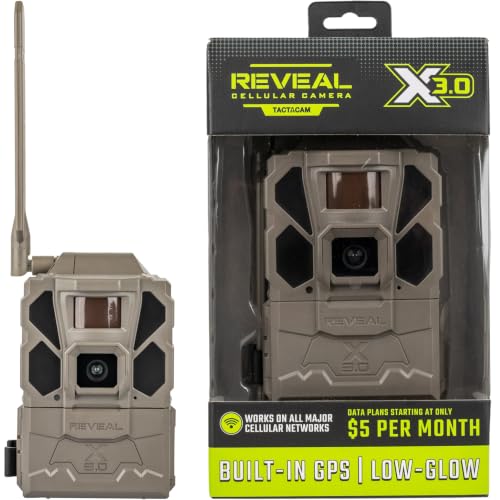

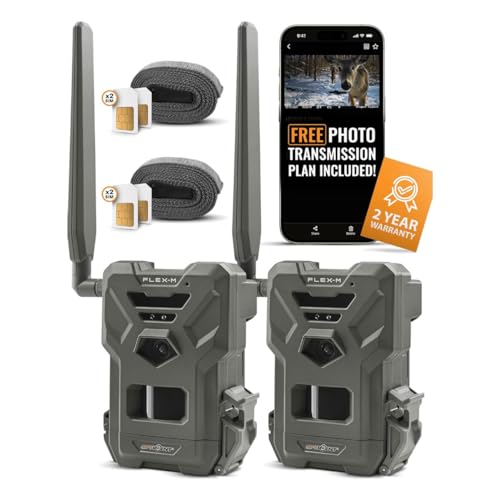


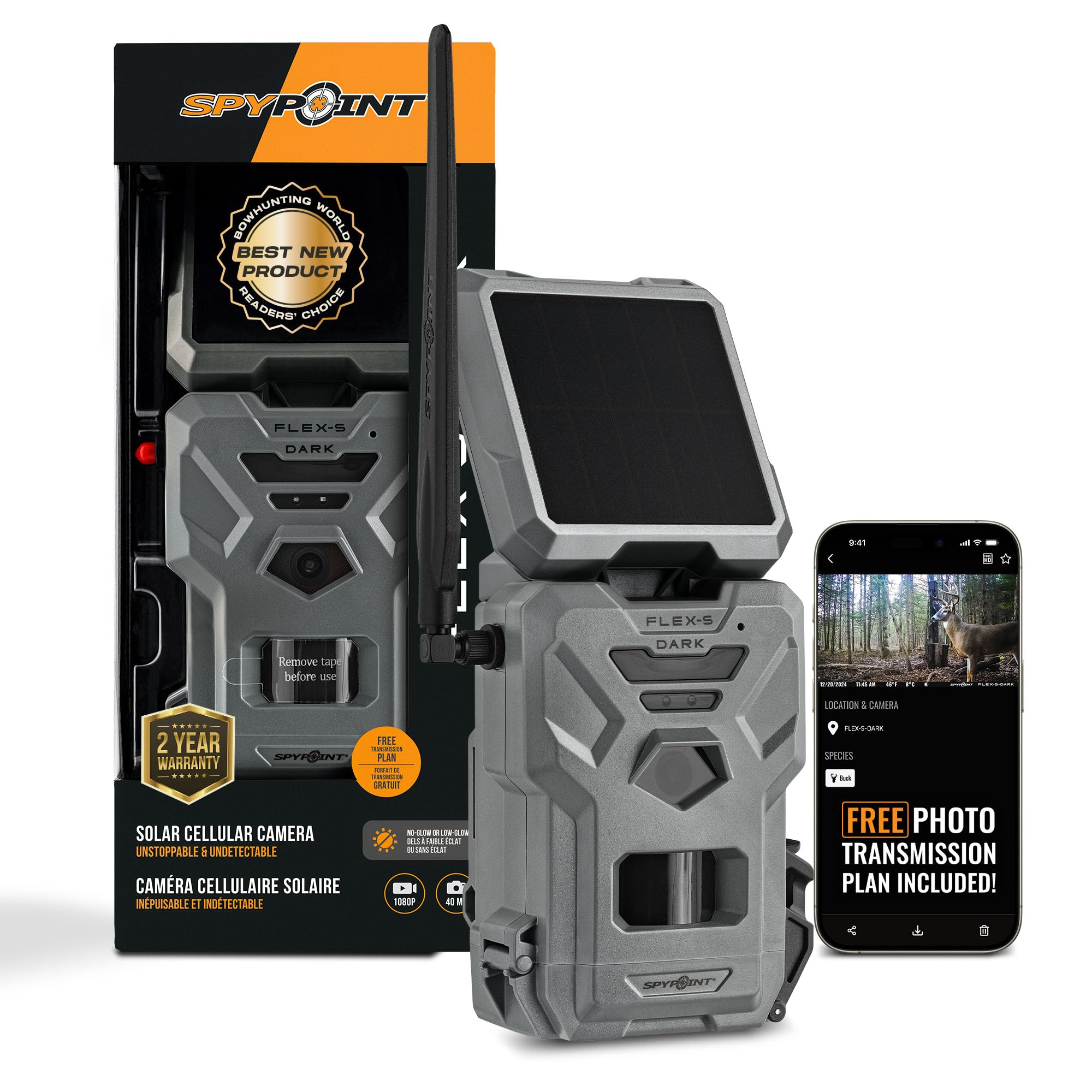
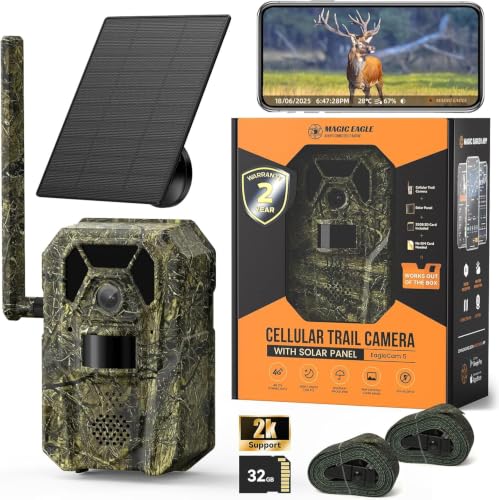
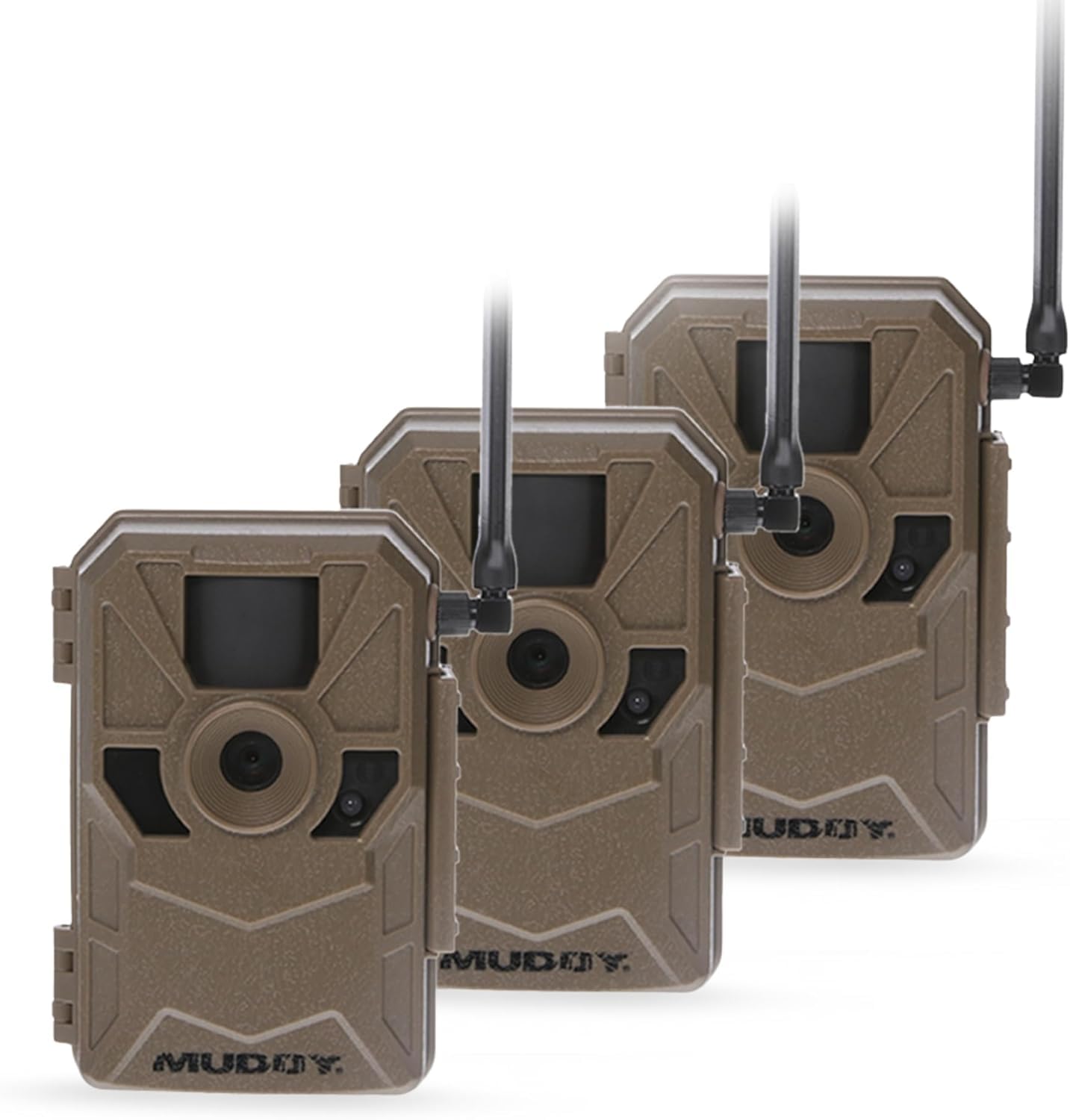
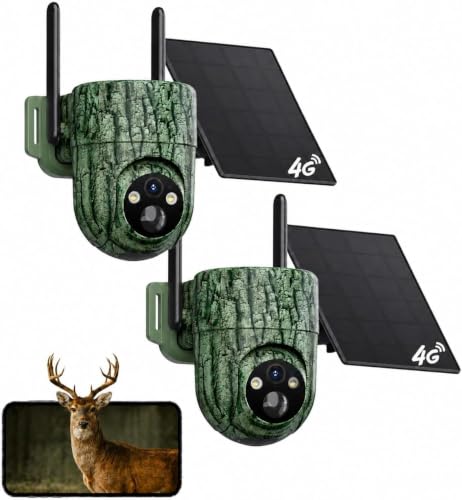

The Five Checks, in the Order They Matter
Check One: Signal at the Camera Tree
Everything else in this guide is wasted money if the camera cannot connect from its mounting spot, so coverage comes first. Carrier coverage maps are drawn for towns and highways, and they flatter wooded valleys, ridge shadows, and low ground near creeks. A strong signal at your house or on the road says nothing about the woods where deer actually move. Before you order, walk to the exact tree with your own phone and watch the signal there, then repeat the test on a second carrier if a hunting partner uses a different network.
One steady bar is often enough for small photo thumbnails, because the camera retries its sends in the background until they go through. Uploads of full size photos and video clips need more, and a camera that fights for signal all night also drains its batteries faster than its spec sheet admits. If both carriers are weak at your best spot, the honest fix is a different spot, a camera with an external antenna port, or a plain card camera. A more expensive cellular model cannot fix a dead zone. Choose the carrier by the site, never by the plan you already use at home.
Check Two: The Plan Terms Behind the Price
The camera price is the entry fee. The data plan is the real cost of ownership, and over three seasons it usually passes the price of the camera itself. Read the plan page before the spec sheet. Look for the monthly photo allowance, because plans commonly cap sends at a few hundred to a few thousand photos per month, and a busy feeder or a windy branch can burn through a small allowance in a week. Then check whether full resolution photos and video clips cost extra, since many plans include small thumbnails only.
Note the activation fees, any contract term, and whether you can pause service in the off season without losing your account history and settings. A plan you can suspend for six months often beats a cheaper plan that bills all year. Annual billing sometimes discounts the total, but only pay ahead once you have confirmed coverage at your spot with a monthly term first. Our guide to best cell service trail cameras compares how plan structures differ between brands. If a seller will not state the cap, the overage price, and the cancellation terms in plain writing, treat that silence as the answer and keep shopping.
Check Three: The App and Notification Speed
A cellular camera is half hardware and half software, and the app is the half you touch every day. Photos should arrive within a minute or two of a trigger under decent signal, and the app should let you sort by camera, mark favorites, and delete false triggers in batches instead of one at a time. Sharing matters on shared land: check whether a partner or a family member can view the same cameras without paying for a second plan. Settings should be adjustable from the app too, because walking in to change the delay or sensitivity disturbs the very area you are watching.
Look for two factor sign in and a sound password reset process, since a camera account holds photos of your land and your routines. Read recent reviews of the app itself in the app store with care. A pattern of complaints about missed notifications, forced updates, or accounts locked after a phone change tells you more than any feature list on the camera box. A polished camera with a neglected app becomes frustrating within one season.
Check Four: A Battery Strategy, Not Just Batteries
Sending photos is thirsty work. A card only camera can idle for months, while a cellular model that uploads every trigger may empty a full set of batteries in a few weeks on a busy trail. Budget for power as part of the purchase, not as an accessory you add later. Lithium cells hold up best in cold weather and deliver steady voltage to the last, and many hunters treat a solar panel or an external battery pack as standard equipment rather than an upgrade.
Your settings are the other half of the strategy. A camera that sends once or twice a day in a batch uses a fraction of the power of one that sends instantly, and thumbnail only sending stretches things further. Place the camera so a solar panel, if you add one, gets direct sun for part of the day without moving the camera off its trail view. Cold snaps, weak signal, and video mode all shorten battery life at the same time, so size your power plan for the worst month of the season, not the best.
Check Five: Camera Specs, Judged Last
Only after coverage, plan, app, and power pass should the familiar specs decide between your finalists. Detection range and detection angle decide how much ground one camera covers, and a fast trigger speed matters most on trails where animals cross rather than linger. Flash type shapes the night photos: no glow flash stays invisible to game and to people, but it reaches a shorter distance and renders dimmer images than low glow flash, which shows a faint red light when it fires.
Treat every detection and flash distance as a maker figure measured under ideal conditions, and expect less in brush, fog, and cold. Megapixel counts deserve the most skepticism of all, because most trail camera sensors are modest and the big numbers on the box come from interpolation that enlarges the file without adding detail. Clean night photo quality, reliable detection without constant false triggers, and a solid case seal will serve you better than any headline number. If two cameras pass the first four checks, let these specs break the tie, and nothing more.
Costs and Limits the Spec Sheet Leaves Out
The photo that lands on your phone is usually a small thumbnail, sized for a quick look. That is a fair trade for battery life and data use, and a thumbnail is enough to tell a buck from a doe at a feeder. When you want the full resolution file for a closer look, many plans charge extra or count it against your allowance, and video clips are heavier still. A camera over a scrape may send hundreds of triggers in a rut week, so decide before the season whether you want instant thumbnails with occasional full files, or a plan built for heavy delivery.
If you already own a standard trail camera you like, a separate link module can add cellular sending to it, which sometimes costs less than replacing the camera outright. Our guide to best cell link trail cameras explains how those add on units work and what they give up compared with a camera built around its own radio. The trade is usually a second battery set and a bulkier mount, in exchange for keeping a camera body you already trust.
No cellular camera fixes a bad location. A camera hung over a trail that animals stopped using sends crisp, instant photos of nothing, and the fastest plan cannot improve a poor angle or a camera aimed into the rising sun. Budget honestly for the whole system: the camera, the plan, batteries or solar, a memory card, and a lock box with a cable lock, because theft from public and leased land is common enough to count as a real budget line. Placement manners matter more with a sending camera too, and the setup section below covers them.
Red Flags to Watch For
- A camera price far below its rivals with plan pricing published nowhere. The discount usually lives inside the subscription.
- Photo caps and overage fees described only in fine print, or a plan that cannot be paused between seasons.
- No carrier named anywhere in the listing, or coverage promised for anywhere with no mention of signal at your own site.
- Megapixel claims far beyond the class, such as very high counts from a small sensor, which signal interpolation rather than detail.
- No lock box compatibility, no password protection on the camera itself, and a warranty shorter than one full season of use.
Setup and the First Week in the Field
Start with permission. Hang cameras only on land you own or where the landowner has agreed, and check local rules before the season, because some areas regulate cameras on public land and many regulate baiting. Aim the camera along the trail rather than across it for more trigger time, keep it off roads and shared paths and away from any view of a neighbor's yard, and never move or handle wildlife to stage a photo.
Test the sending from the tree before you leave. Trigger the camera yourself, confirm the photo reaches your phone, and check the time stamp and the signal reading in the app. Set the camera password, turn on two factor sign in for the account, format the memory card in the camera, and load fresh batteries, so your first month measures the camera and not old cells. A lock box and cable add minutes to the setup and are worth it anywhere other people walk.
During the first week, review what arrives with a notebook mindset. False triggers at the same hour each day usually mean sun on the sensor or a branch inside the detection zone, and both are fixed by a small change of aim rather than new settings. If photos arrive in bursts hours late, the camera is storing and retrying on weak signal, which is your cue to revisit check one rather than blame the camera.
Cell Phone Trail Cameras: Questions Answered
Can a cellular trail camera work where my phone has no signal?
No. A cellular trail camera uses the same carrier networks as your phone, so a true dead zone means no sending, whatever the box promises. Some models accept an external antenna on a short cable, which can lift a marginal signal to usable in a hollow or behind a ridge. If two carriers fail at the spot, move the camera to where signal exists or choose a card only camera for that site.
How much does a cellular trail camera plan cost over a full year?
Most plans run about $5 to $15 per month for each camera, which adds up to about $60 to $180 per camera across a full year. Annual billing often trims the total, and pausable plans cut it further for hunters who only run cameras from late summer through the season. Count the plan, the batteries, and a lock box together when you compare the true cost of two cameras.
Do cellular trail cameras scare deer at night?
The flash type decides most of this. No glow flash emits light that animals see poorly and stays invisible to people too, though its reach is shorter and its photos dimmer. Low glow flash shows a faint red glow that some deer notice at close range over bait, while many ignore it on travel trails. Mounting the camera a little above deer eye level and aiming slightly down reduces both the glow and the attention it draws.
Can I use a cellular trail camera to watch a cabin or work site?
Yes, and many owners do, because instant photos beat discovering a break in weeks later. Remember that detection is built for animals at trail distances, not for faces or license plates, and notification delays mean the camera records events rather than preventing them. Check local rules about photographing areas that other people use, keep the camera on your own property, and treat it as an extra set of eyes rather than a security system.
Why do batteries die faster in cold weather in a cellular trail camera?
Cold slows the chemistry inside every battery, and alkaline cells lose the most, sometimes delivering half of their warm weather capacity near freezing. Lithium cells hold their voltage far better in the cold, which is why experienced users switch before winter arrives. Sending also takes more power when signal is weak, and cold sites are often low sites with poor coverage, so the two drains arrive together.
Final Thoughts
Work through the checks in order and the right camera usually selects itself: signal at the tree, plan terms you can live with for years, an app that delivers fast, power sized for your worst month, and specs as the tiebreaker. Compare your finalists in the product table above, and be ready to walk away from a tempting price when the plan behind it is wrong. Chosen with that discipline, best cell phone trail cameras turn scouting into a habit you can keep up from your kitchen table, all season long.