Best Cell Phone Keyboards: Matching the Right Model to Your Routine for 2026
Disclosure: We may earn a commission when you buy through links on this page, at no extra cost to you. As an Amazon Associate I earn from qualifying purchases. Learn more

Match cell phone keyboards to how you type, whether you travel, work at a desk or game, with clear checks on size, connection and build quality.
There is no single keyboard that suits every phone user. A travel writer needs a board that folds into a jacket pocket, while someone answering email at a desk all day wants full size keys and a wrist friendly angle. This guide matches the best cell phone keyboards to real routines, so you buy for the way you actually type instead of paying for features you will never touch.
We group buyers by use case first, then explain the features that matter for each group, from switch feel to battery life. The comparison table below shows current prices and sizes, and the sections after it help you narrow the field with confidence.

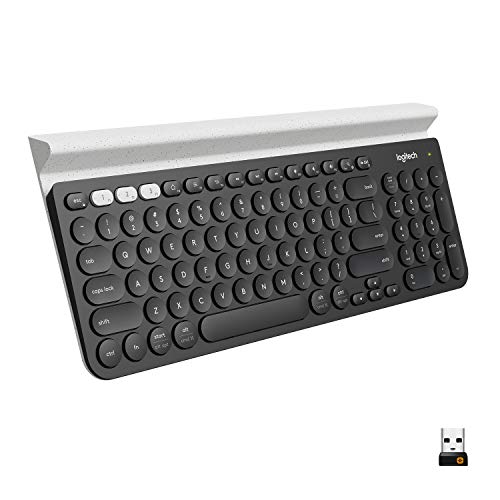

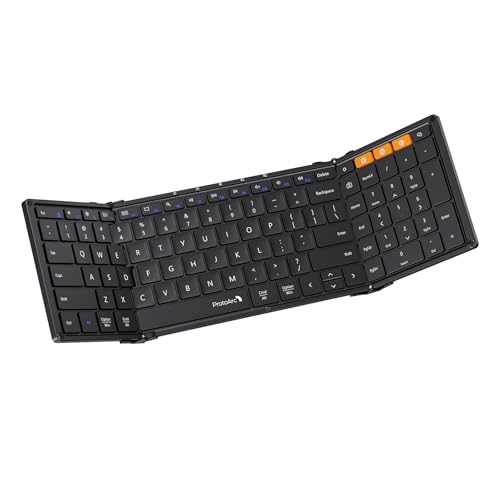
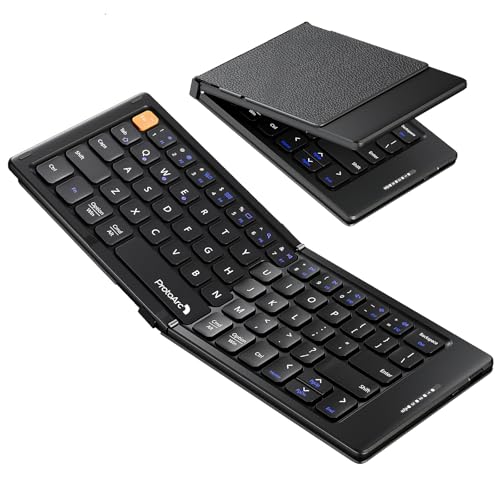


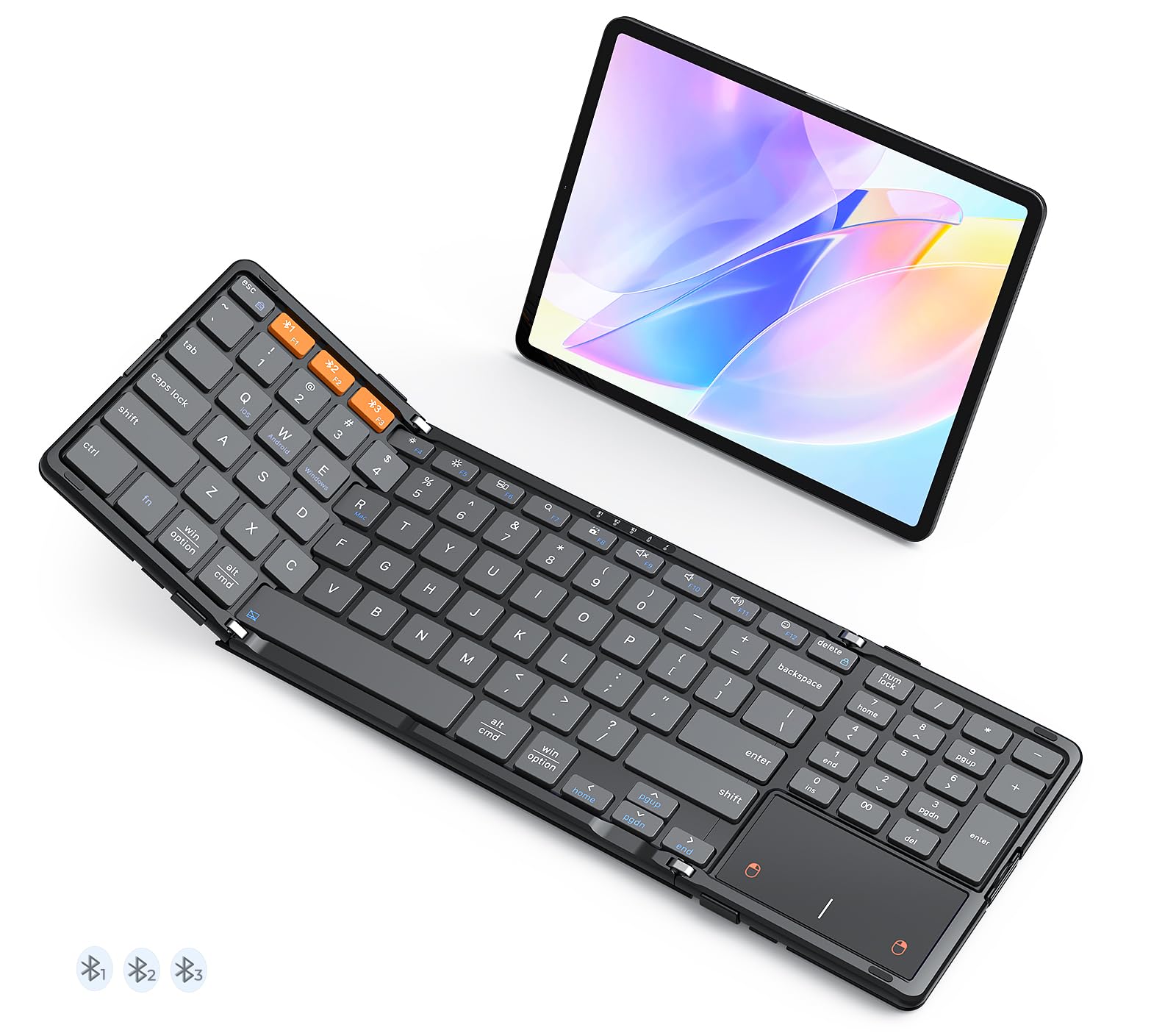
Who Should Buy Which Cell Phone Keyboards?
Your routine decides your keyboard. Typing volume, travel, and the apps you live in all point to different designs. Find your group below and note its priority features before you look at any single model.
For Remote Workers and Creators
If your phone doubles as your office, you need a keyboard that supports long, accurate typing sessions. Prioritize full size keys with standard spacing, a stable Bluetooth connection that pairs with two or three devices, and a battery that lasts weeks per charge. A built in stand or a separate phone stand matters more than most people expect, because screen height decides your posture. Creators who draft scripts, captions, and posts on the go should also look for quiet keys for cafes and shared spaces, plus a layout that keeps shortcuts for copy, paste, and undo exactly where your fingers expect them.
For Gamers and Power Users
Phone gaming and heavy multitasking reward low latency above all. A keyboard with a fast polling rate and a wired USB C mode gives you instant response when Bluetooth lags. Mechanical switches with a crisp actuation point suit fast, repeated inputs, and hot swappable sockets let you change switch feel later without buying a new board. Power users should also check key rollover, which is how many keys the board registers at once, and onboard memory that stores your layouts on the keyboard itself. If you use your phone like a small computer, these performance details are worth real money.
For Students and Everyday Users
Students need value, toughness, and battery life more than exotic features. A compact membrane or low profile mechanical board around $30 to $70 handles notes, essays, and messaging with ease, and a charge that lasts a school term removes one more cable from your bag. Look for a protective case or a folding design that survives backpack life, and keys that wipe clean after snack fueled study sessions. Everyday users who mainly want faster texts and emails can go smaller still, since a mini board that lives by the couch beats a full size board that stays in a drawer. For phone specific layouts, see our guide to the best phone keyboards as well.
Key Features to Compare
Once you know your group, compare these four feature areas. Each one affects daily comfort more than headline specs like color or lighting.
Customization and Software
Companion apps and onboard controls decide how personal your keyboard feels. Useful customization includes remapping keys you never use, recording simple macros for repeated phrases, and switching layouts between work and play. Onboard memory matters because settings stored on the keyboard travel with it between phones, while app only settings vanish when you change devices. RGB lighting is fun but secondary; for phone keyboards the smarter spend is on per device profiles and a physical switch for changing connections. Check that the app supports your phone's operating system version before you buy, since an abandoned app quietly limits a keyboard's life.
Weight and Build Quality
Weight splits the market in two. Travel boards aim for about 6 to 12 ounces and fold or shrink to pocket size, accepting some flex as the price of portability. Desk boards run heavier, with aluminum or dense plastic frames that stay planted while you type. Keycap material is a quiet quality signal: PBT keycaps resist shine and keep their texture for years, while basic ABS caps smooth out and feel greasy sooner. Press the frame of any board you try; a little flex is fine in a folder, but a desk keyboard should feel like one solid piece.
Wired vs Wireless (2.4GHz, Bluetooth)
Bluetooth is the default for phones, and modern versions are stable and sip power, giving weeks or months of typing per charge. Its weakness is a small delay and the rare dropped connection in crowded radio environments. A 2.4GHz dongle cuts latency and feels instant, but most phones need a USB C adapter to use one, and the dongle is easy to lose. Wired USB C mode removes all doubt and charges while you type, at the cost of a cable. Gamers and competitive typists should insist on a wired or dongle option; everyone else can live happily on Bluetooth alone.
Durability and Warranty
Keyboards wear at the switches, the hinges, and the charging port. Mechanical switches are commonly rated for tens of millions of presses, far beyond membrane boards, and hot swappable designs let you replace one failed switch in seconds instead of discarding the board. Folding keyboards live or die by their hinges, so look for metal reinforced joints. A warranty of at least one year is a fair baseline, and two years signals confidence. Also confirm the battery is not the weak point: a board whose battery fades in a year is a poor buy no matter how nice the keys feel.
Common Mistakes to Avoid When Buying Cell Phone Keyboards
- Shopping by price alone. The cheapest board often pairs badly, flexes, and dies early. Spend a little more for connection quality.
- Ignoring customization and software. If the app does not support your phone, you lose remapping and updates. Check before you buy.
- Buying the wrong size. Mini boards cramp adult hands on long texts, while full size boards annoy travelers. Match size to your main use.
- Skipping the warranty check. A short warranty on a folding hinge or battery is a warning. Favor one to two years of coverage.
- Forgetting your phone's system. Some boards favor Android or iOS shortcuts. Android focused shoppers should read our guide to the best keyboard for android phones before choosing.
How to Make Your Cell Phone Keyboard Last Longer
Blow out crumbs and dust with short bursts of compressed air each month, and wipe keycaps with a slightly damp cloth rather than soaking the board. Clean switches and contact points gently if keys begin to double type, since pocket lint is the usual cause. Update firmware through the companion app when updates appear, because makers often fix Bluetooth stability and battery drain there. Charge before the battery sits empty for long stretches, store folding boards flat and unlatched in a case, and keep your keyboard on a clean desk mat or stand rather than loose in a bag where keys take the knocks.
Cell Phone Keyboards: Your Questions Answered
Are mechanical keyboards worth it?
For phone use, mechanical keys are worth it if you type a lot and value feel and repair options. Each key registers with a clear point, which helps speed and accuracy, and worn switches can be swapped instead of replacing the board. Casual texters may not notice the difference and can save money with a good membrane board. If you write daily on your phone, the upgrade quickly justifies itself.
Does it work with Mac and console?
Most Bluetooth phone keyboards pair with Mac computers and many consoles, since they use standard Bluetooth keyboard profiles. Expect basic typing everywhere, while media keys and shortcuts may follow your phone's layout rather than the Mac layout. Multi device boards make switching painless. If you dream of a phone with keys built in instead, our guide to the best phones with physical keyboards covers that shrinking niche.
What polling rate do I need in a cell phone keyboard?
Polling rate is how often the keyboard reports your key presses each second. Standard Bluetooth boards report slowly enough that casual typing feels fine, but gamers notice the delay. For everyday writing, any modern board is fast enough. For gaming on your phone, choose a board with a wired or 2.4GHz mode and a high polling rate, since those modes report far more often and make inputs feel instant.
Wired or wireless: which is better for gaming?
Wired is better for gaming because it removes radio delay and never runs out of battery mid match. A USB C cable gives the lowest, steadiest latency a phone keyboard can offer. Wireless wins for convenience everywhere else, and modern Bluetooth is close enough for casual play. If you game seriously and write casually, buy a board that offers both modes and switch as needed.
Wrapping Up
Match the board to your routine first, then check connection options, build quality, and warranty. Travelers should prize weight and folding design, desk workers should prize key size and stability, and gamers should prize latency. Compare your finalists in the product table above, and you will land on one of the best cell phone keyboards for your hands without overspending.