Best Cell Phone Printers 2026: Complete Buying Guide
Disclosure: We may earn a commission when you buy through links on this page, at no extra cost to you. As an Amazon Associate I earn from qualifying purchases. Learn more

Learn how to choose a phone printer that fits your photos, your bag, and your budget, with plain advice on print size, ink costs, and wireless setup.
Choosing best cell phone printers starts with one simple question: what will you actually print most often? A pocket printer that makes small sticky photos for a journal is a very different tool from a larger home printer that handles full page documents and borderless photos. When you match the printer to the job, you avoid paying for features you will never use and you end up with prints you are happy to keep.
This guide walks through print types, connection options, running costs, and everyday setup in plain language. The comparison table below gives a quick side by side view, and the sections that follow explain each choice in enough detail to help you decide with confidence.

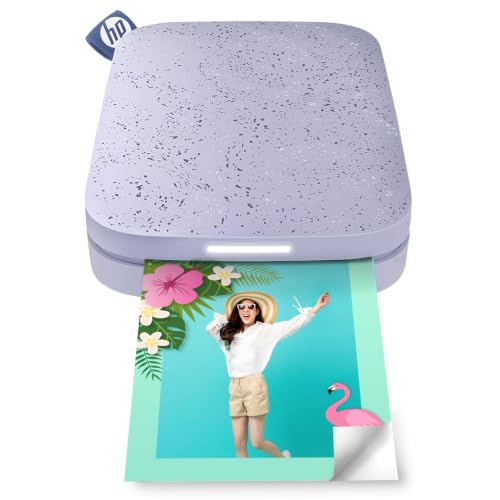
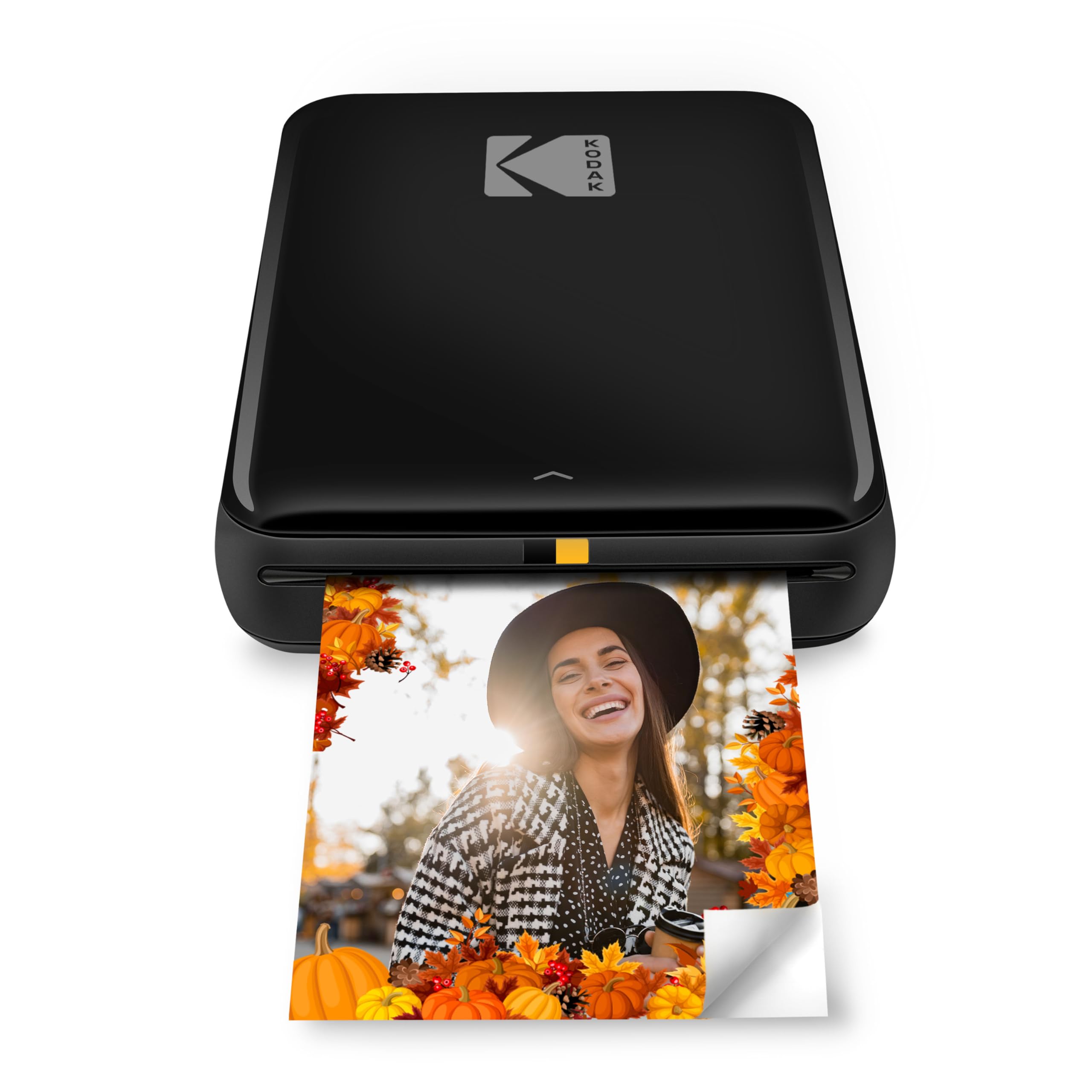
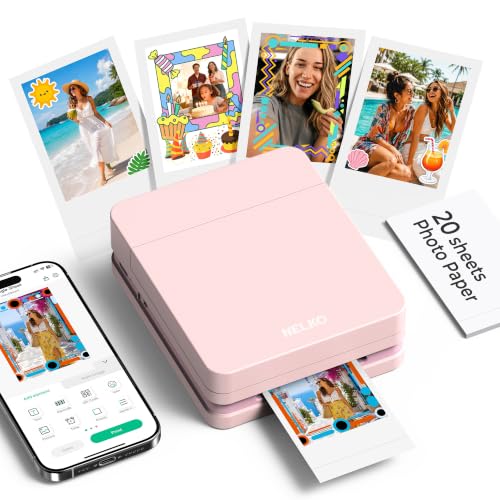

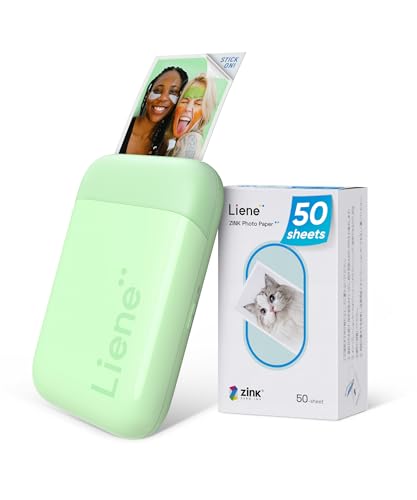
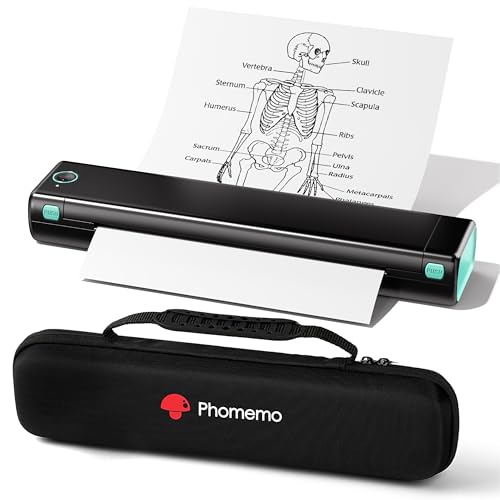
Who Should Buy a Cell Phone Printer
A phone printer suits anyone who wants a physical copy without turning on a computer. Parents print school moments for the fridge, travellers print trip photos for a scrapbook, and small business owners print labels or receipts on the spot. If your phone already holds the photos and documents you care about, a direct phone connection removes a whole step from the process.
It is less useful if you print large volumes every week or need crisp text on many pages. In that case a full size home or office printer will usually be faster and cheaper per page. Phone printers shine for small batches, quick gifts, and creative projects where convenience matters more than speed.
Print Types and Photo Quality
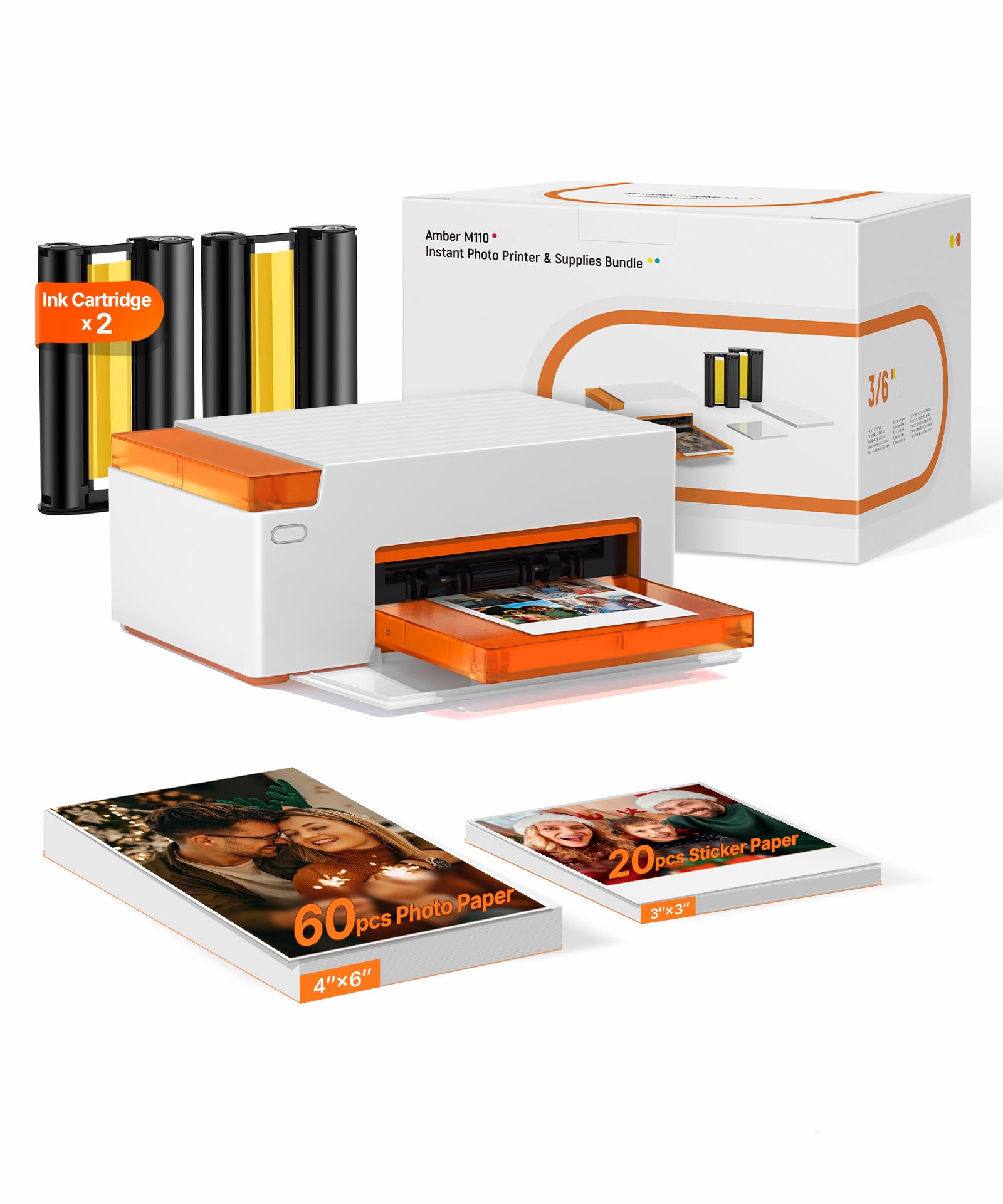
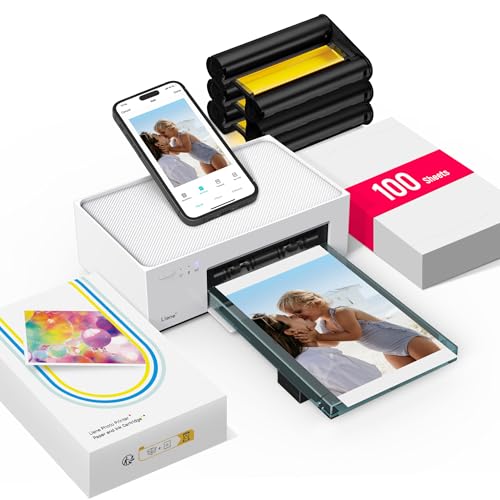
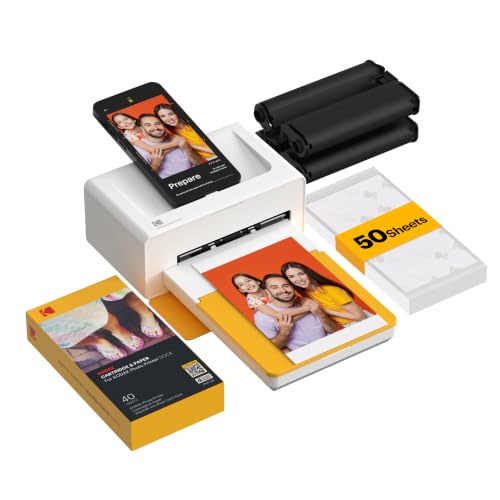
Most pocket phone printers use zinc paper, which holds dye crystals that develop into colour when heated. The result is a small, smudge resistant photo with no wet ink and no separate cartridge to replace. Larger phone friendly printers use inkjet or dye sublimation instead, and those give richer colour, deeper blacks, and bigger prints that look closer to lab photos.
Print size matters more than megapixels here. A two by three inch print looks charming in a wallet or journal, but faces and fine detail get lost at that size. A four by six inch print shows far more detail and works better for framing. Check the largest size a model can print before you buy, and think about where the prints will live.
Resolution figures can mislead, because a high number on the box does not guarantee a pleasing photo. Paper quality, colour handling, and the app that sends the image all shape the result. Look for sample prints in the format you plan to use, and remember that a slightly softer print can still look lovely on a wall or in an album.
Connection, Apps, and Everyday Setup
Bluetooth is the most common way to link a phone printer, and it works well for one person printing nearby. Wifi adds range and lets several people in a household share one printer, while a cable connection suits anyone who wants a stable link for documents. Before you buy, check that the companion app works with your phone system and that it does not force you into a subscription just to print a basic photo.
Setup is usually quick: charge the printer, install the app, pair the devices, and run a test print. Keep the printer charged if you plan to carry it, since a flat battery at an event is frustrating. A small case protects the printer in a bag, and spare paper packs are worth carrying because pocket paper runs out faster than most people expect.
Running Costs and Paper Choices
The sticker price is only part of the cost. Zinc paper packs set the price of every small photo, while inkjet models add ink and photo paper to the bill. Work out the cost of about fifty prints before you decide, because a cheap printer with costly paper can soon cost more than a pricier model with cheaper supplies.
Paper choice also changes the feel of the result. Sticky backed paper is handy for journals and planners, while plain photo paper suits framing. Some papers resist water and fingerprints better than others, which matters for prints that will be handled often. Buy a small pack first and test it with your favourite photos before stocking up.
Mistakes Worth Avoiding
One common mistake is buying the smallest printer available and then wishing for larger prints. Another is ignoring paper costs until the first pack runs out. A third is assuming every phone printer handles documents well; many pocket models are built for photos only and will struggle with dense text or forms.
Check the app carefully as well. Some apps crop photos without warning, add borders you cannot remove, or compress images before printing. A quick test with a detailed photo and a document page will reveal these limits before the return window closes.
Related Guides to Compare
If you want a broader view of phone friendly models, our guide to phone printers compares portable and home sized options side by side. best phone printers.
Android owners should also check printers made for android phones, since app support and wireless setup can differ from one phone system to another. best printers for android phones.
For photo first buyers, phone photo printers focus on colour, paper finish, and print size rather than document features. best phone photo printers.
Mini printers for phones are the most portable choice of all, and they suit journaling, gifts, and travel better than heavy document work. best mini printers for phones.
Living With Your Choice
Daily use becomes smoother when you keep paper, a charging cable, and a small cloth together in one pouch. A pouch stops paper from bending in a bag and keeps the printer ready for birthdays, school events, and holidays. Charge the printer the night before a big event so a flat battery does not interrupt printing when moments matter most.
Photo editing before printing makes a visible difference, even with a small pocket printer. Brighten dark photos slightly, crop out distracting edges, and check skin tones on your phone screen before sending the image. A quick edit takes less than a minute and often turns an ordinary snapshot into a print worth keeping on a fridge or in a frame.
Seasonal use changes what you need from a phone printer. Summer trips call for a light, portable model with spare paper, while winter holidays suit a larger home model for cards and gifts. Think about the busiest printing months in your year and choose paper quantities to match, rather than buying in bulk and letting packs age.
Sharing a printer with family works best with simple ground rules. Decide who buys paper, where the printer lives, and how to handle app accounts on shared phones. Clear habits prevent arguments over empty paper packs and keep the printer available when someone wants a quick print for a gift or a school project.
When you eventually upgrade, keep your old paper and accessories in mind, since paper systems rarely transfer between makers. Check compatibility before ordering a new model, and use up existing paper first. A thoughtful upgrade avoids waste and keeps your printing routine simple rather than starting from scratch.
Frequently Asked Questions
How big are photos from a pocket phone printer?
Most pocket models print photos about two by three inches, which suits wallets, journals, and small displays. Larger phone friendly printers can reach four by six inches or full page size, so check the maximum size before buying. If you plan to frame prints, the larger size will show faces and detail far better.
Do phone printers need ink?
It depends on the print system. Zinc printers need no ink because the paper itself develops colour when heated, so you only buy paper packs. Inkjet and dye sublimation models need ink or ribbons as well as paper, which raises the cost of each print but usually gives richer colour and larger sizes.
Can a phone printer handle documents too?
Some larger models handle documents well, but many pocket printers are built for photos only. Text may look soft or cropped on a tiny photo print, and forms can lose detail. If documents matter, choose a model that lists document printing as a core feature and test it with a real page first.
Is Bluetooth or wifi better for a phone printer?
Bluetooth suits one person printing nearby and keeps setup simple, while wifi suits a household where several people share one printer. Wifi also allows printing from farther away, but it needs a stable home network. For travel, Bluetooth and a charged battery are usually the simpler combination.
How can I keep print costs down?
Start by working out the cost per print from the paper pack price, then compare that figure across models before you buy. Buy paper in the pack size you will actually use, avoid printing test photos at full size, and keep the printer firmware and app updated so colour stays consistent and waste stays low.
Final Thoughts
Start with the print size and the number of prints you expect each month, then choose a connection type and paper system that fits that habit. A model that matches your real use will feel simple rather than limiting. With that shortlist in hand, compare the product table above once more and pick the best cell phone printers option that balances size, cost, and convenience for your home.