
Best Ceiling Fan With Remote 2026: Buying Guide
Disclosure: We may earn a commission when you buy through links on this page, at no extra cost to you. As an Amazon Associate I earn from qualifying purchases. Learn more

Skip the pull chain: what to check in size, mount and remote functions when picking the best ceiling fan with remote.
A pull chain is fine until the fan hangs over a bed, a couch, or a tall stairwell landing. If you want speed, direction, and light control without standing up or hunting for a ladder, the best ceiling fan with remote solves that daily annoyance in one purchase. This guide compares fan types by light output, color temperature, style, finish, and ease of installation, and the product table below sums up how the main types differ.
The sections below show how to judge any remote controlled fan on its own merits, covering size, mount, and which remote features are worth paying for.


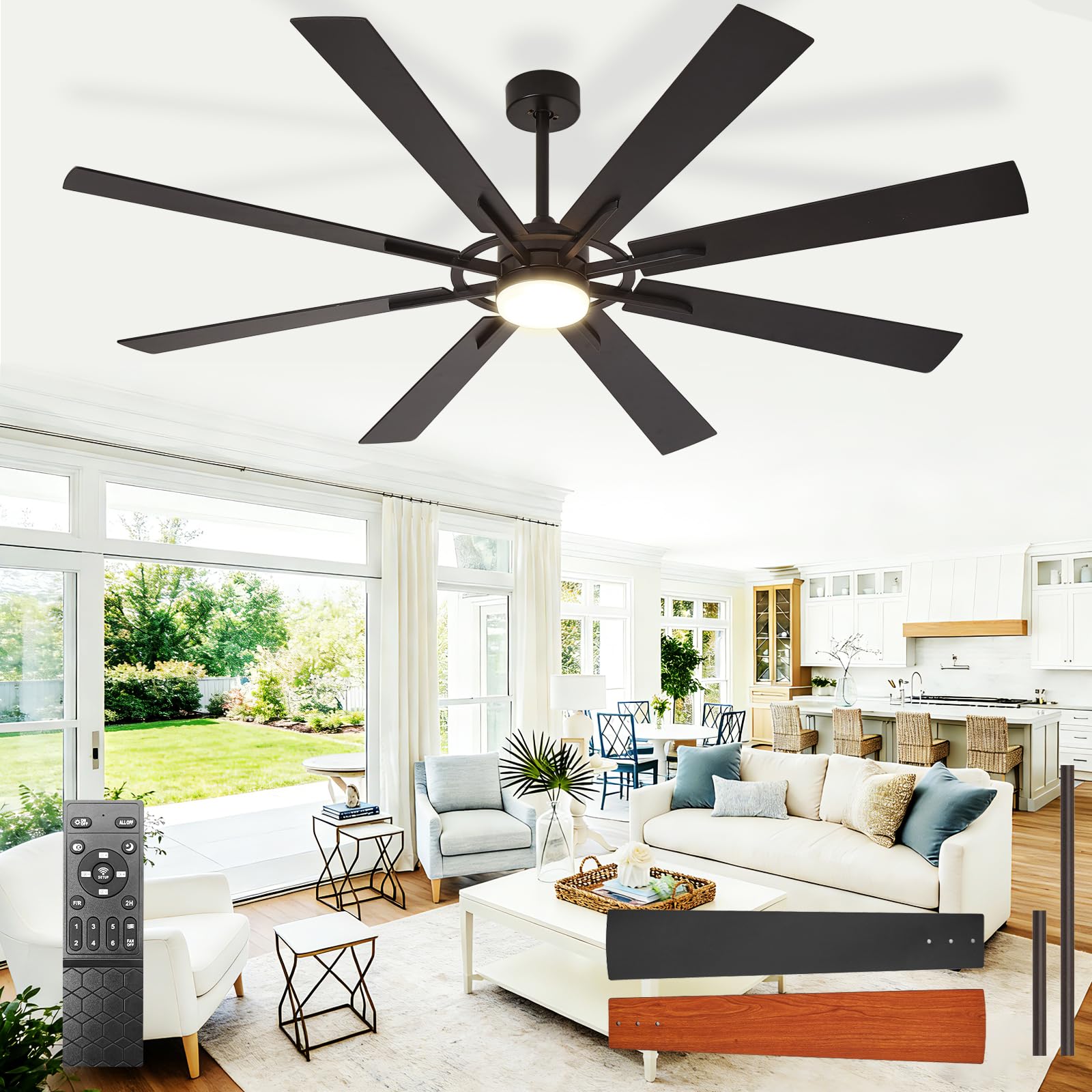
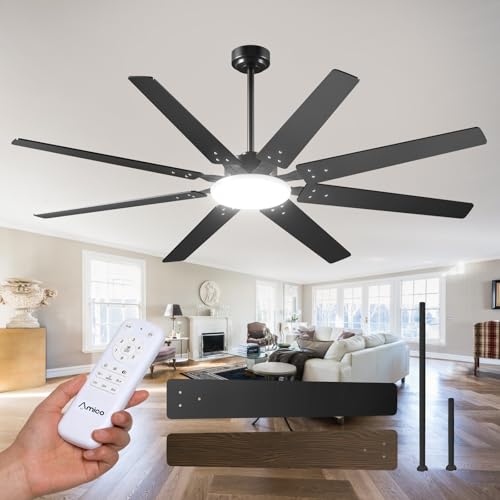
Fan Types at a Glance
Remote fans fall into three broad types, and the right one depends mostly on your ceiling height and room role. Standard fans on a downrod suit ceilings of nine feet or more. Flush mount fans hug the ceiling in rooms with less height. Smart fans add app and voice control on top of the handheld remote.
- Standard downrod fans: the widest choice of sizes and finishes, best for living rooms and rooms with tall or sloped ceilings.
- Flush mount fans: a low profile body that keeps blades at a safe height under ceilings of eight feet or less.
- Smart fans: a remote plus WiFi control, schedules, and voice commands, best if you already use smart home devices.
Three Fan Types Compared
Standard Fans for Most Rooms
A standard fan on a downrod is the safe default for most homes. The rod lowers the blades into the room where they move air more effectively, and longer rods are available for tall or sloped ceilings. Most sizes from 44 inch to 60 inch come in this format, along with the broadest range of finishes. If your ceiling is nine feet or higher and the room is a living area or a large bedroom, start your search here.
Simple Fans for Tight Budgets
Budget fans keep the remote but trim the extras. Expect a basic three speed remote, a smaller light kit or none at all, and simpler blade finishes. That trade is fine for a guest room, a home office, or a rental where the fan runs a few hours a day. What you should not give up is a safety listing, a reversible motor, and a remote that controls speed and light separately. If a low priced fan lacks those three things, skip it.
Premium Fans With More Control
Higher priced fans buy you finer control and quieter running. Six speed settings let you pick a gentle nighttime airflow instead of jumping from off to a strong breeze. Many use DC motors, which draw less power and run with less hum at low speed. You also tend to get dimmable lights with adjustable color temperature, a remote with a timer, and longer motor warranties. These fans suit main bedrooms and living spaces where the fan runs daily and noise matters.
What Matters Most When You Compare
Judge every candidate against the same short list. Check the light output in lumens and the color temperature it offers, the style and finish against your room, and how involved the installation looks. Then weigh energy use and price. Manufacturer specification sheets, safety listings such as UL or ETL, and patterns in verified buyer reviews tell you more than marketing claims, so lean on those sources as you compare.
Motor type sits behind several of those factors at once. Our explainer on dc vs ac ceiling fan motors walks through how the two designs differ in speed range, noise, and power draw, which helps you decide whether a DC premium is worth it in your room.
How to Choose the Right Ceiling Fan
Size and form factor
Match blade span to room size so the fan moves enough air without overwhelming the space. Fans of 42 inch to 44 inch suit rooms up to about 100 square feet, 52 inch fans cover roughly 200 to 300 square feet, and 54 inch to 60 inch fans handle larger rooms. Oversized 72 inch fans belong in great rooms and lofts.
Type
Start with the mount, since it limits everything else. Flush mount and low profile fans fit low ceilings, while downrod fans fit standard and tall ceilings. From there, pick a style family that matches the room, such as modern, farmhouse, or industrial. Outdoor rated fans use sealed motors and weather resistant blades for porches and pergolas, and our guide to the best outdoor ceiling fan covers what that rating requires. Indoor fans should never go outside, even under a covered porch.
Features worth paying for
A remote earns its place when it controls fan speed, light on and off, and light dimming as separate functions. A timer helps in bedrooms, and a reverse button lets you change blade direction for winter without climbing up. An included light kit saves buying a separate fixture. WiFi and Alexa control are pleasant extras, but they add cost and setup time, so pay for them only if you already run other smart devices. A wall cradle for the remote is a small feature you will appreciate daily.
Lumens and color temperature
If the fan light is the main light in the room, output matters as much as airflow. Look for about 800 to 1600 lumens for a bedroom or living room fixture, and more for a kitchen work space. Color temperature shapes the mood: warm light around 2700 to 3000 kelvin feels relaxed, while 4000 kelvin and above reads brighter and cooler. Fans with selectable color temperature let you set the light once during setup and forget it, which suits rooms used for both rest and work.
Fixture size and placement
Hang the fan in the center of the room or over the main seating or sleeping area, not over a corner where airflow goes to waste. Blades should sit at least seven feet above the floor and at least 18 inches from any wall. In a long room, one fan centered on the seating zone beats a larger fan placed off center. For a sleeping space, the sizing and noise advice in our guide to the best ceiling fan for bedroom will help you fine tune placement before you buy.
Dimmable and smart options
Dimmable lights need compatible bulbs or a built in LED module rated for dimming, and the remote or wall control must support it. Mismatched parts can flicker or buzz, so check the fan manual for the exact dimmer type it expects. Smart fans add schedules, such as slowing the fan after you fall asleep, and voice control through Alexa or a phone app. Those perks rely on your home WiFi staying up, while the handheld remote keeps working even when the network does not.
Installation
Nearly all ceiling fans are hardwired into a ceiling electrical box, and that box must be rated to support a fan and marked as such. The remote receiver sits inside the canopy and wires between the house supply and the fan motor and light. A small number of plug in fans exist for spaces without ceiling wiring, but they still need a properly supported mount. Our step by step guide on how to install a ceiling fan covers the wiring order and the checks to run before you close up the canopy.
How much should you spend?
Under $100, expect a small or basic fan with a simple remote and modest light output. Between about $100 to $250, you get the mainstream sweet spot of 52 inch fans, better finishes, and dimmable lights. From about $250 to $500, you gain DC motors, more speeds, and smart control. Above that, you are mostly paying for large spans and designer finishes. Set your budget after you know the size and mount you need, since those two facts narrow the field fast.
Do You Really Need a Ceiling Fan With Remote?
A remote matters most when the fan is hard to reach or when you adjust it often. Over a bed, a remote lets you slow the fan at night without getting up, and a timer can switch it off after you fall asleep. On a tall ceiling, the alternative is a long pull chain dangling into the room. In a living room, the case is weaker if a wall switch is already within easy reach of the couch.
Wall controls are the main alternative, and they never get lost or need batteries, but adding one can mean new wiring inside the wall. A remote kit avoids that work entirely, which is why it suits rentals and older homes. If you are weighing a fan against cooling alone, our comparison of best ceiling fan for living room setups shows how placement changes comfort in the room where most households spend their evenings. Choose the remote when reach, timing, or wiring limits make the wall switch a poor fit.
FAQ
What is the best ceiling fan with remote?
The best pick is the fan that matches your room size, ceiling height, and light needs, with a remote that controls speed, light, and dimming separately. Before ordering, confirm the remote receiver will fit inside the canopy alongside your ceiling box wiring, since crowded canopies are a common cause of returns. A fan that fits your space and wiring will serve you better than a higher rated fan in the wrong size.
Is a ceiling fan with remote worth it?
Yes, if the fan hangs over a bed or seating area or the ceiling is tall, because you will adjust it far more often when the control sits beside you. Keep the remote in a wall cradle near the door so it becomes part of your routine and does not vanish into couch cushions. Most fans also keep a pull chain or wall switch backup, so a flat remote battery never leaves you without airflow.
How long does a ceiling fan last?
A well made ceiling fan often runs for about 10 to 15 years, and the motor usually outlasts the remote, the receiver, and the light kit. Treat a shrinking motor warranty as a clue about expected life when you compare two similar fans. Replace the fan when the motor develops a persistent hum, the blades wobble after balancing, or replacement receivers for your model are no longer sold.
Is a ceiling fan worth it?
For most rooms, yes, because moving air lets you feel cooler while the thermostat stays a few degrees higher, which trims cooling costs over a summer. The benefit most people forget is winter use: run the fan in reverse at low speed and it pushes warm air pooled at the ceiling back down along the walls. That gentle circulation can make a heated room feel more even without any extra heating.
How do you clean a ceiling fan?
Turn the fan off and let the blades stop fully. Slip an old pillowcase over each blade and pull it back slowly, so the dust stays inside the case instead of falling on the bed or floor below. Wipe the motor housing and light covers with a slightly damp cloth, and never spray cleaner directly onto the fan. Clean blades also stay balanced better, since uneven dust buildup adds weight to one side.
What is the most reliable ceiling fan brand?
No single brand wins on reliability for every buyer, and brand names matter less than the signs around a specific model. Look for a safety listing, spare parts that are still sold, replacement remotes you can buy separately, and a motor warranty of at least several years. A maker that publishes full specification sheets and keeps parts available tends to support its fans longer, whichever name is on the box.
Final Thoughts
Start with size and mount, then judge light output, remote functions, and motor type in that order, and most listings will sort themselves quickly. The product table above gives you a fast side by side view while you narrow the field. When you settle on the best ceiling fan with remote for your room, our main guide to the best ceiling fan is a useful next read for broader sizing and style advice.


