
Best CCTV Cameras for Home: Buyer Checklist for 2026
Disclosure: We may earn a commission when you buy through links on this page, at no extra cost to you. As an Amazon Associate I earn from qualifying purchases. Learn more

A practical checklist for the best cctv cameras for home: night vision, field of view, storage, power and weatherproofing in plain terms.
Shopping for the best cctv cameras for home is easier when you judge every camera against the same checklist. Resolution alone does not tell you whether a face is readable at night, whether motion alerts arrive in time or whether footage survives a power cut. This guide turns those questions into clear criteria, so you can compare cameras fairly instead of chasing the biggest number on the box. Use the comparison table below to see how the main camera types stack up.
The checklist below comes from the factors that affect everyday use: image detail, night vision, field of view, storage, power and weather resistance. Work through it before you buy, and you will avoid the most common regret, which is a camera that looks fine in daylight but misses the detail that matters after dark. No camera can guarantee security, so treat footage as one part of a wider home safety routine.
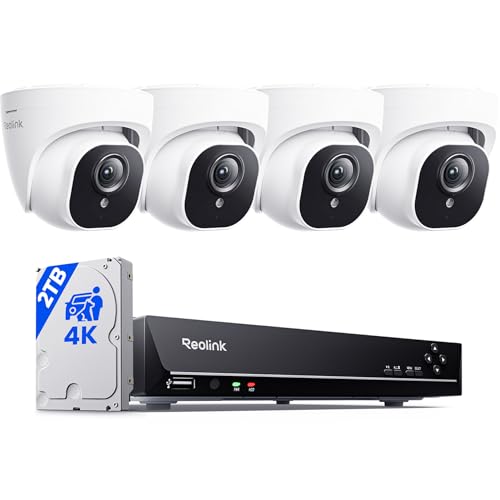
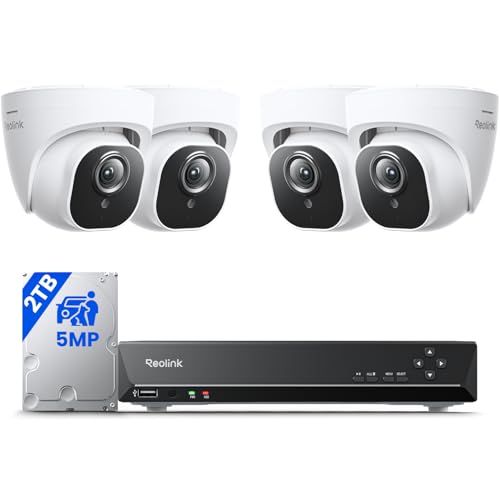

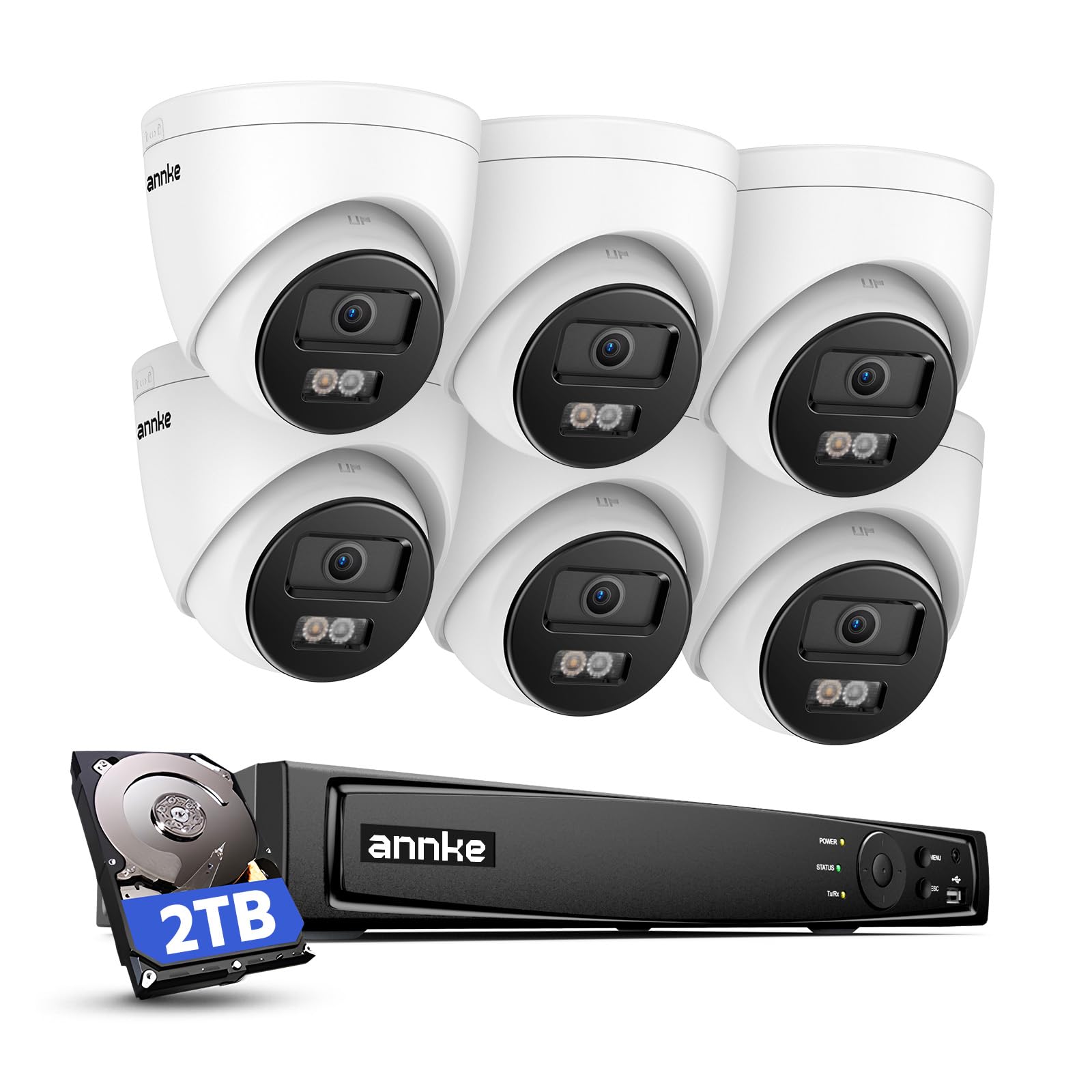

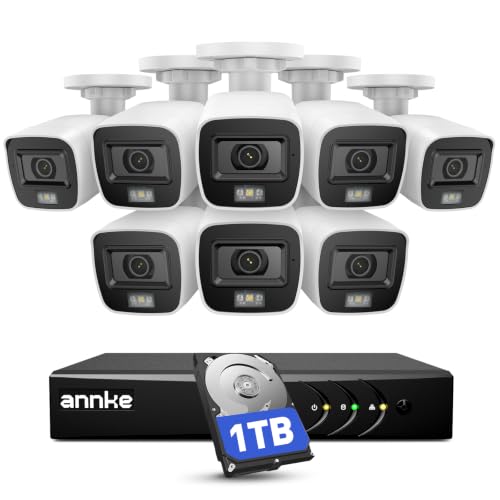
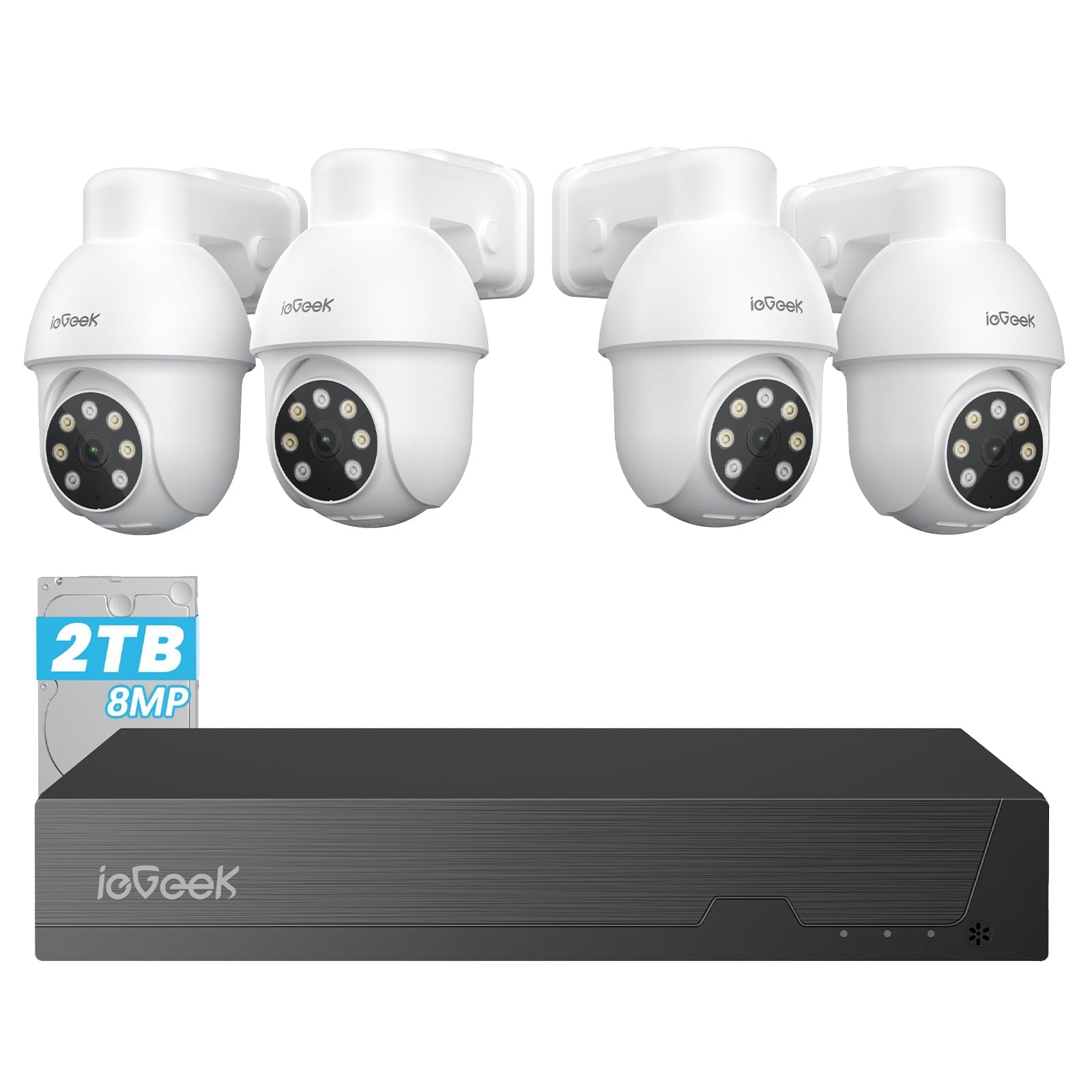


Key Features to Compare for Home CCTV Cameras
Each feature below changes what you actually see and how reliably you see it. Read them as a set, because a camera with great resolution but poor night vision still fails at the moment many buyers care about most.
Sensor and Image Detail
Sensor size and resolution together decide how much detail a camera captures. A larger sensor usually gathers more light, which helps in dim hallways and at dusk, while higher resolution adds pixels that let you zoom into a face or a license plate. But megapixels alone are not everything, since a small sensor packed with pixels can still produce noisy images. Look for sample footage in low light where possible, and remember that a wide view spreads pixels thin, so a camera covering a whole yard will show less detail per object than a narrower camera aimed at a door.
Night Vision and Low Light
Night vision usually relies on infrared light that is invisible to people but visible to the sensor, and the useful range depends on the strength of the infrared lights and the lens. Check the stated night range against the real distance you need to cover, since a camera rated for a long range may still show a dim image at that distance. Color night vision, where available, uses a small amount of ambient light to keep colors, which can help identify clothing. Test the night image after install, because a reflective wall or a nearby plant can wash out the picture.
Lens and Field of View
The lens decides how wide a scene the camera sees and how large distant objects appear. A wide lens covers a porch or a yard in one view but makes distant faces small, while a narrower lens shows more detail over a smaller area. Optical zoom changes the lens itself and keeps detail when zooming, while digital zoom only enlarges pixels and quickly turns soft. For a front door, a medium view that frames the path and the door is usually more useful than the widest possible view.
Storage and App Access
Footage is stored locally on a card or recorder, in cloud storage, or in both, and each choice has trade offs. Local storage avoids a monthly fee and keeps footage in your home, but a stolen recorder can take the footage with it. Cloud storage protects footage off site but usually needs a subscription and a reliable internet connection.
Check how long clips are kept, whether you can download them easily and whether the app sends alerts quickly enough to act on. Slow alerts turn a camera into a record of what happened rather than a prompt to check.
Power and Weatherproofing
Wired cameras draw steady power and suit permanent spots near an outlet or a recorder, while battery cameras are easier to place but need regular charging and may pause recording to save power. Solar panels can extend battery life in sunny spots, but they do not remove charging entirely in winter. Outdoor cameras should carry a weather resistance rating suited to rain and dust in your area, and cables and connectors need protection from water where they enter a wall. Follow maker guidance for electrical safety, and use a qualified installer if the wiring route is uncertain.
Ease of Use
A camera that is hard to set up often ends up pointed at the wrong spot or left on default settings. Look for a clear app, simple mounting hardware and plain language setup steps. Features like motion zones let you ignore a busy street and focus on a path, which cuts false alerts a lot. If several people in the household will use the app, check that sharing access is simple and that each person can receive alerts without sharing one login.
Spending Levels That Fit Different Homes
Spending more usually buys better night vision, wider dynamic range and more reliable storage, not just higher resolution. The levels below help you match a budget to the size of the area you want to cover.
Simple Starter Coverage
Starter coverage usually means one or two cameras watching a front door and a main entry point. At this level, look for solid night vision, motion alerts and local storage, and accept a narrower field of view. This level suits renters and small homes where the goal is to see who approaches the door. Keep the install simple, and place cameras where they see faces rather than the tops of heads.
Whole Home Coverage
Whole home coverage adds cameras for side entries, a backyard and a garage, plus a recorder or cloud plan that keeps footage from all of them. At this level, consistent app access and motion zones matter more, because managing four cameras with noisy alerts quickly becomes a chore. Spend a little more on weatherproofing and cable protection, since outdoor cameras face rain, dust and temperature swings all year.
Larger Property Coverage
Larger properties need longer night ranges, narrower lenses for distant gates and storage that handles many cameras at once. This level often means wired cameras, a dedicated recorder and careful placement planning so no camera wastes its view on a fence or a wall. Budget for professional install if cable runs are long or high, since safe routing and solid mounting matter more than any single camera spec.
Quick Buyer Checklist
Run through these questions before you order. A "no" answer points to the spec or accessory you still need to sort out.
- Does the night vision range cover the real distance to your door, path or gate?
- Does the field of view frame faces at entry points instead of only showing a wide empty yard?
- Is footage stored locally, in the cloud or both, and how many days are kept?
- Does the camera have a weather rating suited to rain and dust where it will sit?
- Is power steady at the mounting spot, or will a battery camera need a charging plan?
- Can you set motion zones so passing traffic does not flood you with alerts?
- Do you know the local rules for recording video and audio where you plan to mount cameras?
Placement deserves as much thought as the camera itself. Our guide to best position for home cctv cameras explains mounting height and angles that capture faces well. If you want to avoid cable runs, compare wire free options in our guide to best wireless cctv cameras for home before deciding on power.
Red Flags to Watch For
A few warning signs show up again and again in disappointing cameras. Vague specs, such as a resolution claim with no sensor detail, make fair comparison impossible. Very short warranties on outdoor cameras suggest the maker does not trust the weather sealing. Reviews that all sound alike or appear in a sudden burst deserve skepticism, since genuine feedback is usually mixed.
Missing certification marks, unclear storage costs and apps that demand broad permissions are further reasons to pause and compare another camera.
How to Make Your Home CCTV Camera Last Longer
Simple care keeps the image clear and the hardware working through seasons of weather. Wipe the lens with a soft lens cloth rather than a shirt, since grit on fabric can scratch the coating. Check mounts twice a year, tighten any loose screws and clear spider webs from around the lens, because webs trigger motion alerts and blur night images. Keep firmware updated through the maker app, protect outdoor cable joints from water and store spare batteries or cards in a dry place indoors.
A camera that is clean, firmly mounted and updated will outlast one that is installed and forgotten.
Frequently Asked Questions
How much should I spend on my first home camera system?
Most first time buyers spend about $100 to $400 for a starter system with one or two cameras and local storage. That range usually buys decent night vision and motion alerts without a large subscription cost. Spending more mainly improves night detail, weatherproofing and storage capacity rather than basic function.
Start with entry points, since covering a front door well matters more than adding a fifth camera to a low traffic corner. You can add cameras later once you know which views you actually check.
What specs matter most for beginners choosing home cameras?
Beginners should focus on night vision range, field of view, storage type and weather rating before chasing the highest resolution. A camera that sees clearly after dark, frames a door properly and keeps footage for a useful period will serve you better than a sharper camera with poor night performance. The best home surveillance cameras guides on this site use the same priorities, so comparing their checklists can help you weigh trade offs. Also check app speed, since slow alerts reduce the value of every other spec.
Is a smartphone enough instead of a home camera system?
A smartphone can record a clip, but it cannot watch a door all day, record overnight or send a motion alert while you are away. A dedicated home camera system runs continuously, stores footage automatically and keeps working when your phone is in another room. Phones also lack weatherproofing, infrared night vision and mounting options for entry points. Use a phone as a viewer for your camera app, not as a replacement for the cameras themselves.
What does optical zoom mean for a home camera?
Optical zoom means the lens itself moves to magnify a distant object, so detail stays sharp as you zoom in. Digital zoom only enlarges the existing pixels, which quickly makes the image soft and blocky. For a long driveway or a distant gate, optical zoom is worth paying for, since it can turn an unrecognizable figure into a readable one. For a small porch, a fixed lens with a well chosen field of view usually covers the area without any zoom at all.
Which home camera works better in low light?
The better low light camera usually has a larger sensor, a wider aperture lens and strong infrared lighting matched to the distance you need. Color night vision helps when some ambient light is present, such as a porch light, because it preserves clothing colors that infrared turns gray. Avoid judging low light performance from daylight samples alone, and check night footage from a similar distance and scene. Also remember that a camera pointed at a bright light source will struggle, so aim it away from direct lamps where possible.
Our Verdict
Judge home cameras by the checklist, not by a single headline spec. Prioritize night vision that reaches your entry points, a field of view that frames faces, storage you can actually retrieve and weatherproofing suited to your climate. Start with doors and main entries, set motion zones to cut false alerts and follow local rules on recording, especially for audio and for cameras aimed near shared spaces.
No camera can guarantee security, but a well placed system with clear footage is a useful part of home safety. The best cctv cameras for home for you are the ones that pass this checklist at your property, within your budget. Review the product table above once more before you order.


