
Best CCTV Cameras for Home Use in 2026: Everything to Know Before Your First Purchase
Disclosure: We may earn a commission when you buy through links on this page, at no extra cost to you. As an Amazon Associate I earn from qualifying purchases. Learn more

Shopping for the best cctv cameras for home use for the first time? Learn the terms, compare options, and avoid rookie mistakes with this easy guide.
Buying a first camera system can feel confusing, because listings mix storage plans, power types, and video claims into one long spec list. This guide explains the best cctv cameras for home use in plain terms, from what the cameras do to a simple placement and setup plan.
You do not need to cover every corner on day one. Most homes do well with views of the front door, the driveway, and one main indoor area, then expand later. Use the comparison table below to match camera types to your layout before you spend anything.
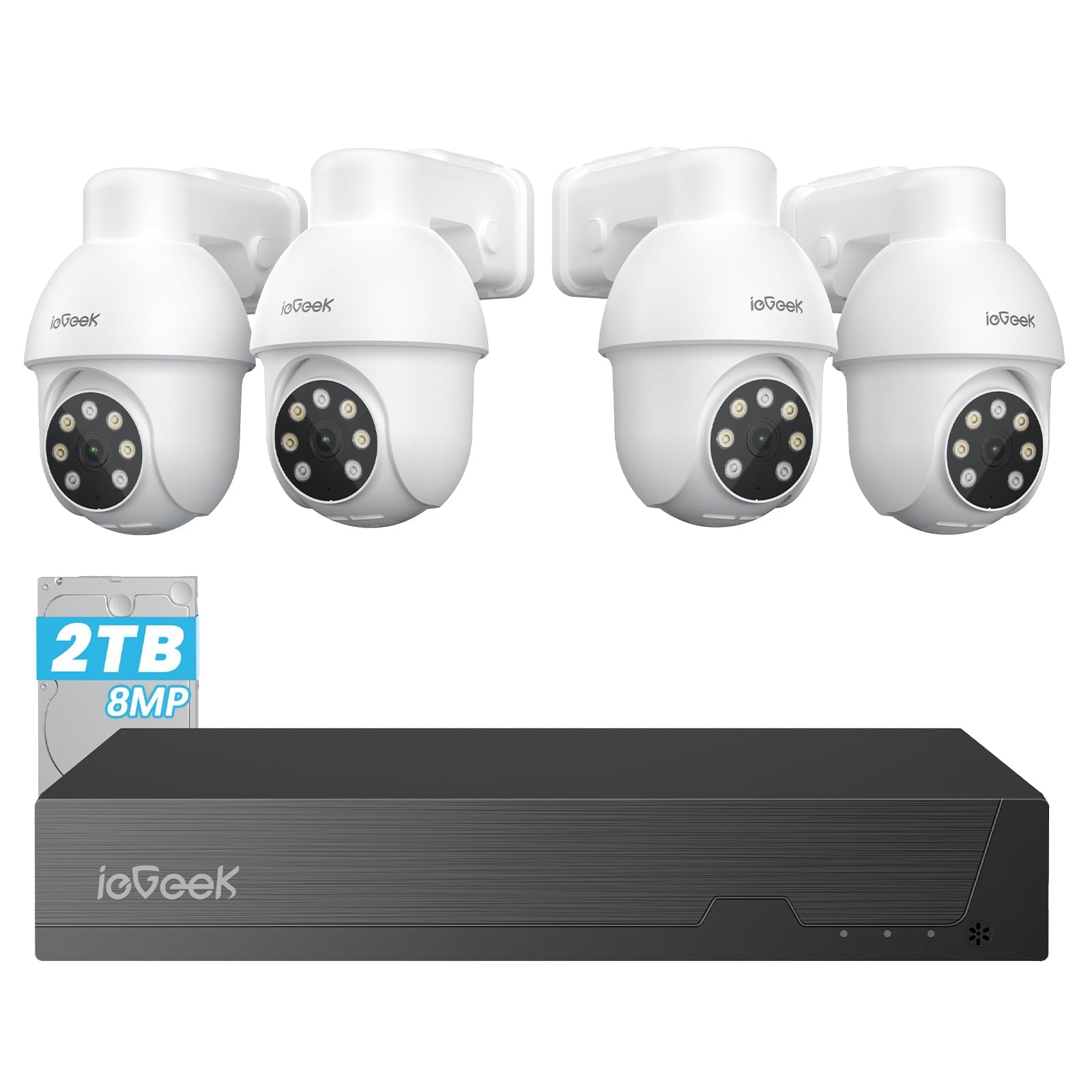
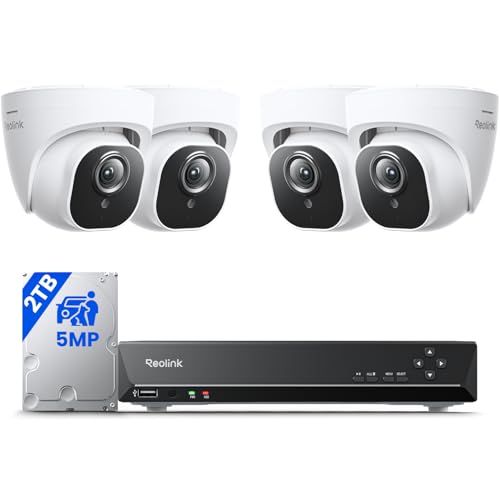
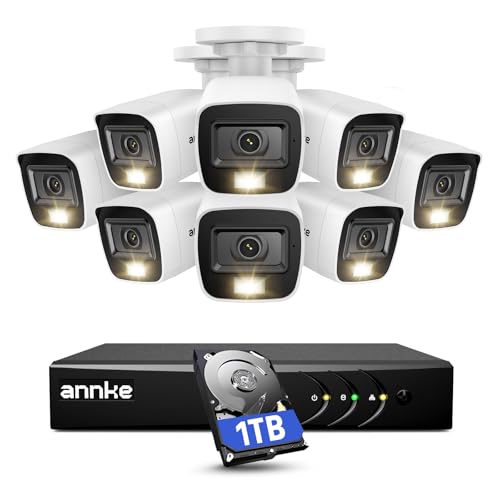


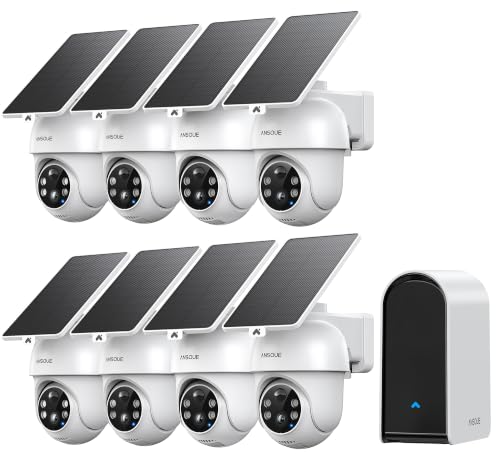


CCTV Cameras 101: The Basics for a First Home Setup
CCTV means closed circuit television. Your cameras send footage to a private place you control, such as a phone app, a recorder box, or both. A basic system has cameras, power, video storage, and an app or screen for live views and playback.
Older systems used coaxial cable and a DVR recorder, while many current homes use network cameras that save to an NVR recorder or memory cards. The goal is the same: a clear record of who came to the door and what happened in the yard. If you are still weighing general options, see our guide to the best cameras for home use.
Who Should Buy Which CCTV Setup for Home Use?
Homeowners Who Want Entry and Yard Coverage
You can drill, run cable, and mount cameras under the eaves for a long term layout. A wired or plug in system with a recorder suits you best, because it records around the clock without battery charging. Prioritize weatherproof cameras for the driveway and back door.
Renters Who Need a Flexible, No Drill Layout
You want security without permanent holes or long cable runs a landlord may not allow. Battery or plug in wireless cameras on shelves or removable brackets fit better, and you can take them when you move. Keep the count small and check your lease before any outdoor mounting.
Families Who Want Check Ins and Shared Access
You want to see children arrive home, check on a pet, or confirm a caregiver visit, and several adults need access. Choose a simple app, person alerts, and two way audio so you can speak through the camera. Give each adult a separate account instead of sharing one password.
Key Features to Compare
Resolution and Image Detail
Resolution decides how much detail you see when you pause footage or zoom into a clip. A 1080p camera is often enough for a small porch or room, while 2K and 4K video help on a wide driveway where faces sit farther away. Higher resolution fills storage faster, so match the step up to distance. A clear, well lit 1080p view beats a dark 4K view with glare.
Field of View and Camera Placement
Field of view is how wide an area one camera can see, often stated in degrees. A wide lens covers a whole yard but makes people look smaller, while a narrower lens gives better detail at a gate or door. Plan each view on paper first, then mount cameras about 8 to 10 feet high, a height that deters tampering yet still captures faces.
Night Vision After Dark
Most break in worries happen at night, so judge a camera by its dark footage, not only daylight clips. Infrared night vision records in black and white, and its range tells you how far that view stays usable. Some cameras add a small spotlight for color video at night, which helps identify clothing or a car color. Test the night view before final mounting.
Storage Options: Local Recording and Cloud Plans
Storage decides how long footage lasts and what you pay each month. Local storage on a memory card or recorder box has no required fee and works during an internet outage, but the card or box can be stolen. Cloud storage saves clips off site and makes sharing easy, yet longer history needs a subscription. Many first time buyers do best with local recording plus a short cloud plan.
Power and Connection Type
Cameras get power from a cable, an outlet, a battery, or Power over Ethernet, which sends power and video through one network cable. Wired power is most reliable for busy outdoor views, while battery models are easier to place but need regular charging. WiFi cameras also need a strong signal at the mounting spot, so test your phone signal there first. If wireless is your plan, see our guide to the best wireless cctv cameras for home.
Weather Resistance for Outdoor Cameras
Outdoor cameras face rain, dust, heat, and cold, so look for a sealed weatherproof build and an IP rating such as IP65 or IP66. A higher second digit means stronger protection against water, which matters under open eaves or on a fence post. Shade helps too, because direct sun can heat the housing and create glare. Indoor only cameras belong inside.
Types Compared: Wired, Wireless, and Battery Systems
When you compare the best cctv cameras for home use, the three main types differ mostly in effort, reliability, and upkeep. Wired systems with a recorder suit larger houses and record steadily with no charging, but installation takes the most time. If steady recording is your top goal, see our guide to the best security cameras for home use.
Wireless plug in cameras balance ease and reliability: WiFi carries the video and an outlet provides power, so each camera must sit near an outlet. Battery cameras are simplest to place and move, yet heavy motion drains them fast, so choose the power style first and the extras second.
Setting Up Your First Camera at Home
Start with one camera, not the whole house. Install the app, connect that camera, and watch its live view for a full day and night before you mount it for good. Walk the view at normal speed and check whether faces stay clear at the distance you care about.
Next, set motion zones so alerts cover the porch or driveway rather than every passing car. Turn on person detection if offered, and test playback and clip saving right away. Finally, respect privacy: point cameras at your own property, and check local rules before recording audio, because consent laws for sound differ by state.
Common Mistakes to Avoid
- Buying many cameras before trying one view, so you pay for blind spots a better angle would have fixed.
- Mounting a camera too high, so footage shows hats and shoulders instead of recognizable faces.
- Choosing battery cameras for a busy street view, so constant motion drains the charge and leaves recording gaps.
- Skipping a storage plan, so old footage is erased before you notice an event and try to review it.
- Leaving the default password in place, so private home footage is exposed to anyone who finds the login.
- Pointing a camera at a bright porch light, so glare washes out the faces it was bought to capture.
Care and Maintenance for Home CCTV Cameras
Clean each lens every few months with a soft, dry cloth, because dust, pollen, and spider webs scatter infrared light and blur night footage. Check mounts after strong storms, and clear webs or leaves that creep into the view.
Play back one recent clip each month to confirm storage is working, install updates when offered, and replace tired memory cards before they fail. Recharge battery models before they reach empty.
CCTV Cameras for Home Use: Your Questions Answered
What specs matter most for first time buyers of CCTV cameras for home use?
Start with placement, night vision, and storage, because those three decide whether footage is useful at all. A camera aimed at the right door, with clear dark footage and a week of saved video, beats extra app features. Test the view for a day before mounting.
Which CCTV cameras give clearer video in low light at home?
Cameras with strong infrared range or a built in spotlight give clearer video in low light at home. A spotlight model adds color detail, which helps describe a jacket or vehicle, but it also announces the camera to visitors. Keep one steady porch light on if you can, since modest ambient light reduces grain.
Can a smartphone replace a CCTV camera system for home use?
A smartphone can watch one room for a short stretch, but it cannot replace a CCTV camera system for home use. An old phone stops recording when it updates, overheats, or loses power, and it ties up a device you may need. A spare phone is fine for a weekend placement test, though, because it shows the best angle before you buy or drill.
How much should a first time buyer spend on CCTV cameras for home use?
A first time buyer should plan on about $100 to $400 for a starter setup with one to three cameras. Spend first on the entry camera and storage, then add views later as your budget allows. Count ongoing costs too: cloud plans, replacement batteries, and extra memory cards can add up over a year, even when the hardware price looks low.
Where should home CCTV cameras be placed, and where should they avoid pointing?
Home CCTV cameras should cover entries, the driveway, and ground floor windows out of street view. Avoid pointing them into neighbor homes, bathrooms, or bedrooms, including your own, where guests expect privacy. A small note near the front door saying recording is in use is a courteous touch.
Do home CCTV cameras keep recording when the internet goes down?
Yes, home CCTV cameras with local storage keep recording when the internet goes down, as long as they still have power. What you lose is remote viewing, phone alerts, and cloud uploads, not the recording itself. Cloud only systems are the exception, so if outages are common where you live, treat a memory card or recorder box as a must have.
Our Verdict
For a first system, keep the plan simple: cover the entries that matter, choose clear night footage and dependable storage over long feature lists, and test one camera first. Chosen that way, the best cctv cameras for home use give you useful evidence and peace of mind without constant fuss. To compare types, look back at the product table above and match each option to your zones.


