Best Cat Cable for Security Cameras 2026: A Simple Guide for First Time Buyers
Disclosure: We may earn a commission when you buy through links on this page, at no extra cost to you. As an Amazon Associate I earn from qualifying purchases. Learn more
Shopping for the best cat cable for security cameras for the first time? Learn the terms, compare options, and avoid rookie mistakes with this easy guide.
Wiring your first set of IP cameras feels simpler once you understand the cable that links them. The best cat cable for security cameras does two jobs at once: it carries video data to your recorder and, with Power over Ethernet, delivers power along the same run. This guide covers the basics and each key choice in plain language, so you can compare options in the comparison table below.
You do not need networking experience to get this right. A few decisions, the category, the conductor material, the jacket rating and the length of each run, decide whether your cameras stream smoothly for years or drop offline on the first hot day.


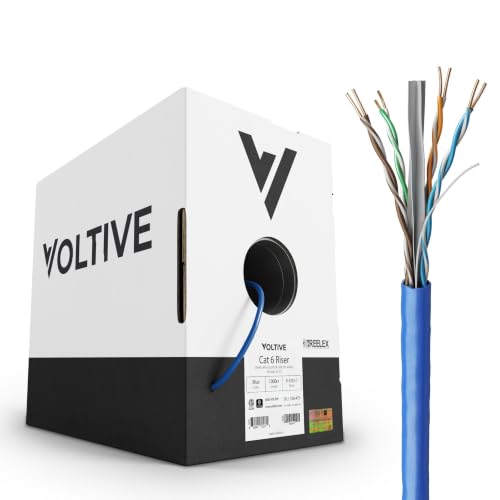
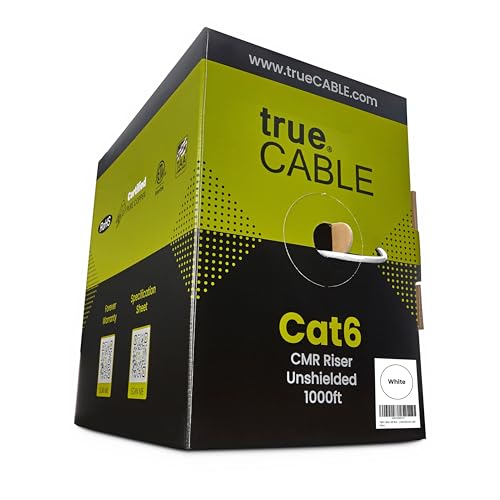
Cat Cables 101: The Basics for Camera Buyers
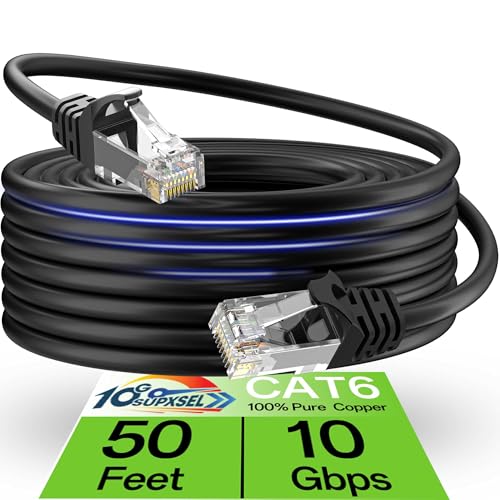
A cat cable, short for category cable, is the twisted pair Ethernet cable that plugs into an IP camera with a standard RJ45 connector. Inside the jacket, eight thin copper wires are twisted into four pairs, and that twisting helps the signal resist interference from nearby power lines. Each camera links back to a PoE switch or network video recorder, and that one connection carries both the feed and its power.
Because one cable does both jobs, picking the best cat cable for security cameras is a decision about reliability over distance. A cable fine at a desk may run hot under PoE load in a warm attic or corrode outdoors.
Who Should Buy Which Cat Cable for a Security Camera System?
Your run lengths, your building and your camera count point toward different cables. Match yourself to one group below first, and the feature sections will be easier to apply.
First Time Buyers Setting Up PoE Cameras at Home
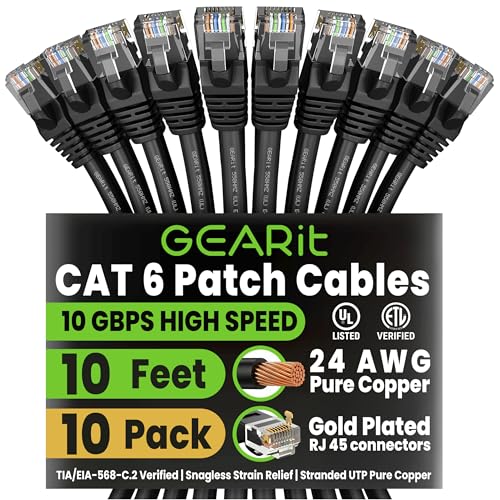
If you are installing two to six cameras around a house, solid copper Cat6 covers nearly every run, with headroom to spare. Ready made lengths with connectors already fitted save you buying crimp tools for a one time job. For the wider picture, see our guide to the best ethernet cable for security cameras.
Homeowners With Long Outdoor Runs
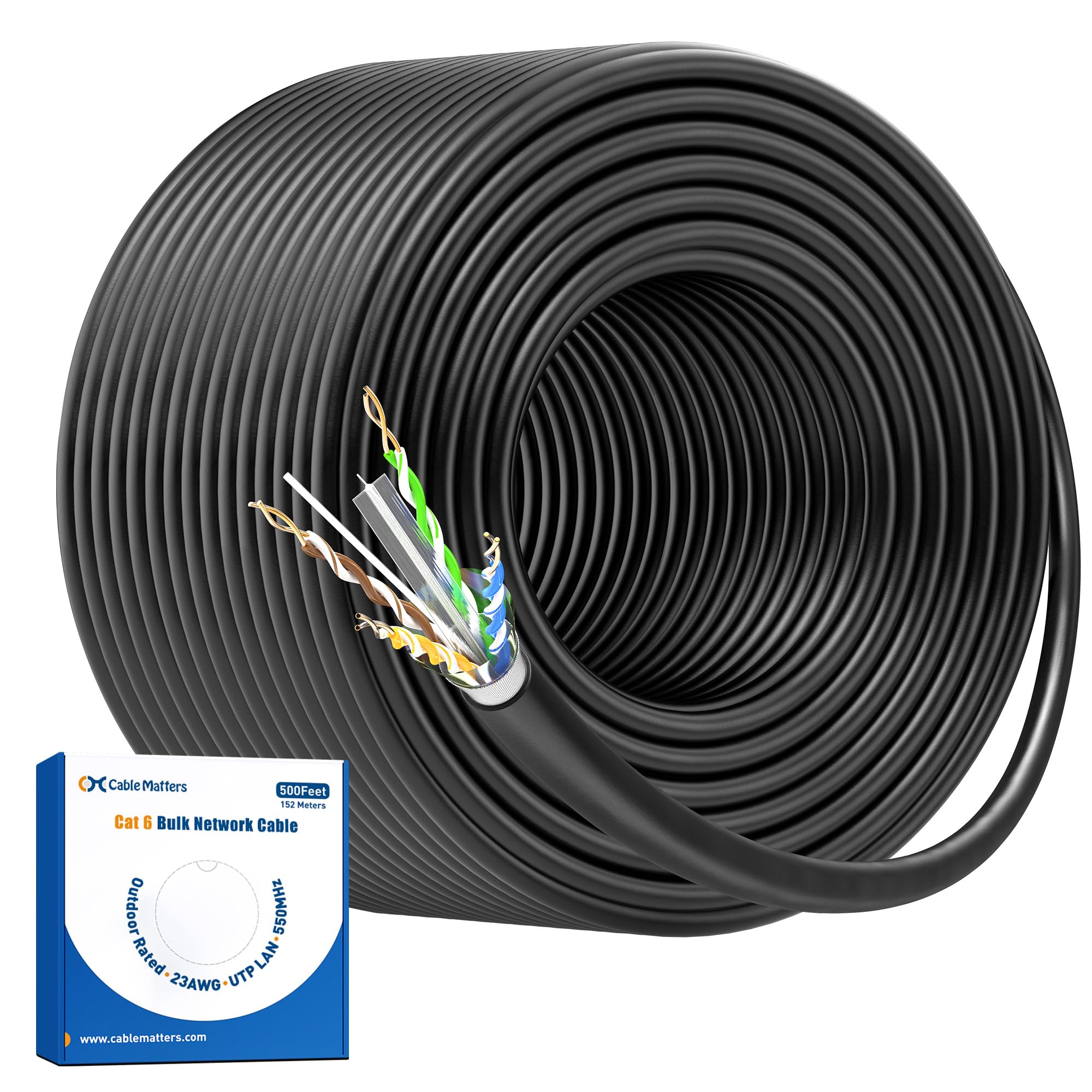
Runs to a gate, a barn or a detached garage are hardest on cable, because sun, moisture and distance work against you at once. Choose an outdoor rated jacket, keep each run within the standard length limit, and consider a second switch in the outbuilding. Burial rated cable is worth its small extra cost where the route crosses open ground.
Upgraders Moving to Higher Resolution Cameras
Newer 2K and 4K cameras send heavier data streams than older 1080p models, and many cameras add up quickly at the recorder. If you are rewiring anyway, Cat6 gives bandwidth headroom so the cable never becomes the bottleneck. See our guide to the best cable for 4k security cameras for how that demand shapes cable choice.
Key Features to Compare in a Cat Cable for Security Cameras
Category Rating: Cat5e, Cat6 or Cat6a
The category rating shows how much data the cable can carry and how well it resists interference. Cat5e supports gigabit speeds over the full standard run, plenty for one camera stream. Cat6 uses thicker conductors and tighter twists, carries gigabit with more margin, and supports 10 gigabit over shorter runs of about 180 feet. Cat6a holds 10 gigabit over the full 328 feet but is stiffer to pull. For most homes Cat6 is the sensible default; see our guide to the best cat 6 cable for security cameras for that category.
Solid Bare Copper, Never Copper Clad Aluminum
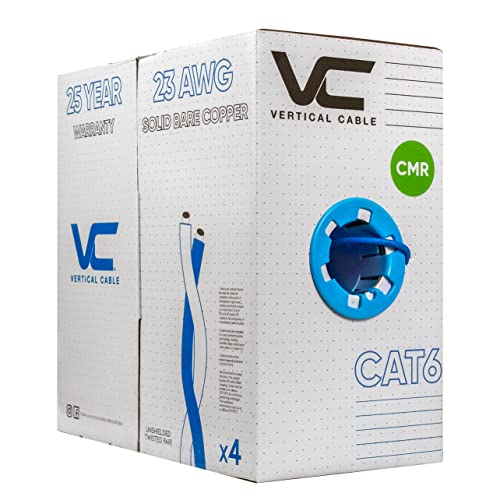
Conductor material matters more than the printed category. Solid bare copper carries data and PoE power with low resistance, so far cameras still get the voltage they need. Copper clad aluminum, sold cheaply as CCA, has an aluminum core with a thin copper coating. It runs warmer under PoE load, turns brittle at connectors, and fails the wiring standard for this job. Check that the listing states solid bare copper, and look for 23 AWG conductors in Cat6.
Solid Conductors for Fixed Runs, Stranded for Patch Leads
Solid cable has one firm wire per conductor and suits permanent runs through walls and ceilings, where it is fitted with plugs or jacks once and left alone. Stranded cable has many fine wires per conductor, making it flexible but weaker over distance. Use stranded only for short patch leads between switch, recorder and wall jacks. Matching type to job prevents the loose, intermittent connections that plague first installs.
Jacket Rating for Indoor, Outdoor and Buried Runs
The jacket protects the wires, and its rating must match the route. Indoor cable, marked CM or CMR, is fine inside walls and ceilings but breaks down in sunlight. Outdoor cable, usually marked CMX, adds ultraviolet resistance for runs along fences and under eaves. Direct burial cable adds water blocking gel or tape inside, so ground moisture cannot creep along the pairs. If you are weighing cable against other wiring approaches, see our guide to the best cable for security cameras.
Shielding and Interference
Most home camera runs work well unshielded. Shielded cable wraps the pairs in foil or braid and helps where a run passes close to heavy electrical wiring, workshop motors or lighting ballasts. It only works when connectors and switch ports are also shielded and grounded, and an ungrounded shield can make interference worse. Treat shielding as a fix for a known noisy route, not a general upgrade.
Length Limits and Power over Ethernet Reach
Ethernet has a firm channel limit of 328 feet, or 100 meters, and data and PoE power are both designed to work within it. Plan each run with margin, because connectors, patch leads and detours all count toward the total. Placing the PoE switch near the middle of the house turns two borderline runs into two easy ones. Beyond the limit, use a PoE extender or a second switch, not a longer coil of cable.
Getting Started: Planning and Running Your First Cable
Measure each route as the cable will travel, up walls and along joists rather than straight across the floor plan, then add about ten percent for slack. Keep runs away from parallel power lines where you can, and cross power lines at a right angle when crossing is unavoidable. Terminate both ends to the same standard, T568B is the common choice, and keep the pair twists intact up to the connector.
Before mounting each camera, connect it through the run and confirm it powers up, streams and records. Label both ends of every run with the camera location, because ten minutes of labeling now saves an afternoon of guessing later.
Common Mistakes to Avoid With Camera Cable
- Choosing copper clad aluminum to save money, which overheats under PoE load and leaves cameras rebooting at night.
- Running indoor rated jacket outdoors, where sun and moisture crack the skin and let water reach the wires.
- Planning a run past 328 feet, leaving the far camera with weak power and a link that drops in warm weather.
- Fitting plugs made for stranded cable onto solid conductors, which grip loosely and fail without warning.
- Pulling cable tight around sharp corners or stapling through the jacket, which crushes the pairs and degrades the signal.
Care and Maintenance for Cat Cables
Cat cable needs little upkeep, but a short yearly check keeps small damage from becoming a dead camera. Walk each outdoor run and look for cracked or chewed jacket, sagging spans and corrosion on the connector at the camera end. A small downward loop of spare cable before the camera lets rain drip off instead of tracking into the connector. Indoors, keep bends gentle, at least four times the cable diameter.
If jacket is cut through to the wires, replace that run rather than taping it, because moisture will already be creeping along the pairs. Store spare cable loosely coiled in a dry place out of direct sun.
Frequently Asked Questions About Cat Cable for Security Cameras
Is Cat5e or Cat6 better for a new security camera cable run?
Cat6 is the better default, even though Cat5e can carry a single camera stream. Cat6 handles PoE heat and interference with more margin and leaves room for higher resolution cameras later. Mixing categories is fine, so you can keep sound Cat5e runs already in your walls and add Cat6 only where you rewire.
How long can a cat cable run to a security camera be?
A single run can reach 328 feet, or 100 meters, from switch to camera, patch leads included. Beyond that, the signal and the PoE voltage fall outside the standard and faults become likely. Design for about 290 feet at most, leaving room for the leads at each end and for rerouting on install day.
Can one cat cable power a PoE security camera and carry its video?
Yes. PoE sends power over the same pairs that carry the data stream back to the recorder, so a wired install needs no power outlet at each camera position. Do check the total PoE budget of your switch or recorder, since large cameras with heaters or strong night lights draw far more than small indoor models.
Is copper clad aluminum cable safe for PoE security cameras?
No. Copper clad aluminum has higher resistance, so it wastes power as heat along the run, and the voltage left at the far end may be too low once night lights switch on. It also fails the standard for premises wiring. If a listing hides the conductor material or leads with a very low price per foot, move on.
Do outdoor security camera cables need shielding?
Usually not. Distance from interference sources matters more than a shield, and a run along a quiet fence line is fine unshielded. Shielding earns its cost on routes past a workshop, a well pump or long parallel power lines, and only when plugs, jacks and switch ports are all shielded and grounded.
Final Thoughts
Three choices carry most of the result: Cat6 for headroom, solid bare copper, and a jacket matched to the route each run takes. Keep every run inside the standard length limit and your cameras will stay online. The best cat cable for security cameras for your home is the one that fits your longest, harshest run, so size your order for that run and compare the options in the product table above before you buy.