
ASUS ZenWiFi BT10 Review: Honest Pros, Cons & Who It's For (2026)
Disclosure: We may earn a commission when you buy through links on this page, at no extra cost to you. As an Amazon Associate I earn from qualifying purchases. Learn more

ASUS ZenWiFi BT10 review: an honest look at the tri-band WiFi 7 mesh system, its wired ports, everyday pros and cons, and who it suits.
A house full of phones, laptops, TVs, and smart gadgets can expose the limits of a single router fast, with slow rooms at the edges and video calls that stutter when everyone gets online at once. This asus zenwifi bt10 review looks at the BT10 as a whole home mesh system for shared family use, judged on the specs, design, and ownership details that matter in living rooms, bedrooms, and home offices.
Below, you will find what the hardware offers on paper, how those specs translate to daily use, what living with the system costs, and where the trade offs sit. The comparison table below shows how this class of system stacks up.
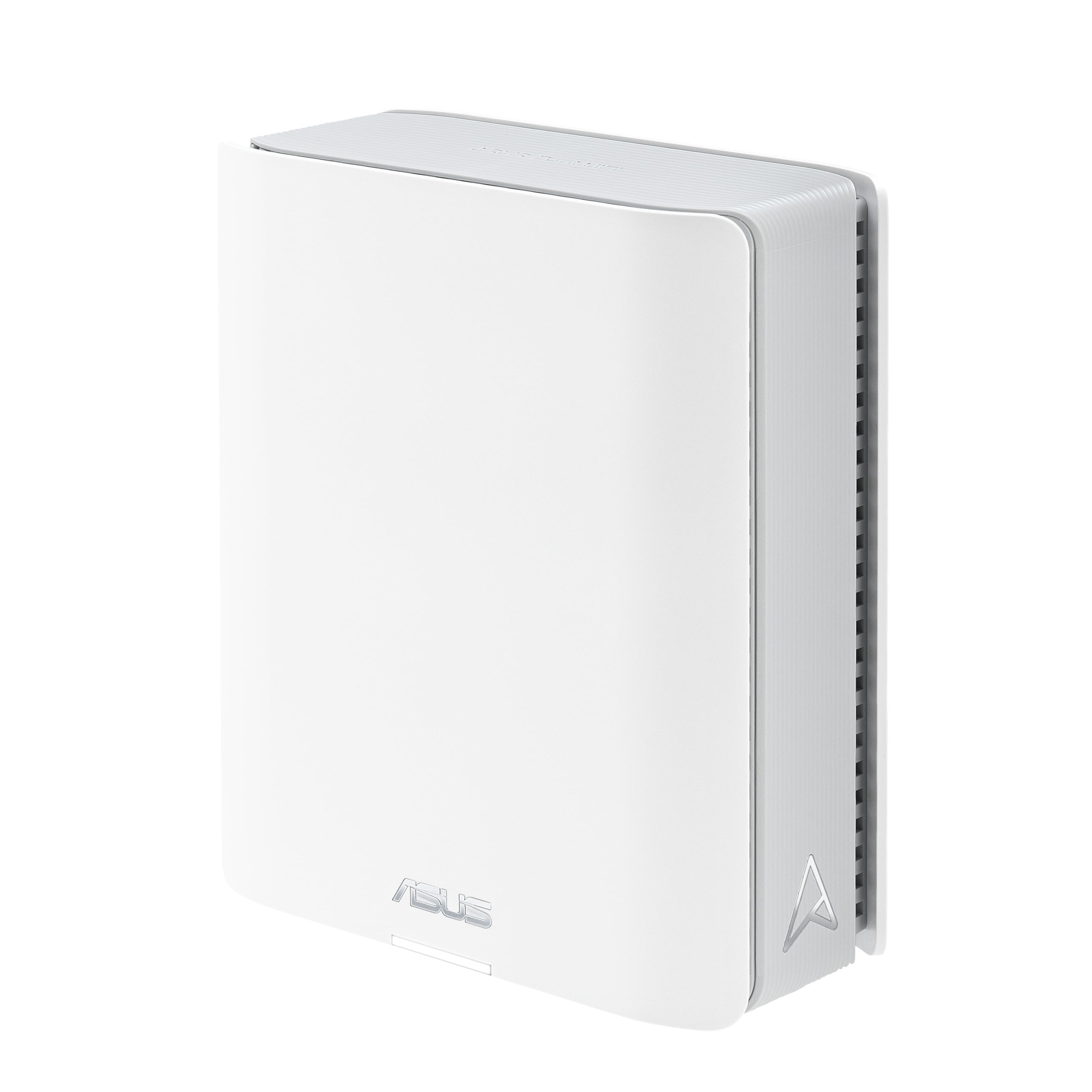


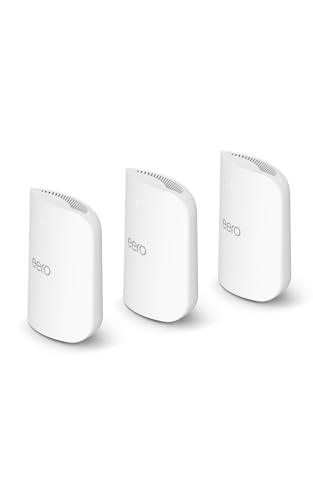

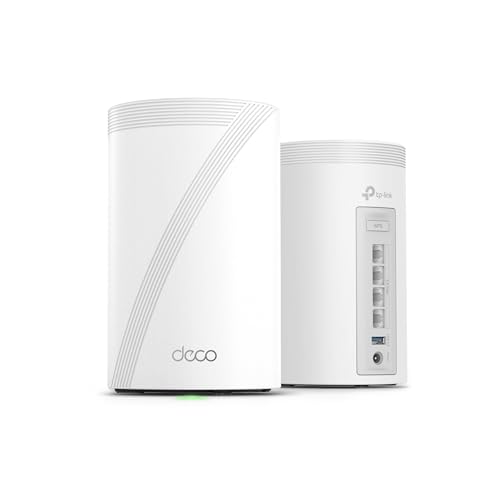


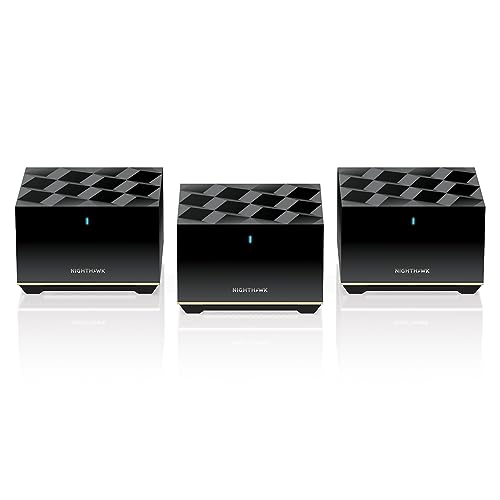
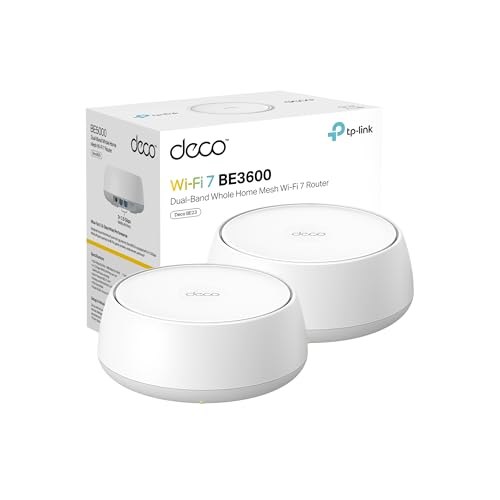
ASUS ZenWiFi BT10: Key Specs
The BT10 is a tri band WiFi 7 mesh system, meaning each unit radios on the 2.4 GHz, 5 GHz, and 6 GHz bands at once. ASUS rates it in the BE18000 speed class, a combined figure across all bands that no single device will ever see on its own. The units support AiMesh, so they can work alongside other compatible ASUS routers in one network.
Each unit carries multi gig wired ports, including 10 gigabit Ethernet, plus a USB port for shared storage. Security comes from AiProtection Pro, and the system is managed through the ASUS Router app or a web interface.
Design and Build for Real Rooms
Mesh units only work well when you place them out in the open, so looks matter more here than with a router you hide in a closet. The BT10 units are plain white towers with a vented shell and no external antennas, a style that blends into a living room shelf or a bedroom dresser. Internal antennas keep the footprint tidy, though the towers are larger than the small pucks some rival systems use.
Vent slots need a few inches of clear air around them, and the matte finish shows dust less than a glossy one would. Status lights sit on the front and can be dimmed in the app, which helps in bedrooms.
How It Performs in Everyday Home Use
Speed and Range
For daily use, the practical gain from a tri band mesh is not a faster speed test next to the router. It is steadier speeds in the rooms farthest from it, because a dedicated wireless link between units leaves more airtime for your devices. The 6 GHz band adds a wide, less crowded lane for newer phones and laptops, while older gear keeps using 5 GHz and 2.4 GHz.
Placement decides more than the numbers on paper do. A unit per floor, each one room away from the next, beats a pack bunched at one end of the house. Brick walls and concrete floors cut range, so judge coverage claims against your own building materials.
Latency and Quality of Service
Latency is what you feel on a video call or in a game, and it depends mostly on how busy your network is at that moment. The BT10 offers quality of service controls that favor work calls, streaming, or gaming traffic when the connection is saturated. You can sort traffic by activity type, or pin priority to one device.
Keep expectations grounded. QoS can stop a big download from ruining a call, but it cannot fix a slow internet plan or a weak signal in a far room.
Features and Ports
The wired side is where this system stands apart from entry level mesh kits. Multi gig ports let a desktop, a NAS drive, or a wired backhaul link between units run faster than gigabit, which matters if your plan is above one gigabit or you move large files at home. Wiring the units together frees the wireless bands entirely for devices.
The USB port supports basic shared storage and printer sharing. Guest networks, including a separate one for smart home gadgets, keep less trusted devices away from your main one. If you are still deciding between mesh and a single router, our guide to the best mesh wifi system options walks through layouts for different house shapes.
Setup and App
Setup runs through the ASUS app with a guided flow: plug in the first unit, let the app find it, name your network, then add the second unit where the app suggests. Most homes finish in about fifteen minutes, and the app shows which unit each device connects to, which helps when hunting a weak spot.
Advanced users get a full web interface with far more settings than the app exposes, including manual channel choice and traffic views. That depth is a plus for tinkerers, and a drawback for anyone who wants a system that asks nothing after day one.
Features You Will Actually Use
Some features earn their keep every week. AiProtection Pro blocks malicious sites and known threats at the router, covering every device at once, including smart TVs and cameras that cannot run their own security software. ASUS includes it with the hardware rather than as a paid extra, which changes the long term cost picture against systems that rent security back to you.
Parental controls let you pause access per child, set bedtime schedules, and filter content categories from the same app. VPN support at the router level covers devices that lack their own VPN apps. These are the tools families touch weekly, long after the speed test novelty fades.
Living With It: Upkeep and Day to Day Care
A mesh system asks for very little upkeep. Dust the vents every month or so with a dry cloth, since blocked vents trap heat and heat shortens electronics life. Keep units off the floor and away from direct sun, radiators, and enclosed cabinets. A quick reboot every few months can clear minor glitches.
Check in the app now and then to confirm both units still show as connected, and glance at the device list for gadgets you do not recognize. That is the whole routine: no filters, no parts, no consumables.
What We Like and What We Don't
On the plus side, the BT10 pairs WiFi 7 radios with genuinely fast wired ports, so it suits homes with multi gig internet or heavy local file traffic. Security and parental controls are included in the price, the web interface gives experts real control, and AiMesh support means the system can grow with other ASUS gear instead of being replaced.
The trade offs are real too. WiFi 7 hardware costs more than most households need to spend, and older devices gain little from the 6 GHz band they cannot use. The towers are bigger than minimalist rival units, and the depth of options may burden buyers who want the simplest experience.
Is the ASUS ZenWiFi BT10 Right for Your Household?
It fits larger homes where several people stream, call, and game at once, and where the internet plan is fast enough that an older router is now the weak link. It also suits a home office that needs a wired connection for a work machine plus strong coverage in the rooms where the family lives.
Skip it if your flat is small and a single router already covers it, if your internet plan is modest and unlikely to grow, or if nearly all your devices predate WiFi 6E. In those cases the extra bands and ports sit idle, and the money is better kept for the day your devices catch up.
How the ASUS ZenWiFi BT10 Compares
The closest alternatives take a different route to the same job. One app led rival line keeps setup extremely simple but ties advanced security to a paid plan, which our eero pro 7 review looks at in detail. Its bigger sibling pushes further on raw capacity for very large homes, as covered in the eero max 7 review.
The BT10 answers with more manual control, faster wired ports, and security included in the purchase price. Which trade suits you depends on whether you value a hands off app or the freedom to tune settings yourself. The product table above shows how the main contenders line up side by side.
Price, Deals and Warranty
Expect to pay a premium tier price for a two pack, in line with other WiFi 7 tri band systems. Prices move often, so check the product page before ordering. Seasonal events such as Prime Big Deal Days and Black Friday bring the deepest cuts on mesh systems.
ASUS backs its routers with a limited warranty, commonly two years in the US. Keep your receipt and register the product, since warranty claims go faster with proof of purchase on file.
Common Buying Mistakes to Avoid
- Buying for the speed class on the box, then placing both units in the same room, which wastes the second unit entirely.
- Paying for WiFi 7 when every device in the house is older and the internet plan is slow, so nothing can use the new bands.
- Ignoring wired backhaul even when Ethernet cable already runs between floors, leaving performance on the table for free.
- Putting a unit inside a closed cabinet or behind a TV, where heat and blocked signals undo the upgrade you paid for.
Cost of Ownership and Care
Running costs are small. Two mesh units draw roughly the power of a couple of LED bulbs. There are no filters or cartridges to replace, and no subscription unlocks the security suite, unlike rival systems.
The main long term cost is eventual replacement, since routers age out as standards and security support move on. Storing the spare cables and power adapters in one labeled box saves a scramble if you move house.
Your Questions, Answered
How do you clean the ASUS ZenWiFi BT10?
Unplug the unit, then wipe the shell with a dry or slightly damp cloth and clear the vent slots with a soft brush. Never spray liquid into the vents or use solvents, which can damage the finish and the electronics inside. Cleaning matters because dust buildup holds heat against the internal parts. Do it when you dust the shelf it sits on, and the job takes under a minute.
What is a cheaper alternative to the ASUS ZenWiFi BT10?
A WiFi 6 or WiFi 6E mesh kit costs notably less and still covers most homes well, especially where the internet plan is under about 500 Mbps. You give up the WiFi 7 capacity and the fastest wired ports, which many households never use. Buying a smaller pack, or a single unit for a flat, cuts cost further. Match the cheaper kit to your plan speed and device ages rather than to the newest standard.
How long does the ASUS ZenWiFi BT10 last?
The hardware itself can run for many years, since there are no moving parts to wear out. The practical limit is support: firmware updates and security patches matter more than physical wear, and once a system stops receiving them, replacement is wise even if it still works. Plan on roughly four to six years of front line service.
What are common ASUS ZenWiFi BT10 problems?
Most complaints about mesh systems in this class involve placement and setup rather than faults: a second unit placed too far from the first, or smart home gadgets that prefer the 2.4 GHz band and get confused during setup. The fixes are usually to move the node closer or use the dedicated smart home network. Persistent drops on a wired backhaul usually trace back to a damaged cable, so swap that first.
Is the ASUS ZenWiFi BT10 worth it?
It is worth it when your home can use what you are paying for: a fast internet plan, several people online at once, and at least a few newer devices that can use the 6 GHz band. It is harder to justify for a small home on a modest plan. One extra check before buying: count how many devices in your house support WiFi 6E or WiFi 7 today. If the answer is none, a cheaper kit serves you just as well.
Final Thoughts
Judged as family infrastructure rather than a gadget, the BT10 makes its case with fast wired ports, included security, and controls that grow with your household. This asus zenwifi bt10 review comes down to fit: big, busy homes with fast internet gain the most, while small homes on slow plans should spend less. Look back at the product table above and choose the system your house will still thank you for in three years.


