Best Cases for a Gaming PC: What Actually Matters Before You Buy in 2026
Disclosure: We may earn a commission when you buy through links on this page, at no extra cost to you. As an Amazon Associate I earn from qualifying purchases. Learn more

Compare gaming PC cases by airflow, GPU clearance, radiator space, case size and noise control with a clear checklist before you choose your build.
A good case decides how cool your system runs, how much noise reaches your ears, and how easy the build feels. The best cases for a gaming pc share clear traits: open airflow, honest clearance figures, room for fans or a radiator, and filters you can actually reach.
Start with the parts you own or plan to buy, then check each case against them. Use the comparison table below to line up sizes and prices, then work through the checklist in this guide.

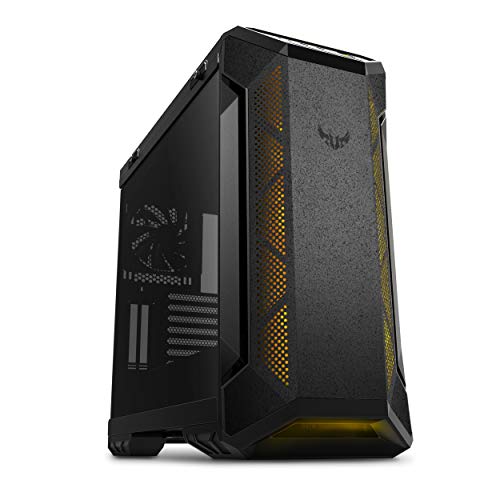
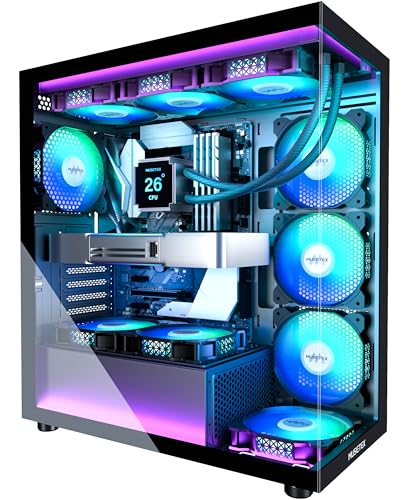

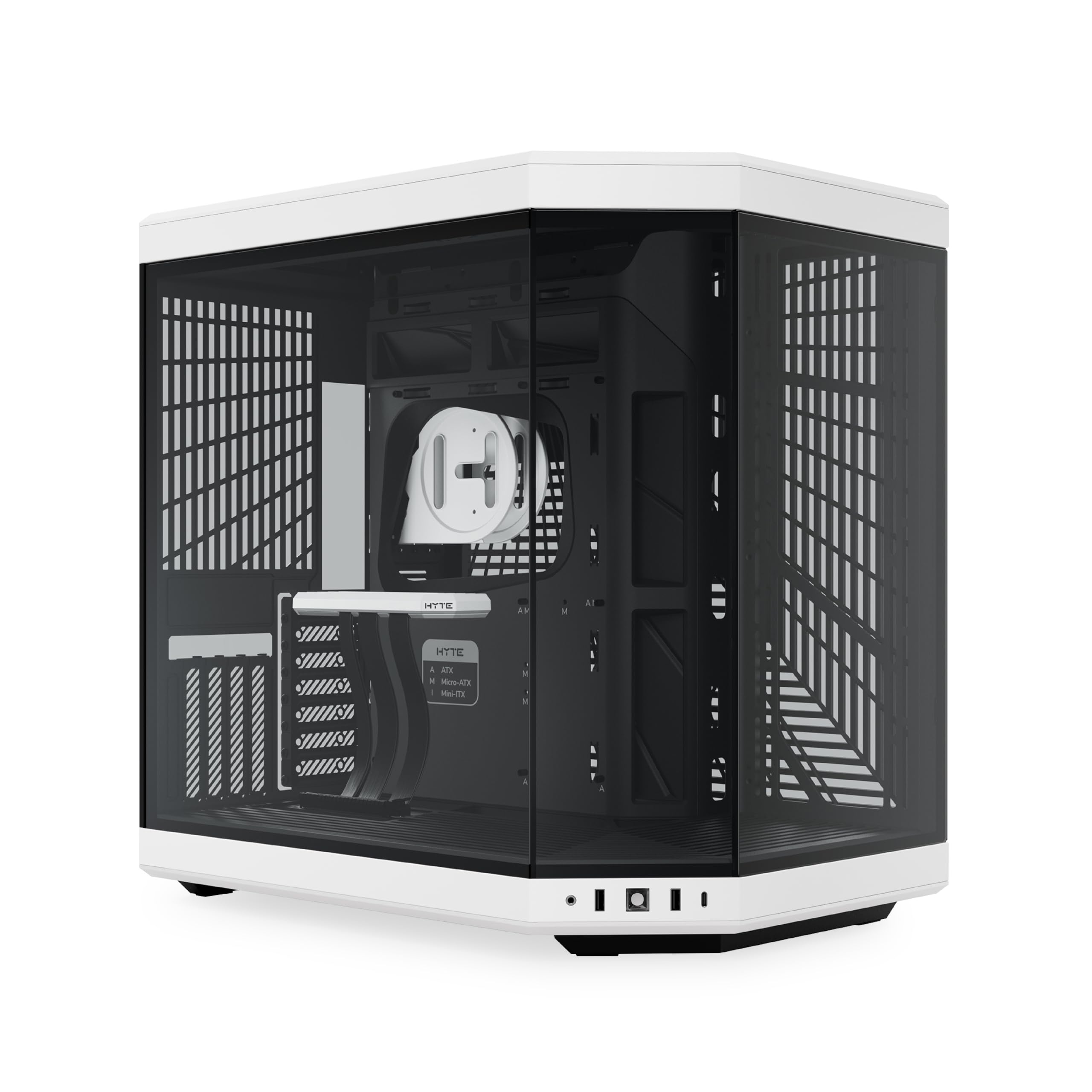
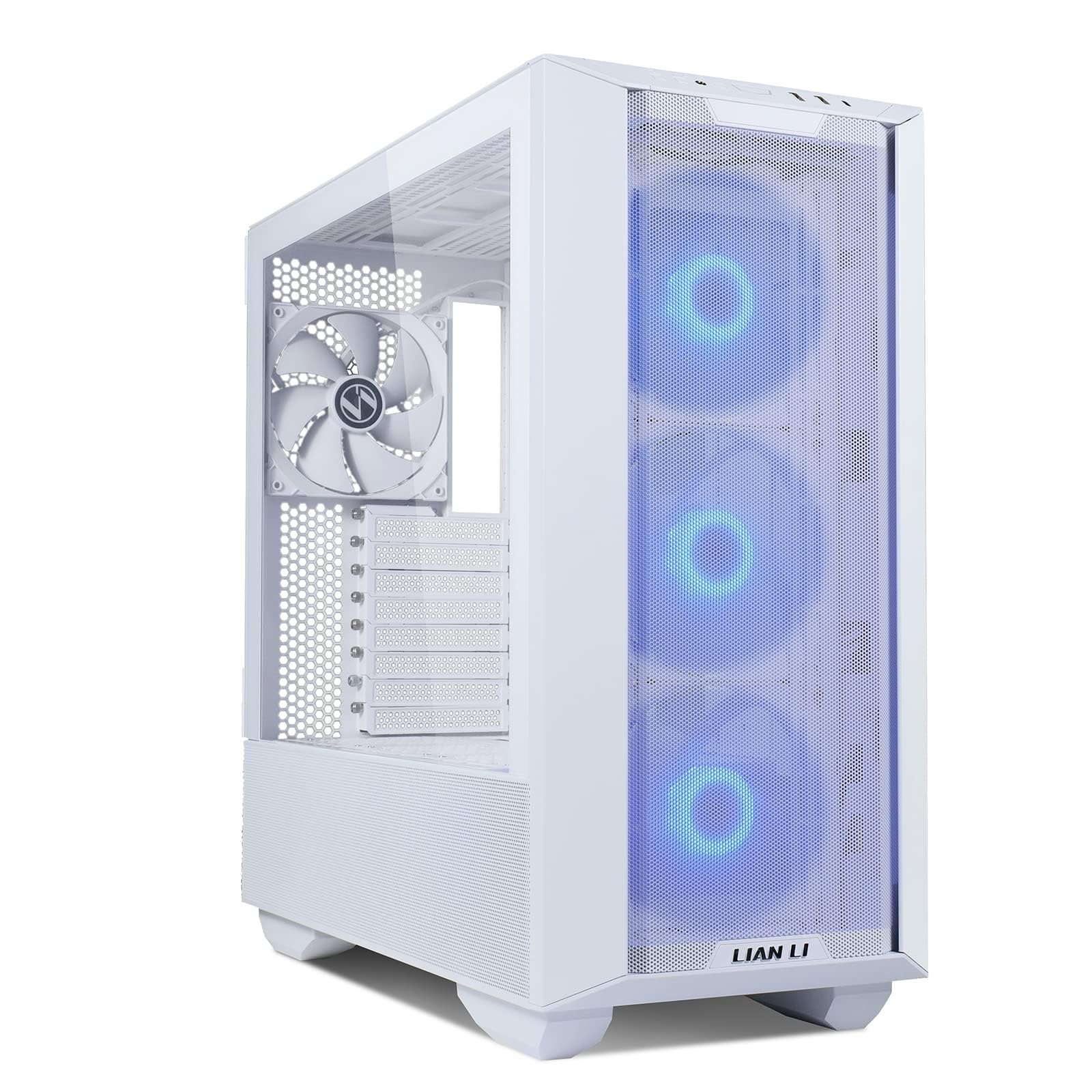


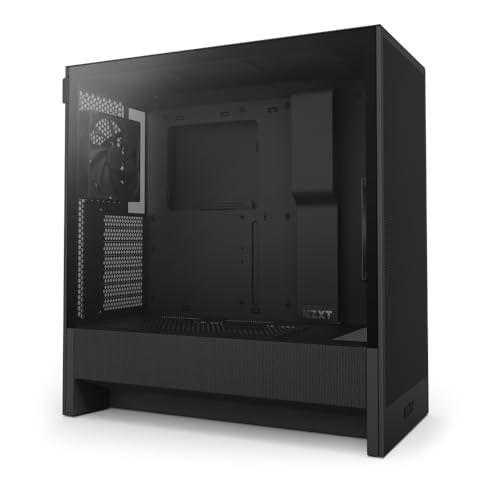
Who Should Buy Which Gaming PC Case?
Players Running Long Graphics Cards and Tall Tower Coolers
You need a roomy mid tower or full tower with generous clearance. Long cards stretch well past the edge of many boards, and tall coolers can touch a side panel that looked spacious in photos. Choose a case listing maximum card length and cooler height with room to spare, plus two intake fans aimed at the card.
Players Who Game Late and Want a Quieter Desk
You should look at cases built around calm airflow rather than sealed panels alone. Large fans turning slowly move plenty of air with less noise than small fans spinning fast, and dampened panels soften higher pitched sounds. A case with room for 140 mm fans at the front and top suits you well, ideally lifted off carpet on a desk or stand.
Builders With a Small Desk or a Living Room Setup
A compact case suits you if desk space is tight, but small form factor pcs demand tighter planning. Check that your power supply matches the smaller format many compact cases require, and confirm the card length limit before ordering anything else. Mesh panels on two or more sides help a small case breathe, because less internal air volume buffers heat.
Key Features to Compare
Work through these factors in order, since a failure on clearance or board fit cannot be fixed by good looks. This list will also guide you toward the best cases for a gaming pc for your parts, desk and budget.
Airflow and Mesh Panels
Airflow decides how hard your fans must work. A mesh front panel lets intake fans pull air in with little resistance, while a solid glass or plastic front can starve those fans and raise heat and noise. Look for mesh at the front and top, plus vents near the power supply. If you prefer a solid front, choose wide side intake gaps. For vent layouts in depth, see our guide to the best gaming pc cases for airflow.
Graphics Card and Cooler Clearance
Clearance figures tell you whether your parts fit. Compare the stated maximum card length against your card, then leave roughly an inch of extra room so power connectors are not pressed against the front fan or radiator. Do the same for cooler height with a tall tower cooler. A front mounted radiator subtracts from card room, so add its thickness plus the fan before trusting the headline number.
Fan Mounts and Radiator Support
Fan mounts show how much cooling headroom the case gives you. Most buyers want at least two front intake positions, one rear exhaust and one or two top mounts, sized for 120 mm or 140 mm fans. If you plan an AIO cooler, confirm which radiator sizes fit at the top and front, and note that top mounting often clears board parts more easily.
Motherboard Size and Expansion Room
Board size sets the smallest case you can use. Full ATX boards need a mid tower or larger, micro ATX boards fit a wider range, and mini ITX boards suit compact builds. Check the listing against your board format, then count the expansion slots and drive mounts you truly need.
Dust Filters and Front Panel Connections
Filters slow dust buildup on fans and fins, keeping cooling steady between cleanings. The most useful filters slide out from the front and bottom without tools or moving the case. On the front panel, look for two USB ports, a USB C port if your board supports it, and a headphone jack matching your headset.
Cable Space and Power Supply Fit
Neat cables are not just about looks, since tidy routing keeps connectors seated and panels easy to close. Look for about an inch of space behind the board tray, several tie points, and lined pass through openings at the top and bottom edges. Confirm the maximum power supply length, especially in compact cases where a long unit blocks cable exits.
Choosing Cases for Your Situation
Best Cases for Gaming PC Build
For a new build, start with the case you will find easiest to work in. Choose wide cable channels, removable drive cages and a large cutout behind the board socket, since those details save time during the build and later upgrades. If value matters most, see our guide to the best affordable gaming pc cases and compare included fans, because two included fans can close a price gap.
Best Silent Cases for Gaming PC
Quiet cases combine dampened panels with airflow that does not force fans to spin fast. Look for thick steel, covered top mounts you can leave closed, and fan positions accepting 140 mm fans at low speed. Keep the case out of closed cabinets that trap warm air.
What to Check When Comparing Computer Cases for a Gaming PC
General computer cases often assume short cards and light loads, so compare cooling capacity and card room first. If your system also handles work, see our guide to the best cases for a pc for broader needs. For a bright desk theme, see our guide to the best white gaming pc cases, and plan more frequent cleaning, since white mesh shows dust sooner.
Final Fit Checks Before You Buy a Case
Answer each question before you order. Any no answer means skip that case.
- Does the case fit your board size?
- Is the stated card length an inch longer than your card?
- Does the case clear your cooler height or radiator thickness?
- Can the mounts hold the fans or radiator you plan to use?
- Do the front, top and bottom panels give intake fans a clear air path?
- Are the dust filters removable without moving the case?
- Is there about an inch of cable space behind the board tray?
- Do the front panel ports match your headset and board headers?
Common Mistakes to Avoid
- Buying a case by photos alone, so the card or cooler turns out too long or too tall.
- Choosing a sealed glass front for looks, so intake fans run louder and parts run warmer under load.
- Mounting a front radiator without adding its thickness, so the card loses promised room.
- Forcing the side panel over thick cables, so connectors bend sharply and the panel bows.
- Putting a bottom vented case on thick carpet, so the power supply pulls in far less air.
- Ignoring header types, so the case USB C port has no matching board header.
Care and Maintenance for Your Gaming PC Case
Clean the front and bottom dust filters about once a month in a carpeted room, or every two to three months in a low dust room. Slide each filter out, brush or rinse it as the maker directs, and let a rinsed filter dry fully before refitting it.
Every few months, open the side panel and look for dust mats on the bottom vents and around the power supply intake. Check screws are snug but not forced, and confirm no cable sits in a fan path. Clean glass with a microfiber cloth and cleaner sprayed on the cloth, not the glass.
Cases: Your Questions Answered
How can I test whether a graphics card will fit a gaming PC case before buying?
You can test the fit with a cardboard template cut to your card length and height. Hold it against your current case if you own one, and check where the power connector sits. This mock up reveals tight cable bends and blocked fan space that a single length figure hides.
Should a gaming PC case mount a radiator at the top or the front?
A gaming PC case usually works best with the radiator at the top, where warm air leaves directly. Front mounting can give the processor slightly cooler intake air, but it sends warmed air toward the graphics card. If only the front fits, raise intake fan speed a little and keep a clear rear exhaust path, since the card then depends more on that exit.
Is a glass side panel a good choice for a gaming PC case?
A glass side panel is a good choice if you value seeing the build and handle the panel with care. Tempered glass is strong in normal use, but its edges are its weak point, so lift it flat onto a soft surface and never rest it on a hard floor corner. If the case travels often, a steel panel is the calmer, lighter choice.
What fan curve setting keeps a gaming PC case quiet without overheating?
A gradual fan curve keeps a gaming PC case quiet, with fans near 40 percent speed at light load and rising steadily rather than in steps. Set the sharp rise to begin only at the temperature your system reaches during real games. A few seconds of fan delay in board software also removes much of the pulsing noise players notice.
How much extra space should a gaming PC case leave for future upgrades?
A gaming PC case should leave about an inch of extra card length, one free fan mount and one unused cable option beyond your current parts. That margin covers the next card, which often runs longer than the one it replaces, without forcing a new case too. Buying far larger adds desk bulk with little gain, so aim for one step of headroom.
Final Thoughts
Judge every case by fit first, airflow second and noise third, then let style settle any tie. Confirm board size, card length and radiator room with real numbers, and choose filters you can reach. Do that, and the best cases for a gaming pc stop being a guess and become a short, confident list. Compare your finalists in the product table above and pick the one matching your parts and room.