
Best Chairs for Streaming in 2026: What Actually Matters Before You Buy
Disclosure: We may earn a commission when you buy through links on this page, at no extra cost to you. As an Amazon Associate I earn from qualifying purchases. Learn more
A practical checklist for the best chairs for streaming: session comfort, back support, quiet upholstery, on camera looks, and price bands for every budget.
A streaming session can hold you in the same seat for three, four, or even six hours, with a camera framing your shoulders and a microphone close enough to catch small noises. That is a different job from answering email for twenty minutes. Finding the best chairs for streaming starts with a checklist built for long sessions, a clean on camera outline, and materials that stay quiet while you work.
This guide walks through that checklist in order, then shows what each price band really buys and which red flags should send you back to the list. The comparison table below lines the main chair classes up side by side, so you can match the criteria to your room, your desk, and your budget before you spend anything.




What Actually Matters: A Streaming Checklist
Session Length Comes First
Start with the honest question of how long you actually sit. Session length governs the cushion and the back you should buy, because foam that feels fine for one hour can feel thin and hard by hour four. Streamers who run long sessions should look for a seat cushion with real depth and a backrest tall enough to support the shoulders through the whole broadcast. Shorter, casual sessions forgive a simpler chair, which is where the lower price bands make sense.
Ergonomics and Adjustability
Look for a seat height range of about 17 to 21 inches, so your feet rest flat and your eyes sit level with the top third of your monitor. Adjustable lumbar support matters because a fixed curve rarely matches your back, and armrests that move up, down, and sideways keep your shoulders down while your hands stay on the keyboard. A tilt range of about 100 to 130 degrees lets you lean back between matches or segments without leaving the frame. Readers comparing plain desk seating can also browse the guide to best office task chairs, a task class that covers the basics for shorter desk days.
Comfort and Cushioning
Seat foam is the quiet decider of a long stream. Denser foam holds its shape and spreads your weight, while thin foam over a hard base plate goes flat and starts to ache. A chair supports your sitting position during a session; it does not correct your posture or treat back pain, so see a clinician if pain keeps returning.
How the Chair Looks on Camera
Your chair is part of the picture your viewers see, so read its outline the way a camera does. A very wide racing style back can crowd a small frame, while a slimmer back leaves room for overlays, shelves, or a backdrop. Color matters too: dark fabrics hide wear and read calm on camera, while bright colors become the loudest object in the shot. If your room is part of your brand, pick the color early, then check that the chair you like still passes the comfort criteria above.
Quiet Materials and Upholstery
Quiet materials govern what your microphone picks up, so treat sound as a buying spec rather than an afterthought. Fabric upholstery stays quiet when you shift, padded armrests mute small knocks, and a solid frame should not creak when you lean. Mesh backs breathe well in warm rooms and make almost no noise, while smooth bonded surfaces can squeak against clothing during long sessions. Soft casters roll quietly on hard floors and protect the floor at the same time, which matters when you adjust your position mid stream.
Assembly and Delivery
Most streaming chairs arrive flat packed and take about 20 to 40 minutes to build with the included tool. Check the box dimensions before ordering if your room sits up narrow stairs or behind a tight door, and confirm the caster type suits your floor. Keep the spare bolts and the height cylinder instructions, since the gas lift is the part most likely to need attention later. A chair that assembles cleanly also comes apart cleanly, which helps when you move rooms or houses.
What Your Budget Buys
Prices for streaming chairs cluster into three bands, and each band buys a clear step in foam quality, adjustment range, and warranty cover. The product table above shows how the classes compare; the bands below explain what the money changes in daily use.
Starter Seating, About $100 to $200
This band buys simple task and entry gaming chairs with fixed or basic armrests and thinner foam. They suit new streamers, spare rooms, and anyone testing whether a set schedule will stick. Expect a warranty of about one year and plan on the cushion feeling tired sooner than the frame. Spend here only if your sessions stay under about two hours at a time.
The Working Middle, About $200 to $400
This is where most streamers should land. Foam gets denser, lumbar support becomes adjustable, armrests move in more directions, and warranties stretch to about two to five years. A chair in this band holds its comfort through four hour sessions and still looks tidy on camera. If you stream most days, this band usually ends the search.
Premium Builds, About $400 to $700
Above about $400 you pay for build quality more than for new features: steel frames, thicker upholstery, smoother tilt mechanisms, and warranties that can run past five years. The guide to best quality chairs explains how makers at this level differ in frame and fabric choices. This band suits full time streamers who sit daily and want one purchase to last. The comfort step over the middle band is real but smaller than the step up from the starter band.
Quick Buyer Checklist
- Can you sit with your feet flat and your knees level or slightly below your hips?
- Does the backrest reach your shoulders without pushing your head forward?
- Do the armrests drop low enough to slide under your desk?
- Is the upholstery quiet when you shift, lean, and roll?
- Does the chair color fit the shot your viewers see?
- Does the warranty cover the gas lift and the tilt mechanism, not just the frame?
- Will the box and the built chair fit through your door and up your stairs?
Red Flags to Watch For
- No stated weight capacity, or a capacity listed without a seat width to match it.
- Foam described only as soft, with no mention of density or thickness.
- A warranty of a few months on a chair priced like a premium model.
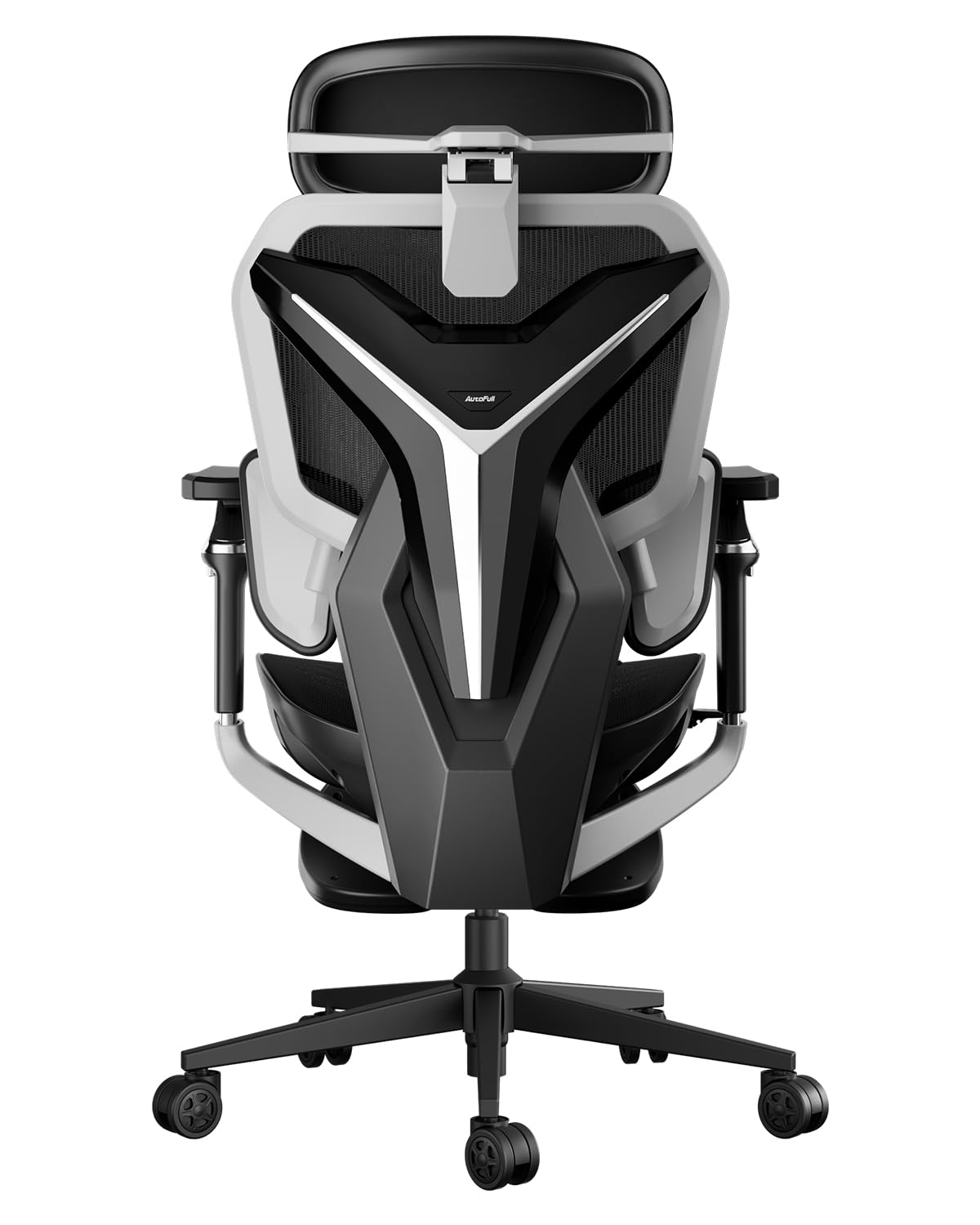
- Stock photos that never show the chair from behind, where your viewers see it most.
- Reviews that praise comfort without ever mentioning session length.
Chairs for Specific Streaming Needs
Streamers sit for different reasons, and the right chair class shifts with the job. The three classes below cover the needs that come up most often.
Best Gaming Chairs for Streaming
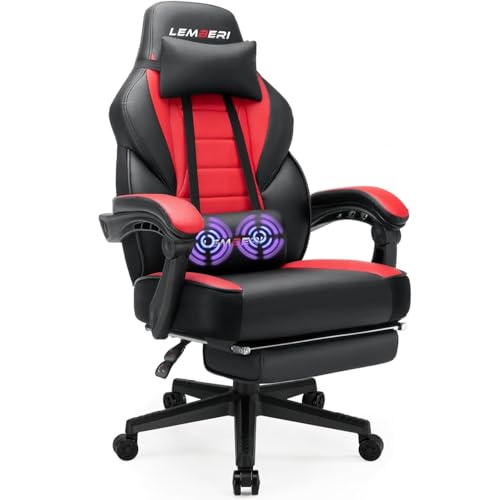
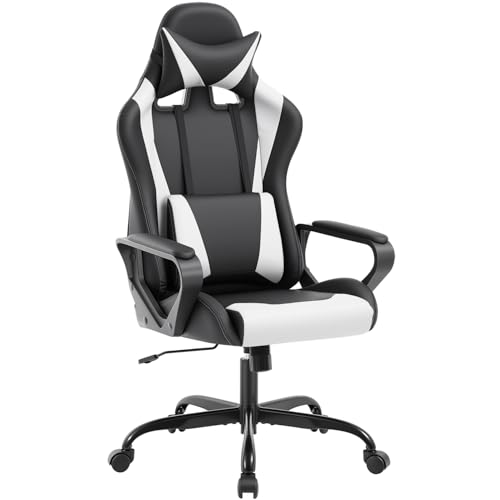
Gaming styled chairs bring a tall back, deep recline, and bold colors that read as part of the show. The high back supports your shoulders when you lean back between games, and the recline range is usually the widest in the store. The trade off is size: these chairs fill a frame and a room. Readers who want that look can compare shapes in the guide to best video game chairs and then return to the checklist above for fit.
Best Computer Chairs for Streaming
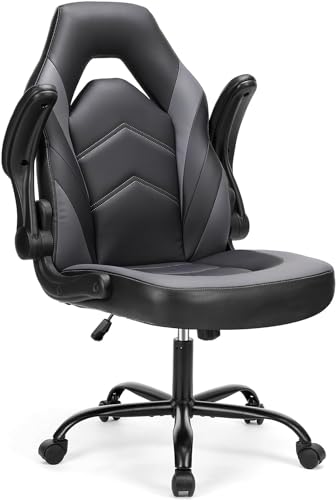
Computer task chairs take the opposite approach: a plain outline, a smaller footprint, and a look that disappears into a home office. They suit streamers who also work at the same desk and want one chair to stay neutral on camera. Shoppers sometimes land on executive styled seating here; the guide to best officer chairs covers that office class, which is built for short meetings rather than for hours in front of a camera. For streaming, the task chair you pick still needs the session length cushion described earlier.
Best Chairs for Streaming and Gaming
Plenty of viewers do both: work or study at the desk, stream in the evening, then play off camera at night. A hybrid pick sits in the middle: a medium height back, a calm color, and a recline you can lock upright for focus or release for play. Armrests that swing up or remove entirely help when you pick up a guitar, a controller, or a drawing tablet. This class gives up the extreme look of gaming chairs and the stiffness of office chairs in exchange for flexibility.
How to Make Your Chair Last Longer
Set the seat height once so your feet rest flat, then leave the levers alone during a session. Tighten the frame bolts every few months, because streaming chairs rock and shift more than office chairs and the bolts loosen quietly. Vacuum fabric and mesh weekly, wipe smooth surfaces with a damp cloth, and keep drinks on a side table rather than the armrest. Roll the chair instead of dragging it, and lift by the frame when you move it between rooms.
Frequently Asked Questions
What features matter most in chairs for streaming?
Session length features matter most: a deep, dense cushion, a backrest that reaches your shoulders, and armrests that stay out of the way of your desk. After that, check the sound side of the chair. Soft casters on a chair mat keep rolling noise off your recording, a detail most buyers only notice once the first stream is already live.
What features matter most for long streaming hours?
For long hours, the chair matters less than the pattern around it. Stand and walk for a few minutes every hour, keep a water bottle within reach, and set your monitor so your eyes rest level without leaning in. A supportive chair makes those hours easier, but breaks are what protect your back, your eyes, and your voice across a full week of streaming.
Is an expensive streaming chair worth it?
It can be, if you stream most days and keep the chair for years. A chair at about $500 used daily for five years costs roughly $100 a year, while a chair at about $150 replaced every eighteen months costs about the same and feels worse the whole time. The math flips for occasional streamers, who get better value from the middle band and a good chair mat.
How long should a good streaming chair last?
A well built streaming chair should last about five to eight years of regular use. The gas lift and the seat foam usually age first: a chair that slowly sinks or a cushion that stays dented is telling you which part is done. Longer warranties on those two parts are a fair signal that the maker expects them to last, so weigh warranty terms alongside the price.
How do I choose the right size streaming chair?
Measure two things before ordering: the height from the floor to the underside of your desk, and the length of your thigh from hip to knee. The armrests must slide under the desk with room to spare, and the seat depth should leave a small gap behind your knees. If you fall between sizes, choose the chair with the wider adjustment range rather than the larger fixed frame.
Final Thoughts
Streaming asks a chair to do three jobs at once: hold you comfortably for hours, stay quiet near a microphone, and look right in the frame. Run any candidate through the checklist, weigh the product table above against your budget band, and let session length make the final call. Pick the option among the best chairs for streaming that fits your body, your room, and your schedule, and it will disappear into the background of every broadcast, which is exactly where a good chair belongs.


