Best Affordable Gaming PC Cases: Buying Guide for 2026
Disclosure: We may earn a commission when you buy through links on this page, at no extra cost to you. As an Amazon Associate I earn from qualifying purchases. Learn more

A plain guide to the best affordable gaming pc cases: airflow, fan support, GPU clearance, and cable space.
A case looks simple, yet it decides how cool, quiet and easy to service your build stays for years. The best affordable gaming pc cases give you strong airflow, room for your parts and clean cable paths without wasting money on extras you will not use. This guide shows what to check so you can read the comparison table below with a clear plan.
Start with the parts you own or plan to buy, then match the case to them. Board size, card length, cooler height and fan needs come before color or lighting. A budget case that fits well and breathes well beats a flashy box that traps heat.


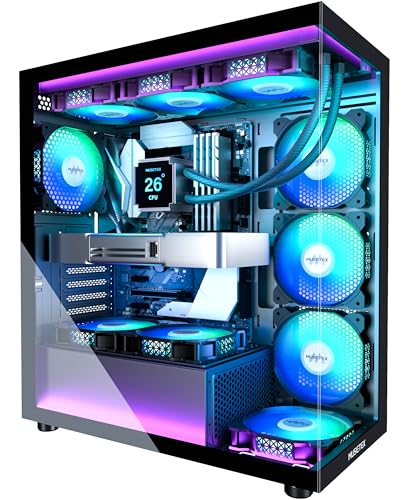

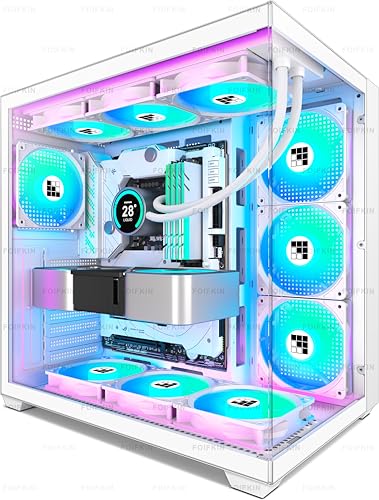
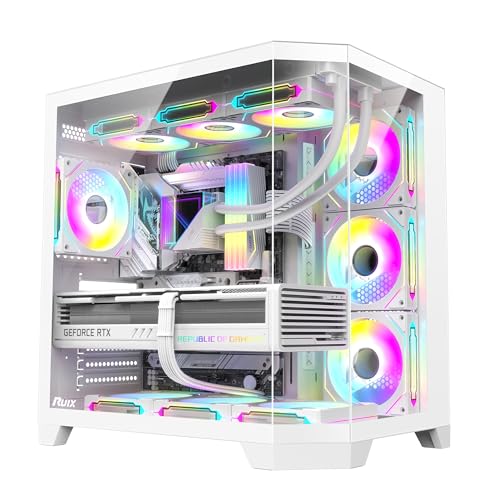
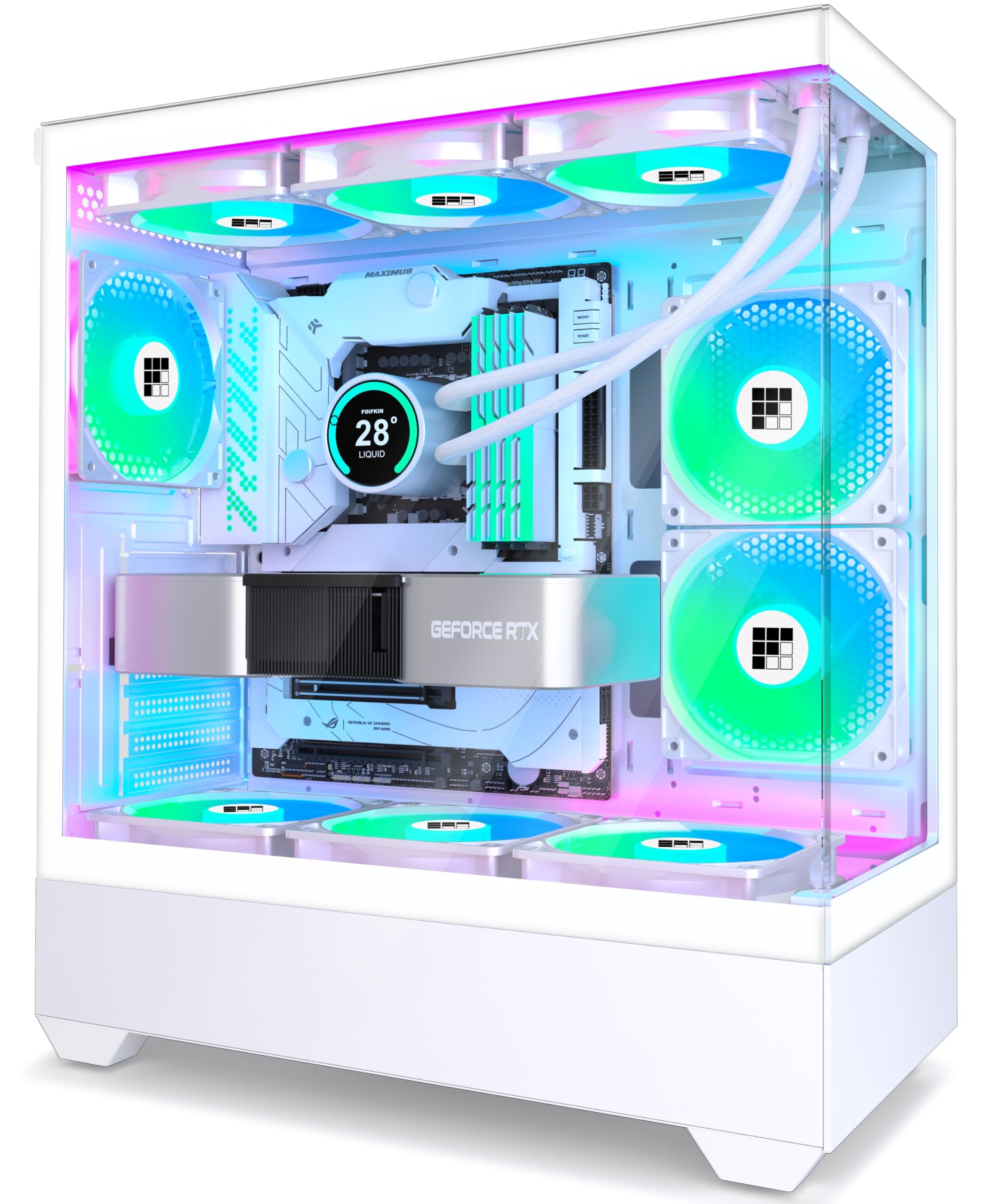


Who Should Buy Which Affordable Gaming Case?
Affordable does not mean one shape for everyone. Your desk space, old parts and upgrade habits should decide which low cost case suits you.
First Time Builders Working With a Tight Budget
You need a case that forgives small mistakes and leaves room to work. Choose a mid tower with a wide cable channel, clear standoff marks for each board size and fans already fitted. That saves the cost of extra fans and lets you reroute a cable without starting over. A power supply shroud also hides loose cables.
Upgraders Reusing Parts From an Older Build
You have drives, a power supply and maybe a large air cooler, so fit matters more than looks. Check drive bays for older 3.5 inch drives, power supply length limits and cooler height before you order. A removable drive cage lets you trade storage space for a longer graphics card later.
Players With a Small Desk or Shared Room
You need a compact case that still cools a gaming build and stays quiet near other people. Choose a smaller tower with a mesh front, dust filters and room for two intake fans and one exhaust fan. Measure desk depth first, and leave space behind the case for warm air to escape.
Key Features to Compare
Treat fit and airflow as non negotiable, and compare the best affordable gaming pc cases against these checks before you judge lighting or color.
Airflow and Mesh Panels
Airflow starts at the front panel, where air enters. A mesh front lets intake fans pull cool air with less effort and less noise than a solid front with narrow side vents. Look for space for two or three 120 mm fans, or two 140 mm fans, at the front and one exhaust mount at the rear. For a deeper look at vent design, see our guide to the best gaming pc cases for airflow for airflow focused models.
Graphics Card and CPU Cooler Clearance
Clearance numbers tell you whether your parts fit before you spend anything. Most mid towers accept graphics cards about 300 to 400 mm long, but a front radiator or drive cage can shorten that space, so check the manufacturer figure for your planned layout. Air cooler limits often sit around 150 to 170 mm tall. Measure your card including any sag support, and leave a small margin for its power cables.
Board Size and Case Size
Case size follows motherboard size, and the wrong pairing ends the build on day one. ATX boards need a mid tower or larger, Micro ATX boards fit mid towers and many mini towers, and Mini ITX boards fit almost anywhere but leave little room to work. A larger case gives easier routing and more fan mounts, while a smaller case saves desk space.
Fans Included, Fan Mounts and Radiator Support
Fans included in the price change the real cost of a budget case. A case at around $70 with three fans fitted can cost less in total than one at around $55 that needs two fans added later. For liquid cooling, many affordable cases fit a 240 mm radiator at the top or front, while 280 mm and 360 mm support is less common here.
Cable Management and the Power Supply Area
Good cable space makes a build cleaner and easier to change. Look for about 20 to 30 mm of depth behind the motherboard tray, routing holes near the board edges and several tie points along the main channel. A shroud over the power supply hides the thickest cables. Check the power supply length limit too, because long units can crowd the drive cage in compact cases.
Dust Filters, Front Ports and Panel Choice
Small details decide how pleasant a case stays after the first month. Removable dust filters at the front, top and power supply intake slow dust buildup and should lift out without tools. Front ports should include at least two USB ports and an audio jack you can reach. Glass panels show tidy builds, while solid steel panels hide clutter and cost less.
Types of Gaming PC Cases Compared
Case types differ mainly in size, part limits and price. Pick the type that fits your board and desk first, then compare airflow and fans inside that type.
Mid Tower Cases for Most Budget Builds
The mid tower is the default choice for a reason. It fits ATX and smaller boards, holds long graphics cards, offers the widest fan and radiator choices, and usually gives the lowest price per feature. If space is not a problem, start here.
Mini Tower Cases for Micro ATX Boards
A mini tower shortens the footprint while keeping fair room inside. These cases suit Micro ATX builds for smaller desks, but check card length and cable depth closely, because both shrink with the shell.
Small Form Factor Cases for Mini ITX Builds
Small form factor cases pack a build into a compact box that sits neatly on a desk. They often cost more for their size, need a smaller power supply format and demand careful cable planning. Choose this type only when small size is the goal.
Full Tower Cases for Large Future Upgrades
A full tower offers the most drive bays, fan mounts and radiator space, plus room for tall coolers and long cards. That space rarely helps a budget gaming build today, and the case costs and weighs more.
Common Mistakes to Avoid
Most budget case regrets come from fit and airflow checks that take five minutes before ordering.
- Buying a case before measuring your graphics card and cooler leaves you with parts that cannot be installed together.
- Choosing a solid front panel for looks alone raises fan noise and lets heat build during long sessions.
- Counting only the case price and ignoring fans you must add later makes a cheap case cost more than a better equipped rival.
- Forcing thick cables through a shallow tray channel bulges the side panel and can pinch wires against sharp edges.
- Blocking top or rear vents with walls or shelves stops warm air leaving and raises temperatures inside.
Care and Maintenance for a Gaming PC Case
Clean the dust filters about every three months, or sooner in a home with pets or carpet. Remove each filter, tap loose dust away outdoors or rinse a mesh filter with plain water, and let it dry fully before refitting it. Wipe the front mesh and fan blades with a dry cloth while the system is off and unplugged.
Check fan screws, panel screws and cable ties twice a year, because vibration can loosen them. A new rattle or hum often points to a loose panel or a cable touching a fan blade. If you also need a plain enclosure for a work computer, see our guide to the best affordable pc cases for cases without gaming styling.
FAQ
How much should you spend on an affordable gaming PC case?
Most buyers should plan on about $50 to $100 for an affordable gaming PC case. Near $50, expect a sound shell and one or two fans, while models near $90 to $100 often add fans, filters and better cable space. Past that range, gains shift toward thicker steel, glass quality and styling rather than basic fit or airflow.
Can an affordable gaming PC case show off a build with lighting?
Yes, an affordable gaming PC case can show a build well if you plan cables and lighting before you build. One glass panel and a single light strip or lit fans are enough for most desks, and neat cable runs matter more than extra lights. If display is your top priority, see our guide to the best looking gaming pc cases for style led choices.
Does an affordable gaming PC case support an AIO cooler?
Yes, many affordable gaming PC cases support an AIO cooler, most often a 240 mm radiator at the top or front. Check the exact mount in the manufacturer notes, because a top mount can crowd tall memory and a front mount can shorten graphics card space. Also confirm hose reach to the CPU socket in compact cases.
Are white affordable gaming PC cases harder to keep clean?
White affordable gaming PC cases show dust and scuffs sooner, but they are not harder to clean than black cases. Dust stands out on white filters and top panels, so a quick wipe every few weeks keeps the finish bright. White trays also reflect light and make cable checks easier. For color matched options, see our guide to the best white gaming pc cases before you commit to a theme.
How many case fans does an affordable gaming PC case need?
An affordable gaming PC case needs at least two intake fans and one exhaust fan for balanced airflow in most builds. That setup keeps slight positive pressure, which helps limit dust entry through gaps. A single fan case can work for low power parts, but add a second intake before a graphics card upgrade. Fan curves in your board software can keep noise low at idle.
The Bottom Line
Put fit first, airflow second and looks third, and a budget case will not hold your build back. Confirm board size, card length, cooler height and radiator mounts, then compare fans included and cable space at each price. Use the product table above to check those points against your own parts list.
When you judge best affordable gaming pc cases by those checks instead of by photos alone, the right pick is usually the plain, well ventilated tower that leaves money for the parts inside it.