Best Car on Dash Mounted Cameras: How to Choose a Dash Cam for Your Windshield (2026)
Disclosure: We may earn a commission when you buy through links on this page, at no extra cost to you. As an Amazon Associate I earn from qualifying purchases. Learn more
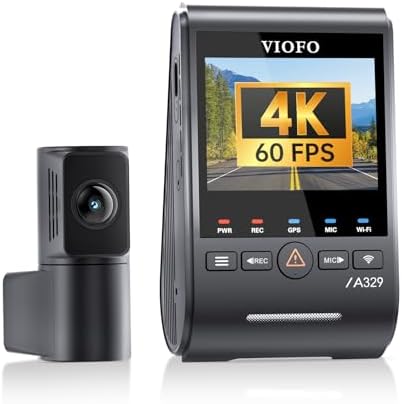
A guide to choosing the best car on dash mounted cameras: video quality, channels, night view, GPS, storage and installation tips.
A camera on the dash gives you an unbiased record of what happened if another driver cuts you off, a fender bender turns into an argument, or something unexpected crosses the road. The best car on dash mounted cameras record clearly in daylight and darkness, keep working in heat, save important clips automatically and stay out of your way. The product table above covers single-lens, front-and-rear and multi-channel models, so the first decision is how much of the vehicle you want to see.
Below is a look at the features that matter and the setup choices that affect how well a dash cam serves you.
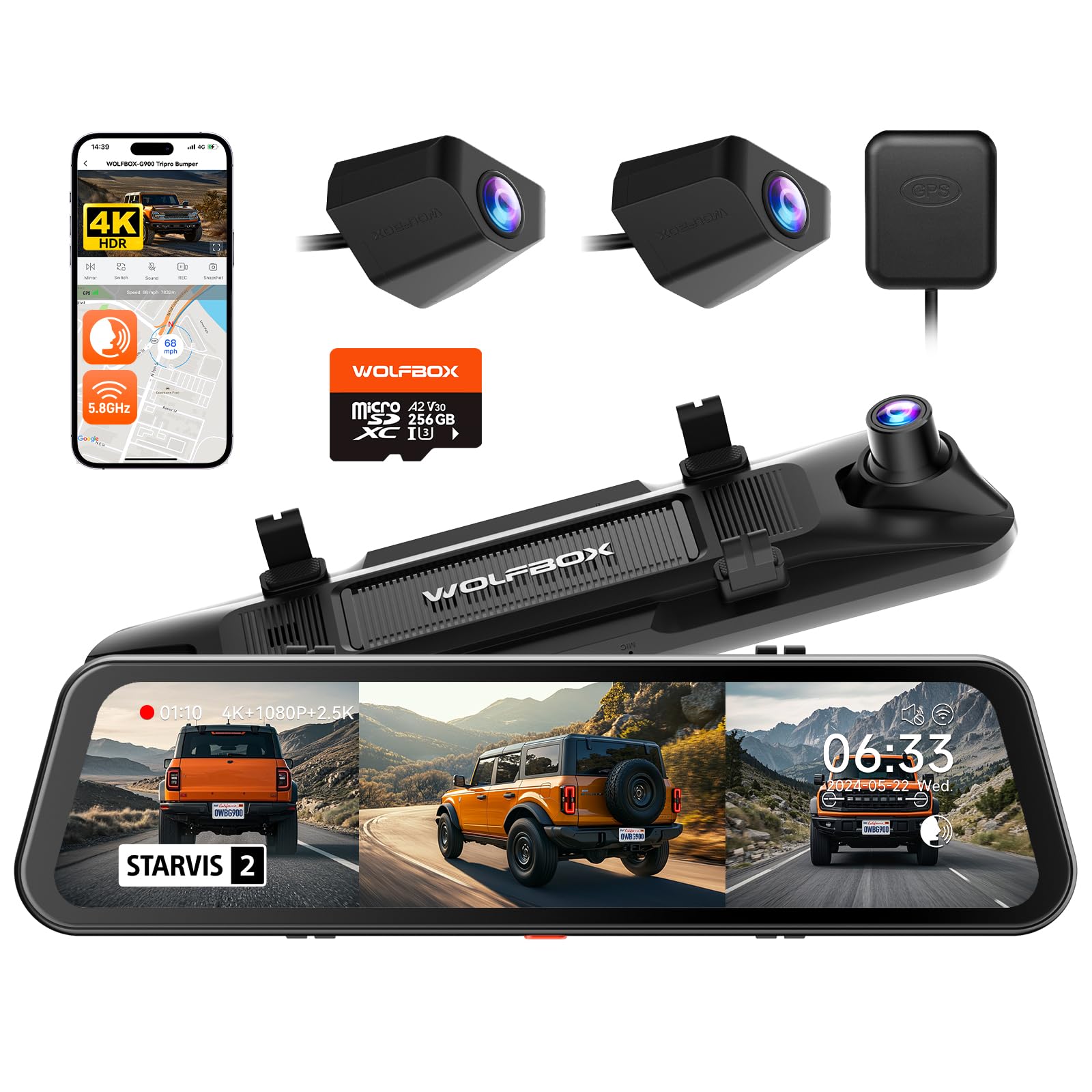
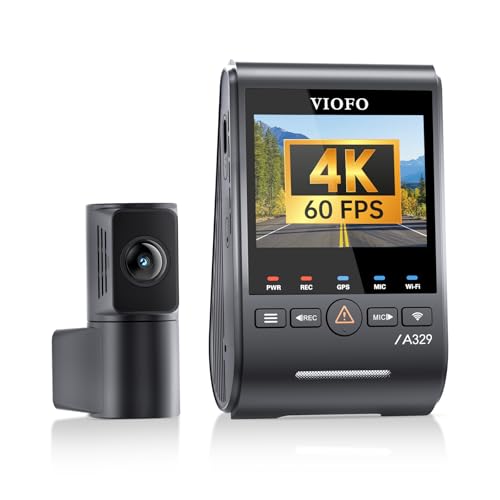
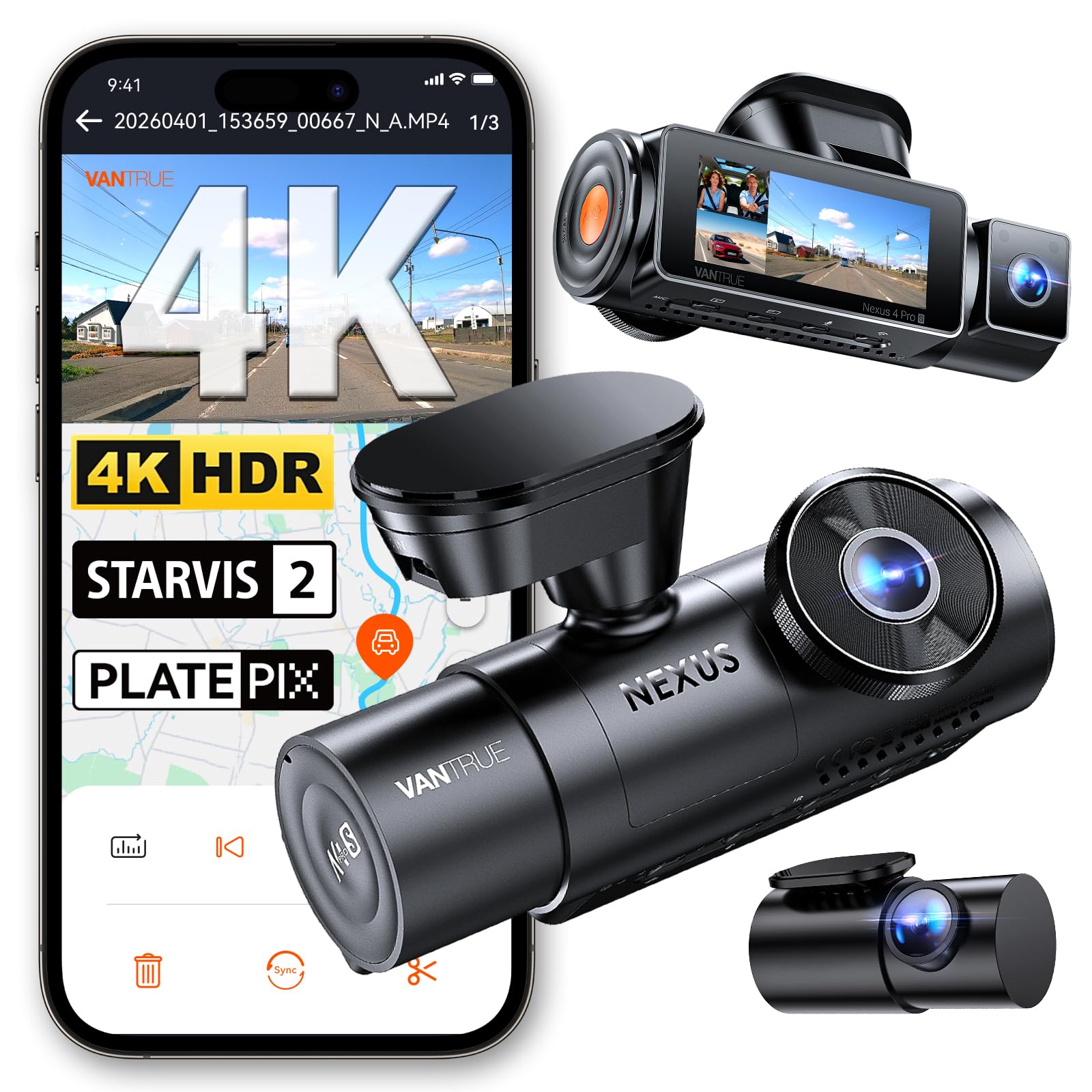
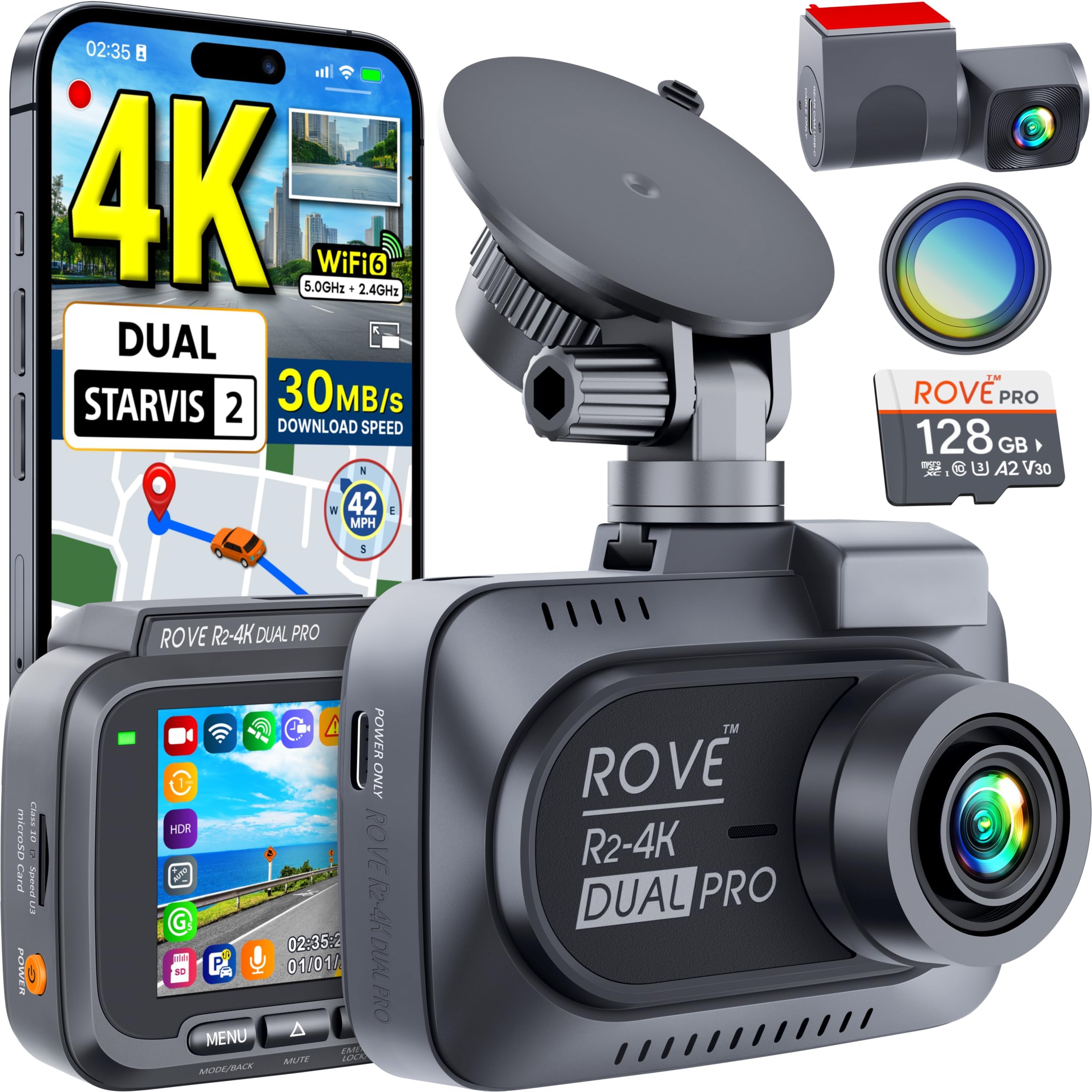


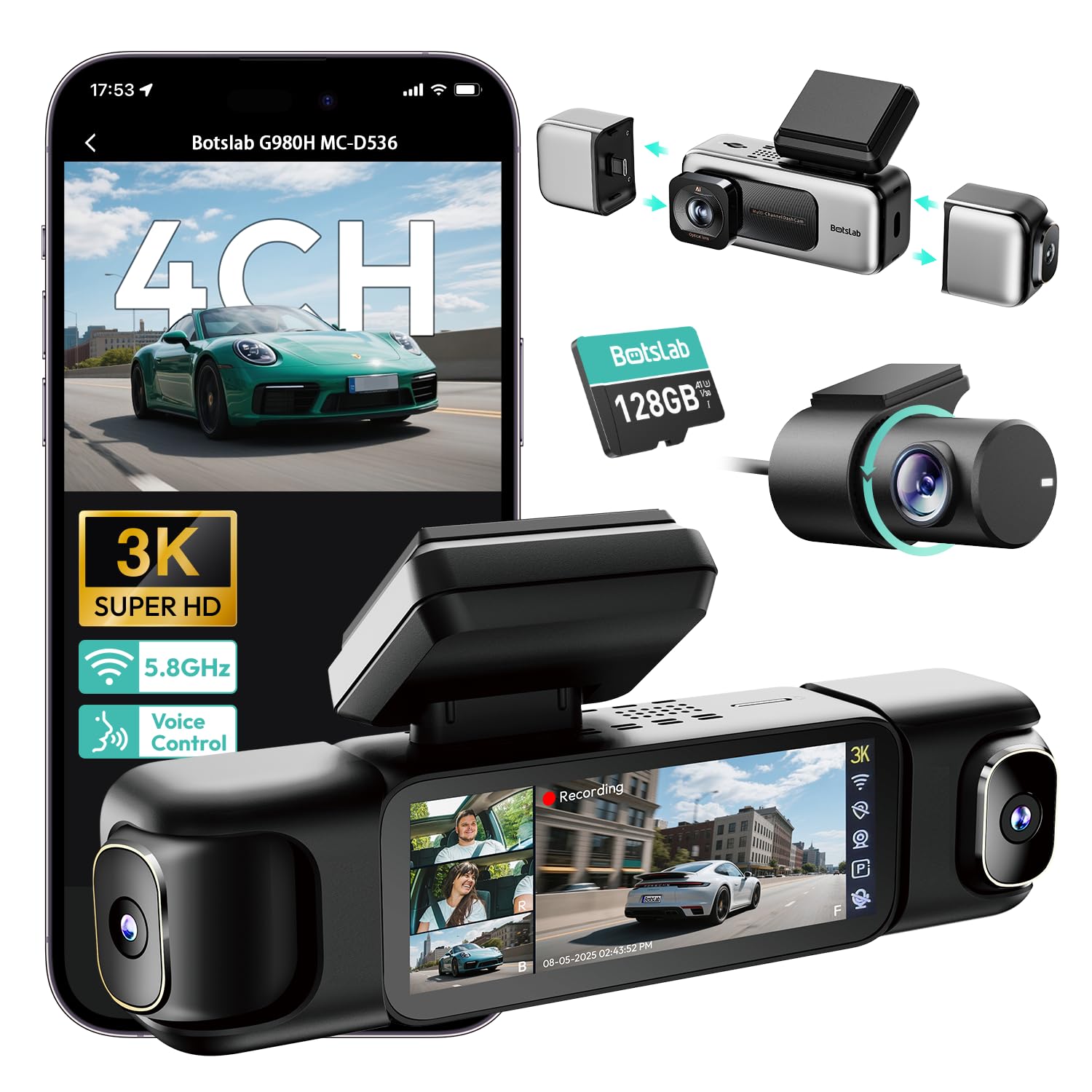
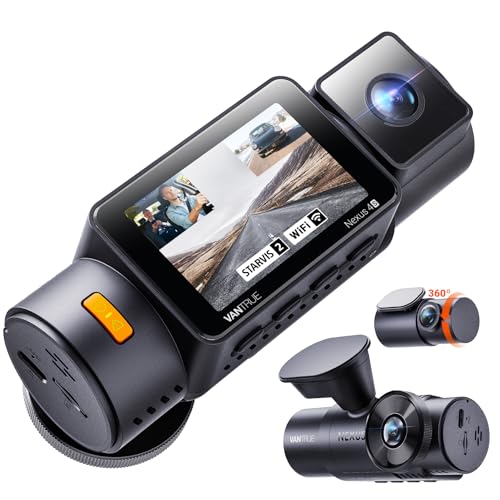
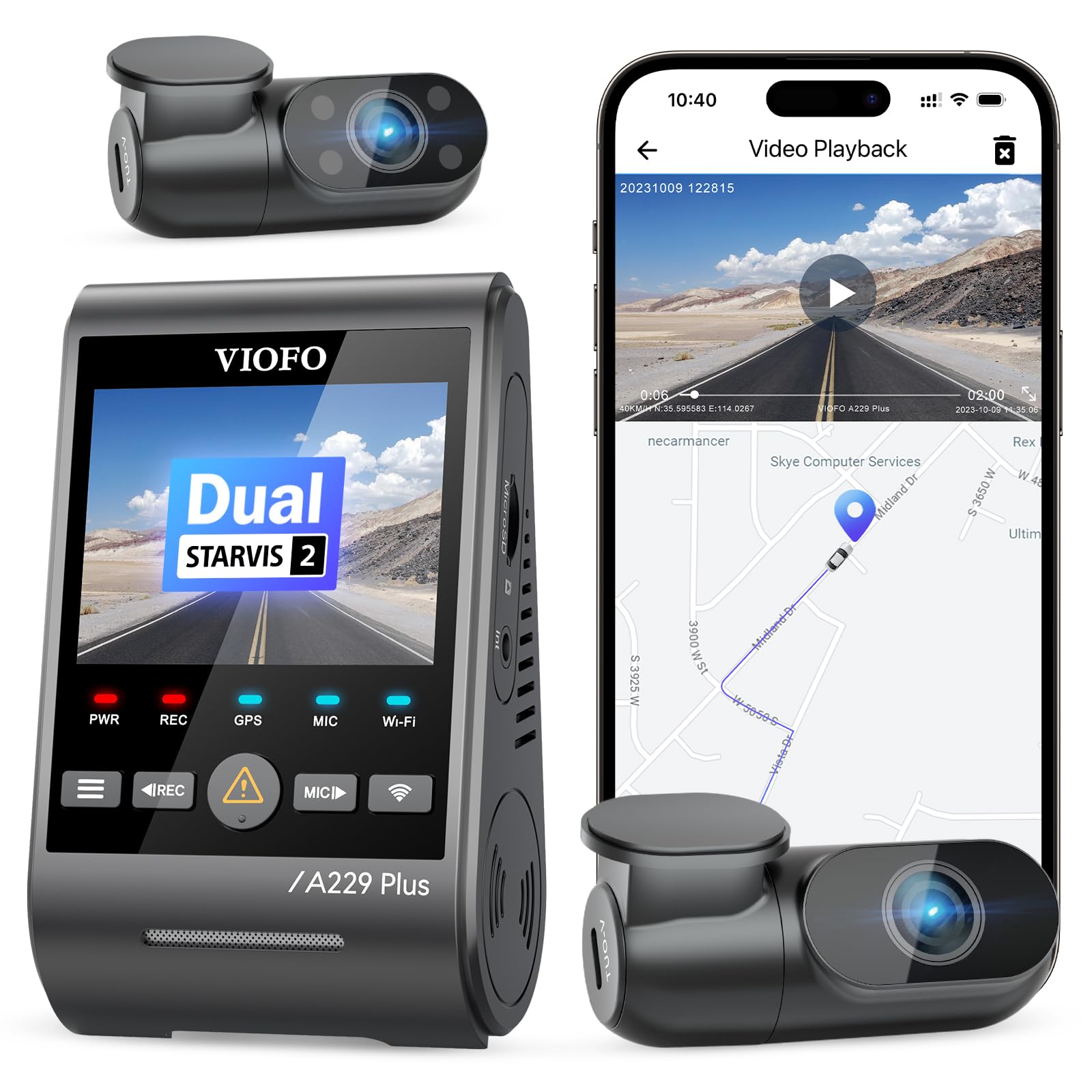
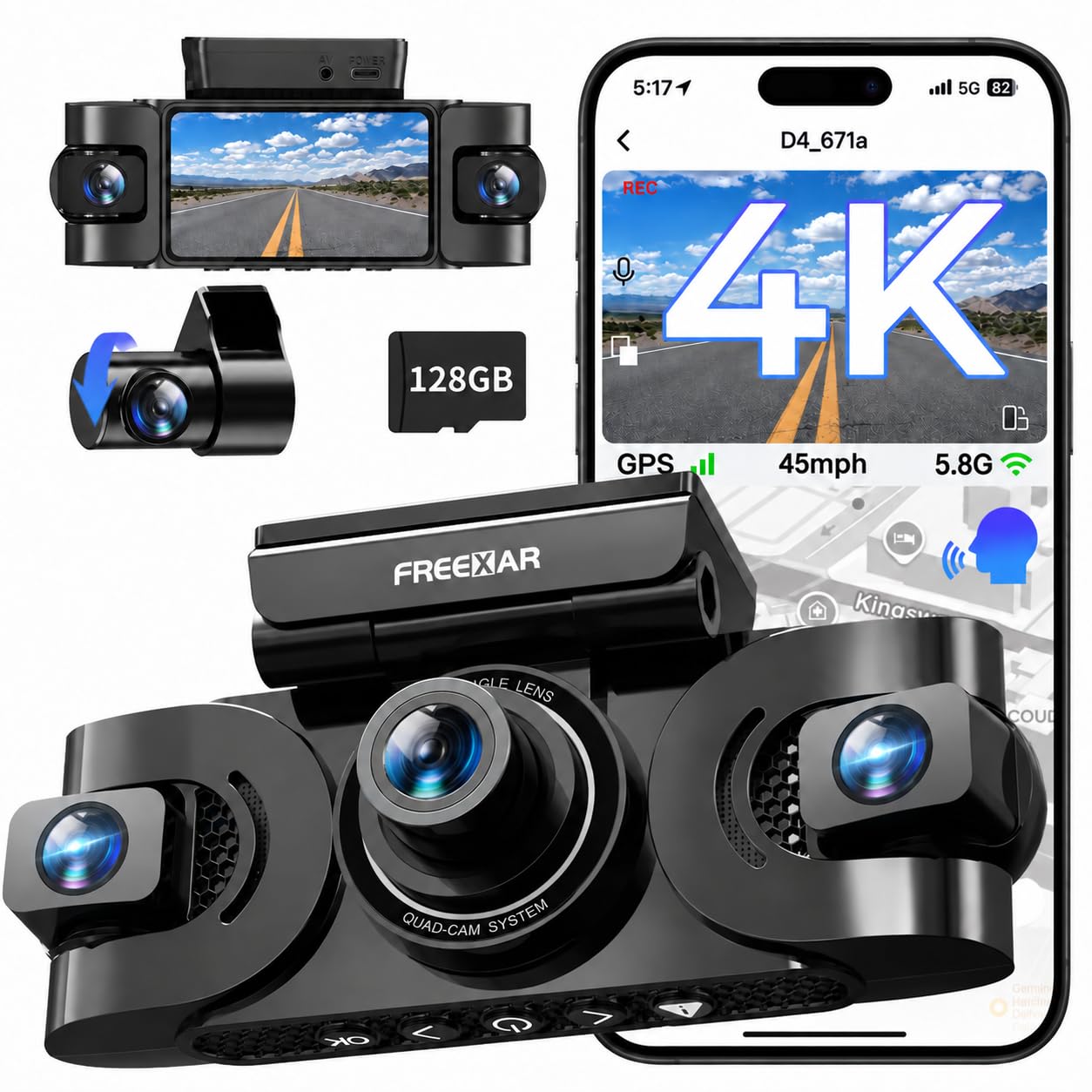
Channels: How Many Lenses?
- Front only: a single lens records the road ahead. It is compact, simple and the most affordable.
- Front and rear: a second camera covers the back window and records rear-end collisions.
- Three-channel: adds an inside-facing camera for rideshare and delivery drivers who want a record of the cabin.
- 360 view: several lenses stitched together for all-round coverage, usually at a higher price.
Think about where incidents are most likely for you. A commuter in heavy traffic may want a rear camera, while a parent might be happy with a simple front unit.
Video Quality
Resolution gets the attention, but the sensor, lens and processing matter just as much. A sharper picture helps you read license plates, but only if the camera handles bright sun and dark streets. Look for wide dynamic range processing to cope with glare, and a good low-light sensor for evening drives. Frame rate affects smoothness: a higher rate gives clearer motion for passing traffic.
A wide lens covers more lanes but makes distant objects smaller. A middle-range angle usually strikes a good balance.
Storage and Loop Recording
A dash cam records in a loop, overwriting old footage when the memory card is full. Use a card made for continuous recording, because ordinary cards wear out quickly. A bigger card holds more history.
Events such as a sudden stop or a bump are locked by the built-in G-sensor so they are not overwritten. Check the manual for how many locked files the camera can hold, and format the card periodically as recommended.
Useful Extras
- GPS: it logs speed and location, which can help show where an incident occurred.
- Wi-Fi and app: you can view and download clips on your phone without removing the card.
- Parking mode: it records when the car is parked, but it needs a hardwire kit or a battery pack so it does not drain your car battery.
- Supercapacitor: these tolerate heat better than lithium batteries, which can swell in hot cars.
- Voice control: it lets you save a clip hands-free.
Mounting and Installation
Place the camera behind the rearview mirror, where it is hidden from view and does not block the road. Use the adhesive mount for a permanent hold or a suction mount if you want to move it between vehicles. Route the cable along the headliner and down the A-pillar, tucking it under the trim, so it does not hang in your sight. Avoid covering airbag areas with cables.
Hardwiring gives a clean install and enables parking mode, but it needs a fuse tap, so ask a shop if you are unsure. A plug-in cable using the 12V outlet is the easy option.
Privacy and Legal Notes
Rules about recording video and audio differ by location. Some places restrict windshield mounting or require consent for audio recordings, and some limit how footage can be shared. Check your local rules, and think about turning off audio if you carry passengers. Keep any footage secure, because it may include personal information.
Matching a Camera to Your Use
- Everyday commuter: a reliable front camera with good night video.
- Rideshare driver: an inside-facing camera plus a front lens.
- Road trips: GPS, a large card and heat tolerance are good additions.
- Parked car protection: hardwire kit and a motion trigger.
Choosing the Best Car on Dash Mounted Cameras
Start with channels and budget, then confirm video quality for night driving. Add the extras you will actually use, such as GPS or a phone app. Read the card requirements and the warranty. A camera that is simple to operate and reliable will give you more peace of mind than one with long feature lists you never touch.
Heat, Power and Reliability
A windshield in direct summer sun can become very hot, and a camera on the glass takes the full load. Capacitor-powered cameras tolerate extreme temperatures better than models with a lithium battery, which can swell or fail in a hot car. If you live somewhere with cold winters, check the operating range as well. Power is the other weak spot: a poor cigarette lighter adapter, a worn cable or a loose connection can cause random restarts, so use the supplied cable and make sure the plug seats fully.
What the Footage Is Good For
Clear video of a collision helps establish who was at fault, and a time and date stamp adds credibility. Beyond accidents, the footage can document road hazards, dangerous drivers and parking-lot damage. Check the camera's clock regularly, because a wrong time stamp reduces the value of a clip. After an incident, save the files straight away on your phone or computer, since a loop recording can overwrite them in time.
Common Mistakes to Avoid
- Using a standard memory card: it can fail quickly under constant writing.
- Mounting too low: a camera that sits in the wiper sweep or in front of the dash reflections gives a poor view.
- Forgetting to format the card: a card that has not been formatted for a long time can develop errors.
- Ignoring the rear window: a tinted or curved window may need a camera made for that angle.
Related Guides
- Best Car Dash Cameras
- Best Car Dashboard Cameras
- Best Dash Cam Cameras For Cars
- Best Dash Cam Cameras
- Best Car Cameras
Frequently Asked Questions
Will a dash cam drain my battery?
Not while driving. In parking mode, use a hardwire kit with a low-voltage cutoff so the car still starts.
What memory card should I use?
Choose a high endurance card sized for the camera's rating, and replace it as recommended.
Do dash cams work at night?
Many do, but quality varies. Check for a strong low-light sensor and HDR processing.
Will insurers accept dash cam footage?
Some insurers accept clear footage, but policies differ. Ask yours.
The Bottom Line
The best car on dash mounted cameras give clear, reliable footage, store important clips safely and are easy to live with. Decide how many lenses you need, check night performance and use a quality card. Install it tidily, and you will have an extra witness for every journey.