
Best Car Headrest Monitors for 2026 at Every Price: What Your Money Really Gets You
Disclosure: We may earn a commission when you buy through links on this page, at no extra cost to you. As an Amazon Associate I earn from qualifying purchases. Learn more
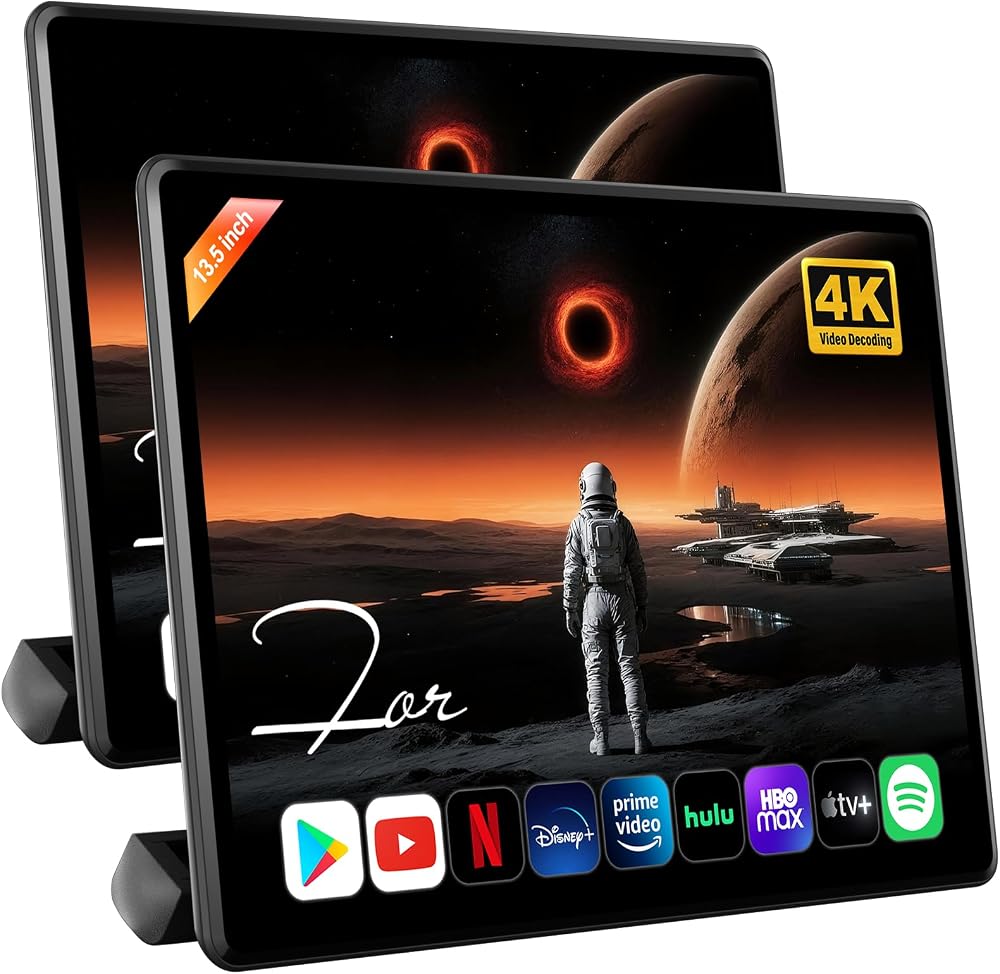
Compare car headrest monitors at every price point. Learn what budget, midrange, and premium back seat screens add and where spending more pays off.
Prices for back seat screens stretch from a couple of hundred dollars for a simple set to well over $600 for large streaming models. The best car headrest monitors depend on how your kids watch and what your car can power and hold. Use the comparison table below to match each tier to your real trips.
Start with two questions. Do your passengers mostly watch discs and saved files, or do they stream shows from an app? And do two kids need separate screens, or will one shared screen do? Your answers point to a tier more reliably than price alone.



Who Should Buy Which Car Headrest Monitors?
Match the setup to the passengers you carry most weeks.
Families with Young Kids on Long Drives
You need playback that never asks for a signal and controls an adult can reach from the front seat. Choose a screen with a disc player or saved file playback and a simple remote. One shared screen often works well, because young kids usually agree on one show.
Parents with Two Kids Who Want Separate Shows
You need two screens that play different content at the same time, each with its own headphone sound. Look for pairs sold as independent units rather than a main screen and a follower screen. Each child gets a remote and a volume control, and the daily dispute over whose turn ends.
Drivers Who Carry Older Kids and Adult Passengers
Your passengers bring their own phones and subscriptions, so the screen acts as a larger shared display. Choose phone sharing and app streaming, plus sound that can play through the car speakers. Slim mounts matter here, because adults notice bulk and lost leg room.
What Each Headrest Monitor Price Tier Adds
Price alone does not sort the best car headrest monitors into neat groups, but each tier follows a clear pattern. You can also see our guide to the best headrest monitors for a wider view of headrest only designs.
Budget Tier: Simple Playback for Occasional Trips
Expect to pay about $200 to $320 for a set. You get a display of about 9 to 10 inches, basic disc or file playback, a strap or post mount, and one remote. Picture quality is fine for cartoons at close range. You give up touch control and app streaming, so this tier suits weekend trips rather than daily school runs.
Midrange Tier: Touch Control and Streaming for Regular Use
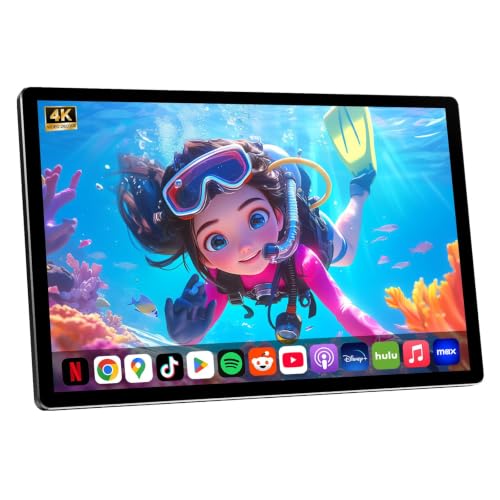
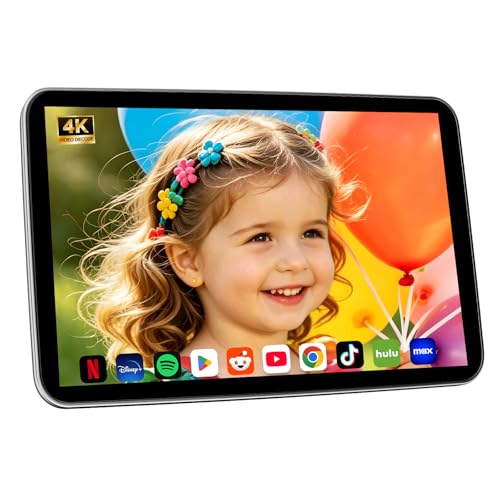
Expect to pay about $320 to $550 for a set. You get a display of about 10 to 12 inches, touch controls, and playback from apps, saved files, and a phone connection. Mounts clamp to the posts with metal brackets instead of straps alone. This tier suits most families.
Premium Tier: Larger Screens and Independent Streaming
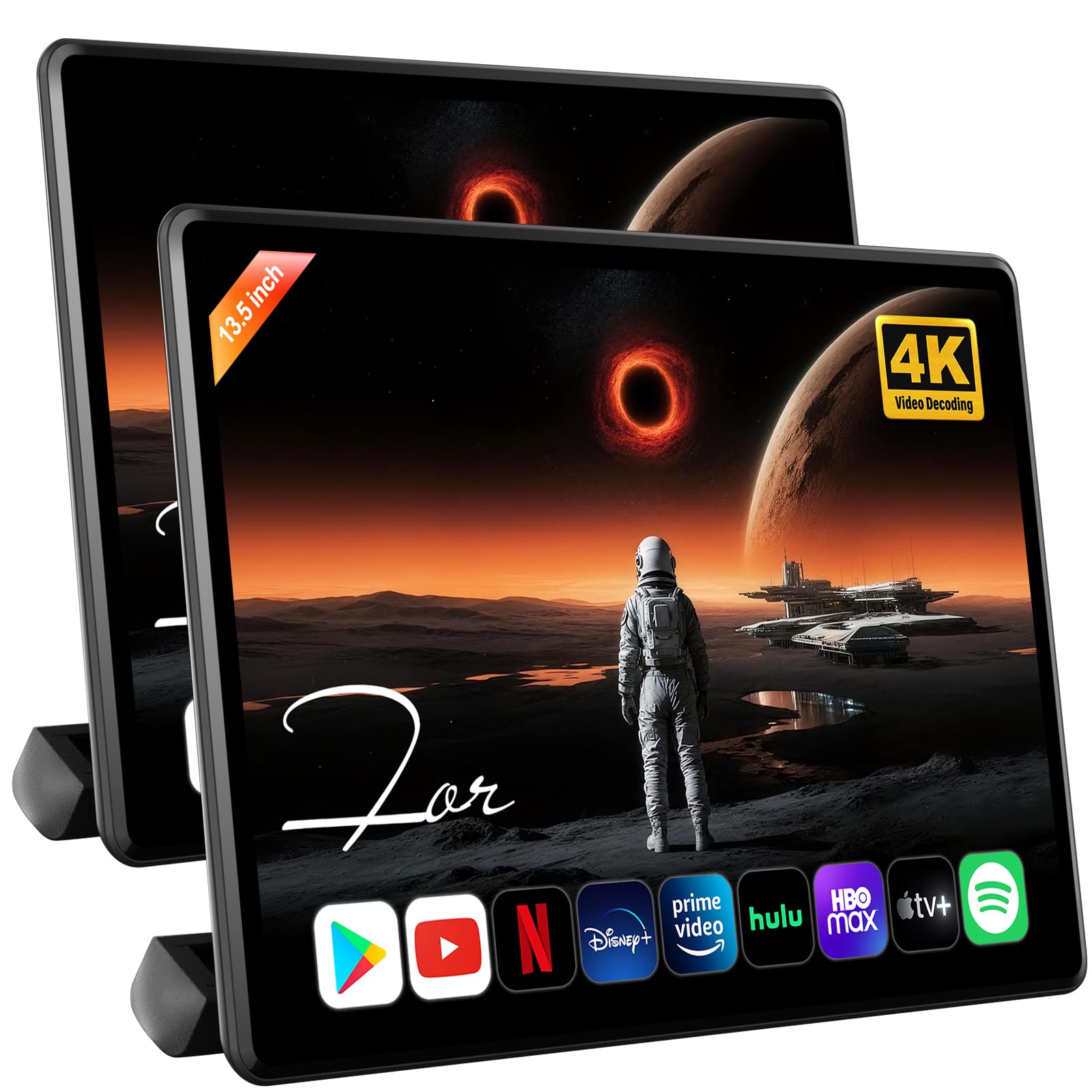
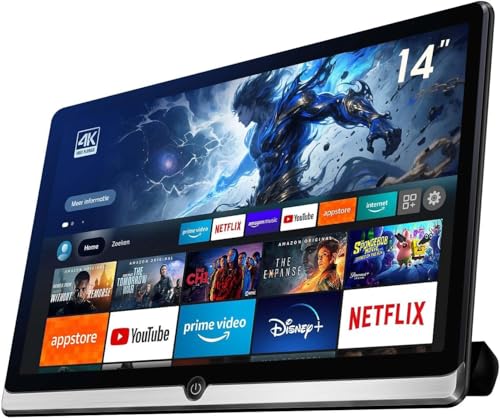
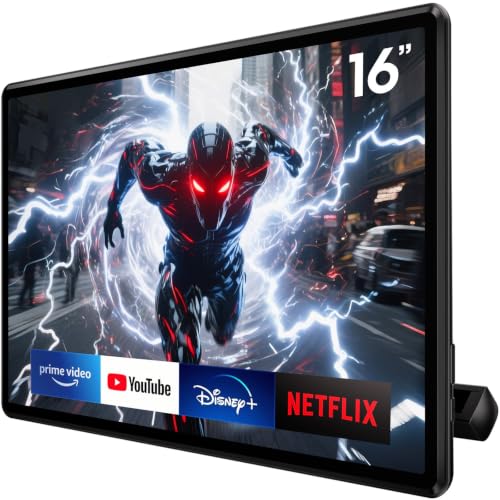
Expect to pay about $550 to $850 for a large matched pair. You get displays of about 12 to 14 inches, fast app performance, wide viewing angles, and two screens that stream different shows at once. Pay this much only if your passengers ride several times a week, because casual users rarely feel the gain.
Key Features to Compare
Compare these five factors in order, because a low price can hide a mount or power setup that will not work in your car.
Screen Size and Resolution for the Back Seat
Back seat viewers sit about 2 to 3 feet from the screen. A display of about 10 to 12 inches looks large at that distance, and a resolution of 1920 by 1080 keeps faces and subtitles crisp. Smaller screens often use 1024 by 600, which looks soft for text but fine for animation. Go larger only when the seat is wide, because an oversize screen crowds shoulders.
Playback Sources: Discs, Streaming, and Saved Files
Disc players suit families with a shelf of movies and no data plan to spare. Streaming models run apps and need a phone hot spot or car WiFi on the road. Saved files on a USB stick or memory card work anywhere. If discs are still your main library, see our guide to the best dvd headrest monitors for disc focused options. Pick the source your family already owns content for.
Power Options and Cable Routing
Most screens draw power from a 12 volt outlet, from a USB port, or from a direct wire connection to the car. Outlet power is easiest to fit and to move between cars, but the plug can work loose on rough roads. A direct wire setup looks tidy and frees the outlet, yet it takes longer to fit. Plan the cable path before you buy, so leads run where feet cannot snag them.
Headphone Options and Independent Audio
Wired headphones plug into a jack on the screen and never need charging. Wireless sets use an infrared signal or Bluetooth, and better models let each screen send sound to its own set at its own volume. Check that two sets can connect at once if siblings share one screen. Keep volume modest for young ears.
Brightness and Viewing Angle in Daylight
Sun through a side window can wash out a dim screen by midday. Look for brightness you can raise for day trips and lower at night, plus a wide viewing angle so a child seated off center still sees clear color. Matte screen surfaces cut reflections better than glossy ones.
How to Check Fit and Install a Headrest Monitor Safely
Lift the headrest and measure the gap between its two metal posts, center to center. Most brackets adjust to fit post gaps of about 4 to 7 inches, but some cars use wide or single post designs that need a strap mount instead. Check that the headrest lifts at all, because fixed headrests leave no post. Match the bracket range in the listing to your measurement before you order.
Fit the bracket, hang the screen, and push it firmly from each side. It should not rock or slide under a steady push. Route power cables under trim, never loose across the footwell. If a bracket cracks, a screen still wobbles after a firm push, or wiring must pass near a seat airbag path, stop and have a qualified installer finish the job. For a front cabin screen instead, see our guide to the best car monitors.
Running Costs: Headphones, Cables and Hot Spot Data
The screen price is only part of what you will spend. Budget for a second set of headphones, spare cables, and a storage case. A streaming setup may add hot spot data costs on long drives. Test every port and button in the first weeks, while a return or exchange is still simple.
Common Mistakes to Avoid
- Buying the largest screen without measuring post spacing leaves you with a bracket that cannot clamp on.
- Leaving a power cable loose across the footwell lets shoes and bags pull the plug out mid movie.
- Choosing a disc only screen for a streaming family means the apps your kids expect never appear.
- Skipping headphones forces screen sound into the cabin and distracts the driver for the whole trip.
- Paying for app streaming with no data plan leaves the premium feature useless on the road.
- Mounting a screen tilted down at a sharp angle strains young necks on a long drive.
Care and Maintenance for Headrest Monitors
Wipe the screen with a dry microfiber cloth, and use a cloth dampened with plain water for stubborn fingerprints. Never spray liquid straight onto the display, because moisture can seep past the edge seal. Clean the bracket faces too, because grit in the joint lets the screen creep out of position.
Check cables and brackets every few months for pinch points, frayed covers, and loose screws. Coil spare cable loosely, because sharp bends weaken the wires inside. Store removed screens flat in a padded case in a cool closet rather than in a hot trunk.
Car Headrest Monitors: Your Questions Answered
Can two car headrest monitors play the same movie at once?
Yes, many paired sets can play the same movie on both screens at once. One screen acts as the source and sends the picture to the second screen through a linking cable or a wireless link. That shared mode lets one remote pause both screens together. Check the linking cable length if your headrests sit far apart.
Will a car headrest monitor fit the headrest posts in every car?
No, a car headrest monitor will not fit every car, because post design varies more than listings suggest. Some headrests are fixed to the seat and cannot lift, and some use one wide post. On those seats a strap mount is the only option, and it holds less firmly.
Do car headrest monitors need WiFi to play movies?
No, car headrest monitors do not need WiFi for discs, USB sticks, or memory cards. Only app streaming needs a connection, through a phone hot spot or a car data plan. Download shows at home before the trip, and the drive uses no data. Downloads also keep playing through rural stretches where a hot spot signal fades.
Can kids use wireless headphones with car headrest monitors?
Yes, kids can use wireless headphones with most midrange and premium models. Infrared sets must stay in clear view of the screen sensor, so a child who turns sideways may lose sound for a moment. Bluetooth sets avoid that limit but need charging before each long trip. For young kids, pick headphones with a built in volume limit.
How long do car headrest monitors usually last in a family car?
Car headrest monitors usually last about three to five years. Because the car powers them, there is no internal battery to wear out, so life depends mostly on the mount, the cables, and the screen backlight. Heat is the main enemy, since a parked car in summer bakes the display daily.
Final Thoughts
Decide your playback source first, confirm the mount fits your posts, and then pick the tier that matches how often you drive. That order prevents the most common returns and regrets.
When you compare best car headrest monitors with those three checks done, the right tier is usually obvious. Use the product table above to confirm size, mount style, and price before you order.


