
Best Cameras with Flip Up Screen: What Actually Matters Before You Buy in 2026
Disclosure: We may earn a commission when you buy through links on this page, at no extra cost to you. As an Amazon Associate I earn from qualifying purchases. Learn more

Compare cameras with a flip up screen by hinge strength, sensor, autofocus and 4K video, with a buyer checklist for vlogging, selfies and travel.
A flip up screen sounds simple until you use it all day. The hinge can feel loose, the screen can block the top controls, and a bright display can still wash out in sun. The best cameras with flip up screen choices balance that screen with sensor quality, focus speed and handling, and the comparison table below helps you weigh those trade offs.
This guide uses a practical checklist instead of a single score. You will match the screen style to how you shoot, compare the specs that change image quality, and spot the details that decide whether a camera stays easy to frame.

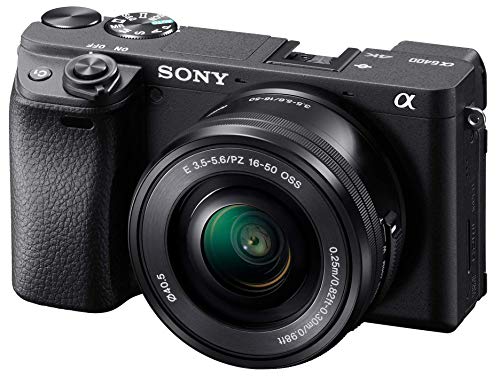


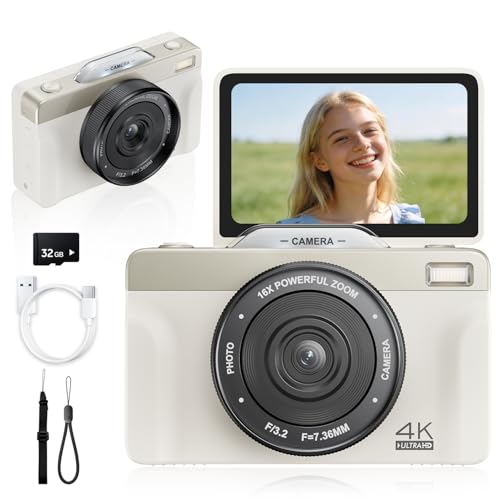
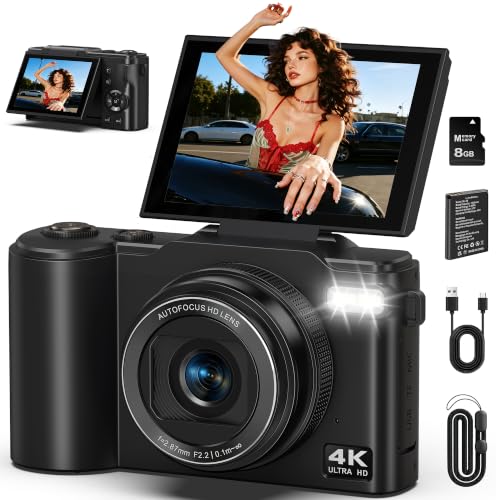
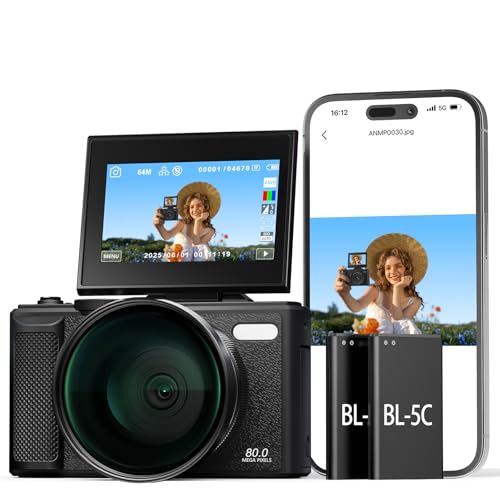
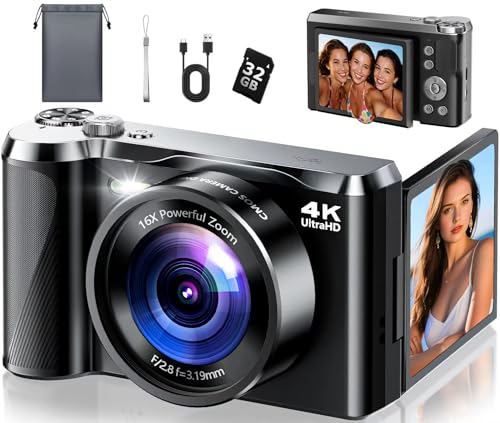
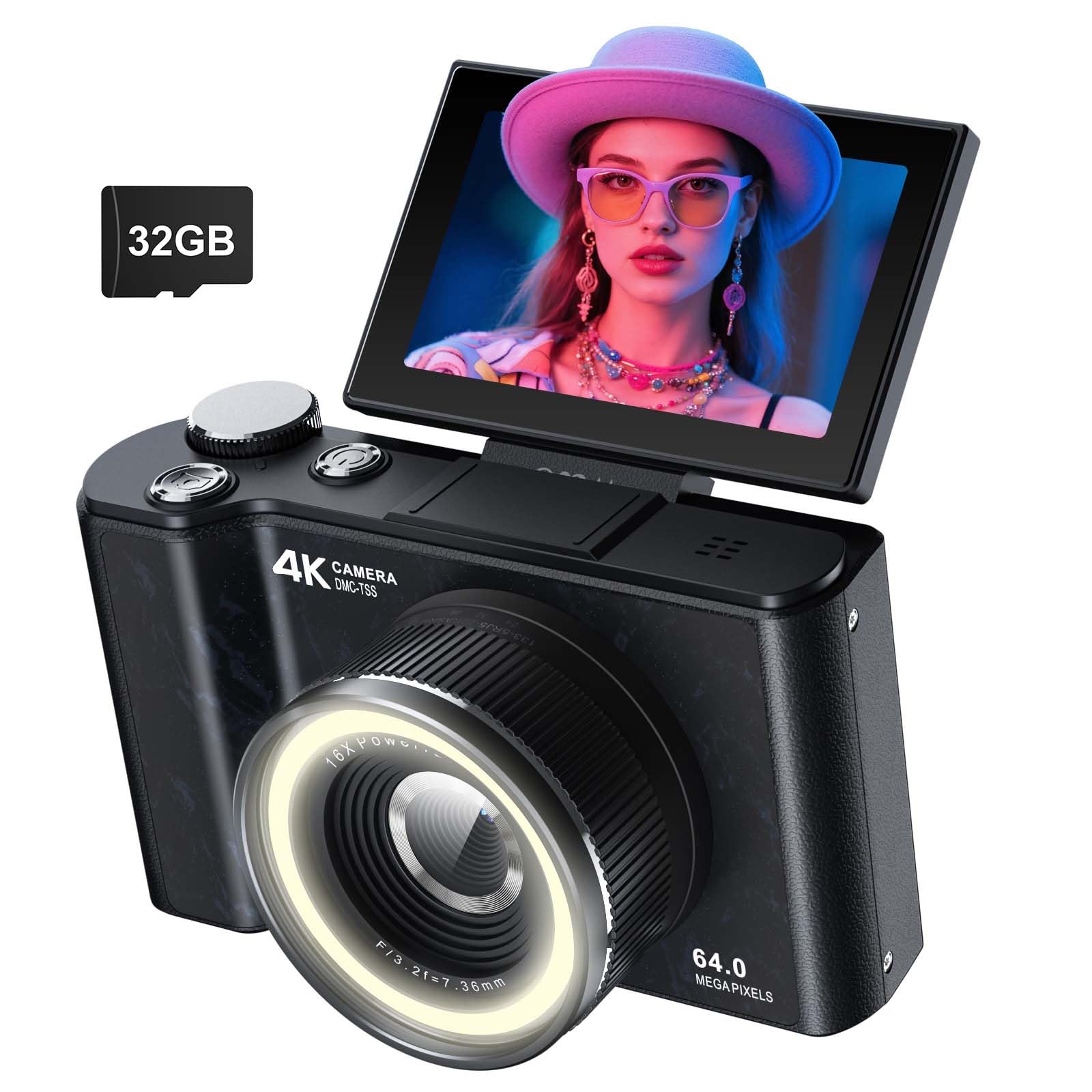
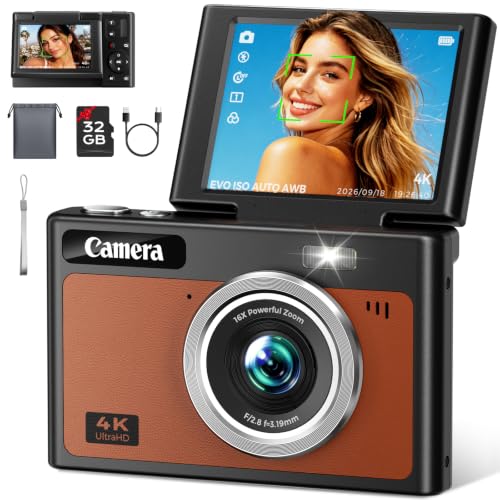
Who Should Buy a Camera With a Flip Up Screen?
The flip up design suits people who often appear in their own photos and video or who shoot from awkward angles. Your main subject and where you record will decide how much screen quality matters.
Solo Vloggers Who Frame Every Shot Alone
You set the camera on a desk or tripod, step in front of it and need to check your face, background and focus at a glance. A screen that tilts straight up lets you confirm framing without a separate monitor. You also gain most from touch focus.
Selfie and Group Photo Fans Who Want More Than a Phone
You want richer color and better results after sunset than a phone front camera usually gives. A flip up screen lets the whole group see the frame before the timer ends, so fewer shots are wasted on a cropped head. Look for a reliable self timer, face detection and a wide lens.
Creators Who Shoot Low, High and Tabletop Angles
You film cooking, crafts or pets from above or near the ground, where a fixed rear screen forces you to crouch or guess. Tilting the screen up keeps your neck relaxed and your composition steady. A tripod socket that does not block the battery door also helps here.
Key Features to Compare
Compare these factors in order, starting with the hinge itself.
Flip Up Hinge, Screen Size and Touch Control
The screen should rise smoothly to face forward and hold its angle without drifting when you tap it. Most rear screens measure about 3 inches, and higher resolution panels show focus more clearly. Touch control should let you tap to focus without shaking the body. Check what sits above the screen when raised, because it can crowd the built in flash, the hot shoe or a top microphone.
How Sensor Size Changes Depth and Detail
Sensor size shapes depth of field, detail in shadow and how clean files look as light falls. Compacts often use a 1 inch sensor, step up models use APS C and larger bodies use full frame, with each step adding size and cost. Megapixels matter less than this progression. If you print large or crop often, more resolution helps, but a moderate count with a good lens serves online sharing well.
Lens and Optical Zoom Range
Fixed lens compacts build the zoom into the body, while mirrorless models let you swap lenses for wider or longer views. Optical zoom changes the real focal length, so detail holds up better than with digital zoom, which only crops. A wide end near 24 mm equivalent suits vlogging rooms and group shots. Also note the widest aperture, since a lower f number lets in more light indoors.
Autofocus and Image Stabilization for Moving Subjects
Fast and calm autofocus matters when the camera must find you after you move. Look for face and eye detection that stays locked while you turn your head, without pulsing to the background. Image stabilization inside the body or lens smooths small hand movements for walking clips. For stills of children or pets, pair it with a fast shutter speed, because steady holding cannot stop a moving subject.
4K Video, Audio and Connections for Self Recording
Many buyers choose this style for 4K video, so check recording limits and whether 4K uses a crop that narrows your view. Clear audio is just as important, and a microphone input lets you add a mic closer to your voice. A headphone socket, where fitted, lets you confirm sound before a long take. Also confirm WiFi transfer to your phone for quick sharing.
Size, Weight and Handling With the Screen Raised
Point and shoot compacts can weigh under 300 grams, while interchangeable lens bodies with a standard zoom often weigh about 500 to 900 grams. Weight changes how long you can hold the camera at arm length. Grip shape matters once the screen is up, since your fingers shift to support the body from below. If you wear glasses, also compare viewfinder magnification.
Types of Flip Up Screen Cameras Compared
Fixed lens compacts keep the lens and body as one unit, so they start fast and fit a jacket pocket. They suit daily vlogging and family travel, and they give anyone who wants the best cameras with flip up screen benefits a simple kit. Their limits are a fixed zoom range and less control over depth of field.
Interchangeable lens models cost more and grow with you, since you can add a wide lens for rooms or a bright prime for portraits. They tend to offer larger sensors and stronger autofocus, at the price of bulk. If you prefer a screen that swings to the side, see our guide to the best cameras with flip out screen for how that layout changes top accessories.
For a broader view, see our guide to the best flip screen cameras. Traditional shooters can see our guide to the best dslr cameras with flip screen, and for a shortlist by design alone, see our guide to the best flip cameras.
Checks to Run Before You Order
Answer these questions before you order. A no on the first three usually means the model is the wrong fit.
- Does the screen face fully forward and stay firm when tapped?
- Can you still use the flash, hot shoe or top mic with it raised?
- Is the widest lens setting wide enough for your room?
- Does autofocus track your eyes as you move?
- Does the camera offer a microphone input for speech?
- Can you hold the kit at arm length for a minute without strain?
- Does the battery door open on your tripod plate?
- Is the body weatherproof enough for your outdoor use?
Common Mistakes to Avoid
Most regrets with this camera style come from the screen and its side effects.
- Buying for megapixels alone leaves you with a small sensor that struggles after sunset.
- Ignoring what the raised screen blocks can leave your microphone with no place to mount.
- Choosing digital zoom over optical zoom gives you softer files that cannot be recovered.
- Skipping a microphone input for speech forces distant and echoing built in audio.
- Picking the lightest body without a grip check leads to sore fingers in long sessions.
- Trusting vague listings with no clear warranty makes repairs harder later.
How to Make Your Camera Last Longer
Open and close the screen by its edge, support it while you tap, and never carry the camera by the raised screen. Wipe the display with a clean lens cloth, not your shirt, because grit on fabric can leave fine scratches. Keep the screen folded flat during transport so it does not snag.
Carry a spare battery, and store the camera in a dry and padded bag away from sand and steam. Remove the battery during long storage. Check the hinge for looseness every few months and stop forcing it if movement feels gritty, since early service costs less than a broken mount.
FAQ
Is a flip up screen better than a flip out screen for vlogging?
For many solo vloggers, a flip up screen is simpler and faster for desk and handheld framing. It keeps the display centered above the lens, so your eyes stay closer to the lens line. A side swinging screen can work better with a large top microphone, because the display moves clear of the shoe. Choose by your accessory layout first.
What specs matter most for beginners buying a flip up screen camera?
Beginners should put reliable autofocus, an easy auto mode and a lens wide enough for indoor framing at the top of the list. Those three reduce missed shots while you learn. A helpful extra on some compacts is a product showcase mode, which handles close objects without manual settings. Skip advanced color profiles until your basic shots feel consistent.
Which sensor size is better for low light on a flip up screen camera?
A larger sensor is better for low light, all else being equal, because it gathers more light for the same scene. Lens aperture can offset part of that gap, so a 1 inch compact with a bright lens can beat a larger sensor body with a slow kit zoom at night. If you shoot evening events often, budget for the brighter lens too.
How much should I spend on my first camera with a flip up screen?
Many first time buyers land between about $400 to $900 for a capable compact or an entry interchangeable lens kit. Spending less often means giving up a microphone input or strong autofocus, while spending more mainly buys a larger sensor. Reserve part of the budget for a spare battery, a fast memory card and a small tripod.
Is a smartphone enough instead of a camera with a flip up screen?
A smartphone is enough if you shoot in good light, share straight from the phone and rarely zoom. A dedicated camera pulls ahead for optical zoom, larger sensor quality and separate microphone sound. Another gap is storage and battery, since a camera can swap both mid shoot while a phone must stop. Let your longest and darkest typical shoot decide.
The Bottom Line
Start with the hinge and screen position, then weigh sensor size, lens range and autofocus for how you shoot. A compact wins on carry and speed, while an interchangeable lens body wins on growth and control. Use the product table above to confirm screen style, weight and sockets.
When you compare best cameras with flip up screen options in that order, the right choice is the one you can frame quickly, hold comfortably and trust for sound. Buy for your main subject and your main room.


