
Best Cameras to Use with Blue Iris by Budget for 2026
Disclosure: We may earn a commission when you buy through links on this page, at no extra cost to you. As an Amazon Associate I earn from qualifying purchases. Learn more
Compare the best cameras to use with blue iris by budget, covering ONVIF support, Power over Ethernet, night vision, dual streams and storage costs.
Prices for a Blue Iris system range from under $50 for a simple indoor view to several hundred dollars for a zoom camera on a large lot. The best cameras to use with blue iris connect through open standards, send a clean stream to your Windows PC, and keep recording when the internet drops. Use the comparison table below to match each type to your budget.
Spending more should buy a clearer night image, a lens that fits your space, or a housing that survives your weather. It should not buy a cloud plan you do not need. The sections below show what each tier delivers and where extra money stops helping.



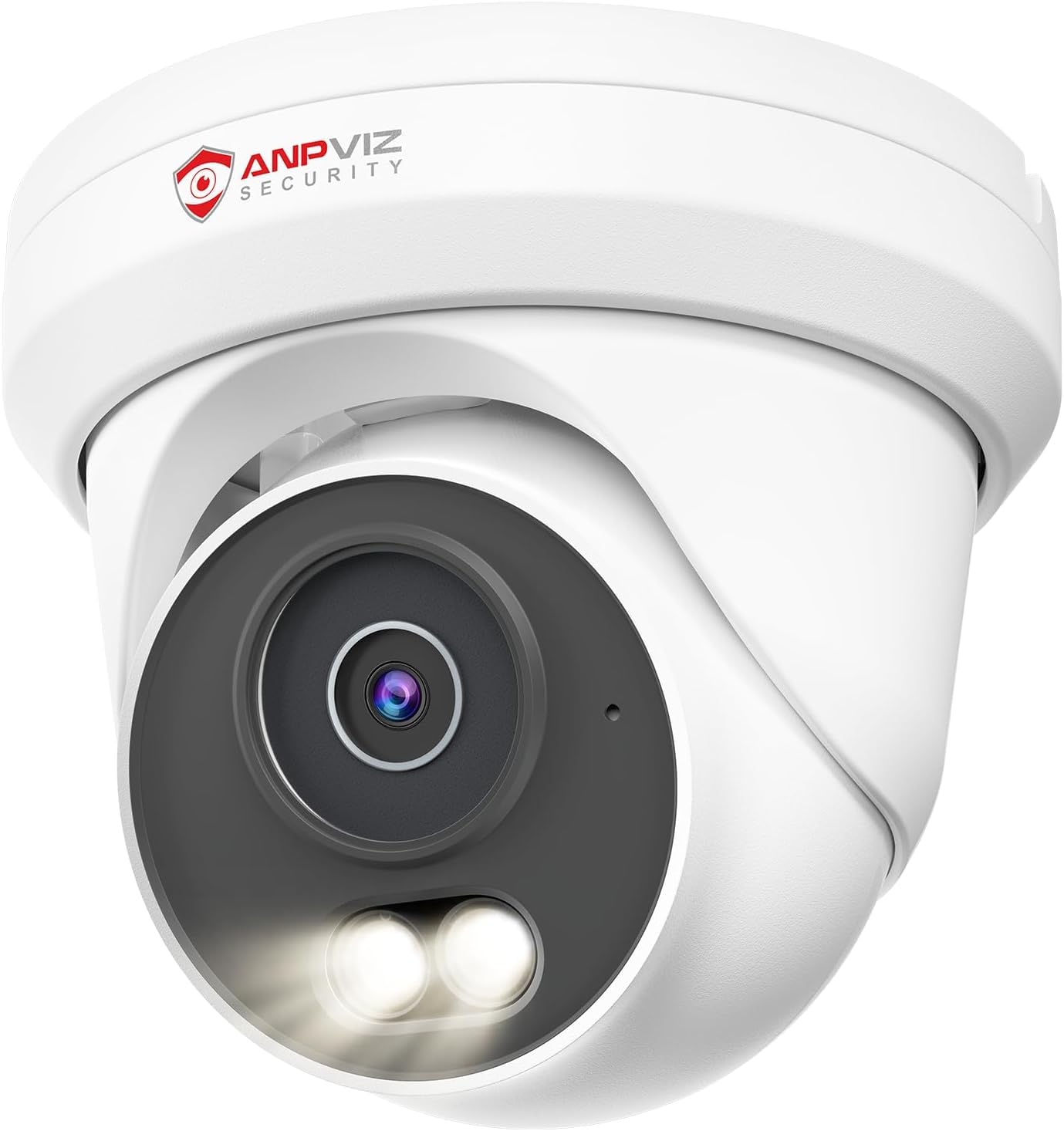
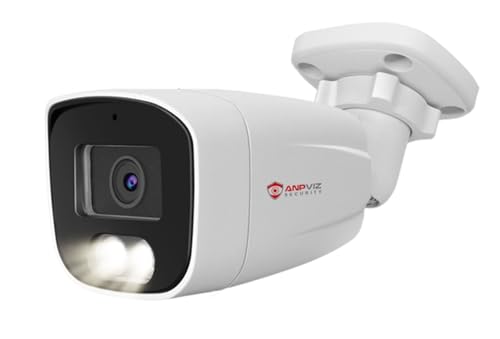

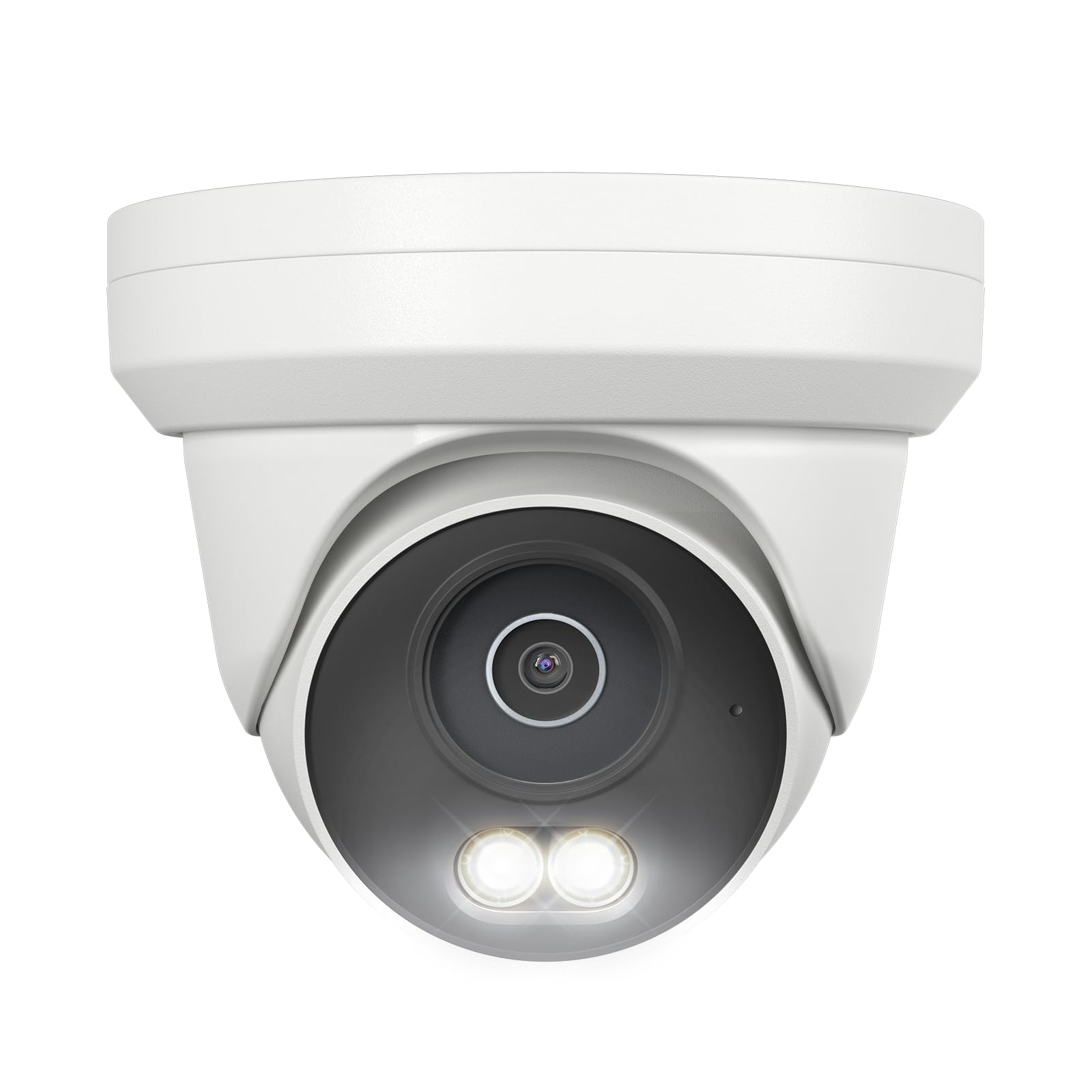
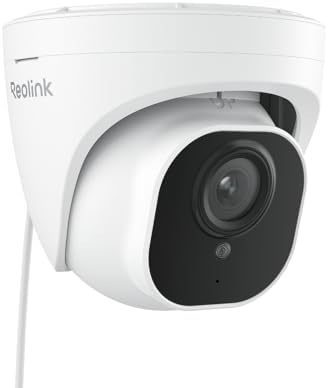
Who Should Buy Which Cameras for Blue Iris?
Blue Iris suits buyers who want recordings on their own computer instead of a rented cloud account. Your group below decides camera count and budget share.
Homeowners Recording a House and Yard
You want views of doors, a driveway, and a back yard, stored at home. Start with two to four wired cameras on your main entries, then add views only at real blind spots. A turret or bullet shape suits most houses.
Cloud Camera Users Dropping Monthly Fees
You know where cameras help, but you want to end per camera subscriptions and keep footage at home. Choose cameras that record fully without a brand account, and test one in Blue Iris before replacing the whole set.
Shops and Large Properties with Many Views
You may need eight or more cameras across a shop floor, parking area, and storage rooms on one screen. Wired cameras on a central switch scale better than separate WiFi devices. Budget for the switch, cable, drive space, and a PC that handles many streams.
What Camera Budgets Buy for Blue Iris Systems
Budget Tier: Basic Views at Close Range
Cameras around $40 to $80 usually give a fixed wide lens, 1080p or slightly higher resolution, and infrared night vision for short distances. That suits a porch where people pass close to the camera. Trade offs are plain housings, weak detail at a distance, and fewer stream controls. Save the rest of your budget for storage drives.
Midrange Tier: Clearer Night Detail
Cameras around $80 to $180 are where most home systems land. You typically get sensors around 4 to 8 megapixels, better night images, sturdier outdoor housings, and fuller control of both streams. Some types add a varifocal lens, letting you narrow the view at setup. For a driveway where faces sit farther away, this step up is the one most buyers actually notice.
Premium Tier: Zoom and Demanding Light
Cameras above about $180 earn their price on large properties and hard scenes. Optical zoom frames a gate or far corner without giving up detail, and larger sensors handle mixed light better, such as a bright street behind a shaded porch. If your views are short and simple, this tier adds cost without useful detail.
Key Features to Compare
ONVIF and RTSP Support
ONVIF lets cameras and recording software from different makers work together, and RTSP is the stream Blue Iris pulls from the camera. Together they decide whether a camera can be found and added in the software at all. That open support is what separates the best cameras to use with blue iris from models locked to one brand app. Look for ONVIF in the spec sheet and set a static address for each camera.
Main Stream and Substream
Most IP cameras send two streams at once. The main stream carries full resolution for recording, while the substream is a smaller feed Blue Iris can use for motion checks and multi camera screens. Using the substream for lighter jobs lowers PC load, so more cameras run without stutter. Check that both streams can be set separately.
Power over Ethernet and WiFi
Power over Ethernet, shortened to PoE, sends power and video through one network cable, so the camera needs no outlet at the mount and the link stays steady. It suits permanent views, but needs cable runs and a PoE switch. WiFi cameras are quicker to place and suit renters, yet they depend on signal through walls. For wired options, see our guide to the best ip cameras for blue iris.
Resolution, Lens View, and Night Vision
Resolution sets how much detail a frame can hold, but the lens decides where that detail lands. A wide lens around 2.8 mm covers a whole porch yet makes distant faces small, while a lens around 4 mm gives up width for detail farther out. At night, infrared light helps to about 30 to 100 feet depending on the type.
Weather Rating, Audio, and Storage
An outdoor camera should carry an IP65 or IP66 rating, meaning the housing is sealed against rain and dust. Mount it under an eave where you can, because sun and driven rain age seals over time. Two way audio helps at a front door but matters little on a roof line. A memory card slot gives a backup copy if the network drops.
Matching Camera Types to Your Property
Bullet cameras are easy to aim and act as a visible deterrent. Turret cameras resist tampering and give clean night images without a dome cover to fog, while dome cameras blend into ceilings. Pan tilt zoom cameras cover a wide area from one mount, but they look one way at a time, so a fixed second view guards the spot they leave.
Best Cameras for Use with Blue Iris: Where Your Money Goes
When you shop for the best cameras for use with blue iris, put compatibility first, lens fit second, and resolution third. A camera Blue Iris cannot add is worth nothing, however sharp its sample clips look. Spend next on views that guard entries, and let low risk corners use simpler types. Our guide to the best blue iris compatible cameras covers the checks in depth, and our guide to the best cameras to use covers recording outside a Blue Iris system.
Ongoing Costs of Running a Blue Iris System
The cameras are only part of the bill. Blue Iris is a paid program licensed for one PC, and larger systems need a capable computer running many hours a day. Add a PoE switch, cable, mounts, and hard drives sized for your camera count and the days of footage you keep. Drives recording around the clock wear faster than office drives, so budget for replacements.
Common Mistakes to Avoid
- Buying a camera that works only in its brand app leaves Blue Iris unable to record it.
- Covering a whole yard with one wide lens leaves faces too small to identify.
- Running every camera at its highest frame rate overloads the PC and fills drives early.
- Mounting a camera too high shows heads and hats instead of faces at the door.
- Skipping a test purchase can repeat a protocol problem across a whole camera set.
- Forgetting drive space leaves a new system overwriting footage you wanted to keep.
Care and Maintenance for Blue Iris Cameras
Wipe outdoor lenses every few months with a soft cloth, and clear webs from the housing, because webs near the lens glow under infrared light and trigger false alerts at night. Check mounts after strong storms, reseat loose cables, and confirm each camera still points where you aimed it.
Export your Blue Iris settings once a setup works, update the program and camera firmware on a calm schedule, and review stored footage monthly to confirm every camera still records. If a stream drops often, note when it happens, because a pattern tied to heat or rain points to the cause.
FAQ
Can Blue Iris record cameras with no internet?
Yes, Blue Iris can record cameras on your local network with no internet at all. Recording, motion checks, and playback all happen between the cameras and your PC. The internet is only needed for tasks you choose, such as alert mail or viewing away from home. Many owners keep cameras away from guest devices on the network.
How much drive space does Blue Iris need?
A small home Blue Iris setup often needs about 1 to 4 terabytes, and larger systems need more. Space depends on resolution, frame rate, and how much motion each view sees, since busy scenes compress less than still rooms. Decide how many days you truly review, often about 7 to 14, then size the drive for that span with room to spare.
Do Blue Iris cameras need a cloud subscription?
No, Blue Iris cameras do not need a cloud subscription, because the software stores footage on your own drives. That saving is a main reason owners choose this setup. The trade off is that backups become your job. Save any clip you must keep to a second location promptly, since one drive can fail or be taken during a break in.
Can I watch Blue Iris cameras away from home?
Yes, you can watch Blue Iris cameras away from home through the program web server or its mobile app. Use a strong unique password for remote access and keep the program updated, because any open service draws login attempts. Some owners connect through a private network link into the home instead, keeping cameras off the public internet.
Does a higher megapixel count always help Blue Iris?
No, a higher megapixel count does not always help Blue Iris recordings. A sharp 4 megapixel camera aimed at a door at face height often captures a clearer face than a higher resolution camera mounted far away on a wide view. Placement, lens choice, and light at the subject shape the result as much as the sensor, so get one camera close to each key point first.
Wrapping Up
Build in this order: confirm open protocol support, fit the lens to each view, wire the cameras you depend on most, and size the PC and drives for the full set. Budget types can then cover close views, while stronger types handle distance and darkness. Check prices and stream details in the product table above before ordering.
Chosen that way, the best cameras to use with blue iris give you recordings you own, on hardware you control, with no monthly fee for every view. Start with one camera, prove it in your system, then grow.


