
Best Cameras to Use for Streaming at Every Price: What Your Money Really Gets You for 2026
Disclosure: We may earn a commission when you buy through links on this page, at no extra cost to you. As an Amazon Associate I earn from qualifying purchases. Learn more

A budget guide to the best cameras to use for streaming: clean HDMI, autofocus, lenses, low light and the costs that come beyond the camera body.
Streaming cameras span a wide price range, from simple compact models around $200 to professional bodies costing several thousand dollars. The hard part is knowing which upgrades actually improve your picture and which ones you will never notice live. Choosing the best cameras to use for streaming starts with your budget, your room, and how the camera connects to your computer. The comparison table below gives you a quick starting point.
Price alone does not tell the whole story. More money usually buys a larger sensor, more reliable autofocus, and cleaner output for your streaming software, but it also adds lens and accessory costs. This guide breaks down what each tier really delivers and which features deserve your money.
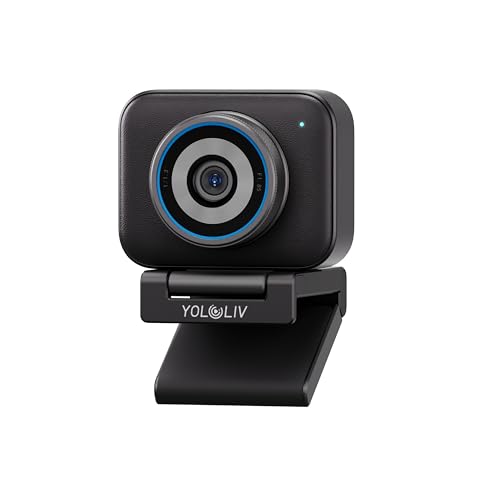


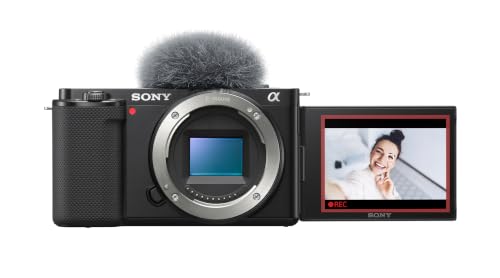
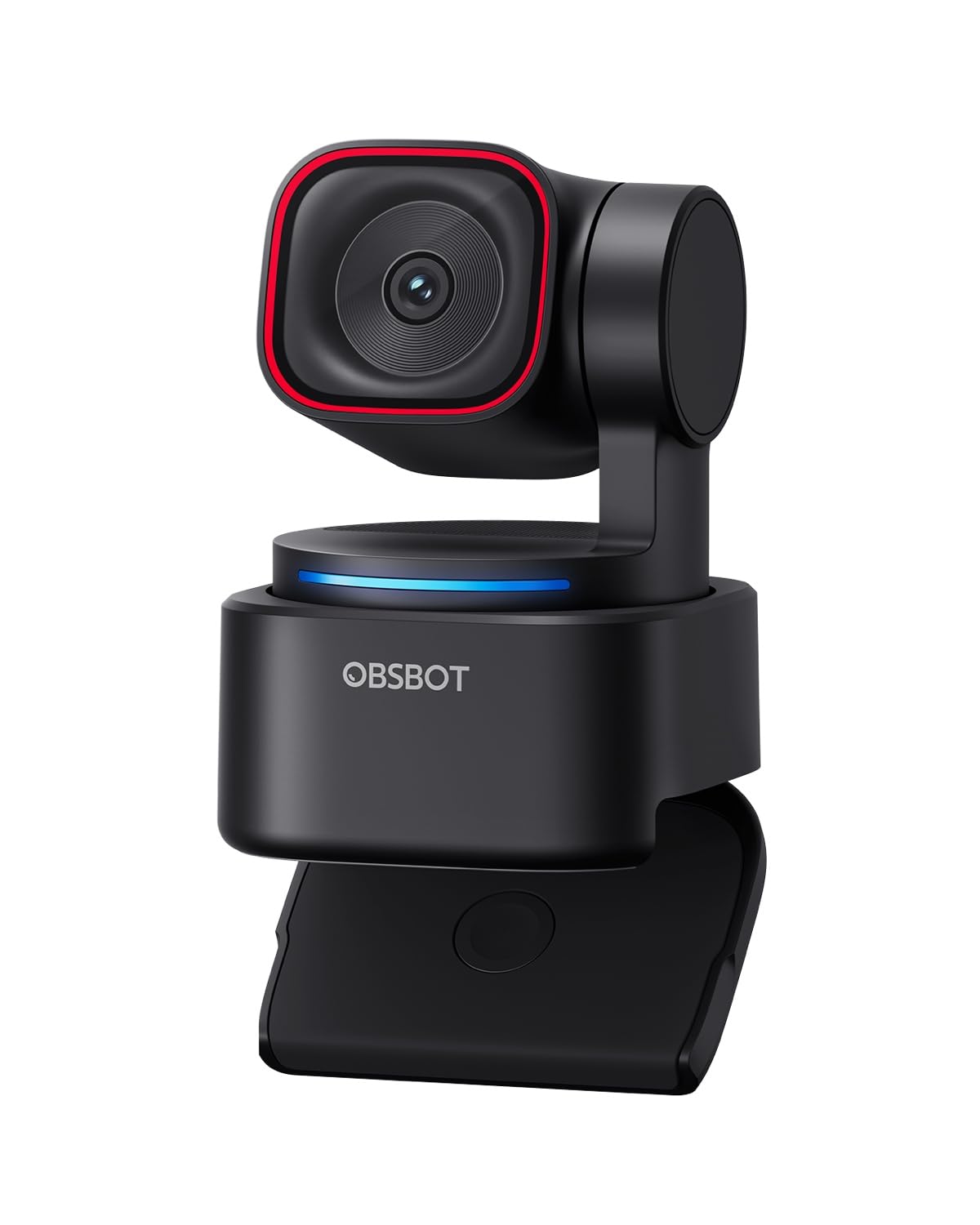
Who Should Buy a Streaming Camera at Each Budget Level
Your budget matters most when it matches the stream you actually run. A quiet desk setup asks far less of a camera than a bright studio show or an outdoor broadcast.
Streamers With a Simple Desk Setup and a Tight Budget
You need a camera that looks clearly better than a laptop webcam, connects without fuss, and stays reliable for a few hours at a time. A compact body with a fixed lens keeps your setup small and removes the cost of separate glass.
If your streams are mostly video calls and casual broadcasts, a quality webcam may cover your needs for less. See our guide to the best web cameras for streaming before you spend on a larger body and a capture card you may not need.
Growing Creators Who Stream and Record
You stream live and also record videos for later posting, so your camera must handle both jobs well. Look for dependable face tracking, a microphone input, and a screen that flips toward you for framing solo recordings. An interchangeable lens starts to pay off here, because one body can serve a close desk view today and a wider room view later.
Grow in small steps rather than replacing everything at once. Reliable autofocus matters more to you than raw resolution, since hunting focus distracts viewers far more than a slightly softer image.
Professionals Streaming for Clients or a Studio Audience
Your stream represents a business, a client, or a paying audience, so reliability comes before novelty. You need a camera that runs long sessions without shutting down, offers clean output at high quality, and gives you full manual control over exposure and color. Strong build quality and support for external audio gear become worth paying for at this level.
You are also most likely to benefit from a larger sensor and premium lenses. A wide aperture lens in a controlled studio gives you a clean subject with a softly blurred background that budget gear cannot match.
What Your Money Gets You at Each Price Tier
Price tiers for the best cameras to use for streaming follow a fairly predictable pattern, and knowing it keeps you from overpaying for the wrong upgrade. If price is not your deciding factor, see our broader guide to the best cameras to use. Otherwise, read the tiers below as a map of what improves and where value peaks.
Budget Tier: What to Expect
Budget models at about $200 to $500 include point and shoot compacts, simple vlogging cameras, and entry level mirrorless bodies sold with a basic kit lens. You typically get 1080p streaming, basic autofocus, and a small sensor that does well in good light but struggles in dim rooms. The trade off is limited control and fewer connection options.
Midrange Tier: Where Most Streamers Get the Best Value
Midrange cameras at about $500 to $1,200 bring the upgrades viewers actually see. Expect a larger sensor, much stronger autofocus with face and eye detection, a microphone input, and clean output for capture cards and streaming software. For most creators this tier balances image quality, reliability, and price best, and it leaves budget room for a good light and microphone.
Premium Tier: When Spending More Pays Off
Premium bodies at about $1,200 to $3,000 and above add full frame sensors, excellent low light performance, and the most dependable autofocus in the category. You also get better heat management for long sessions, more rugged construction, and a deep lens lineup to grow into. Many premium models also record 4K video at higher frame rates for your non live work. Spending this much makes sense when streaming is your job or your room lighting is difficult.
Features Worth Paying For and Ones to Skip
Feature lists are long, but only a handful change what your viewers see and hear. The sections below explain each key factor once, what it does for a live broadcast, and the price level where it usually appears.
Clean Output and Connections That Matter for Streaming
A streaming camera must send a clean video signal to your computer, meaning the picture carries no menu icons, focus boxes, or battery warnings. This feature, often called clean HDMI output, is essential with a capture card, and it is not universal on cheaper models. Skip exotic ports you will never use, but never skip clean output itself.
Lens and Zoom Range
The lens shapes your image more than almost any other part. The objective lens, the front glass that gathers light, sets how bright and sharp your picture can be, and its widest aperture, written as an f number, controls background blur and low light ability. Optical zoom changes magnification by moving glass, so quality stays high, while digital zoom simply crops and softens the image. At a fixed desk distance you rarely need much zoom, so a bright prime lens often beats a slow zoom.
Interchangeable lens cameras cost more up front but let you change your look later without replacing the body. If you also want strong still photos, see our guide to the best digital cameras for a wider view of these bodies outside streaming.
Sensor Size and Image Quality
Sensor size is the single biggest driver of image quality. Small sensors in budget compacts do fine in bright light, while 1 inch sensors improve clarity and depth. APS C sensors, common in midrange mirrorless cameras, give cleaner images in normal room light and more background blur. Full frame sensors sit at the premium end and excel in dim rooms.
Autofocus and Image Stabilization
Good autofocus keeps your face sharp when you lean in, gesture, or hold a product up to the lens. Face and eye detection, now common in midrange models, does this work automatically and is worth paying for. Slower systems in budget cameras can pulse in and out of focus on camera, which viewers find distracting. Image stabilization smooths small movements and helps most for handheld shots. On a fixed tripod it adds little, so desk only streamers can rank it below autofocus.
Weather Sealing and Build for Streams Away From a Desk
Most streaming happens indoors, where weather sealing adds cost without adding value. The exception is creators who broadcast outdoors, at events, or while traveling. For them, a weatherproof body and sealed lens protect against rain, dust, and splashes that could end a session or damage the camera. If every stream you run happens in one room, skip this feature and put the savings toward lighting instead.
Setup and Compatibility Checks Before You Order
A quick compatibility check prevents the most common frustration in this category, a camera that arrives and will not connect as expected. Confirm whether your model streams over USB on its own or needs a capture card, and check that your streaming software supports the camera or card. For a deeper look at going live specifically, see our guide to the best cameras to use for live streaming.
Next, check power and session length. Many cameras run on a small battery that lasts about an hour, so long streams need an adapter that supplies continuous power from a wall outlet. Confirm the camera has no short recording limit that would stop a long broadcast, and give it airflow rather than boxing it into a hot shelf.
Long Term Costs to Factor In
The body is only part of what you will spend. A realistic budget adds a lens if the camera needs one, a capture card if USB streaming is not supported, memory cards, and at least one decent light and microphone, since audio and lighting shape viewer experience as much as the camera does. Counting these costs early keeps a midrange setup from quietly costing as much as a premium one.
Common Mistakes to Avoid
Most regrets in this category come from a few repeat errors. Each one below costs money or picture quality that a little planning would have saved.
- Buying a camera without clean HDMI output, so menu icons and focus boxes appear on your live broadcast.
- Spending the whole budget on the body, so nothing remains for lighting and your expensive sensor still looks dull.
- Choosing by megapixel count alone, even though your stream resolution caps how much detail viewers can see.
- Ignoring the recording time limit, so the camera stops in the middle of a long stream or event.
- Skipping the power plan, so the battery dies mid session because no continuous power adapter was ordered.
- Paying for weather sealing and long zoom you will never use at a fixed indoor desk.
Care and Maintenance for Streaming Cameras
Streaming cameras sit mounted for months, run warm for hours, and collect dust around a desk setup. Blow dust off the lens with a hand blower before wiping, and clean the glass with a microfiber cloth in small circles. Keep the sensor covered whenever a lens comes off.
Heat and cables cause most long term wear. Leave space around the body so air can move during long sessions, and support heavy HDMI and power cables so their weight does not strain the ports. Update the camera firmware when the maker releases a fix, and check every few months for loose mounts and frayed cords.
Frequently Asked Questions
Is a smartphone enough instead of a dedicated streaming camera?
A modern smartphone is enough for casual streams, and its camera is often better than a budget compact. The limits appear in longer sessions, where heat, battery drain, and incoming calls or alerts can interrupt your broadcast. A dedicated camera makes sense once you stream on a schedule or want a fixed setup that is always ready.
Do streaming cameras need a capture card?
Not always, because many current models stream over USB without extra hardware. A capture card still earns its place when you want the highest quality HDMI signal or your camera lacks a USB streaming mode. Check the delay settings in your software after setup so your voice and lips stay matched on air.
How much should you spend on your first streaming camera?
Spend enough to reach the midrange tier if you can, since that is where autofocus and clean output become dependable. A useful rule is to hold back about a third of your total budget for a light, a microphone, and any card or adapter the camera needs. A modest body with good support gear almost always looks and sounds better than a premium body used alone in a dark, echoing room.
Can a streaming camera also work well as a vlogging camera?
Yes, and this dual use is one reason vlogging cameras are so popular with creators. The traits overlap heavily, since both jobs reward strong autofocus, a flip screen, and a good microphone input. For vlogging, also weigh size and weight, because a camera you enjoy carrying gets used more. Check that the model handles walking movement gracefully.
Which streaming camera features help most in a dim room?
A larger sensor and a bright lens help most, because together they gather more light before noise creeps in. Before you spend, though, try moving one soft light closer to your face, since light position changes a dim picture more than any camera setting. Avoid raising the ISO setting to its highest values, which adds grain and dull color. If your room must stay dim, prioritize aperture and sensor size over resolution.
Final Thoughts
The right choice comes down to three things: a sensor and lens that suit your room light, autofocus you can trust while you talk and move, and a clean, reliable connection to your computer. Match those to the price tier that fits your budget, reserve money for lighting and audio, and use the comparison table above to check details before you order. Chosen that way, the best cameras to use for streaming for you is simply the one that fits your setup, your room, and your plans to grow.


