
Best Cameras Home in 2026: Which Type Is Right for You?
Disclosure: We may earn a commission when you buy through links on this page, at no extra cost to you. As an Amazon Associate I earn from qualifying purchases. Learn more

Compare indoor, outdoor, doorbell and full system home security cameras by coverage, power and storage costs so you can choose the right type for your home.
Searching for the best cameras home can stall at the shelf, because one short phrase covers two different jobs. Some cameras exist to watch the house, recording the door, the driveway, and the yard and sending an alert when something moves. Others exist to film the family, saving birthdays and holidays as keepsakes worth keeping. This guide covers the first job and compares the four main types side by side so you can match a type to your house.
The split matters because the two jobs reward opposite features. A security camera values a wide view, a clear picture after dark, and alerts that reach your phone within seconds. A camera bought for family filming values sound quality, comfortable handling, and simple controls instead.
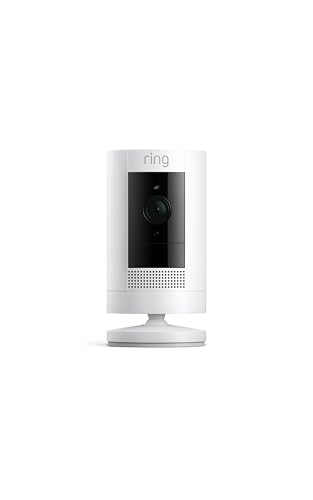

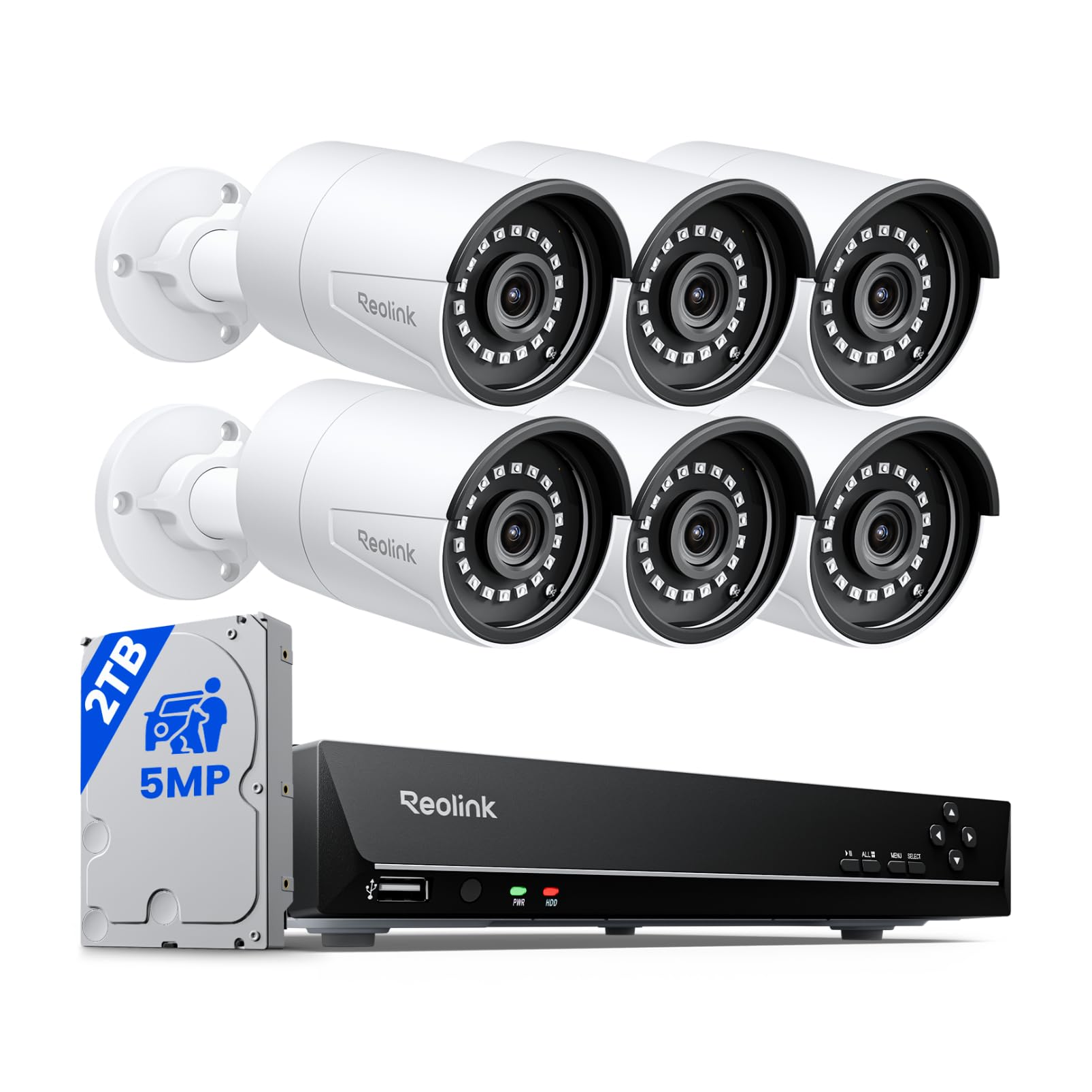
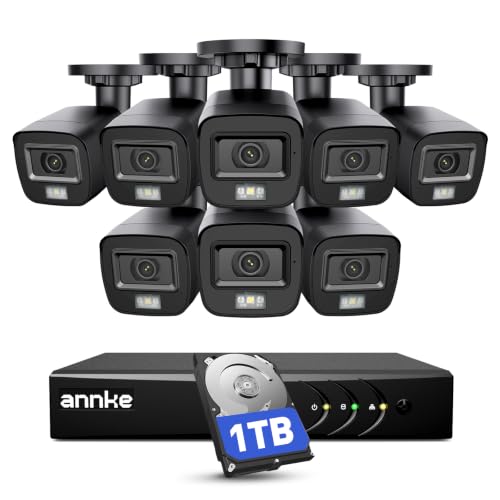
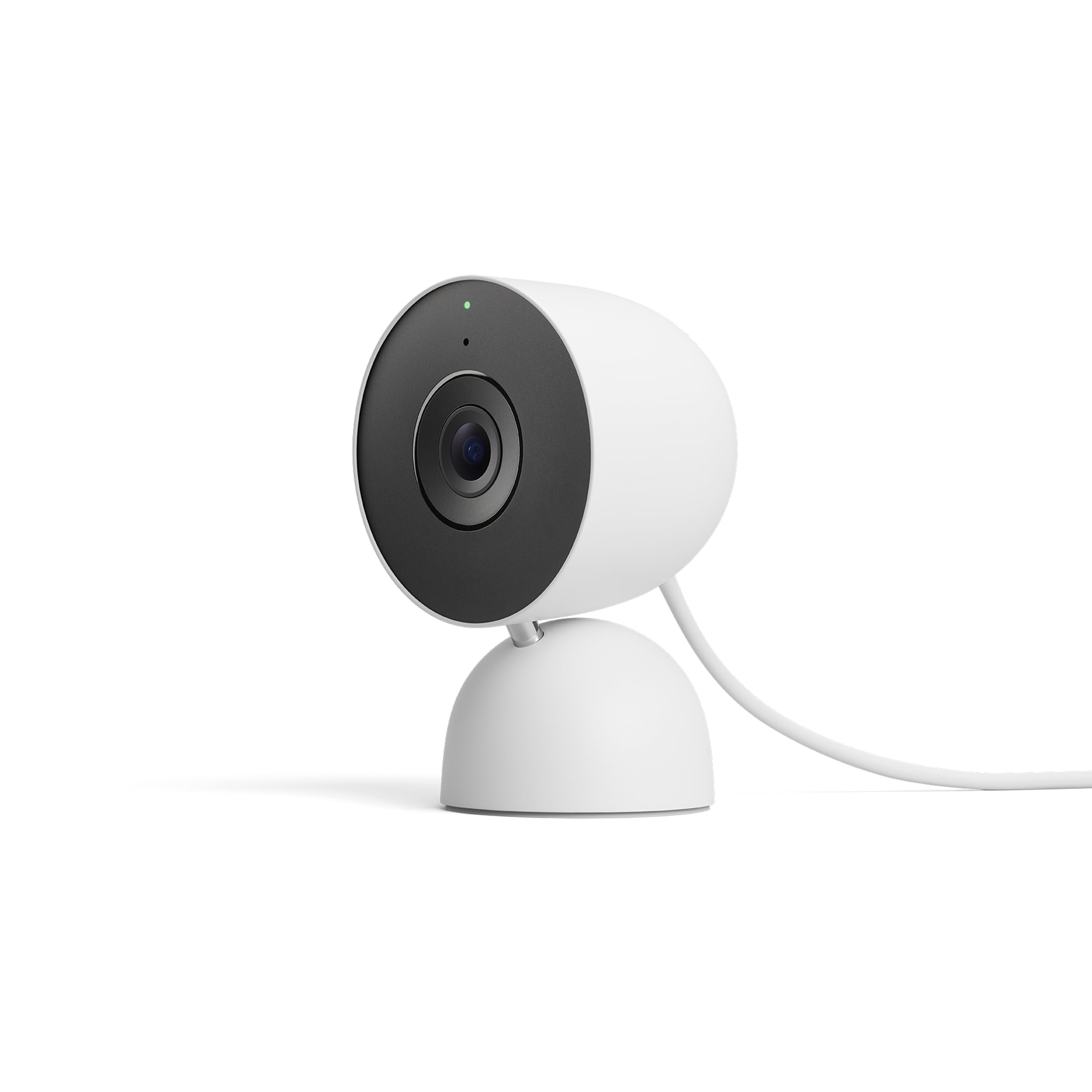



If filming the family is actually your goal, our guide to the best video cameras for home videos covers that purchase instead. For watching the house, the comparison table below lays out the four security types by coverage, power, and typical price, and the sections after it explain where each type earns its place.
Four Types of Home Security Cameras Compared
Every home security camera belongs to one of four types, and the type decides where it can go, how it gets power, and what it costs to run each month. Start with the spot you need covered, then pick the type built for that spot. Shoppers reading through full lineups of the best home cameras for security will meet these same four families again and again.
| Type | Best For | Strengths | Trade Offs | Typical Price |
|---|---|---|---|---|
| Indoor | Living areas, halls, nurseries | Low price, simple setup, outlet power | No weather sealing, view blocked by window glass at night | About $25 to $60 |
| Outdoor | Yards, driveways, side gates | Weather sealed, strong night picture, floodlight options | Mounting takes work, battery models need recharging | About $60 to $180 |
| Doorbell | Front door, packages, visitors | Sees faces at the door, two way talk, visitor alerts | Narrow job, may need doorbell wiring or a battery routine | About $80 to $200 |
| System with recorder | Whole houses, several angles at once | Local storage, no plan needed for basic recording, many cameras | Cable runs or a recorder box to place, higher starting cost | About $250 to $600 |
Indoor Cameras
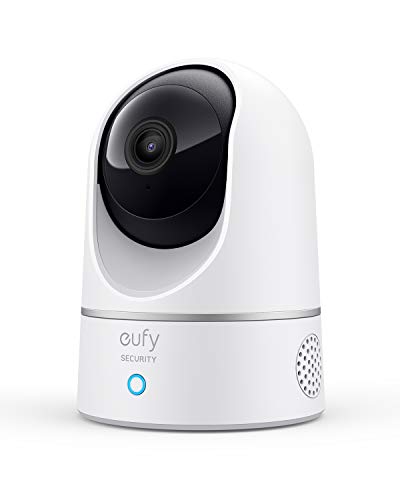
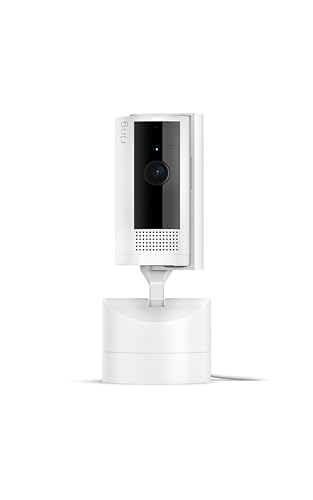
An indoor camera sits on a shelf or mounts high on a wall and watches the rooms where life and movement happen. Living rooms, entry halls, and garages top the list, because those are the paths anyone inside the house must cross. Power comes from a wall outlet, so there is no battery to manage, and setup usually means placing the camera, joining your WiFi, and aiming it at the doorway rather than the whole room.
The limits follow from the design. Indoor models carry no weather sealing, so they belong inside only, and pointing one out a window works poorly after dark because the night lights reflect off the glass. Choose this type for knowing what happened inside, checking on pets, or watching a sleeping child from the next room.
Outdoor Cameras
An outdoor camera is built to live in the weather, with a sealed housing, stronger night lighting, and a mount that holds its aim through wind and seasons. Most watch driveways, yards, and side gates, the places where trouble usually starts. Power splits into three camps: wired models that never need charging, battery models that mount anywhere but need a recharge every few months, and solar assisted models that trade a small panel for fewer climbs.
Coverage of the wider category of best home surveillance cameras usually leads shoppers to this type, because it does the heavy lifting at the property line. Expect to spend more than on indoor models, and expect the install to take a ladder, a drill, and an honest hour.
Doorbell Cameras
A doorbell camera replaces or sits beside your front doorbell and watches the one spot almost every visitor, courier, and stranger must use. It sees faces at standing height, announces visitors before they knock, and lets you speak to the doorstep from anywhere through two way talk. Battery versions mount in minutes, while wired versions borrow power from the existing doorbell wires and never need charging.
The trade off is focus. A doorbell camera sees the doorstep beautifully and almost nothing else, so it cannot watch a side gate or a back yard. Treat it as the front door specialist in a small setup, or as the first piece of a larger one. For renters, the battery versions matter most, since they leave no wiring behind when you move.
Camera Systems With a Recorder
A system links several cameras to one recorder box that stores the footage on a hard drive inside your home. The cameras are usually wired for power and picture, or powered locally while sending video to the recorder, and the whole setup records around the clock rather than only when motion trips it. Our breakdown of the best home cameras system options shows how the recorder changes the running costs, because basic recording needs no monthly plan at all.
Systems suit larger houses, long driveways, and anyone who wants four or more angles covered without four separate subscriptions. The costs are real: a higher starting price, cable runs or careful placement for the recorder, and more hardware to maintain. In exchange you own your footage outright, and a camera keeps recording even while the internet is down.
Indoor vs Outdoor Cameras: Which Deserves Your Budget First?
Most houses need both types eventually, but the first purchase matters because it teaches you how you actually use alerts and footage. Compare the two on five points. Placement: indoor models sit anywhere near an outlet, while outdoor models need a mount, a ladder, and a plan for power. Weather: only the outdoor type is sealed against rain and dust.
Night picture: outdoor models carry stronger lights and see farther in the dark. Evidence value: an outdoor camera records an approach, while an indoor camera records what happened after entry. Price: indoor models cost about half as much per view.
Start outdoors if your worry is packages, vehicles, or strangers near the house at night, because that camera sees trouble earliest. Start indoors if your worry is pets, children, cleaners, or simply knowing the house is fine while you travel. Either way, buy one camera first, live with its alerts for a month, and let that size the rest.
What to Compare Before You Buy
Coverage and Field of View
Field of view describes how wide a scene the camera takes in, and wider is not always better. A very wide lens covers a whole yard but shrinks faces and plates at the far edge, while a narrower lens reads detail in a smaller slice. Match the view to the job: wide for a yard or a living room, narrower for a gate, a porch, or a parking spot where identification matters. Camera height matters too, since a mount placed too high records the tops of heads instead of faces.
Power Source: Outlet, Battery, or Solar
Power decides how much attention a camera asks from you after install day. Outlet and wired cameras simply run, which suits busy spots that record all day. Battery cameras mount anywhere in minutes, but heavy traffic drains them faster, and makers quote battery life from light use, so expect to recharge every one to four months at a busy door.
Solar panels cut that routine sharply on sunny walls. Cold weather shortens battery life on every chemistry, so a camera that lasts a season in a mild climate may need charging twice as often through winter.
Storage and the Real Cost of a Subscription
Where footage lives decides what the camera really costs. Local storage on a memory card or a recorder box costs once and keeps working without a plan, but the footage sits in the camera and can be lost if the camera is stolen. Cloud storage keeps clips safe off site, yet the smart detection features and longer clip history usually sit behind a monthly plan, so the plan is part of the true price. Roundups of home surveillance cameras often headline the hardware price and footnote the plan, which is how a cheap camera becomes the expensive one over three years.
Do the simple math before buying. Add the camera price to three years of its plan, then compare that total with a pricier camera that records locally for free. Also check how many days of clips each plan keeps, because a short history can erase footage you need after a holiday.
Alerts, Detection, and Night Recording
Alerts are the feature you will feel every day, so judge them hard. Basic motion detection fires on shadows, bugs, and passing headlights, while smarter detection classes claim to separate people, vehicles, and packages from that noise. You can tune most cameras with motion zones that watch the driveway and ignore the street. At night, infrared gives a clear gray picture at modest range, while a spotlight or floodlight buys color and a visible warning at the cost of light spilling toward neighboring windows.
Account Security, Placement, and Privacy Rules
Be clear about what a camera can and cannot do. A home camera is a monitoring aid that records events and alerts you to them, and it does not prevent anything by itself, so locks, lighting, and habits still carry the real weight of security. Protect the account like a house key: a strong unique password, two factor sign in turned on, and app and firmware updates applied promptly, because a camera on an old password is a window into your home.
Placement carries legal and neighborly limits. Cameras belong on your own property watching your own spaces, and they never belong in bedrooms, bathrooms, or anywhere a person expects privacy. Local recording rules vary, and audio recording is the most restricted part in many places, with some regions requiring consent from the people recorded. Check your local rules before enabling sound, and aim cameras so they take in as little of a neighbor's yard as the job allows.
Common Mistakes to Avoid
- Buying several cameras before living with one, so alert fatigue sets in and every notification gets ignored.
- Mounting a camera too high for faces, which produces clear footage of hats and shoulders and nothing a police report can use.
- Judging price by the box alone and missing the monthly plan that the smart features quietly require.
- Leaving the factory password or skipping two factor sign in, which hands strangers a live view into the house.
- Pointing an indoor camera through window glass for night watch, where its own night lights reflect back and wash out the scene.
- Enabling audio recording everywhere without checking local consent rules, the most restricted part of home recording.
Keeping Your Home Cameras Working Well
A security camera fades quietly when nobody maintains it, so build a light routine. Wipe each lens with a soft cloth every few months, because dust, pollen, and spider webs scatter the night lighting and blur the picture. After storms, check that mounts still hold their aim, since a small knock can move the view off the gate entirely.
Run app and firmware updates when they arrive, test your alerts by walking the view once a season, and swap or recharge batteries on a schedule instead of waiting for the camera to go dark. Once a year, replay a night clip and confirm faces still read clearly at your key distance.
Home Camera Questions Answered
Do home security cameras prevent break ins?
No, a camera does not prevent a break in, because it is a monitoring tool that records and alerts rather than a barrier that blocks entry. Its value is earlier warning, better evidence, and a visible presence that may push a casual intruder to choose an easier house. Locks, lighting, and trimmed cover near doors do the actual preventing. Treat any camera claim about stopping crime as marketing, and judge the camera on picture quality and alert speed instead.
Can I run a home security camera without a subscription?
Yes, many cameras record to a memory card or a home recorder with no monthly plan at all. What you usually give up is the polish: person and package detection, longer cloud clip history, and easy sharing of clips from anywhere. Live view and basic motion alerts normally stay free. If a quiet street and a card that overwrites old footage suit you, the no plan route works well and saves real money over the camera's life.
Is recording audio with a home camera legal?
Audio is the most restricted part of home recording, and the rules vary sharply by place. Video of your own property is broadly accepted in most regions, while recording conversations can require the consent of one or even all of the people speaking. Many owners disable audio near neighbors for that reason. Check your local rules before turning sound on, and treat the microphone as a separate decision from the lens.
Where should a home security camera never be placed?
Never place a camera in bedrooms, bathrooms, or any space where a person reasonably expects privacy, even in your own home, because guests and family members keep that expectation. Guest rooms and rental spaces are off limits for the same reason, and pointing a camera into a neighbor's windows or private yard invites legal trouble. Keep cameras on entrances, shared living areas you control, and outdoor approaches. When a placement feels like watching people rather than protecting the house, move the camera.
How many cameras does a typical house need?
Most houses cover their real risks with two to four cameras rather than a wall of them. Start with the front door or driveway, since most approaches happen there, then add the back door or yard gate. A third camera watches the main living path indoors if you need it.
Corners and side windows rarely earn their own camera once the entries are covered. Buy in that order, live with each addition, and stop when new angles stop teaching you anything new.
Final Thoughts
Choosing well comes down to three decisions: pick the type that fits the spot, count the plan inside the true price, and set the camera up securely from day one. Indoor models guard the rooms, outdoor models guard the approaches, doorbell models own the doorstep, and recorder systems tie a whole house together. Compare your shortlist against the product table above, and the best cameras home choice for your house will usually be the type you can place well, power easily, and check without thinking about it.


