Best Cameras for Vtubing for 2026: A Buyers Checklist
Disclosure: We may earn a commission when you buy through links on this page, at no extra cost to you. As an Amazon Associate I earn from qualifying purchases. Learn more

Compare the best cameras for vtubing by face tracking, clean HDMI output, low light quality and price, with a checklist that helps you pick with confidence.
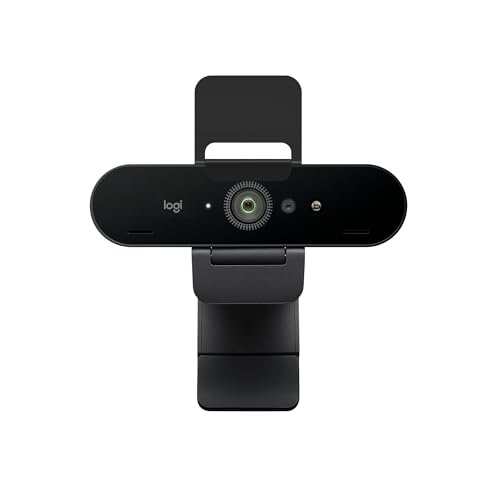
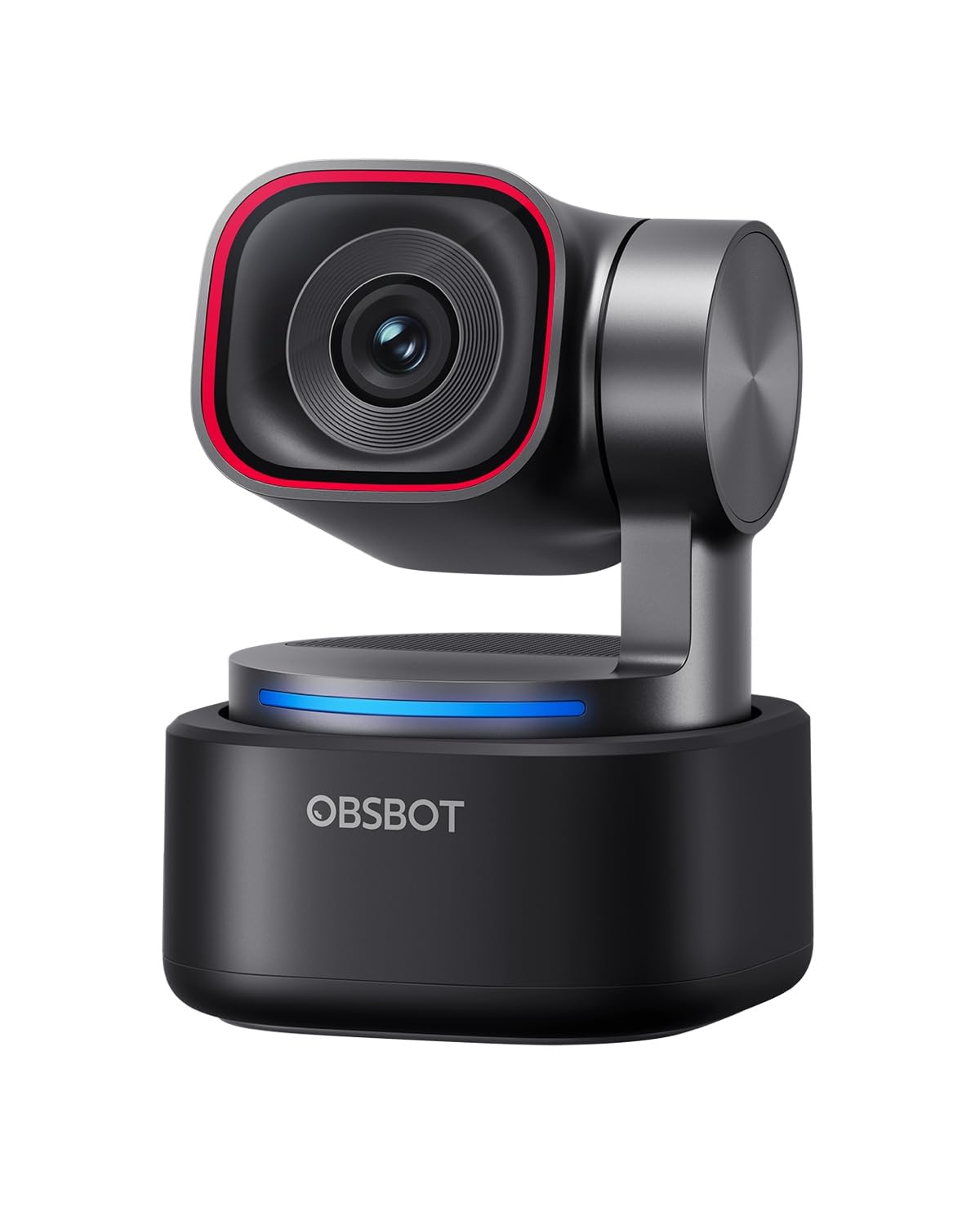
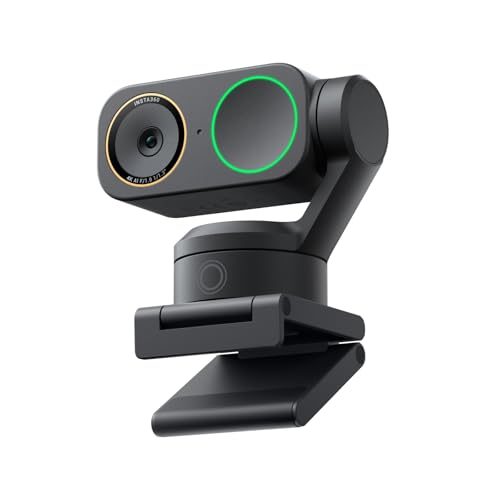
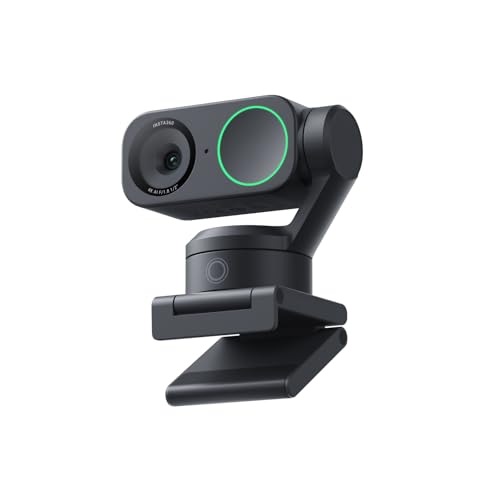
A vtuber camera faces a job that a normal video camera never does: it must hold focus on your face for hours so your avatar can mirror every blink, lean, and smile. Choosing the best cameras for vtubing starts with tracking accuracy, clean video output, and comfort across long sessions. The comparison table below lines the main camera types up side by side so you can see where the money goes.
This guide uses a plain checklist instead of product rankings. You will learn which specs actually change how your model moves on screen, what each budget level really buys, and which warning signs should send you back to the search results. By the end, you can match a camera to your room, your lighting, and your streaming schedule with confidence.



The Vtubing Checklist: Key Features to Compare
Face Tracking Autofocus
Face tracking software reads the landmarks of your face many times per second, so the camera must feed it a sharp, steady image. Look for face priority and eye detection that stay active during video, not only in photo mode. A system that hunts or drifts when you turn sideways makes your avatar lag and jitter. At a desk, you sit about an arm length from the lens, and good tracking holds focus through leans, sips, and laughter at that distance.
Sensor Size and Image Quality
Sensor size shapes how clean your image looks more than megapixel count does. A 1 inch sensor beats a tiny webcam sensor in dim rooms, an APS C sensor goes further, and full frame sits at the top. More megapixels mainly help if you crop the frame. For most desks, clean 1080p from a larger sensor beats noisy 4K from a small one, and guides to the best digital cameras explain sensor tiers in more depth.
Video Output and Frame Rates
Clean HDMI output sends your video to a capture card with no menus or focus boxes baked into the picture, and it is the single feature that separates streaming ready cameras from travel cameras. A rate of 60 frames per second keeps avatar motion smooth when you move fast. Some cameras stream over USB with no card at all, which saves money but may cap resolution or frame rate. Check the exact output spec before you buy.
Low Light Performance
Most vtubers stream in a dim room lit by a monitor glow and a key light, so low light quality decides how your face reads on screen. A wide aperture lens, around f/2.8 or wider, gathers more light, and a sensor with a high usable ISO range keeps noise down. Noise matters twice here, because grain confuses tracking software as well as viewers; a modest camera with one good light often outperforms a costly body in the dark.
Screen and Desk Footprint
A flip screen lets you check framing at a glance without leaning toward your monitor, and it speeds up your preshow routine. Body size matters on a crowded desk where a mic arm, keyboard, and monitor already compete for space. A compact body on a small tripod or desk clamp at eye level leaves room to gesture. Heavy bodies need sturdier mounts, and a mount that slowly sags will ruin your tracking angle mid stream.
Audio Inputs and Monitoring
A microphone input lets the camera record scratch audio that keeps your clips in sync, and a headphone jack lets you hear your own voice and game sound without echo surprises. Keep headphone volume moderate during long sessions, because hours of loud monitoring strain your hearing. Many vtubers run a separate USB microphone as the main source, so treat camera audio as a support tool. What you cannot skip is a way to confirm sound is recording before you go live.
Spending Levels: What Each Budget Buys
Starting Small Without Looking Cheap
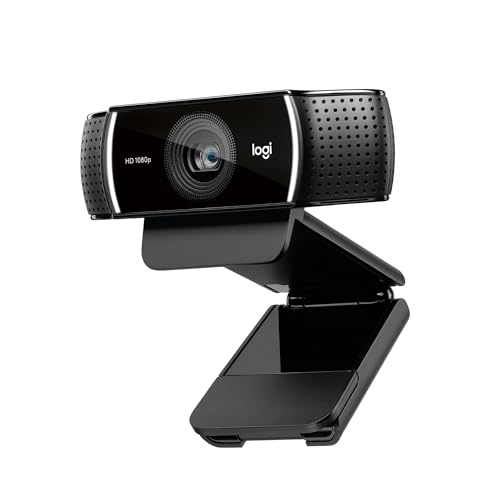
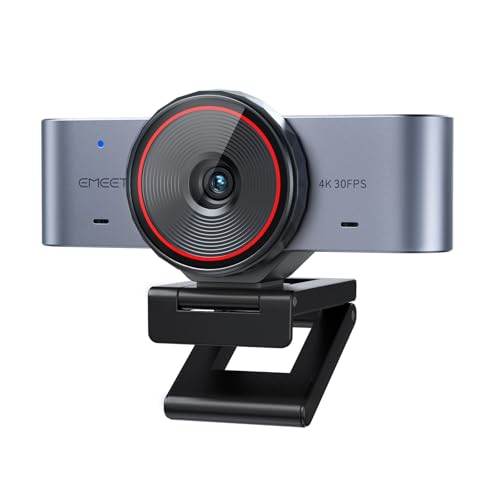
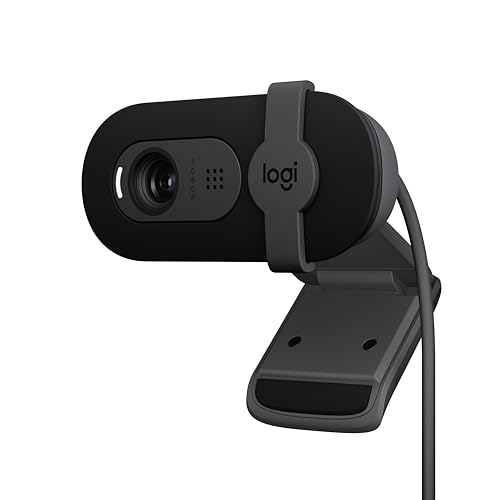
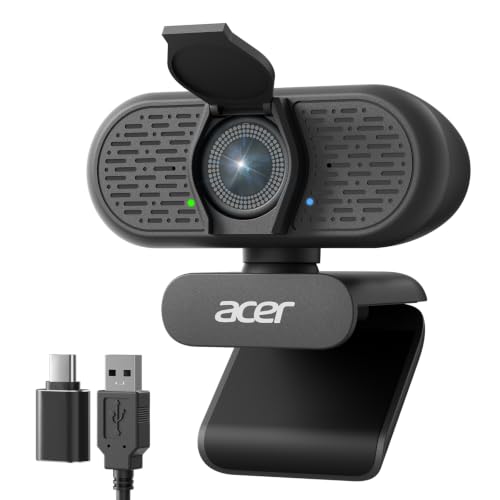
Budgets of about $100 to $250 buy advanced webcams and compact cameras with clean output, and this is where most new vtubers should begin. Image quality is fine in good light, and tracking depends more on your software than the camera at this level. Our roundup of the best starter cameras covers beginner friendly options in this range. Spend what is left on a key light before you upgrade the camera itself.
The Growth Zone for Regular Streamers
Spending about $250 to $600 moves you into interchangeable lens bodies with real eye detection and lenses you can swap as your setup matures. A kit lens covers your first year, and a fast prime lens later transforms your low light image. Guides to the best cameras for photography help you compare lens systems before you commit. This tier suits streamers who go live several times a week and want room to grow.
High End Bodies for Daily Streaming
At about $600 to $1,500 you get full frame sensors, the strongest low light results, and tracking that holds focus through fast, wide movements. The jump pays off when streaming is your income and your face is on screen for six hours a day. For a hobby schedule, the same money often does more good spent on lighting, acoustics, and a better microphone. Buy this tier for reliability and headroom, not for a visible leap your viewers will praise.
Quick Buyer Checklist
- Does the autofocus track eyes during video, not just in photo mode?
- Does the HDMI output stay clean, with no menus or icons on the feed?
- Can the camera run for two hours or more without a recording limit?
- Does it accept constant power from a dummy battery or USB power delivery?
- Is there a microphone input, and ideally a headphone jack?
- Does the screen flip toward you for quick framing checks?
- Will the body and lens fit your desk at eye level?
Red Flags to Watch For
- No clean HDMI output, or output specs the maker will not state clearly.
- A recording limit near 30 minutes with no way to extend it for streaming.
- Face detection that works in stills but switches off during video.
- No microphone input and no headphone jack on a camera sold for creators.
- Vague marketing about resolution with no sensor size listed anywhere.
Power and Heat: Setup Details That Decide Long Streams
Standard camera batteries often last about 50 to 90 minutes of video, which is shorter than a typical stream. A dummy battery that plugs into the wall, or USB power delivery on newer bodies, removes the swap problem entirely. Heat is the second limit: many cameras cap long 4K sessions, while 1080p usually runs for hours. Give the body airflow on all sides, keep it out of foam enclosures, and match your monitor brightness to your room light so your eyes stay comfortable through a full schedule.
Care and Maintenance Tips
Clean the front element with a lens cloth, never your shirt, because grit in fabric scratches coatings. Fit the lens cap whenever the camera is off, since dust spots show up clearly against the plain backgrounds vtubers use. Store the body in a dry padded bag away from desk drink spills. A spare charged battery and a second memory card cost little and save a stream when the first set fails.
Your Questions Answered
Can a smartphone work as a vtubing camera?
Yes, a recent smartphone can work well as a vtubing camera through a streaming app. Its small sensor needs more light than a dedicated camera, and notifications or calls can interrupt the feed, so silence alerts before you start. Heat and battery drain grow over long sessions, which is why many streamers retire an older phone to full time camera duty. Treat it as a capable starting point, then upgrade when you stream on a fixed schedule.
How long can a camera stream before heat becomes a problem?
Most cameras stream 1080p for hours without heat trouble when they run on constant power with open airflow. At 4K, many bodies warn or shut down somewhere between about 30 and 60 minutes, and a warm room shortens that window. A small fan aimed at the body, kept out of microphone range, extends sessions noticeably. Check the maker stated record limits for your room temperature, not the best case figure.
What lens focal length works best in a small streaming room?
A lens around 16 to 24 mm in full frame terms works best in a small streaming room. At a desk distance of about 2 to 3 feet, that range frames your head and shoulders with a little background showing. Wider lenses distort your face near the frame edges, so sit near the center. Longer lenses need more distance than a small room offers and crop your gestures out of the shot.
Does a vtuber need 4K from the camera?
No, a vtuber does not need 4K from the camera for a good looking stream. Platforms compress your video heavily, and a clean, well lit 1080p feed looks sharper than a noisy 4K one. The real benefit of a 4K sensor is headroom: you can crop in slightly to reframe without losing detail. Spend on light and tracking first, and let 4K be a bonus rather than the goal.
When is a webcam no longer enough for vtubing?
A webcam stops being enough when your avatar stutters because the image turns soft or grainy in your normal lighting. Dropped focus during fast head turns is the second clear sign. If you stream on a set schedule and fight the same limits every session, an interchangeable lens camera solves them at the source. Until those problems appear, a good webcam plus strong lighting covers most channels.
Final Thoughts
Tracking that holds, clean output, and power that lasts the whole session matter more than headline resolution. Match the tier to your schedule, light your face before you upgrade anything, and use the product table above to compare output and power specs side by side. Chosen with this checklist, the best cameras for vtubing will keep your avatar alive and expressive for years of streams.