
Best Cameras for Small Business in 2026: Types Compared and How to Choose
Disclosure: We may earn a commission when you buy through links on this page, at no extra cost to you. As an Amazon Associate I earn from qualifying purchases. Learn more

Compare the best cameras for small business by type, from product photo cameras to security cameras, with clear price bands and plain buying advice for owners.
Buying a camera for a business sounds simple until the shopping list splits in two. Owners need images that sell products, and many also need eyes on the door after closing. The best cameras for small business use are the ones matched to a single clear job, bought in the right order. This guide compares the types inside each family so you can see where your money does the most work.
The comparison table below lines the types up by job, strengths, and typical price. After the types, we walk through the features that matter, the running costs, and the questions owners ask most before they buy.

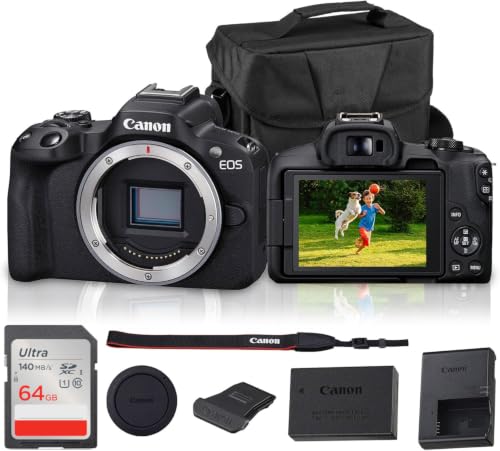


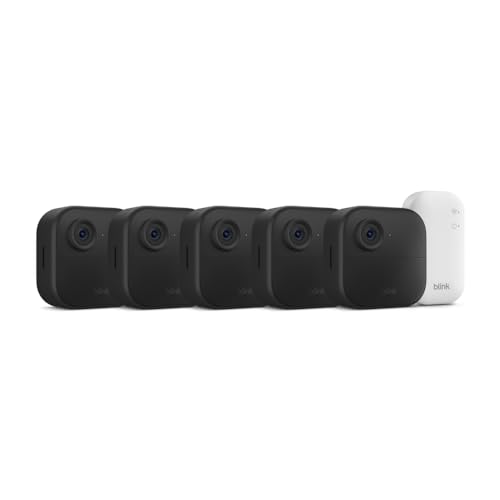
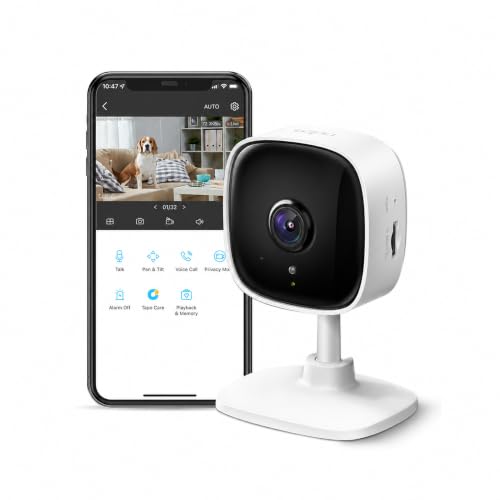

Types of Cameras Compared
Small business cameras split into two families that rarely overlap. Product photo and video cameras make the images that sell your goods, while security cameras watch the premises, and one camera rarely serves both classes well. Decide which family you are buying first, then compare types inside it using the summary table here. The best cameras for small business are simply the ones matched to the job you actually have.
| Type | Best For | Pros | Cons | Typical Price |
| Mirrorless cameras | Product photos and detailed listings | Lens choice and clean detail | Higher cost and a learning curve | about $600 to $1,500 |
| Vlogging cameras | Demos, tours, and talking head clips | Flip screen and microphone input | Stills are a secondary strength | about $400 to $800 |
| Point and shoot compacts | Quick photos and social posts | Fast, small, and simple | Weak in dim light | about $200 to $450 |
| Security cameras | Doors, counters, and stock rooms | Records around the clock | Not made for product photos | about $50 to $200 |
Mirrorless Cameras
For product photos, light and detail govern the result more than the camera badge. A mirrorless body with a kit zoom already resolves fabric weave, labels, and finishes, and a window lit corner with a plain backdrop does most of the work. Interchangeable lenses let you add a macro lens for jewelry or a wider lens for interiors later. This is the type to buy when photos sell the product, from online listings to printed menus.
Vlogging Cameras
Vlogging cameras are built for a person talking to the lens: a screen that flips to face you, a wide lens for small rooms, and a microphone input for clear speech. Product showcase modes that shift focus between a face and an item held up to the camera save editing time. Stills are competent but secondary, so treat this type as your video first tool for tours, updates, and demonstrations.
Point and Shoot Compacts
Point and shoot compacts are the grab and go option for quick listing photos, market stalls, and social posts. They start fast, fit in an apron pocket, and ask almost nothing of the user. The small sensor limits them in dim shops, and the fixed lens cannot grow with you. Owners who prize the smallest bodies can compare the best small cameras that still offer a proper screen and simple controls.
Security Cameras
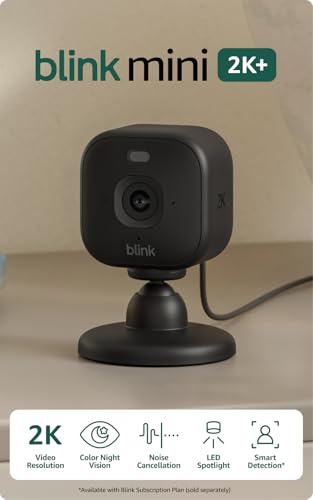
Security cameras watch doors, counters, and stock rooms, recording motion clips day and night. Stated plainly, a security camera records your shop; it prevents no loss by itself, and its value is the evidence and the early alert it gives you. Keep the account behind it safe with a strong password, two factor sign in where offered, and regular updates.
Our guides to the best surveillance cameras for small business and the best security cameras for small business compare placement and storage options in more depth. Check local rules before recording areas where staff or customers expect privacy.
Vlogging Cameras vs Point and Shoot Compacts: Which Should You Choose?
These two types overlap in price, so the choice comes down to how you publish. A vlogging camera starts a little slower but gives you a flip screen, a microphone input, and focus that follows a face, which suits demos and tours. A compact starts instantly, needs no setup, and hands any staff member a usable photo tool within minutes. Stills from the two look similar in good light, while the vlogging body pulls ahead after dark and on video.
Choose the compact for fast listings by several hands, and the vlogging camera when one person presents on screen most days.
How to Choose the Right Camera
Autofocus and Stabilization
For photo and video bodies, autofocus decides how many shots survive a busy day. Eye detection keeps a presenter sharp, product detection holds focus on an item lifted toward the lens, and steady tracking matters when you walk through the shop while filming. Stabilization in the body or lens smooths those walkthrough clips, though a small tripod still beats it for a fixed product corner. For security cameras, focus is fixed at the factory, so placement and angle do the work instead.
Video Capabilities
Video needs differ by trade. A bakery filming recipe clips wants 4K detail and a microphone input, a salon filming tours wants a wide lens and a flip screen, and a gym filming classes wants long recording times without overheating breaks. Check the recording limit at the quality you plan to use, since some bodies stop at about 30 minutes per clip. An output port for a larger monitor or a live stream is worth having if you sell through live sessions.
Features That Matter for Small Business
Plan the whole system, not just the camera. For photos, that means a tripod, a plain backdrop, and simple lights before a second lens. For security, it means mounts, cable or battery upkeep, and a recording plan, since cloud storage usually costs about $5 to $20 per month. Shoppers comparing coverage can start with our guide to the best security cameras for small businesses and then size the photo kit to the products they sell most.
Size, Mounting, and Placement
Measure before you buy. A product corner needs enough depth for the camera, the backdrop, and the lights, and a body that fits the shelf or counter where staff will actually keep it. Fixed security cameras work best where faces pass close, often near door height rather than in a high ceiling corner, and outdoor units need a weather rating that matches your climate. A camera that is easy to reach gets cleaned, charged, and used; one stored in a back room does not.
Sensor Size and Image Quality
On the photo side, sensor size follows a simple ladder: compacts use small sensors that are fine in bright light, APS C bodies add cleaner files in dim shops, and full frame bodies cost the most and gather the most light. Megapixels matter less than that ladder, because around 24 megapixels already covers large prints and heavy cropping. On the security side, judge the sensor by night performance and the clarity of faces at your door distance rather than by headline resolution.
Picking the Right Cameras for Different Uses
Best Video Cameras for Small Business
Video first bodies add clean 4K recording, a microphone input, and a screen that faces the presenter, which covers product demos, classes, and shop tours. Heat limits matter on long recordings, so check the listed recording time at your chosen quality. If your business sells through live sessions, reliable autofocus on faces matters more than the highest resolution setting.
Best Wireless Cameras for Small Business
Wireless models send video over the shop network, which suits rented spaces where drilling and cable runs are unwelcome. The trade offs are battery changes or solar panels for power, and a signal that weakens through thick walls. Our guide to the best wifi cameras for small business walks through those limits in detail. Use wireless for flexible spots and wired power wherever a camera must never sleep.
How to Make Your Camera Last Longer
Clean lenses with a lens cloth rather than a shirt, carry a spare battery for market days and events, and store photo bodies in a dry, padded bag away from kitchen steam and workshop dust. Security cameras last longer when you wipe outdoor domes every few months, apply firmware updates as they arrive, and check mounts after storms. A short monthly routine of charging, cleaning, and updating keeps both families ready without any special tools.
Cameras: Your Questions Answered
What features matter most in cameras for small business use?
For photos and video, a flip screen, a microphone input, and steady autofocus matter most; for security, night recording and reliable alerts lead the list. One cost buyers forget is storage: memory cards for a photo camera are a one time purchase, while cloud recording for security cameras is a monthly fee that runs for as long as the camera watches your shop.
Is a smartphone enough for a small business, or should I buy a camera?
A smartphone covers early listings and posts well, and many owners start there. A dedicated camera pays off when the phone is also the till, the diary, and the delivery line: a shared business camera keeps product files and security alerts off a personal device, and it stays charged and mounted where the work happens instead of leaving with one person.
Which camera type is better for small business product photos in low light?
A mirrorless camera with a larger sensor is better in low light, and a lens with a wide aperture helps as much as the body does. Before upgrading either, try moving the product corner near a window or adding a simple lamp. Better light often beats a bigger sensor, and a lamp costs about $40 to $100 instead of a new camera.
What specs matter most for a first time business camera buyer?
Start with the job: screen movement and a microphone input for video, lens choice for photos, and night recording for security. Then check that files move easily to the computer or phone you already use. A simple kit you understand will produce more usable images in the first month than a complex kit that stays in its box waiting for a free afternoon.
How much should a small business spend on its first camera?
Most owners land between about $250 and $800 for a first photo or video camera, or about $50 to $200 per security camera. Keep a slice of the budget for the extras that make the camera useful from day one: a tripod, a backdrop, simple lights, mounts, and memory cards together run about $75 to $200.
Can one camera handle both product photos and shop security?
Not well, because the two jobs happen at the same time in different places. A photo camera sits on a tripod in your shooting corner, while a security camera must stay fixed and recording at the door. Using one device for both means the other job stops whenever the camera moves, so most owners buy each family separately as the budget allows.
The Bottom Line
Start with the job, not the camera. Product images reward light and detail, video rewards a flip screen and clean audio, and security rewards a camera that simply keeps recording. Match the type in the product table above to the job you have this quarter, and add the second family later if you need it. Chosen that way, the best cameras for small business are the ones your team actually uses every week.

