
Best Business Cameras: A Checklist for 2026
Disclosure: We may earn a commission when you buy through links on this page, at no extra cost to you. As an Amazon Associate I earn from qualifying purchases. Learn more

Use a practical checklist to compare the best business cameras, covering entrances and tills, night images, storage days, recording rules, and price bands.
A business camera earns its keep on ordinary days rather than dramatic ones. It watches the door, the till and the stockroom so you can settle a dispute, check a delivery or confirm that a closing routine happened. The honest starting point is that the best business cameras for a shop or office are monitoring aids: they record what happens and can discourage casual theft, but they prevent nothing on their own. Clear signs telling staff and customers that recording is in place are part of a lawful setup, not an optional extra.
Price is the last thing to settle, because the building and the rules decide most of the purchase first. How long you may keep footage, where recording is allowed and whether sound may be captured all shape the system first. The checklist below works through coverage, image quality, recording rules and storage in that order, and the comparison table below gathers the main camera classes side by side.
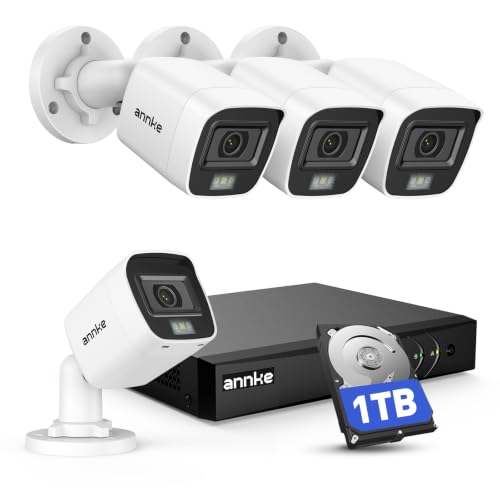
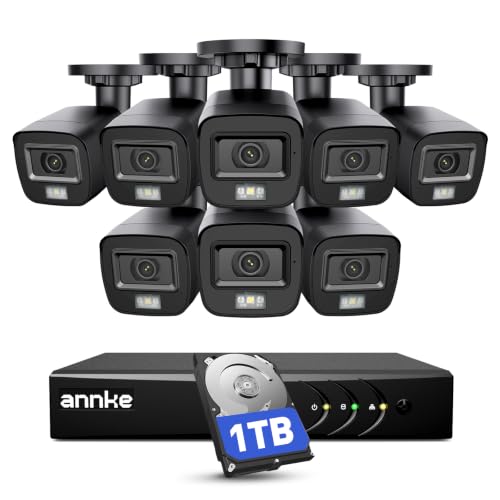
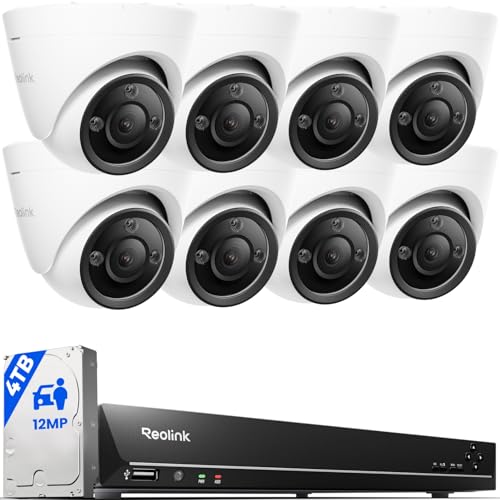


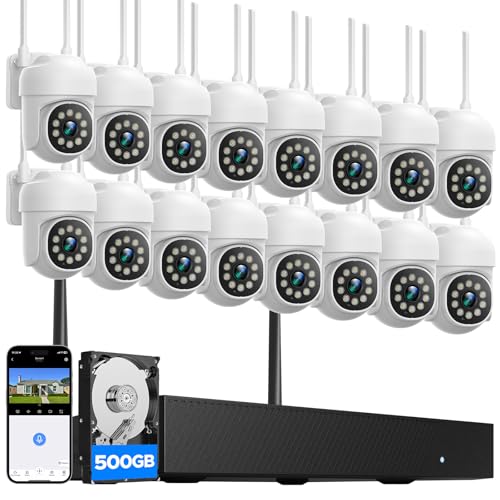
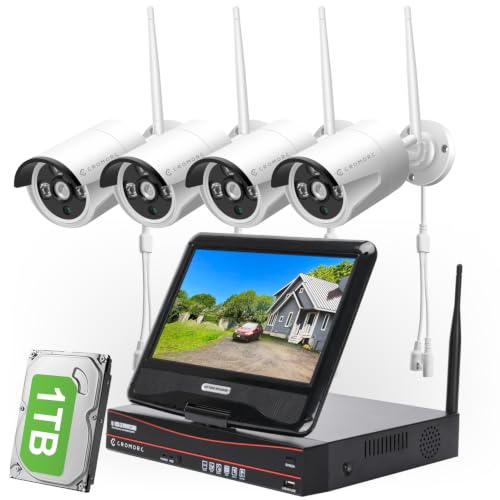


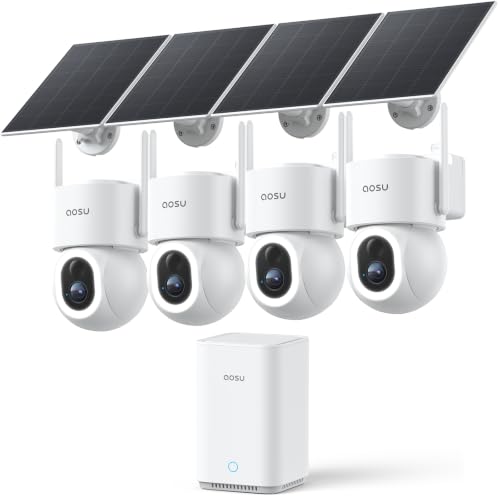
A Checklist for Judging Business Cameras
Treat each item below as a pass or fail question for your own premises. A camera that fails on coverage or storage will disappoint you no matter how sharp its sample picture looked.
Coverage Comes First: Entrances, Tills, and Yards
Start with a walk around your premises and list the zones that matter: every entrance, the till, the stockroom door, the loading bay and any yard or car park. Each zone needs a camera position with a clear view past shelving and signs. Wide views cover movement, while a narrower view at the door captures faces. Premises that need constant recording across several zones are usually comparing best business surveillance cameras, which build on this same checklist with a central recorder and far larger storage.
Recording Rules, Sound, and Retention
Read the rules before you read the prices. Recording law varies by place, and cameras must never cover restrooms, changing areas or anywhere people expect privacy. Set a retention period that matches how quickly incidents come to light, often a few weeks, and configure the system to overwrite older footage on schedule.
Sound is the sharpest risk: audio recording carries the strictest consent class in many places, and plenty of owners disable it entirely. A posted notice informs people, but it does not make an unlawful setup lawful.
Sensor Size and Honest Resolution
Megapixel counts are the weakest number on the box. A larger image sensor gathers more light per pixel, so it usually holds detail better in dim shop lighting than a small sensor with a higher headline count. Resolution still matters for identification distance: a face or a number plate needs enough pixels across it to stay readable. Treat very high resolution classes as a storage cost as much as a benefit, because every extra pixel is stored.
Low Light and Night Performance
Most incidents a business cares about happen in poor light, so judge a camera by its night picture. Infrared classes quote a range figure, but usable detail fades well before that distance, and bright signs or headlights can wash out the frame. Colour night view classes need some ambient light to work and fall back to grey images in true darkness. Ask to see sample footage from a similar setting before you buy.
Lens and Field of View
The lens decides what the sensor is given to work with. A fixed wide lens covers a whole room or aisle from one corner, but faces shrink quickly with distance, so it records activity rather than identity. A varifocal class lets the fitter narrow the view onto a till or door during installation.
A powered zoom class suits yards and car parks where staff need to inspect a distant corner on demand. Match the lens to the zone rather than buying the widest view available.
Weather Sealing and Housing
Outdoor positions punish indoor equipment. Look for a housing rated for rain and dust exposure, and check the stated temperature range against your coldest and hottest weeks. At reachable heights, choose a tougher housing that resists knocks and casual tampering.
Condensation is the quiet failure: a camera that fogs on cold mornings records nothing useful until it clears. Indoor cameras in kitchens or workshops may also need protection from steam, flour dust or grease.
Power and Connection Options
Wired cameras powered over the network cable are the stable default for fixed positions, since one cable carries both power and picture. Where cabling is impractical, best wireless cameras for business trade simpler fitting for battery charging duties and a heavier dependence on your router. Networked wired systems, covered in guides to best ip cameras for business, record to a central recorder even when the internet drops. Change every default password and turn on two factor sign in before the system goes live.
What Each Price Band Buys
Bands below are per camera unless a kit is mentioned; fitting and storage cost extra. The product table above shows how the classes compare on the features that matter most.
Entry Band: One or Two Positions
At about $40 to $120 per camera you get fixed lens models with app viewing and recording to a memory card. This band suits a single entrance, a small office or one till area. Expect limited night range and no central recorder, so footage lives on the camera itself. It is a sensible first step for a business that mainly needs to check events after they happen.
Midrange Band: Recorders and Wider Coverage
At about $150 to $400 per camera, or about $400 to $900 for a small recorder kit, you gain varifocal lenses, stronger night performance and central storage that survives a stolen camera. This is the band most shops, cafés and small warehouses should plan around. Retention of several weeks becomes realistic, and remote viewing is usually included. Budget for the recorder and its hard drive as part of the system price.
Premium Band: Large Premises and Long Retention
At about $400 and up per camera, spending buys wider coverage per position, powered zoom, tougher housings and recorders that hold months of footage. Large sites also pay for installation and cabling runs. The picture gain over the midrange band is modest; what you are really buying is coverage, durability and retention. Premium classes make sense where a single missed incident would cost more than the system.
Quick Buyer Checklist
- Can you name every entrance, till and yard zone the system must cover?
- Do you know how many days of footage you need to keep, in writing?
- Have you checked whether recording sound is allowed where you operate?
- Does each camera position have power and a mounting point with a clear view?
- Will recording continue if the internet connection fails?
- Have you budgeted for storage and fitting, not only for cameras?
- Do signs tell staff and customers that recording is in place?
Red Flags to Watch For
- Resolution claims with no sensor size, lens or night range stated anywhere.
- Storage promises with no retention figure, so you cannot tell how many days are kept.
- Cameras that record only to one paid cloud plan, with no local storage option at all.
- A warranty shorter than a year on equipment that must run day and night.
- Marketing that promises the system will stop theft, rather than record and discourage it.
Choosing Business Cameras for Your Situation
Most buyers are covering a handful of zones with a limited budget and no dedicated staff. One naming trap is worth clearing up first: a camera bought to shoot products and portraits for a shop is a creative tool, and guides to best cameras for photography business cover that separate class. Everything below is about premises monitoring only.
Best Small Business Cameras
Small premises win by covering fewer zones properly rather than many zones badly. Two or three well placed cameras, a recorder or generous card storage, and a clear retention setting beat a large kit of weak cameras. Guides to best cameras for small business focus on this scale, where simple app access and low running costs matter more than powered zoom. Keep one camera on the entrance with a narrow view, since that position produces the footage you will use most.
Getting More From the Cameras You Own
Clean each lens with a soft cloth every few months, because dust and cooking grease soften the picture long before the camera fails. After fitting, stand in each zone after dark and check the live view, since night framing surprises most owners. Review the retention setting monthly to confirm old footage is being overwritten as planned, and update the recorder software when prompted.
Frequently Asked Questions
How much should a business spend on its first camera system?
Budget by zone rather than by camera count, because each entrance or till you cover needs a position, storage and fitting. A small shop often lands in the midrange band once the recorder and drive are included. The common mistake is spending everything on cameras and nothing on storage, leaving days of footage instead of weeks. Keep a little back for signs, cabling and a spare camera.
Can a business rely on a smartphone instead of a dedicated camera?
A smartphone works for a one off check, such as confirming a delivery arrived, but it cannot watch a premises around the clock. The phone leaves with its owner, its battery drains within hours of continuous recording, and it stops filming the moment it is used for anything else. Dedicated cameras also keep recording when nobody is on site, which is when most businesses need the footage.
Do business cameras keep recording when the internet goes down?
Systems that record to a local recorder or a memory card keep recording during an outage, and you simply lose remote viewing until the connection returns. Cloud only classes may pause or discard footage while they cannot upload. Test the behaviour once after installation by unplugging the router for an hour. For most shops, local recording with remote viewing as a bonus is the safer arrangement.
How long should a business keep its camera footage?
Keep footage long enough to cover how slowly incidents surface, which for many businesses is two to four weeks. A till dispute or a damaged delivery is often reported days after the event, so very short retention deletes the evidence before anyone asks for it. Keeping footage far beyond your stated policy creates its own obligations, so set a period and let the system overwrite on schedule.
Is recording sound on business cameras a good idea?
For most businesses, no, because audio sits in the strictest consent class and the rules differ sharply between places. Video of a shop floor is widely accepted when signs are posted, while recording conversations can be unlawful even on your own premises. Many owners disable sound at installation and never miss it, since disputes are usually settled by what the picture shows. If you believe you need audio, take local advice before switching it on.
Final Thoughts
Work the checklist in order: cover the zones that matter, settle the recording rules and retention, then compare sensor, lens and night performance before looking at price bands. A modest system that records reliably for weeks beats a sharp one that overwrites its footage by Friday. Compare the classes in the product table above against your own zone list, and the best business cameras for your premises will be the ones that pass every line of that checklist.

