Best Cameras for Online Teaching: Every Type Explained Side by Side for 2026
Disclosure: We may earn a commission when you buy through links on this page, at no extra cost to you. As an Amazon Associate I earn from qualifying purchases. Learn more
Compare the best cameras for online teaching by type, picture, sound and setup, from simple webcams to mirrorless bodies, so students see and hear you clearly.
Students judge a lesson by how well they can see and hear you, so the best cameras for online teaching are the ones that keep your face sharp, your voice clear and your setup simple enough to run every class. A teacher at a desk, a tutor with a whiteboard and an instructor filming a demonstration need different lenses, microphones and mounts. This guide sorts the main camera types by those teaching jobs first, then explains the features that matter and the mistakes that waste money.
Use the product table above to compare current models, and use the sections below to decide which type suits your room, your lessons and your budget.






Camera Types for Online Teaching Compared
Four types cover almost every teaching setup. The table gives the short version, and the notes after it explain the trade offs.
| Type | Best For | Pros | Cons | Typical Price |
|---|---|---|---|---|
| USB webcam | Desk lessons and live classes | Plug and play, built in microphone, small | Small sensor, limited low light quality | about $30 to $200 |
| Tracking webcam | Teachers who move or use a board | Follows you, wide framing, gesture control | Costs more, software adds settings | about $120 to $300 |
| Compact vlogging camera | Polished lessons and recorded courses | Larger sensor, flip screen, strong autofocus | Needs USB webcam mode or a capture device | about $450 to $900 |
| Mirrorless camera | Studio style teaching and demonstrations | Best picture, changeable lenses, clean output | Highest cost, more cables and setup | about $600 to $1,500 |
USB Webcams
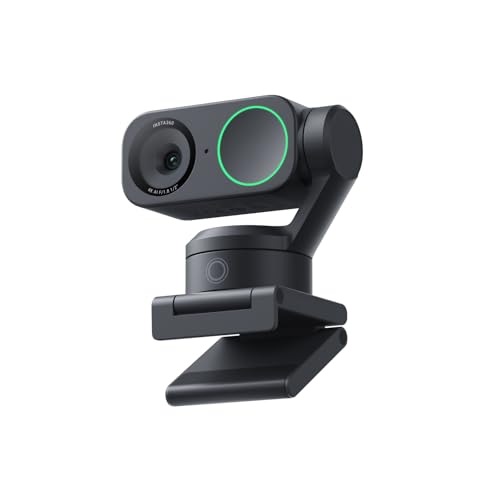
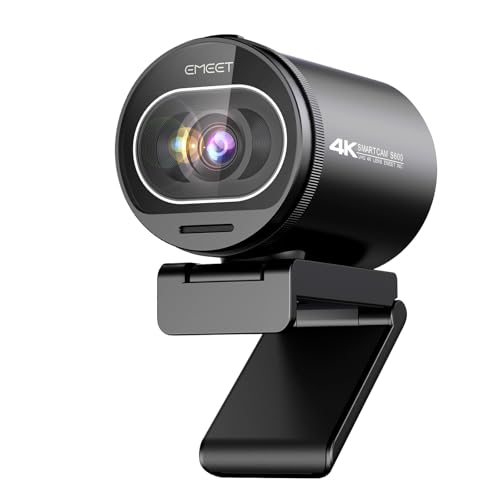
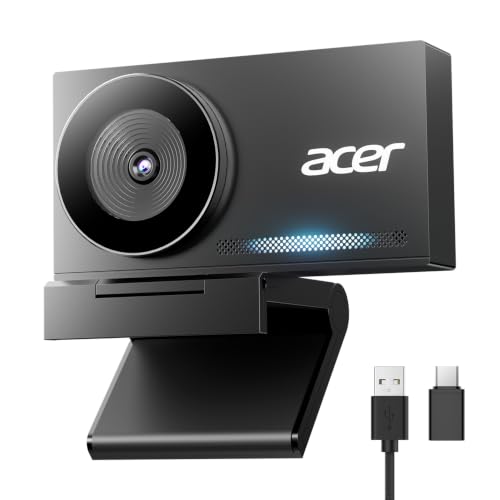
A webcam clips to your monitor, connects by USB and works with video call and learning platform software without extra gear. It is the right choice for most teachers because setup takes minutes and nothing can go wrong with settings mid class. The limits are a small sensor and basic lens, which show up as grain in a dim room. A lamp aimed at your face fixes more than a price jump does.
Tracking Webcams
Tracking models turn to follow you as you walk to a board, hold up a book or lean over a desk demonstration. They suit teachers who do not stay in one seat, and many offer framing presets and gesture control. Check that the tracking can be switched off or limited, because a camera that chases every small movement distracts students.
Compact Vlogging Cameras
A compact camera with a larger sensor gives smoother skin tones and a softer background than a webcam, and the flip screen lets you check framing alone. Many offer a webcam mode over USB, which turns them into a camera for live lessons. They suit instructors who also record video courses and want one device for both jobs.
Mirrorless Cameras
A mirrorless body with a good lens gives the cleanest picture and the most control, which matters for art, cooking, science and music lessons where students must see detail. Expect a longer setup: a stand, a power plan so the battery cannot die mid lesson, and often a capture device or webcam utility to reach your computer.
Who Should Buy Which Camera for Online Teaching?
Choose by the lesson you teach most often, not by the most impressive spec sheet.
Teachers Who Sit at a Desk
You share slides, talk to the screen and sit about 2 to 3 feet from the lens. A good webcam with fast autofocus and a field of view that frames your head and shoulders is enough. Spend the rest of the budget on a microphone and a desk lamp.
Teachers Who Use a Whiteboard or Move Around
You stand, write and walk, so the camera must cover a wider area. A wide angle webcam or a tracking model on a small tripod works better than a desk clip. Place it so the board is readable and your face is not lost in glare from a window or ceiling light.
Tutors and Instructors Teaching Hands On Skills
Music, crafts, cooking and lab demonstrations need a camera that shows detail on a table or instrument. A second camera pointed downward, or a compact camera on an arm, lets students see your hands while the main camera shows your face. Close focus and steady autofocus matter more here than resolution.
Key Features to Compare
Compare the best cameras for online teaching in this order, so a low price cannot hide a weak point students notice immediately.
Picture Quality and Resolution
Most learning platforms send 720p or 1080p video, so a sharp 1080p picture covers nearly every live class. Higher resolution helps when you record lessons or zoom into a document, but it will not make a live stream look better if the platform lowers the quality anyway. Judge the picture in your own room light, not in the product photos.
Autofocus and Low Light Handling
Autofocus decides whether students see your eyes or a blur when you hold up a page. Face detection that stays locked as you lean in is worth more than a high resolution number. For low light, a larger sensor and a wider lens opening help, but a lamp placed in front of you still gives the biggest improvement for the lowest cost.
Field of View and Framing
A narrower view around 65 to 80 degrees frames one person at a desk and hides a messy room. A wider view suits a board or two people sharing one screen. Software framing and digital zoom crop the picture, so detail drops as you zoom in.
Audio and Microphone Options
Students forgive a soft picture before they forgive poor sound. Built in microphones pick up room echo and keyboard noise, so a separate USB or clip on microphone close to your mouth usually sounds better. Cameras with a microphone input give you that upgrade path.
Connection, Software and Mounting
Confirm that the camera works with the platform you teach on without a driver you cannot install on a school laptop. A tripod thread or a monitor clip that fits a thin screen saves a return. For long days, choose a camera that runs on continuous power and does not overheat.
Common Mistakes to Avoid
- Buying for 4K alone, when the platform sends a smaller picture and the room light is the real problem.
- Sitting with a bright window behind you, which turns your face into a dark shape on any camera.
- Placing the lens below eye level, which looks unflattering and tires students over a long class.
- Relying on the built in microphone in an echoing room instead of a close microphone.
- Letting tracking follow every small gesture, so the picture drifts while you write.
- Skipping a trial class before the first live lesson, so problems appear in front of students.
Setup and Care Tips
Raise the camera to eye level, light your face from the front and keep the background plain. Record a short trial lesson with the same app and microphone you will use, then watch it back for focus, sound and glare. Wipe the lens with a soft cloth, never a shirt, and unplug or cover the camera when you are not teaching.
If you are still choosing a laptop to pair with the camera, see our guide to the best laptops for online teaching. For the wider camera category, see our guide to the best digital cameras.
FAQ
What features matter most in cameras for online teaching?
Reliable autofocus, clear sound and good performance in ordinary room light matter most. A sharp 1080p picture is enough for nearly every live class. After those, check the field of view, because it decides whether students see you or your whole room.
Is a smartphone enough instead of a dedicated camera?
A recent phone gives a strong picture for occasional lessons, and it is a good way to test your lighting. The drawbacks are tying up your phone during class, battery drain and interruptions from calls. A webcam or camera on a stand is steadier for daily teaching.
Do I need a 4K camera for teaching online?
Usually not. Most platforms send a smaller picture than 4K, so extra resolution mostly helps when you record lessons or crop in on a document. Put the money into lighting and a microphone first.
How should I position the camera for a lesson?
Set the lens at eye level, about an arm and a half away, with your eyes in the upper third of the picture. Light should come from in front of you. If you teach at a board, step back and check that the writing is readable in a test recording.
How much should I spend on a camera for online teaching?
Most teachers do well between about $50 and $200 for a webcam or tracking webcam. Spend more only if you record polished courses or demonstrate crafts and experiments. Keep about $50 aside for a microphone and a stand.
Final Thoughts
Match the camera to your lesson, then check autofocus, field of view and sound before price. Use the product table above to compare current options, and fix your light before you upgrade the camera. Chosen this way, the best cameras for online teaching keep students focused on the lesson instead of on your setup.