
Best Cameras for Nursing Home Rooms: A Buying Guide for 2026
Disclosure: We may earn a commission when you buy through links on this page, at no extra cost to you. As an Amazon Associate I earn from qualifying purchases. Learn more

Compare the best cameras for nursing home rooms by consent rules, facility policy, privacy controls, night view, talk features, storage, and price.
Choosing a camera for a care facility room is a legal and family decision before it is a shopping decision. The best cameras for nursing home rooms are the ones the resident has agreed to, the facility allows, and the family can view responsibly, and the comparison table below is only worth using once those three tests are met. This guide starts with consent and facility policy, then covers the features that matter.
A care room camera is a check in aid. It can show you that a parent is resting or receiving a visitor, and it can save a recording for later review. It cannot prevent a fall or replace the staff who provide the actual care.

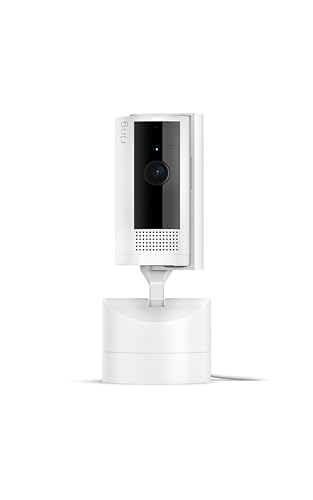
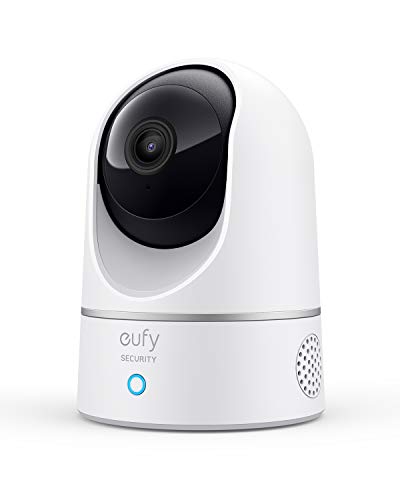
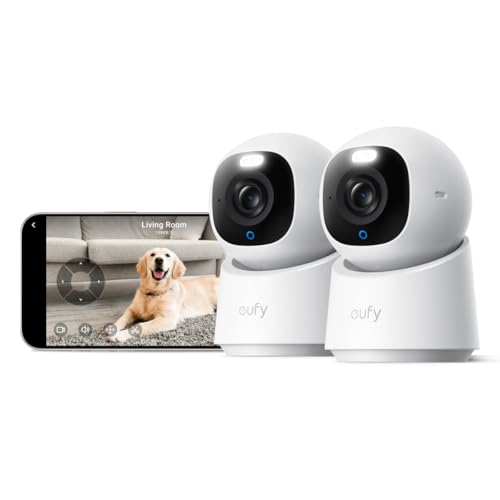

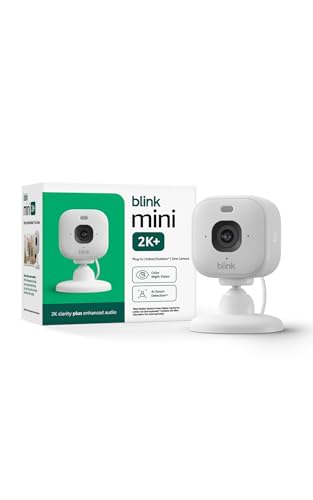


Before Any Camera: Consent, Permission, and the Law
A camera in a care room records a vulnerable adult, often during dressing and medical visits. The resident's own consent comes first: a resident who is able to decide must agree freely, and where a resident cannot consent, a legal representative such as an agent under a power of attorney must decide in the resident's interest. The facility's written policy also governs, and many facilities require a signed agreement and approval of the placement before anything is plugged in.
Only disclosed use is defensible use. Staff, visitors, and any roommate must know the camera is there, and some states limit or ban audio recording even when video is allowed. Guides answering searches for best hidden cameras for nursing home exist, but a concealed camera in a care room is not a lawful shortcut: if the resident and the facility have not agreed to it openly, do not install it.
Keep the purpose narrow and write it down. Families usually install a camera to check in after a fall, to include a distant relative in a care meeting, or to confirm that visits happen. A camera agreed for one purpose should not quietly become constant watching, and family viewing never replaces the facility's own care and incident reporting.
Who Should Buy Which Camera?
Families Whose Loved One Can Consent and Wants Video Check Ins
Start with a simple fixed camera and two way talk, so the resident can speak back freely. A large, easy app matters more than a long feature list, because both sides use it daily.
Legal Representatives Coordinating With the Facility
Your purchase follows the paperwork, so favor cameras with named viewer accounts, access logs, and a physical privacy shutter. These controls show the facility exactly who can watch and when the lens is closed.
Families Sharing a Room With a Roommate
Choose a narrow view camera that can be aimed only at your loved one's bed and chair, and avoid models built around constant panning. The roommate, or the roommate's representative, must agree as well, and note that agreement in the facility paperwork.
How to Choose the Best Cameras: Buying Guide
Once consent and permission are settled, compare the best cameras for nursing home rooms on the controls below, because in a care room the settings matter more than the sensor.
Two Way Talk and Sound Rules
Two way talk lets a resident speak with family without holding a phone, which is the feature most families actually use. Audio recording is the most restricted part of any setup, and many facilities require the microphone to stay off. Choose a camera whose microphone can be disabled in its settings.
Night View and Room Lighting
Care rooms are dim at night, so a camera needs gentle infrared for the dark hours and enough range for daylight glare. A night view reach of about 15 to 30 feet is plenty for a small room. Prefer infrared without a bright ring of lights, which can disturb a sleeping resident.
Privacy Controls and Shutoff Options
A physical shutter or a lens cover is the strongest privacy feature in this category, because anyone in the room can see when it is closed. Scheduled privacy hours help during bathing and dressing assistance. An indicator light that stays on while viewing is also valuable, since the resident should always know when someone is watching.
Storage, Accounts, and Who Can Watch
Recordings can live on a memory card in the camera or in a paid cloud account, and facilities sometimes limit which one is acceptable. One account owner should control the viewer list, every viewer should sign in with their own login, and two step sign in should be turned on. Cloud plans usually run about $3 to $10 per month.
A Care Room Is Not a Spare Bedroom
Shoppers often start with best home cameras for security, but a home security camera assumes the owner controls the space, which a care resident does not. Guides to the best home surveillance cameras focus on watching property, while a care room camera watches over a person who keeps full privacy rights. A roundup of the best home cameras can still help you compare apps and picture quality. Even a full best home cameras system built for a house does not transfer to a facility room, where one camera, one consenting resident, and one written agreement are the whole setup.
Types of Cameras for Care Rooms
Fixed Wide Angle Cameras
A fixed camera sits on a shelf and covers the bed and door without moving. Nothing about it can be steered remotely, which is exactly why many facilities prefer it for residents who want predictable, limited coverage.
Pan and Tilt Cameras
A pan and tilt camera can turn to follow movement or check a corner on request. That movement can also point it toward a roommate or into the hallway, so many facilities restrict this type or require the movement locked, so ask before you buy one.
Cameras With a Physical Privacy Shutter
These cameras close a real shutter over the lens on a schedule or at the press of a button the resident can reach. The closed shutter is visible proof that nothing is being recorded, and it gives the clearest privacy signal in rooms where care tasks happen often.
What Care Room Cameras Cost
Basic fixed cameras run about $30 to $60 and cover check ins and card storage. The middle band, about $60 to $120, adds clearer night view, two way talk, and better privacy settings. Higher priced cameras, about $120 to $250, add stronger account controls and longer cloud history. Spend on controls before resolution, because the facility agreement will ask about controls first.
Common Mistakes to Avoid
- Installing the camera before asking the facility, so it is removed and the family starts over.
- Leaving audio recording on where facility rules or state law ban it, which can end the whole arrangement.
- Aiming the camera at a roommate's bed or toward the bathroom door, which violates the roommate's privacy.
- Sharing one login with the entire family, so nobody knows who watched or changed a setting.
- Treating a quiet feed as proof of good care, or a single clip as proof of bad care, without talking to staff.
- Forgetting to revisit consent after a room change, a new roommate, or a change in the resident's condition.
Care and Maintenance Tips
- Wipe the lens gently with a soft cloth about once a month, because dust softens night pictures first.
- Check the camera's position after cleaning days, since shelf cameras get bumped off aim.
- Update the app and the camera software when prompted, and change the password when a viewer no longer needs access.
- Review the viewer list every few months and remove anyone whose role has changed.
- Reconfirm consent and facility approval whenever the room, the roommate, or the resident's health changes.
Questions Answered About Care Room Cameras
Are cameras legally allowed in nursing home rooms?
It depends on the state and the facility, so there is no single national rule. Some states have laws that expressly allow a camera in a resident's own room when consent and notice rules are followed, while others leave it to facility policy and general privacy law. Ask the facility for its policy in writing before you buy anything. If the answer is unclear, an elder law attorney in your state can explain the local rules.
Can a care room camera record audio?
Audio is the most restricted part of any care room setup, and many families switch it off. Some states require the consent of everyone recorded before sound can be captured, and care staff have not agreed to be recorded just by entering the room. Many facilities allow video check ins but require the microphone to stay disabled. Pick a camera that lets you disable audio in its settings, and confirm the rule with the facility first.
What if my loved one shares the room with a roommate?
The roommate, or the roommate's legal representative, must agree before any camera is installed. Aim the camera narrowly at your loved one's bed and chair, and use privacy masking where the camera offers it, so the other side of the room stays out of view. If the roommate refuses, respect that answer. Scheduled video calls on a facility tablet are the usual alternative.
Who should have access to the care room camera feed?
Keep the viewer list short and named: the account owner plus the specific relatives who genuinely check in. Give each person their own login rather than one shared password, and turn on two step sign in. Staff should not be given the family login. Review the list after any family change, and remove access promptly when someone no longer needs it.
What can a family do if the facility refuses a camera?
Ask for the refusal in writing, along with the policy behind it, because a clear reason sometimes reveals a fixable problem such as placement or audio. Then request alternatives, like scheduled video calls or a care meeting with relatives joining remotely. If you believe the refusal is hiding a care problem, contact the long term care ombudsman program in your state. Their help is free.
Wrapping Up
Permission comes first and features come second. Consent from the resident, written facility approval, and openly disclosed placement matter more than any specification, and after that, sound rules, privacy controls, and a short viewer list separate the sensible models. Compare the finalists in the product table above, and choose the best cameras for nursing home rooms your family can run openly, lawfully, and kindly.

