
Best Cameras for High Quality Videos by Budget: Smart Choices for 2026
Disclosure: We may earn a commission when you buy through links on this page, at no extra cost to you. As an Amazon Associate I earn from qualifying purchases. Learn more

Compare cameras for high quality videos by budget, with clear guidance on sensors, 4K detail, autofocus, audio inputs, lenses and long term costs.
Camera prices for serious video work run from a few hundred dollars to several thousand. The best cameras for high quality videos match your budget to clean detail, steady focus and usable sound. This guide shows where extra money actually improves your footage, so you can read the comparison table below with a clear plan.
Start with how you shoot most often. A solo creator at a desk needs different tools than a parent recording school events or a freelancer on client work.
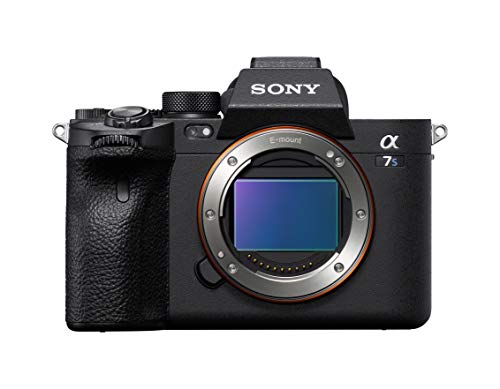


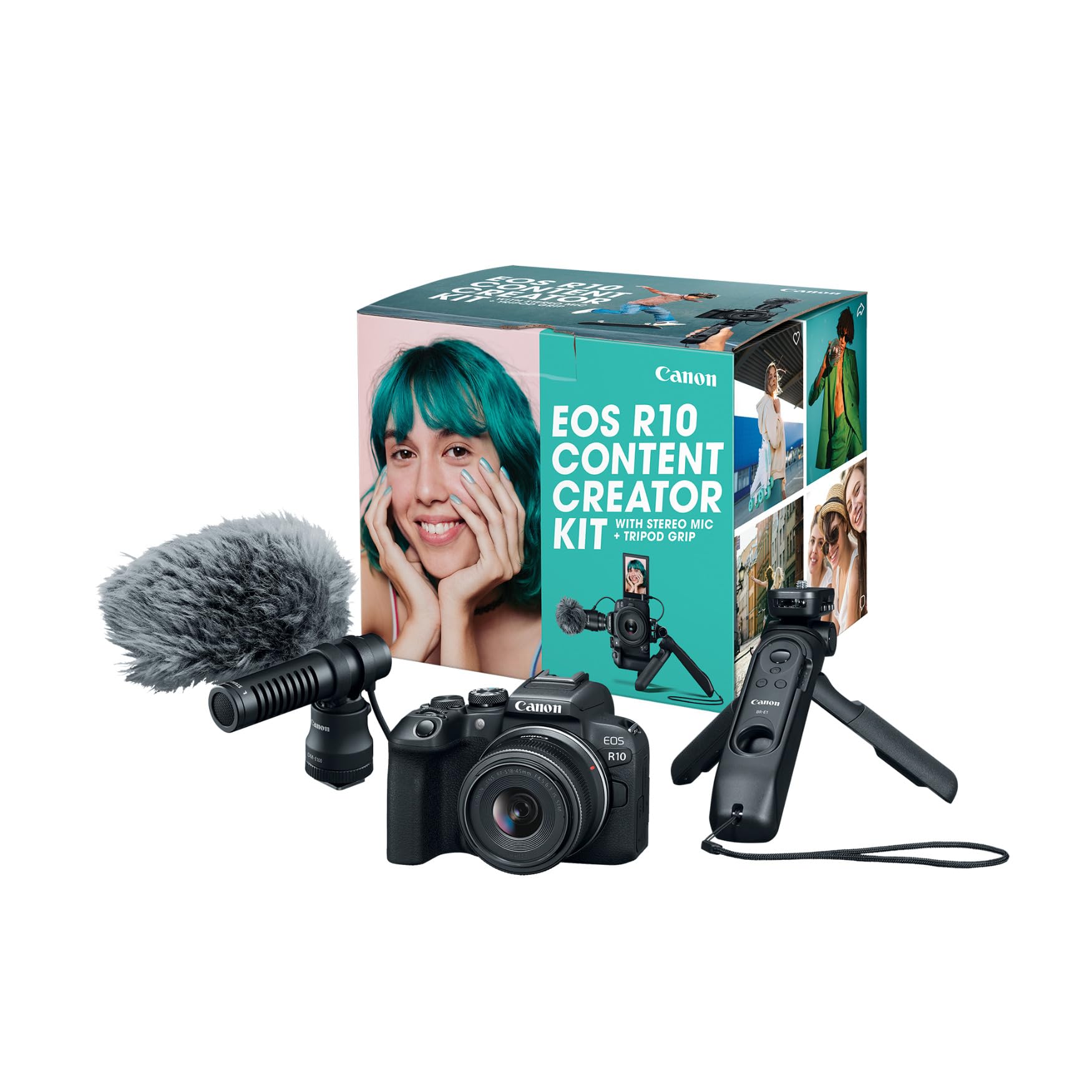
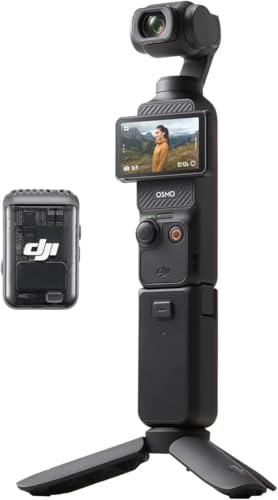


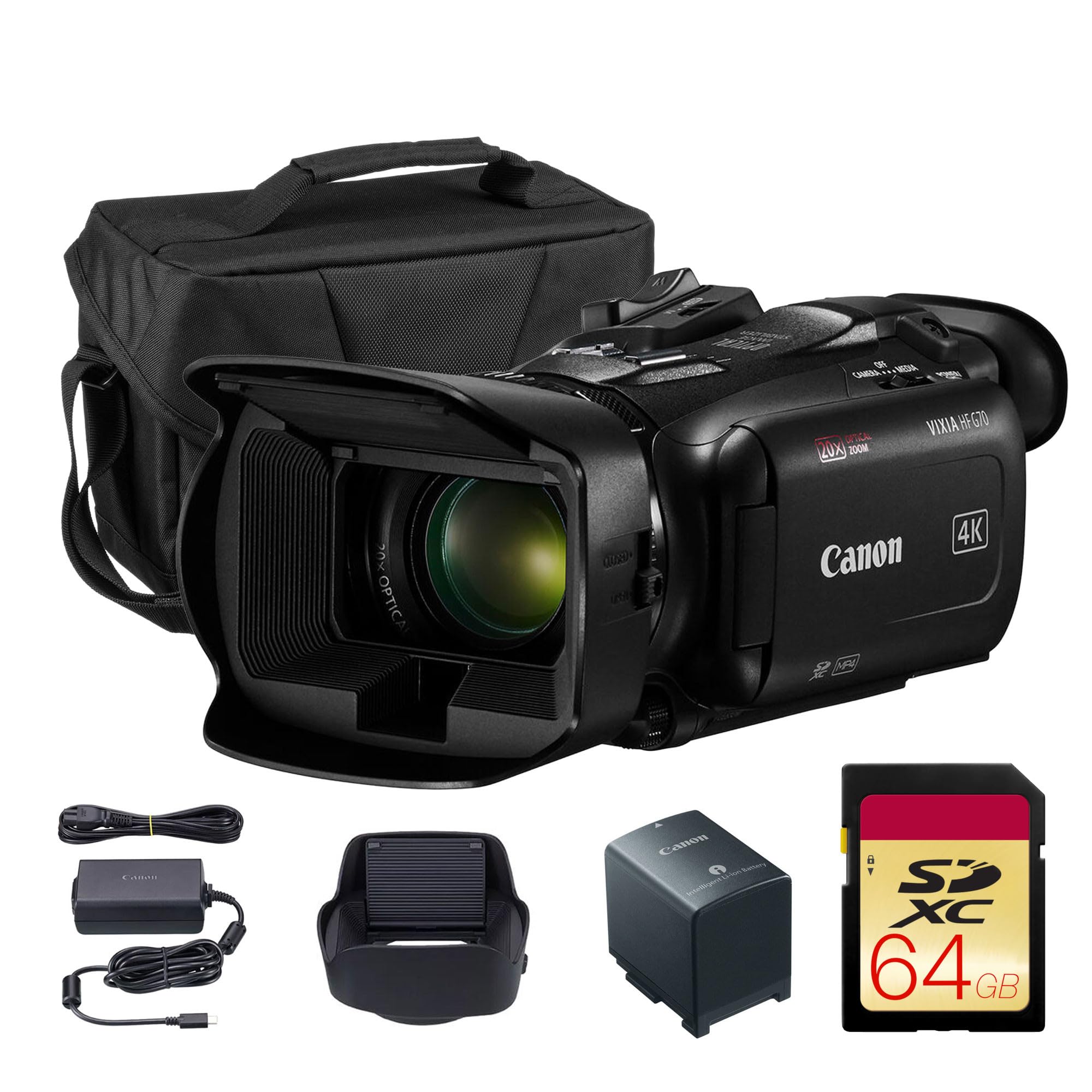
Who Should Buy a Camera Built for High Quality Video?
Pick the group closest to your weekly routine, then judge every feature and price tier through that lens.
Solo Creators Filming at a Desk or in a Small Room
You film yourself, often alone, and cannot check focus while you record. Look for reliable face and eye autofocus, a screen that flips forward so you can frame yourself, and a microphone input for clear voice audio. Compact mirrorless cameras and dedicated vlogging cameras suit this work well.
Families and Travel Shooters Ready to Move Past a Phone
You want cleaner indoor footage, better zoom reach and steadier handheld clips without a large kit. Prioritize image stabilization, simple auto modes that track moving kids, and optical zoom if you choose a fixed lens model. Weight matters, because a camera left at home records nothing.
Freelancers and Event Shooters Paid for Reliable Footage
Your footage must hold up on a large screen and in an edit, often under mixed or dim light. You need a larger sensor, flexible recording formats, dual card slots for instant backup and a headphone jack to confirm audio while you work. Budget for spare batteries and fast cards from the start.
Key Features to Compare
Compare these factors in order. The first three shape the image, while the rest shape how reliably you capture it.
Sensor Size and Low Light Image Quality
A 1 inch sensor, common in compact models, handles daylight well and keeps the body small. APS C sensors gather more light, giving cleaner footage indoors and at dusk with less visible noise. Full frame sensors gather the most light and allow a shallower depth of field. Megapixel count matters far less, since 4K uses about 8 megapixels per frame.
Resolution, Frame Rates and Recording Formats
Treat 4K at 30 frames per second as the baseline, since it looks sharp on large screens and still edits smoothly on a modest computer. Recording at 60 frames per second helps if you slow down action, but it creates larger files and can raise heat. Log profiles record flatter color with more room to grade, at the cost of extra work on every clip.
Autofocus That Tracks People and Eyes
Good video autofocus holds a moving subject without hunting, and that steadiness is what separates the best cameras for high quality videos from models that only look strong on paper. Look for face and eye detection that works in video mode, plus touch tracking. Tracking can be weaker at the highest frame rates, so check the settings you will actually use.
Image Stabilization for Handheld Shooting
Image stabilization smooths the small shakes your hands add to handheld clips. In body stabilization moves the sensor and works with almost any lens, while lens stabilization is built into certain lenses and can be stronger at long zoom settings. Electronic stabilization adds further smoothing but usually crops the frame slightly, so leave extra room around your subject.
Audio Inputs, Monitoring and the Flip Screen
Viewers forgive soft footage sooner than bad sound, so audio deserves real budget. A 3.5 mm microphone input lets you add a shotgun or wireless microphone, which improves voice clarity more than any camera setting. A headphone jack lets you hear problems during recording. For solo work, a fully flipping screen lets you check framing and focus from in front of the camera.
Battery Life, Heat and Charging on the Move
Video drains batteries far faster than still photos, and many cameras record for about 60 to 120 minutes per charge depending on resolution and screen use. USB C charging lets you top up from a power bank between sessions. Heat is the hidden limit, since some compact bodies stop recording sooner in warm rooms.
How Each Price Tier Improves Your Footage
Price tiers differ less in resolution and more in light gathering, reliability and control.
Around $500 to $800: Clean 4K for Posting and Family Use
Bodies here, often with a 1 inch sensor or an entry APS C sensor, deliver sharp daylight 4K and simple auto controls. Expect a single card slot and sometimes no headphone jack. Trade offs show up indoors and in long sessions, where heat limits appear sooner. Our guide to the best cameras for video covers the wider entry level field.
About $900 to $1,800: The Working Range for Most Creators
This range brings APS C and some full frame bodies with stronger autofocus, better stabilization, log recording and both microphone and headphone ports. Footage stays cleaner at higher ISO settings, so indoor and evening work looks far more polished. Most regular creators stop needing more here. For stills strength alongside video, see our guide to the best high quality cameras.
About $2,000 to $3,500 and Above: Headroom for Paid Work
Premium bodies, mostly full frame, add the cleanest low light footage, wider dynamic range, dual card slots and stronger weather sealing. Higher bit rate formats give editors more to work with, and recording limits tend to be longer. The trade off is total system cost, since the lenses these bodies deserve are larger and pricier.
Lens and Storage Costs After You Buy the Body
The body is only the first purchase. Lenses often cost about $200 to $1,000 each, and fast memory cards, spare batteries, a microphone, a basic tripod and extra storage for large 4K files can add about $300 to $800 in the first year. Our guide to the best cameras for video blogging shows which extras solo creators tend to buy first.
Count these costs before choosing a tier, because a midrange body with a good lens and microphone almost always beats a premium body left with only a basic kit lens.
Common Mistakes to Avoid
These errors waste budget or quietly lower footage quality.
- Buying on megapixel count alone leaves you with a small sensor that turns noisy in indoor light.
- Skipping the microphone input locks you into thin built in audio that viewers notice within seconds.
- Using the highest frame rate for every clip fills cards fast and adds editing time for no visible gain.
- Ignoring recording time limits means a long ceremony or talk can stop mid sentence without warning.
- Spending the whole budget on the body leaves nothing for the lens, light and sound gear.
- Forgetting card speed ratings causes dropped frames when the camera cannot write data fast enough.
Care and Maintenance for Video Cameras
Keep the lens and sensor clean, because dust that is invisible in a still photo can sit in one spot through an entire video. Use a hand blower first, store the body with a cap on, and change lenses with the mount facing down. Let a weatherproof camera dry fully before sealing it in a bag.
Store batteries partly charged if they will sit for weeks, and format cards in the camera only after footage is backed up in two places. For rough mounted shooting, see our guide to the best action video cameras instead of forcing a mirrorless body into that role.
FAQ
What features matter most in cameras for high quality videos on a limited budget?
Sensor size, autofocus and a microphone input matter most, in that order. A larger sensor improves every clip, while reliable tracking saves takes you would otherwise delete. One point buyers miss is screen type, since a fixed screen makes solo framing guesswork.
Is a smartphone enough instead of a camera for high quality videos?
A current smartphone is enough for casual clips in good light, and its automatic processing is hard to beat for speed. A dedicated camera pulls ahead indoors, at longer zoom ranges and when you need separate audio. A grip and physical dials also make long sessions less tiring than a thin phone.
What specs should beginners check first in a camera for high quality videos?
Beginners should check 4K recording, face tracking autofocus and a microphone input first. Those three decide whether early footage looks and sounds acceptable while you learn. Also confirm USB C charging, because a power bank can rescue a shoot when you own no spare batteries yet.
Which camera sensor is better for low light video?
A full frame sensor is better for low light video because its larger surface gathers more light at the same settings. APS C still performs well in most rooms. A lens with a wide maximum aperture, such as f/1.8 or f/2.8, often improves a dim scene more than a body upgrade, and it costs less.
When does high speed recording matter in a camera for high quality videos?
High frame rate recording matters when you want smooth slow motion of sports, splashing water, pets or product shots. Recording at 120 frames per second and playing back at 30 gives quarter speed playback. Many cameras lower resolution or crop the frame at their fastest settings, so check the mode you plan to use. Our guide to the best high speed video cameras covers that trade off in depth.
The Bottom Line
Choose by light, sound and reliability rather than by the longest spec list. Set your tier first, then confirm sensor size, tracking autofocus and audio inputs. A balanced kit will outperform a costly body paired with weak lenses and no microphone.
When you revisit the product table above, the best cameras for high quality videos for your needs should stand out clearly. Buy the tier that fits your usual shooting, add the lens and microphone that complete it, and spend the savings on time out filming.


