
Best Cameras for Gym Videos: A Complete Buying Checklist for 2026
Disclosure: We may earn a commission when you buy through links on this page, at no extra cost to you. As an Amazon Associate I earn from qualifying purchases. Learn more

Choose the best cameras for gym videos by autofocus, 4K video, low light results, size, audio and a simple gym setup.
Filming a workout looks simple until you watch the footage back and find soft focus, shaky framing, and audio buried under gym noise. Choosing the best cameras for gym videos starts with a clear checklist, not a long spec sheet. This guide explains the specs that change your results, the tradeoffs behind them, and how to match a camera to your space, your lighting, and your budget. Use the comparison table below to compare the key options side by side as you read.
Gym filming has its own demands. You need focus that holds on a moving lifter, a lens that fits both you and the equipment in the frame, and controls you can adjust between sets without slowing your session. The sections that follow walk through each factor in plain language, then finish with a buyer checklist, warning signs, setup tips, and answers to common questions.
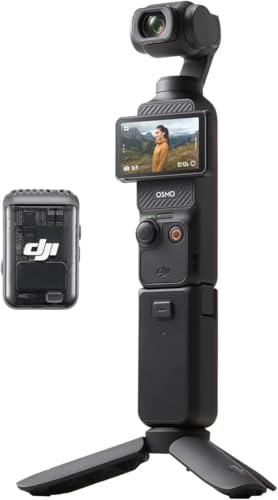



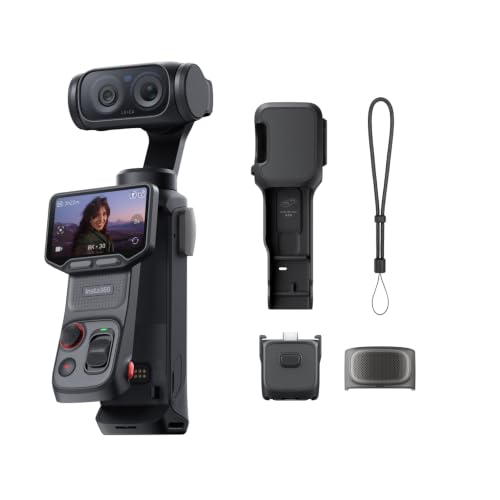

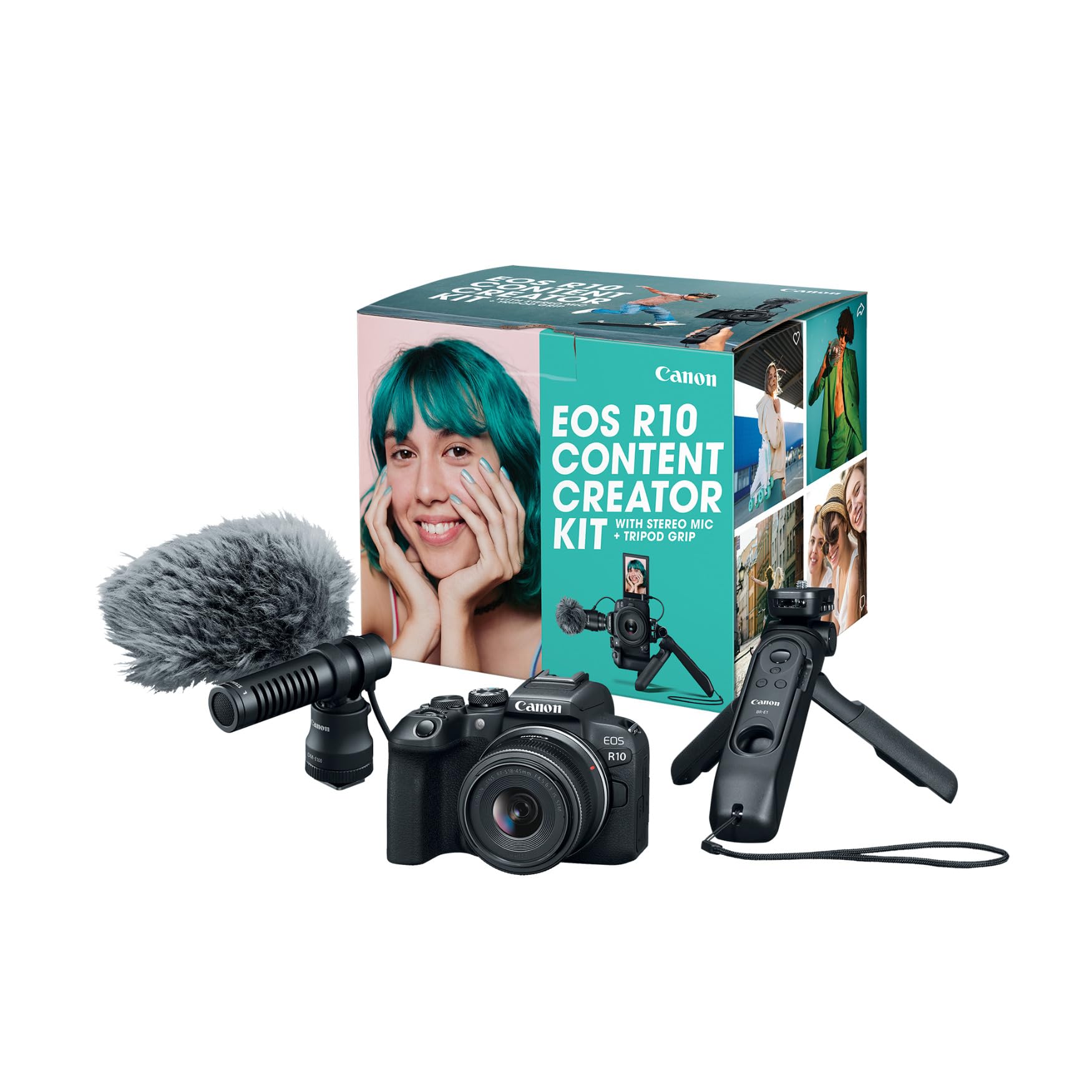

Key Features to Compare for Gym Filming
Start with the factors that change what your footage looks and sounds like in a real gym. Sensor performance, focus behavior, lens reach, and handling matter more here than headline megapixels or long feature lists. If you also film other kinds of content, see our guide to the best cameras for video for a broader view of video focused models.
Features That Matter Most for Gym Videos
A gym is a tough place to film. Space is often tight, mirrors reflect light and movement, and your subject rarely stands still. Prioritize fast and steady autofocus, useful zoom reach, and image stabilization that smooths small hand movements when you film without support. A screen you can turn toward yourself also matters, since you often frame shots alone. Cameras that cover these basics well will serve most creators better than models chosen for still photo specs alone.
Sensor Size and Image Quality
Sensor size shapes low light results, depth of field, and overall clarity. Compact cameras often use a 1 inch sensor, many midrange mirrorless cameras use APS C, and larger models use full frame sensors that gather the most light. More megapixels do not guarantee better gym footage, since small pixels can struggle when light drops. For most gym creators, APS C offers a strong balance of quality, lens choice, and price, while 1 inch models win on size.
Video Resolution, Frame Rates, and Audio
Look for 4K video with a choice of frame rates. Recording at 24 or 30 frames per second suits most training footage, while 60 frames per second lets you slow down a lift or a jump without choppy motion. A microphone input matters just as much, because gyms echo and music often competes with your voice. If you plan talking segments, our notes on the best cameras for video blogging cover flip screens and vlogging cameras in more depth.
Autofocus That Tracks Movement
Autofocus is the spec gym buyers feel most. Good systems lock onto a face or eye and keep tracking as you move toward or away from the lens, step side to side, or turn during an exercise. Judge product claims against real needs: you want focus that stays calm when a hand or barbell crosses the frame, not focus that jumps to equipment behind you. Face priority and eye detection modes are worth paying for if you film alone.
Size, Weight, and Handling in the Gym
A camera only helps if you actually bring it and place it safely. Small mirrorless cameras and compact models fit on a mini tripod between racks and stay out of walkways, while larger bodies can feel awkward in a crowded room. Consider how the grip feels with sweaty hands and whether buttons are easy to reach at arm length. For mounting on rigs or filming dynamic drills, see our guide to the best action video cameras for smaller options built for movement.
Low Light Performance and Lens Choice
Many gyms mix bright windows with dim corners, so low light performance decides whether footage looks clean or grainy. A lens with a wide maximum aperture, shown by a low f number such as f1.8 or f2.8, lets in more light than a slow kit zoom. Optical zoom changes magnification using the lens itself, so detail holds up better than with digital zoom. Basic weather sealing is a bonus, since it helps protect the body and lens mount from dust and chalk in the air.
Buying Guidance by Budget and Filming Style
With no single model right for everyone, match your budget and filming style to the checklist in the product table above. The three paths that follow show where money matters most, so you can spend on focus and light first. Readers who also want strong still photos can see our guide to the best digital cameras for models that handle both jobs.
Guidance for Solo Creators Filming Themselves
If you film alone, put your budget toward autofocus and a screen that faces you. A compact or entry level mirrorless body under $700 with a wide lens covers most single person setups, especially in a home gym or a quiet corner of a commercial gym. Spend remaining money on a small tripod and a simple microphone before you chase higher resolution. That order gives you sharp, steady, and clear footage from your very first sessions without a complicated rig to manage.
Guidance for Coaches Who Film Clients
Coaches need reliable focus across a full session and audio that captures cues clearly. A midrange mirrorless camera at about $1000, paired with a standard zoom lens, lets you move from wide technique shots to closer detail without swapping lenses. Add a wireless microphone for the person training, plus spare batteries for back to back sessions. This level also tends to offer better heat tolerance for longer recording, which matters during classes or assessments.
Guidance for Small Spaces and Travel
If you film in a garage gym, a hotel room, or a shared studio, size shapes every choice. A 1 inch compact or a small action style camera pairs well with a wide lens that fits your full stance in a short room. Look for strong stabilization, since you may skip a tripod entirely. For a closer look at compact options made for tight training spaces, see our guide to the best gym cameras.
Quick Buyer Checklist
Before you order, answer each question honestly. A no answer points you back to the section above that explains what to change. This quick pass helps you compare the best cameras for gym videos against your real space, lighting, and session length.
- Can the camera track your face and eyes while you move through a full set?
- Does the lens go wide enough to fit you and your equipment in your actual space?
- Can you plug in an external microphone to beat gym echo and music?
- Does the screen face forward so you can frame shots when you film alone?
- Will the body and lens sit safely on a small tripod outside walkways and lifting zones?
- Do you have spare batteries and memory cards for your longest filming day?
- Does the total cost, including the lens and audio gear, stay inside your budget?
Red Flags to Watch For
Some listings look impressive until you read closely. Treat the signs in this list as reasons to pause and compare other models in the product table above before you spend.
- Vague autofocus claims with no mention of face or eye tracking often mean focus that hunts during movement.
- Digital zoom listed as the main reach, with no optical zoom range, usually means soft detail at a distance.
- No microphone input limits you to thin camera audio that gym echo makes hard to follow.
- Very short recording limits or frequent heat shutdowns can cut a long session into frustrating pieces.
- A short warranty with unclear support makes repairs costly if the camera fails early.
Setup and Care Tips for Gym Cameras
Set the camera at about chest height and far enough back to keep your full range of motion in frame, then lock your focus settings before your first working set. Turn off any touch setting that a stray tap can change, and record a short test clip to check framing and audio levels. Keep the tripod legs wide and low, away from dropped weights and foot traffic, so a bump does not send the camera to the floor.
Wipe the lens with a clean lens cloth, never your shirt, since gym grit on fabric can scratch the coating. Carry a spare battery and swap memory cards before they fill during a session. After filming, let the camera dry if the room was humid, then store it in a padded bag away from chalk dust. Check the tripod mount and strap points each month, and clean the battery contacts gently if the camera stops reading a battery correctly.
Cameras for Gym Videos: Your Questions Answered
What features matter most in cameras for gym videos?
Autofocus, a wide enough lens, and clean audio matter most in cameras for gym videos. Those three decide whether viewers can see your form and hear your cues without distraction. One detail many buyers overlook is the recording indicator: a bright tally light you can see from across the room confirms the camera is running before you start a heavy set. Strong stabilization ranks just below those basics for handheld clips.
How much should you spend on a first camera for gym videos?
Most first time buyers do well with a total budget of about $700, including the lens and a basic microphone. Spending less often means giving up the microphone input or reliable eye tracking, while spending much more mainly buys better low light quality. Reserve part of the budget for a sturdy mini tripod, since a shaky setup wastes a good sensor. You can always add a second lens later once you know your favorite framing.
What does optical zoom mean on a camera for gym videos?
Optical zoom means the lens changes magnification by moving its glass elements, so you can frame tighter shots without losing detail. A 3x optical zoom, for example, makes a subject appear three times closer than at the widest setting. In a gym, that range lets one fixed camera cover both full body lifts and closer technique views. Digital zoom only crops the image, so treat large digital zoom numbers as marketing rather than real reach.
Which camera type is better for gym videos in low light?
Mirrorless cameras with larger sensors are usually better for gym videos in low light than small compact models. Their sensors gather more light, so footage stays cleaner at higher ISO settings under dim ceiling lights. A fast prime lens can close much of the gap for a smaller camera, though it fixes your framing distance. If your gym has bright, even lighting, the difference shrinks and a compact model may serve you just as well.
Is a smartphone enough for gym videos instead of a dedicated camera?
A smartphone is enough for gym videos if you post casually and your gym lighting is bright. Modern phones focus quickly and their apps simplify sharing, which suits quick form checks. A dedicated camera pulls ahead when you film long sessions, need a microphone input for clear coaching audio, or want consistent framing from a fixed position. Many creators start on a phone, learn their angles, and upgrade once audio or battery limits slow them down.
The Bottom Line
The right choice comes down to three things: focus that tracks movement, a lens wide enough for your space, and audio you can hear over gym noise. Match those to your budget and filming style, then confirm your shortlist against the product table above. If you keep those priorities in order, the best cameras for gym videos for your needs will stand out quickly, and your footage will look better from the very next session you film.

