
Best Cameras for Food Videos: Matching the Right Model to Your Routine for 2026
Disclosure: We may earn a commission when you buy through links on this page, at no extra cost to you. As an Amazon Associate I earn from qualifying purchases. Learn more

Choose the best cameras for food videos by lenses, autofocus, color accuracy, audio and the way your kitchen is set up.
There is no single camera that suits every cook, baker, or creator, because a quiet home kitchen, a busy cafe counter, and a studio set all ask for different things. Start with how you actually film, then match the body, lens, and audio setup to that routine. The best cameras for food videos for you are the ones that hold focus on steaming food, render color honestly, and fit the space above your work surface.
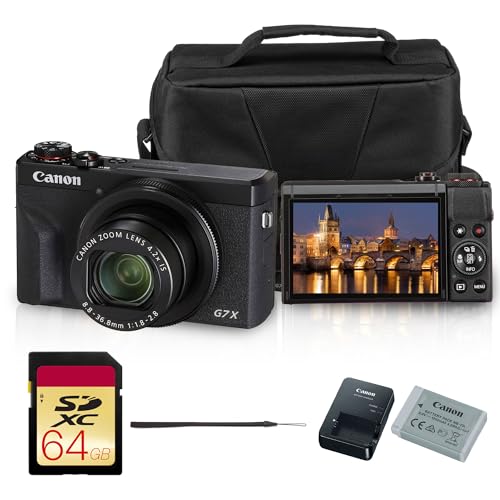
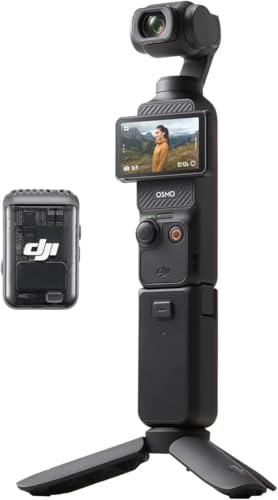
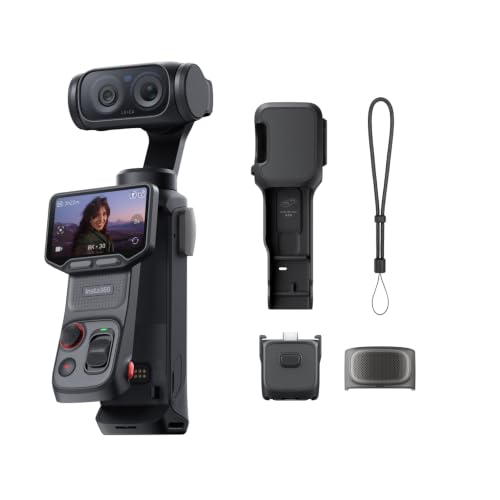
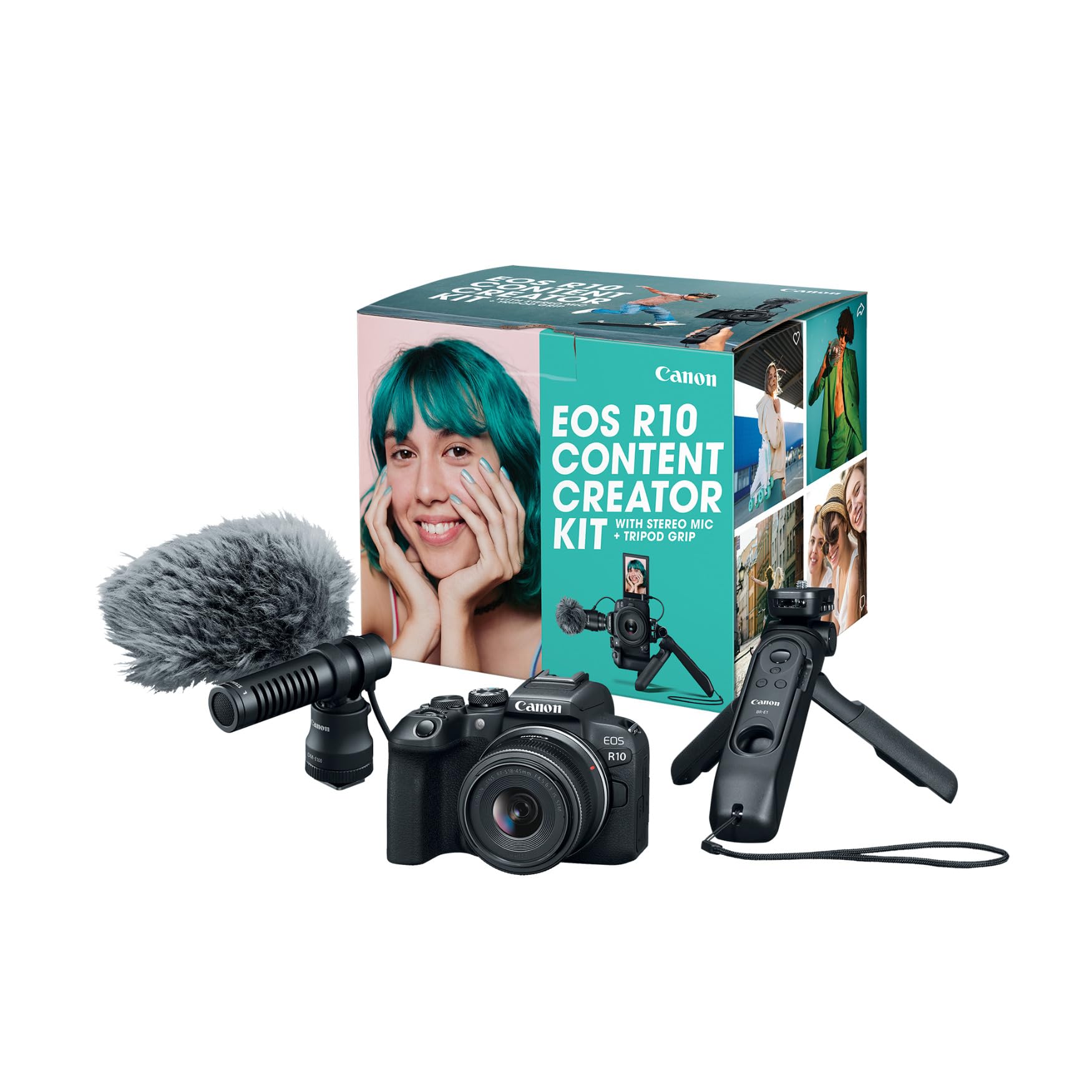
This guide walks through user types, entry level priorities, and the features that change your footage the most. Use the comparison table below to see how models differ on the basics, then read on for the detail behind each spec.






Who Should Buy Which Camera for Food Videos?
Your shooting style decides which compromises matter. A camera that feels perfect for a planned studio recipe can feel clumsy in a small apartment kitchen, and a tiny camera that travels well may frustrate you when you need precise manual control.
Home Cooks Filming Overhead Recipe Steps
You need a camera that mounts safely above the board, stays in focus as your hands move in and out of frame, and shows a clear top down view without distortion at the edges. Prioritize a flip screen you can see from the side, reliable continuous autofocus, and a lens with a short minimum focus distance for close views of texture. A compact mirrorless body or an advanced compact often suits this routine best, because it stays light on an overhead arm.
Restaurant and Cafe Creators Filming on Location
You film in mixed light, tight spaces, and rooms where you cannot control the noise or the crowd. Prioritize strong low light performance, fast autofocus that locks onto a dish as it lands on the table, and a body that shrugs off steam and light splashes. Weatherproof sealing and good image stabilization help when you move around a pass or counter without a tripod.
Hosts and Studio Creators Who Present to Camera
You talk while you cook, so the camera must track your face, capture clean speech, and run for long sessions without stopping. Prioritize eye autofocus, a screen that faces you, a microphone input, and a record limit that fits a full recipe from start to finish. If you also publish general creator content, see our guide to the best cameras for video blogging for advice on presenting to camera.
Choosing a Camera for Your Situation
Budget and skill level shape the shortlist as much as specs do. Spending more mainly buys you a larger sensor, better lenses, and more control, not an automatic jump in how appetizing your food looks. If your budget is tight, see our guide to the best inexpensive video cameras and put the money you save toward a light and a solid overhead arm.
Best Entry Cameras for Food Video: What to Prioritize
The phrase best entry cameras for food video means something specific: simple controls, forgiving autofocus, and honest color straight out of the camera with little editing. Choose a model with a good auto white balance, a touch screen for tapping focus on the dish, and a kit lens that focuses close enough for plating shots. Point and shoot compacts can work well here, since everything is built in and there is nothing extra to buy.
Key Features to Compare
Spec sheets list dozens of numbers, but only a handful change how food looks and sounds on screen. When you compare the best cameras for food videos, focus on the factors below and how each one fits your kitchen. As you read, compare your own routine with the product table above rather than chasing the highest number in every row.
Ease of Use for Your Skill Level
Good auto modes matter because cooking does not pause while you adjust settings. Steam, bubbling oil, and moving hands can fool exposure, so a camera with dependable auto exposure and auto white balance keeps skin tones and sauces looking natural. Look for a clear menu, a touch screen that sets focus with one tap, and easy transfer to your phone through WiFi or an app for quick posting. If you are still learning general video basics, see our guide to the best cameras for video for a wider view of formats and frame rates.
Autofocus and Stabilization
Autofocus decides whether the hero dish stays sharp while your hands garnish it. The best systems track a subject smoothly without hunting back and forth, and eye autofocus keeps a host in focus during talking segments. For food close views, check that focus stays accurate at short distances and does not shift when steam crosses the frame. Image stabilization smooths handheld pans across a table and small movements around a stove. In body stabilization helps most lenses, while lens based stabilization can pair with it for steadier walking shots through a market or dining room.
Features That Matter for Food Videos
Food makes demands that general video does not. Color must stay true, because a slight green or magenta cast makes fresh produce look tired and sauces look wrong. Look for accurate color modes, a manual white balance option you can set from a gray card, and 4K video so you can crop a wide shot into a closer one without losing detail. A high magnification ratio on a macro capable lens reveals crumb, glaze, and seasoning texture. Slow motion at high frame rates also suits pouring, tossing, and sizzling shots, so check the frame rates offered at each resolution.
Sensor Size and Image Quality
Sensor size shapes low light quality and depth of field more than megapixel count does. A 1 inch sensor in a premium compact handles a dim dining room far better than a tiny sensor, and it keeps the camera small. APS C sensors offer a strong balance of clean images, shallow depth of field, and reasonable lens prices. Full frame sensors give the cleanest results in very low light, but the bodies and lenses cost more and take more counter space. For stills of finished dishes alongside video, see our guide to the best digital cameras for photo focused considerations.
Size, Weight, and Ergonomics
Kitchen space is working space, so footprint matters. A heavy body on an overhead arm can sag or vibrate when you bump the counter, and a deep grip can crowd a small shelf mount. Compact bodies and action cameras fit into tight spots, perch above a stove, and travel in a small bag. If you film point of view shots while you chop or plate, see our guide to the best action video cameras for small wide angle options.
Common Mistakes to Avoid When Buying a Camera
- Choosing by megapixel count alone, so you pay for stills resolution while the video autofocus and color stay weak.
- Ignoring minimum focus distance, so your lens cannot frame the close plating shots you planned to film.
- Buying a large body before checking your mount, so the overhead arm sags and the frame drifts during filming.
- Forgetting audio entirely, so range hood noise and room echo make an otherwise good recipe hard to follow.
- Skipping the record time and heat limits in the specs, so the camera stops in the middle of a long bake or roast.
- Spending the whole budget on the body, so nothing remains for a light, a mount, and a microphone that food video needs.
Tips to Get the Most From Your Camera
Simple habits protect image quality and keep a camera working well in a greasy, steamy room. Clean the front element with a lens cloth, not your shirt, because shirt fabric can hold grit and cooking oil that smear the glass. Wipe the body after filming near frying food, and let a cold camera warm up slowly in a sealed bag after outdoor shoots so condensation forms on the bag instead of the lens.
Carry a spare battery and a spare card, since long recipes and retakes drain both faster than you expect. Store the camera in a dry, padded bag away from flour dust and direct heat, and keep lens caps on whenever you move it around the kitchen. Check mount screws and arm joints before each overhead session. These small steps cost little and prevent the failures that ruin a one take dish.
Frequently Asked Questions
What features matter most in cameras for food videos?
Accurate color, dependable autofocus, and a lens that focuses close matter most in cameras for food videos. Together they keep dishes sharp, fresh, and true to life while you work. Audio input and a screen you can monitor from your working position come next. One point many buyers miss is white balance consistency across a whole recipe, because mixed window and ceiling light can shift color between shots and make editing harder.
Which camera sensor is better for low light food videos?
A larger sensor is better for low light food videos because it gathers more light and holds detail with less grain. An APS C or full frame body will handle a candlelit table or a dim bistro far more cleanly than a small sensor compact. Pair it with a lens that opens to a wide aperture for the strongest result. Raising the camera sensitivity setting too far adds grain that softens fine texture, so add a small light before you push that setting to its limit.
How much should you spend on your first camera for food videos?
Plan to spend about $500 on a first camera body or premium compact, with many solid options under $700, and set aside money for a light, a mount, and a microphone. That budget buys good autofocus, 4K recording, and color you can trust without paying for studio features you may never use. Spend on the lens and light before you upgrade the body, because both change your footage more than a newer body alone.
What camera specs matter most for beginners filming food videos?
Beginners filming food videos should prioritize simple auto modes, touch focus, and a flip screen over advanced manual controls. Those three specs let you start filming on day one and keep the dish in frame while you cook. A kit lens with optical zoom covers wide kitchen shots and closer detail without lens changes. Also check that the camera records in a common file format your editing app opens easily, since conversion steps discourage many new creators from posting at all.
Is a smartphone enough instead of a camera for food videos?
A modern smartphone is enough to start, especially for short overhead clips in bright light. Its small sensor struggles more in dim rooms, and its fixed lens limits close focus and background softness. A dedicated camera also gives you a microphone input, longer record options, and steadier mounting. Many creators keep the phone as a second angle for a top down view while the main camera covers the presenter, which is a practical way to grow before spending more.
Do you need an interchangeable lens camera for food videos?
No, you do not need an interchangeable lens camera to make appealing food videos. Fixed lens compacts and even action cameras cover many routines well, and they remove the cost and cleaning burden of extra lenses. An interchangeable system earns its price when you want a true macro lens for texture, a very wide aperture for dim rooms, or a longer lens for filming across a counter. Think of lens choice, including the objective lens design and its close focus ability, as a later upgrade path rather than a starting requirement.
Final Thoughts
Start with your routine, then weigh color accuracy, autofocus, close focus ability, and audio before anything else. Entry buyers should favor simple controls and honest auto color, while studio creators gain most from larger sensors, microphone inputs, and long record times. Compare your shortlist with the product table above, and choose the setup you will actually use every time you cook. Chosen that way, the best cameras for food videos become a practical tool that fits your kitchen, your budget, and the food you love to share.

