
Best Cameras for Facecam: Buying Guide for 2026
Disclosure: We may earn a commission when you buy through links on this page, at no extra cost to you. As an Amazon Associate I earn from qualifying purchases. Learn more

Compare the best cameras for facecam by sensor, autofocus, clean HDMI output and low light quality, with a clear checklist for streaming and calls.
A facecam window is small, yet viewers notice blur and dull color right away. The best cameras for facecam keep your face sharp at a desk and hold natural skin tones in ordinary room light. This guide explains what matters for that job, so you can read the comparison table below with a clear short list in mind.
Think about your main use first. A streamer needs steady power and a clean output for long sessions. A remote worker needs a tidy picture that starts fast each morning. A creator recording over gameplay needs framing that stays put.





Who Should Buy Which Cameras for Facecam?
Your room, schedule and time on camera should decide the type you buy. Start with the group closest to your week.
Live Streamers in a Fixed Desk Setup
You stay in one chair for long sessions while your face sits in a corner overlay. Prioritize clean HDMI output or direct USB streaming, wall power and autofocus that holds your eyes when you glance at chat. For a first dedicated setup, see our guide to the best starter cameras for simpler models.
Remote Workers on Daily Video Calls
You join calls where daylight changes through the day and you have little time to adjust settings. A dedicated webcam or a compact camera with strong auto exposure will suit you best. Choose a field of view that shows your head and shoulders without pulling in the whole room.
Creators Who Record Over Gameplay or Tutorials
You record reactions in a small window while screen content carries the lesson or the match. You need framing you can lock once, a flip screen to check your position and recording that does not stop mid session. Natural color without heavy editing saves time.
Key Features to Compare
Compare these six factors in order. Together they decide whether your facecam picture looks sharp, natural and steady.
How Sensor Size Shapes a Clean Facecam Picture
Sensor size shapes how clean your picture looks. Small webcam sensors gather less light, so the image can turn grainy in a dim room. A 1 inch sensor does better, while APS C and full frame sensors in mirrorless bodies handle mixed light with less noise. Megapixel count matters less at overlay size. If you also shoot stills, see our guide to the best cameras for photography.
Resolution and Frame Rate for Streaming and Calls
Most platforms show your facecam at 1080p or smaller, so clean 1080p at 30 frames per second looks sharp for calls and most streams. A camera that captures 4K video can downsample to 1080p, which often looks crisper and gives room to reframe. Output at 60 frames per second suits fast movement, but it needs more light and more bandwidth.
Autofocus and Stabilization
Autofocus built for faces tracks your eyes as you lean, turn to a second monitor or hold up a product. Eye autofocus on mirrorless bodies is the most reliable option, while webcams use face detection that works well at arm length. Set a single focus area on your face, so objects behind you cannot pull focus away. Image stabilization only smooths small desk bumps here.
Low Light Performance in a Normal Room
Facecam work happens indoors, often with one ceiling light and a monitor glow, so low light quality matters more than daylight sharpness. A wider aperture such as f1.8 to f2.8 lets in more light than a narrow kit lens, and larger sensor pixels keep noise down as ISO rises. Judge footage shot in a plain room, not a bright studio.
Objective Lens, Field of View and Framing
The objective lens sets how much of you and your room viewers see. At about 2 to 3 feet, an equivalent focal length of about 16 to 35 mm frames your head and shoulders with some background. Very wide lenses near 90 degrees can distort your face at the edges. Optical zoom is rarely needed, since your seat stays fixed.
Clean HDMI Output, USB Streaming and Mic Input
Clean HDMI output sends a clean picture through a capture card, while direct USB streaming needs no extra hardware on many models. Check the output resolution in the menu, since some bodies limit HDMI or USB below their recording mode. For long sessions, confirm wall power with a dummy battery and cooling with no recording time limit. A mic input lets you place a microphone close to your mouth.
Types of Cameras for Facecam Use
Four types cover nearly every facecam setup. Match the type to your space, budget and daily setup effort. For broader options, see our guide to the best digital cameras.
Vlogging Bodies Built for Desk Recording
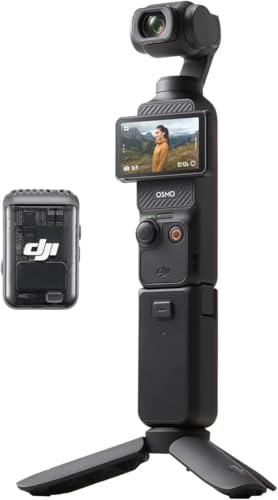
Vlogging cameras are compact bodies built around video, with a flip screen, strong face autofocus and a wide lens for arm length framing. They suit creators who record at a desk and also carry the camera elsewhere. Small bodies can run warm on long streams, so check heat notes first.
Action Bodies as a Spare Wide Angle
Action cameras give a very wide view, weatherproof bodies and image stabilization made for movement. That width can show too much of a small room and stretch faces near the edges. They fit facecam work best as a spare angle or for streams away from a desk.
Mirrorless Bodies for the Cleanest Desk Picture
Mirrorless cameras offer the largest sensors, the best eye autofocus and interchangeable lenses, so they give the cleanest picture in dim rooms. They cost more and often need a capture card or a dummy battery for long sessions. See our guide to the best quality cameras for what higher budgets buy.
Dedicated Webcams
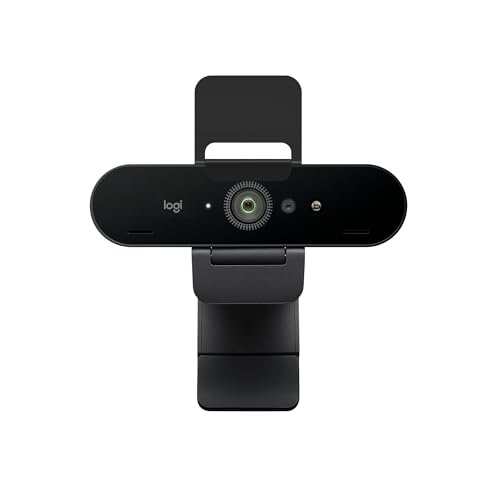
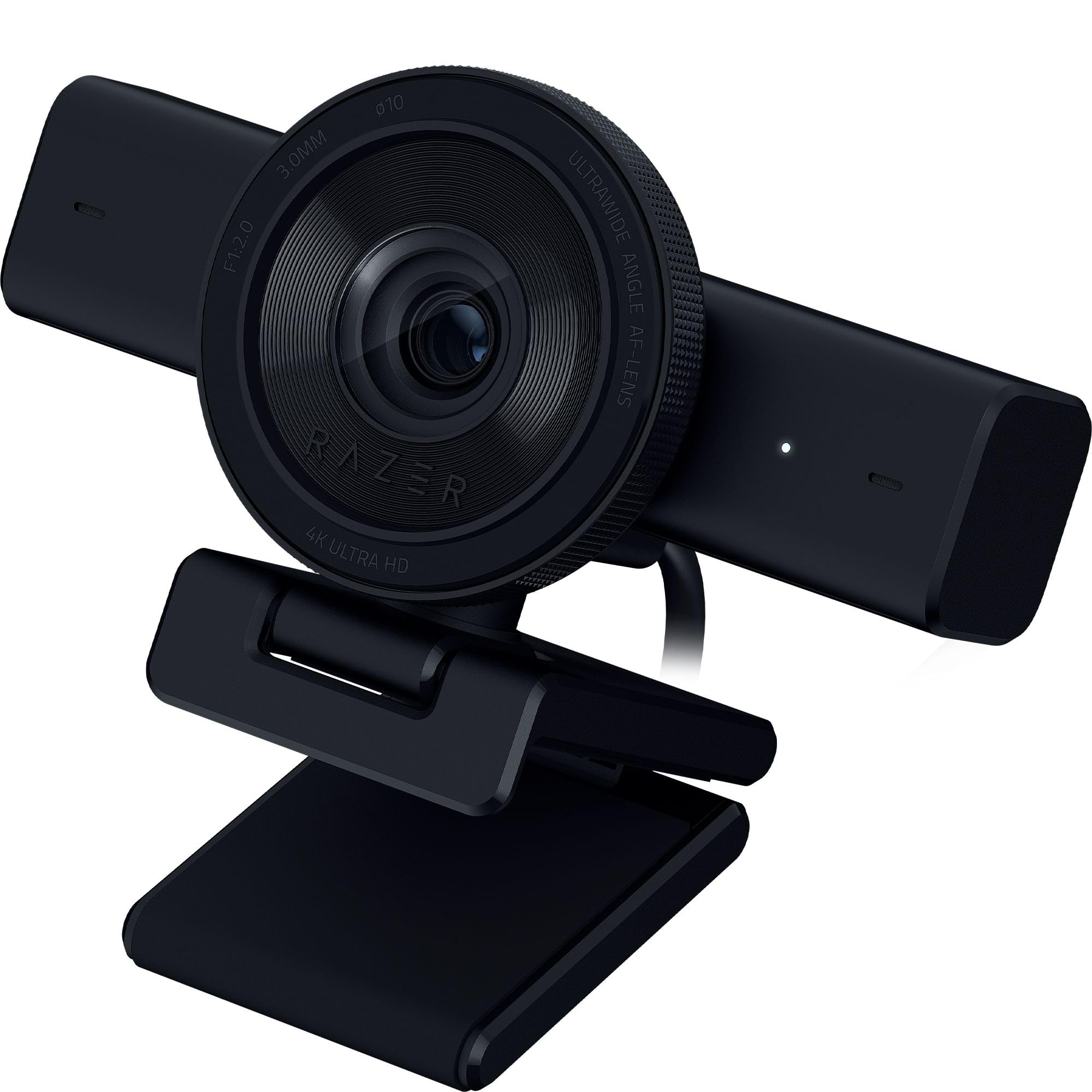
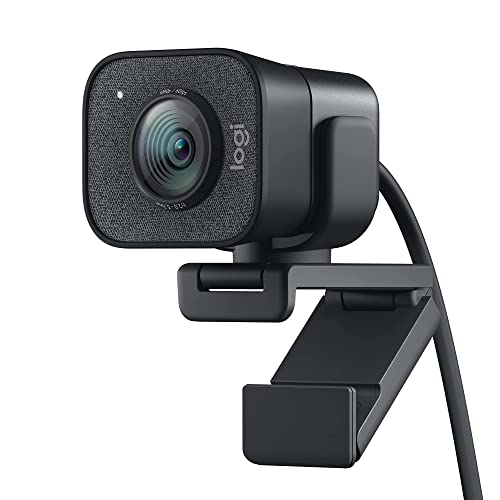
Dedicated webcams mount on your monitor, connect by USB and start with your call software, so they are the simplest option. Better models add a larger sensor, autofocus and auto framing that follows you in your chair. In dim light they still trail larger cameras, but for bright offices they remove nearly all setup friction.
Matching One Camera to Streaming, Calls and Recording
The same camera can serve a stream, a call and a recording, but each job favors different settings. A streamer cannot restart a camera mid broadcast. A caller needs instant start up in meeting software. A recording creator can stop and shoot again, so framing and color matter more than live limits.
Best Cameras for Facecam Stream
Streaming needs an output with no on screen menus, steady wall power and focus that recovers fast when you look back. Test the full chain before a real broadcast, including the capture card or USB mode and your overlay size. View the test at viewer size, since soft focus stays obvious at any size.
Common Mistakes to Avoid
Most poor facecam pictures come from setup choices, not from the camera price.
- Sitting with a bright window behind you makes the camera darken your face until features nearly disappear.
- Mounting the camera below eye level points the lens up your nose and makes you look down at viewers.
- Trusting a built in microphone across the room leaves your voice thin and full of echo.
- Skipping the output menu check can leave focus boxes and icons across your streamed picture.
- Ignoring heat and power limits in a test can shut the camera down mid session.
- Framing too wide shows clutter behind you and shrinks your face in the overlay.
Care and Maintenance for Facecam Cameras
Clean the lens front with a lens cloth, not your shirt, since shirt fabric can drag grit across the coating. Keep a spare battery charged even on wall power, so a loose cable never ends a session. Store the camera in a dry, padded bag when it leaves its mount.
Update firmware when the maker releases autofocus or streaming improvements, and never let power drop mid update. Check cables every few months for kinks near connectors, since damaged HDMI or USB cables cause dropouts that look like camera faults. If the picture flickers, swap the cable before changing settings.
FAQ
What features matter most in a camera for a small facecam overlay?
Clean output, reliable face autofocus and good low light quality matter most for a small facecam overlay. At that size, fine detail from a high megapixel count is largely invisible. One point many buyers miss is software support: check that your app accepts the camera USB mode, since an undetected camera needs a capture card.
How much should I spend on a first facecam camera?
A first facecam camera usually costs about $70 to $300 for a strong webcam or compact video model. A mirrorless setup with a lens often runs about $600 to $1,200. Keep part of the budget for a basic light and a microphone, since those improve a modest camera more than a larger sensor improves a dim room.
Is a smartphone enough instead of a dedicated facecam camera?
A smartphone can be enough for occasional facecam use, since recent phones have good front cameras and work as webcams. For daily streaming, a dedicated camera avoids alerts interrupting your shot, battery drain and heat warnings. If you start with a phone, mount it at eye level and use do not disturb mode.
Do facecam cameras need clean HDMI output for streaming?
Facecam cameras need clean HDMI output only if you connect through a capture card. Clean output means the feed carries no menus, battery icons or focus frames. Confirm the setting in the manual rather than the store listing, and note that some cameras show a clean feed only in video mode.
Which facecam camera type is better for low light rooms?
A mirrorless camera with a wide aperture lens is better for low light rooms than a webcam or an action camera. Its larger sensor gathers more light from the same ceiling fixture, so skin tones stay smooth where small sensors turn grainy. Sit closer to your main light as well, since nearer light brightens your face without raising noise.
Final Thoughts
Start with your main job, then weigh sensor size, face autofocus and a clean output above headline resolution. Frame yourself at eye level and light your face before you upgrade the body. Use the product table above to compare output modes, lens width and power options.
When you judge best cameras for facecam by those points, the right type for your desk stands out quickly. Buy for the sessions you run every week, and your facecam will look clear and natural each time you go live.

