
Best Cameras for Facebook: A Buying Guide for 2026
Disclosure: We may earn a commission when you buy through links on this page, at no extra cost to you. As an Amazon Associate I earn from qualifying purchases. Learn more

Find a camera for Facebook with guidance on sensors, 4K video, autofocus, fast sharing and live streaming, plus common mistakes to avoid before you buy.
Facebook compresses every photo and clip you upload, so a file that looks soft on your screen will look even softer in the feed. Choosing the best cameras for facebook means starting with clean, sharp source files that hold detail after that compression. The comparison table below groups your options by camera type.
You also need content to reach Facebook fast. A great shot that sits on a memory card for a week does nothing for a page, a group or a small business feed.





Who Should Buy a Camera for Facebook Posts and Video?
Page Owners Who Post Products, Menus and Events
If you run a shop, cafe, studio or service page, your photos sell before your captions do. You need consistent color under indoor lighting, a lens that stays sharp at the edges for product shots, and quick transfer to your phone so posts go out the same day. Reliable autofocus and a useful zoom range cover a launch, a display and a team portrait.
Creators Who Film Short Clips and Stories for Facebook
Short vertical clips ask different things from a camera than still photos do. You need a screen that flips forward so you can frame yourself, autofocus that holds your face while you move, and stabilization that smooths small hand movements. Sound matters just as much, since viewers scroll past clips where speech is buried under room echo.
Hosts Who Go Live and Talk With Followers
Going live adds steady power, clean video output and a microphone input to your list. You may stream for an hour, so a camera that overheats or needs a battery swap mid stream will end the session. A model that works as a webcam over USB or sends a clean signal through HDMI lets you stream from a desk while eye detection keeps you sharp.
Key Features to Compare
Facebook displays photos at modest sizes and replays video below the resolution modern cameras record, so clean detail and fast sharing beat raw spec numbers. When you compare the best cameras for facebook side by side, judge each feature below by how the final post looks on a phone screen.
Sensor Size and Image Quality After Facebook Compression
Sensor size shapes how much clean detail your files keep once Facebook compresses them. A 1 inch sensor already improves on a phone in dim rooms. An APS C sensor gathers more light and gives softer backgrounds for portraits and products, while a full frame sensor offers the most room to crop. Counts of about 20 to 33 megapixels are plenty for feed posts. Readers who shoot stills first can also see our guide to the best cameras for photography.
Autofocus That Keeps Faces and Eyes Sharp
Most Facebook content is people: family groups, staff portraits, customers, hosts and guests. Face and eye detection autofocus locks onto a subject and follows it as it moves, which raises your share of sharp frames at events where nobody can pose twice. Check how the system behaves when a subject turns sideways or walks toward you, since basic systems hunt then. Touch selection on the screen also helps for product shots, letting you tap the item that must stay sharp.
Video Quality, Vertical Framing and Flip Screens
Recording in 4K gives you room to crop a horizontal clip into a vertical one for stories and short form posts, and Facebook scales the file down from a cleaner starting point. Rates of 24 to 30 frames per second suit talking and event clips, while 60 frames per second smooths sport and dance. A fully flipping screen matters if you film yourself, and vertical framing guides help you leave space for captions and buttons.
Image Stabilization and Low Light Performance for Indoor Posts
Many Facebook photos happen indoors: birthdays, school shows, markets, gyms and evening events. Stabilization inside the body or the lens lets you handhold at slower shutter speeds, which keeps ISO lower and files cleaner when light is scarce. Lens aperture matters just as much, since a lens opening to about f/1.8 to f/2.8 gathers far more light than a kit zoom at f/5.6. Together, these traits decide whether an indoor post looks crisp or grainy.
Fast Sharing, Battery Life and Audio Connections
A camera earns its place in a Facebook routine only if posting from it feels easy. Built in WiFi and Bluetooth let you send selected shots to your phone in the field and publish within minutes. Ratings of about 300 to 500 shots per charge cover a full event for most users, and USB C charging lets you top up from a power bank. For video, a microphone input gives clear speech, and a headphone socket lets you check it while recording.
Types of Cameras for Facebook Use Compared
The four groups below trade size, quality and speed in different ways. If you want a broader view of formats first, see our guide to the best digital cameras. Shoppers who rank sharpness highest can also see our guide to the best quality cameras.
Mirrorless Cameras for Facebook Pages That Mix Photos and Video
Mirrorless models pair larger sensors with changeable lenses, strong autofocus and good video in bodies that still fit a small bag. They suit owners and creators who want one system that grows with new lenses. The trade off is cost and a short learning period.
Compact Cameras for Facebook Posting on the Move
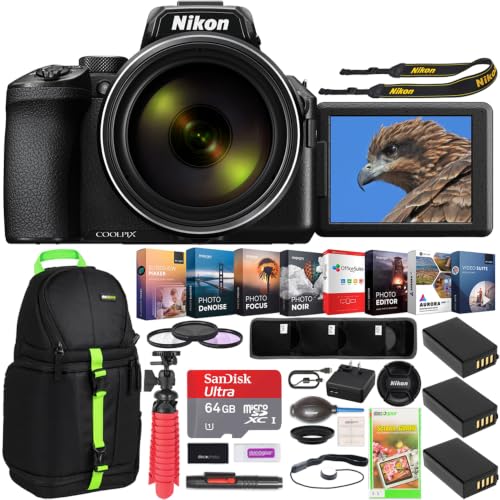
Compact models with a fixed zoom lens and a 1 inch sensor slip into a jacket pocket and start fast, which suits travel posts and family updates. You give up lens changes and some low light reach, but you gain a camera present for moments a larger kit would miss.
Vlogging Cameras for Facebook Creators Who Film Themselves
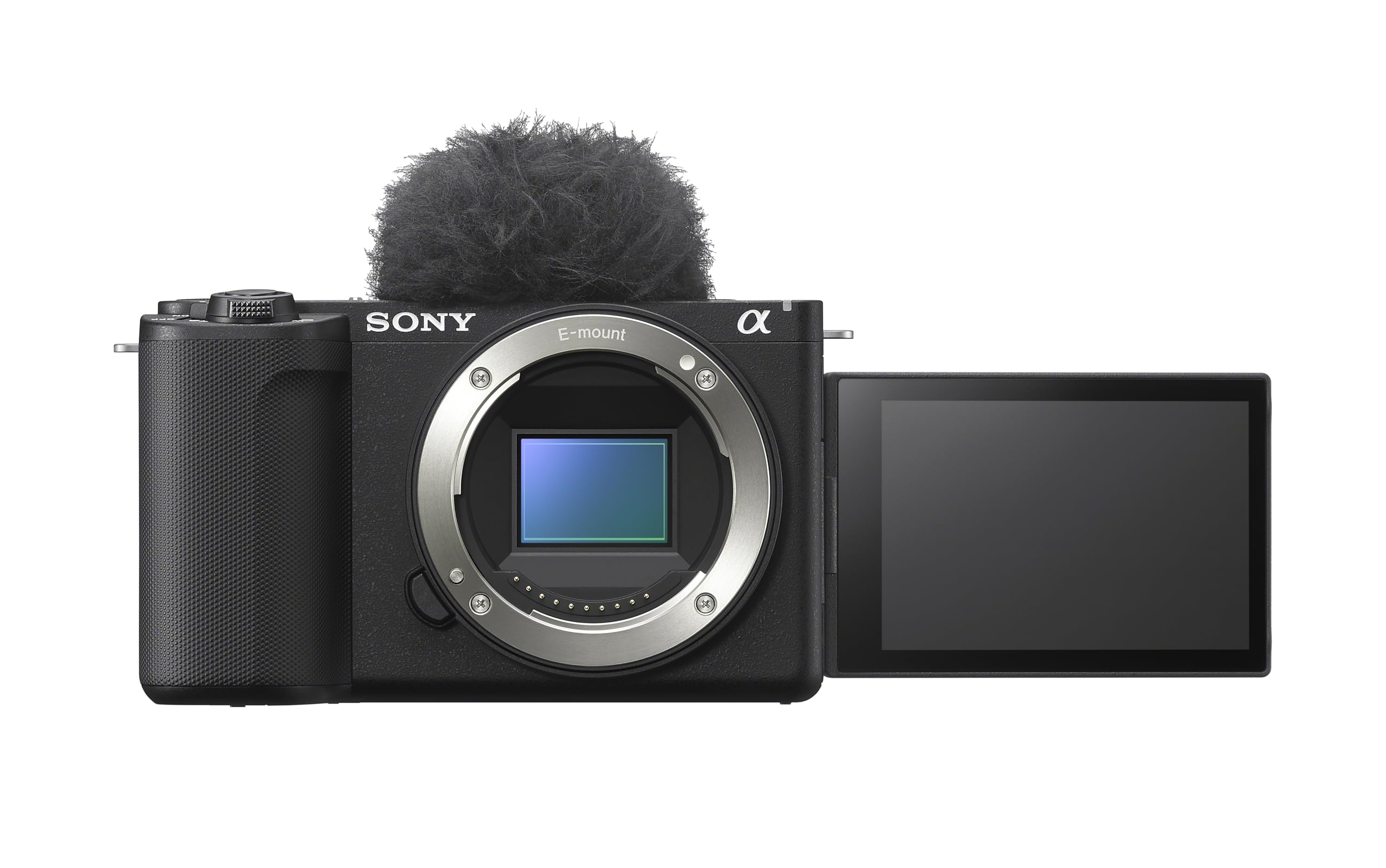
Vlogging models center on a flip screen, wide lenses for arm length filming, product showcase autofocus and simple audio options. They make solo filming practical without a separate monitor. Stills quality is usually good rather than class leading, so choose one when self filming drives most of your posting.
Action Cameras for Facebook Clips From Sport and Travel
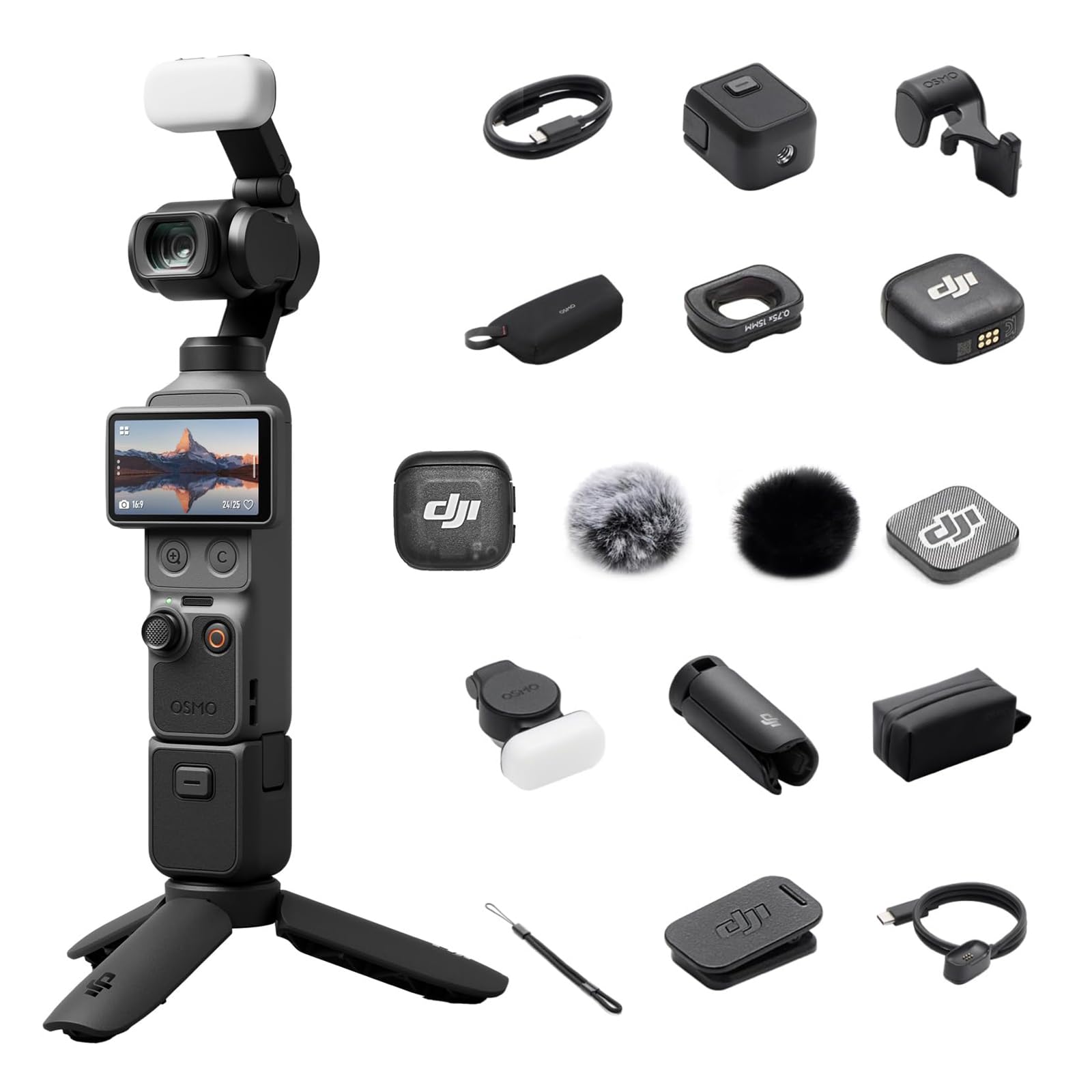
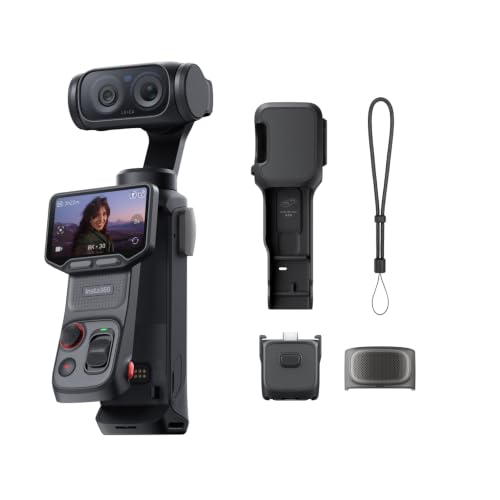
Action cameras are tiny, rugged and strongly stabilized, built for bikes, water, snow and mounted shots that would risk a larger camera. Their very wide view distorts faces held too close, and small sensors limit indoor quality, so they work best as a second camera.
Common Mistakes to Avoid
- Buying on megapixel count alone, which leaves large files that still look soft once noise and a weak lens do their damage.
- Ignoring the flip screen when you film yourself, which forces you to guess framing and repeat takes needlessly.
- Skipping a microphone input for talking clips, which pairs clear video with thin room sound viewers abandon quickly.
- Choosing a camera with slow phone transfer, which delays posting until the event feels old.
- Filming everything horizontally for a story post, which wastes space and puts faces under captions.
- Spending the whole budget on the body, which leaves nothing for a spare battery or fast cards.
Care and Maintenance for a Camera You Post From Daily
Daily posting gear picks up fingerprints, dust and knocks faster than a camera used once a month. Wipe the lens with a clean lens cloth rather than a shirt, since grit held in fabric can mark the coating. Keep the body in a dry, padded bag between shoots, away from steam and hot car interiors.
Charge batteries before they sit empty for long stretches, and carry a spare so a long event never ends early. Format memory cards in the camera after your files are backed up. Update the camera firmware when the maker releases it, since updates often refine autofocus.
Frequently Asked Questions
What features matter most in a camera for Facebook posting and video?
Clean detail, face aware autofocus and fast phone transfer matter most for Facebook use. One point many buyers miss is color handling: choose a camera whose standard color looks pleasing without editing. If most posts go out within an hour of shooting, pleasing straight from camera color beats a flat profile that demands computer work before you can publish.
Is a smartphone enough instead of a dedicated camera for Facebook posts?
Yes, a current smartphone is enough for casual Facebook posts in good light. A dedicated camera earns its cost when you shoot indoors often, want blurred backgrounds a phone can only fake, or post for a business where consistent quality builds trust. As a test, open a phone shot at full size and check hair and fabric detail closely.
What camera specs matter most for beginners posting on Facebook?
Simple menus, dependable automatic exposure and eye detection autofocus matter most for beginners posting on Facebook. Start with the kit lens and learn one skill at a time, such as placing your subject near a window for softer light. Early posts improve fastest through practice, steadier holding and better light choices, not through advanced video modes.
How much should I spend on a first camera for Facebook use?
Most first time buyers do well at about $400 to $900 for a body with a kit lens. Below that range, gains over a good phone shrink, while above it you pay for speed and build that casual posting rarely needs. Keep roughly a fifth of your budget aside for a spare battery, fast cards and a small bag.
Which camera type is better for low light Facebook photos at indoor events?
A mirrorless camera with an APS C or full frame sensor is better for low light Facebook photos at indoor events. Pair it with the fastest lens you can justify, and stand where ceiling lights fall on faces rather than behind them. Where the venue allows it, bouncing a small flash off a pale ceiling lifts indoor photos more than raising ISO.
Our Verdict
Choose by posting habit first. Page owners who mix stills and clips will get the longest service from a mirrorless kit, and creators who film themselves should favor a flip screen and strong face tracking. Weigh sensor size, autofocus and transfer speed before headline numbers, then check the best cameras for facebook options in the product table above and pick the type that matches your weekly posts.

